Article
Adding a new Group Lead
1 min read
Last updated 3 months ago
Learn how to appoint a new Lead to your group.
Adding a new Lead as an Admin
- Go to the Manage Group page of the Group that you want to add a lead for.
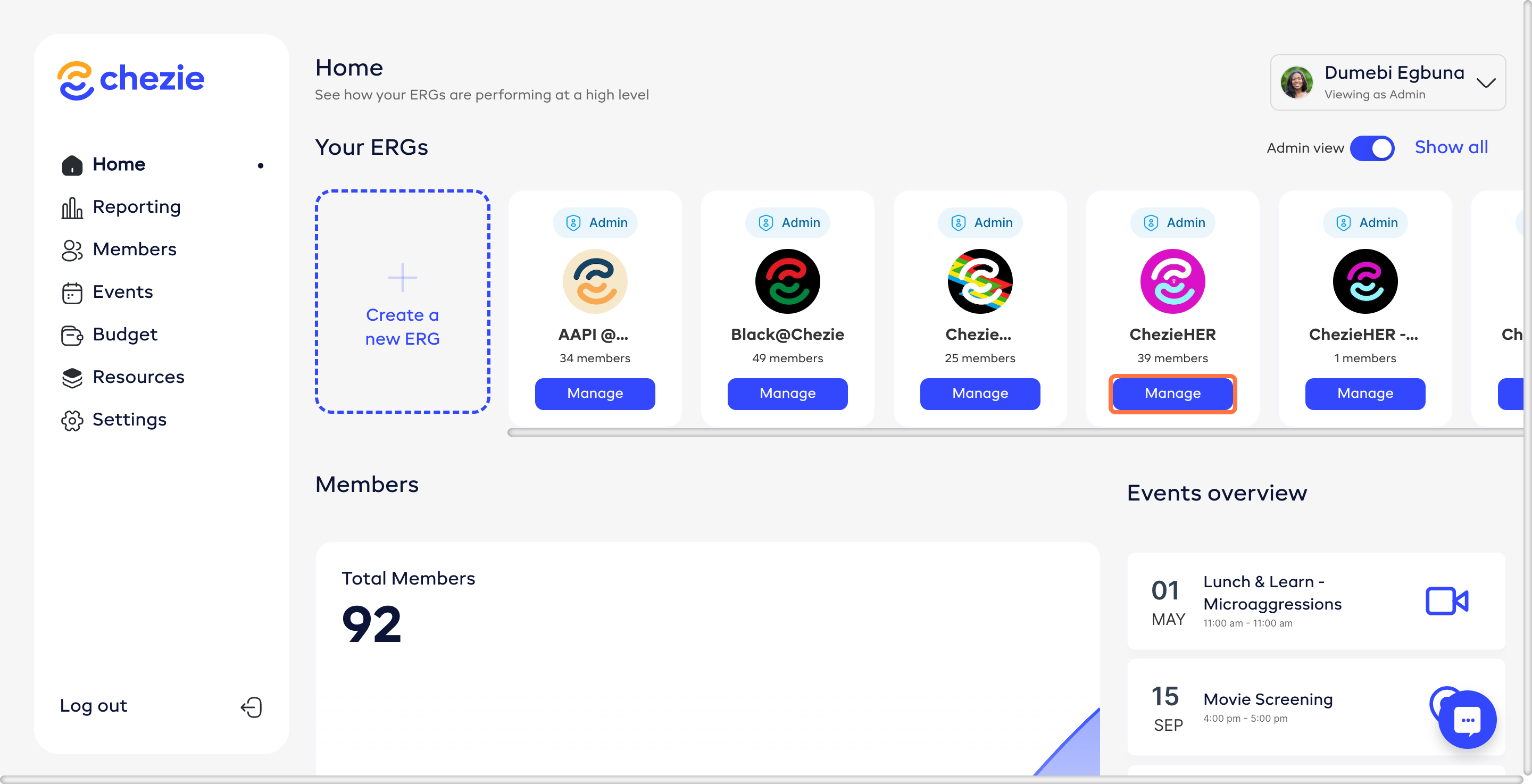
-
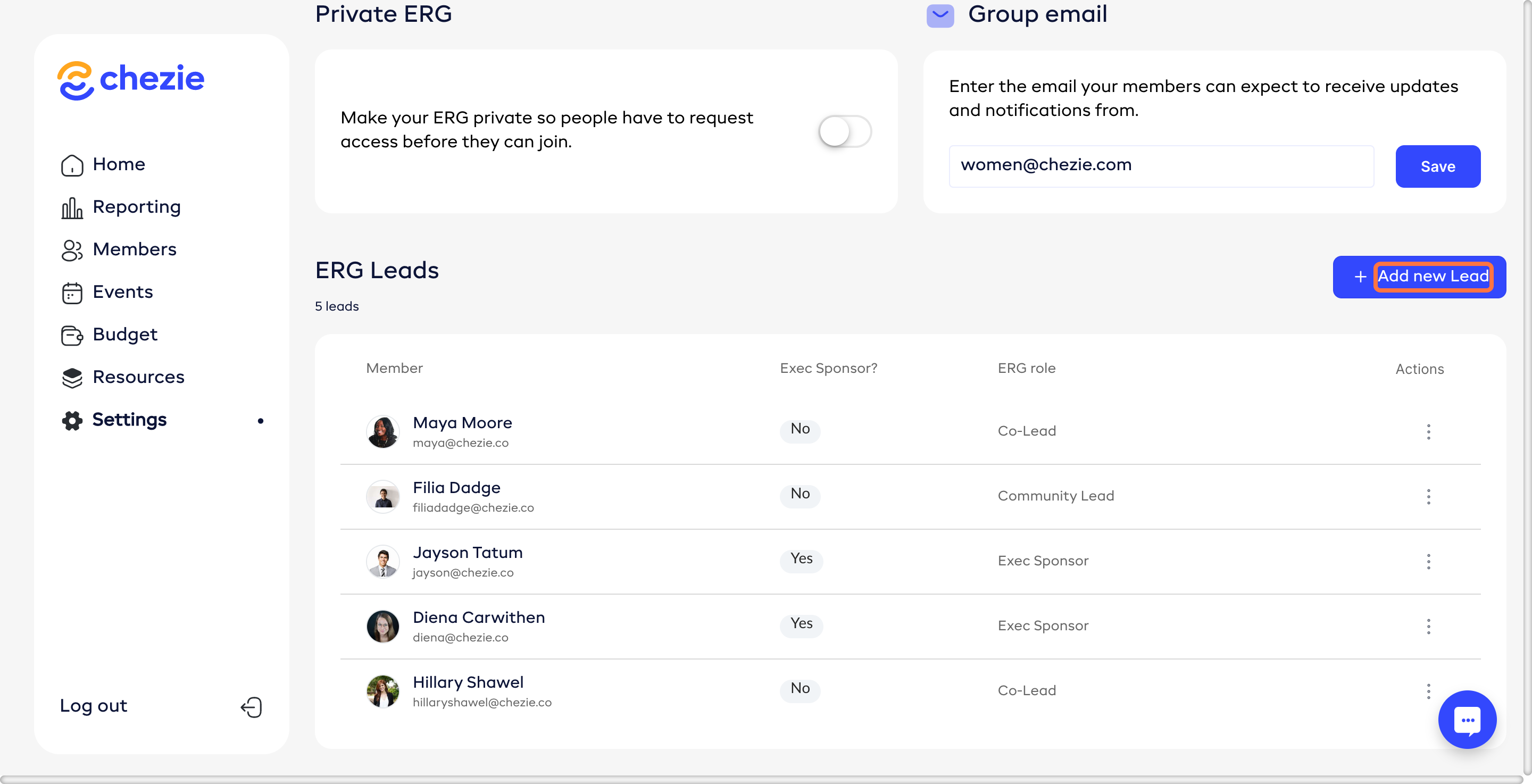
Scroll down to the ERG Leads header.
-
Click Add New Lead.
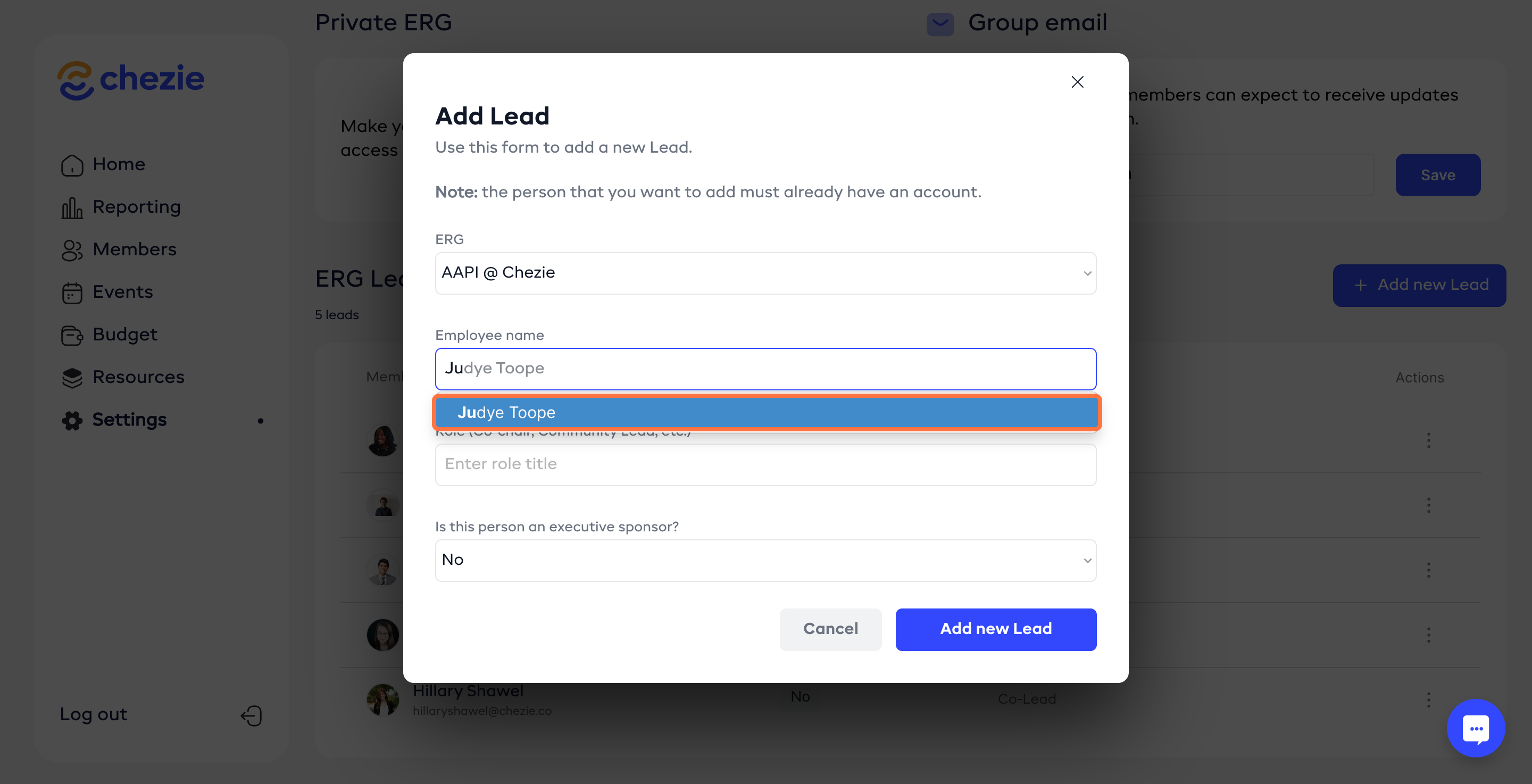
- Search for the ERG lead. (Note: they will only appear if they have logged into the portal).
-
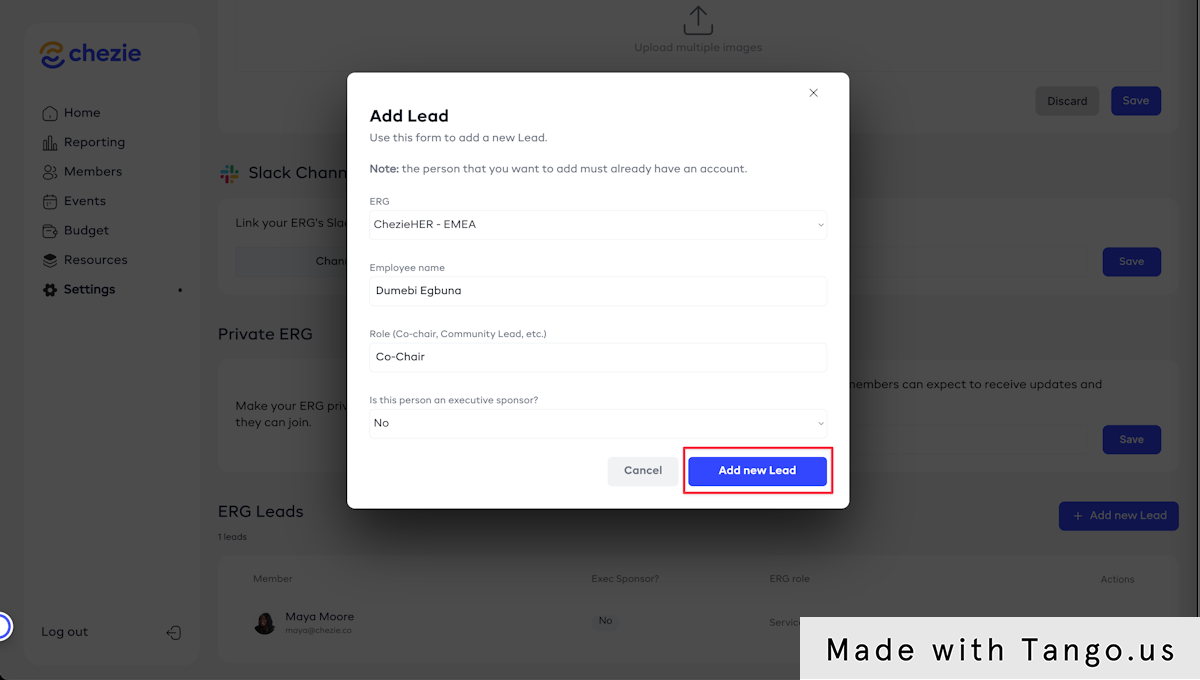
Enter the rest of the requested information.
-
Click Add New Lead to save.
Adding a new Lead as a Lead
-
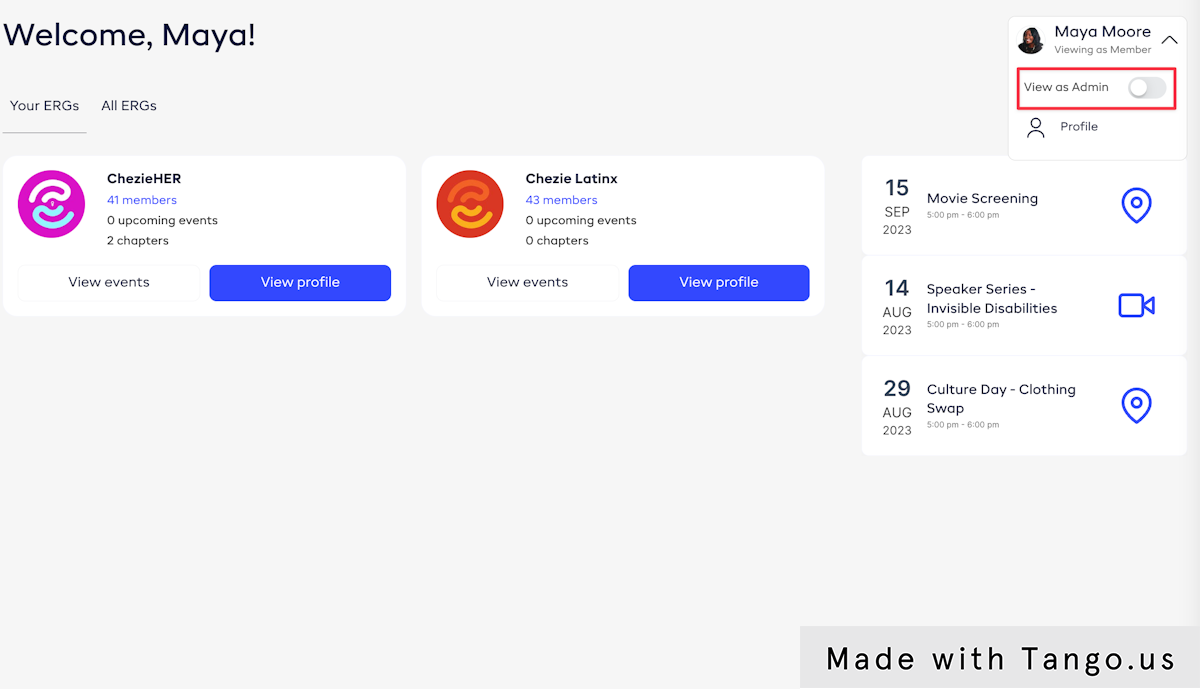
Switch to Admin view
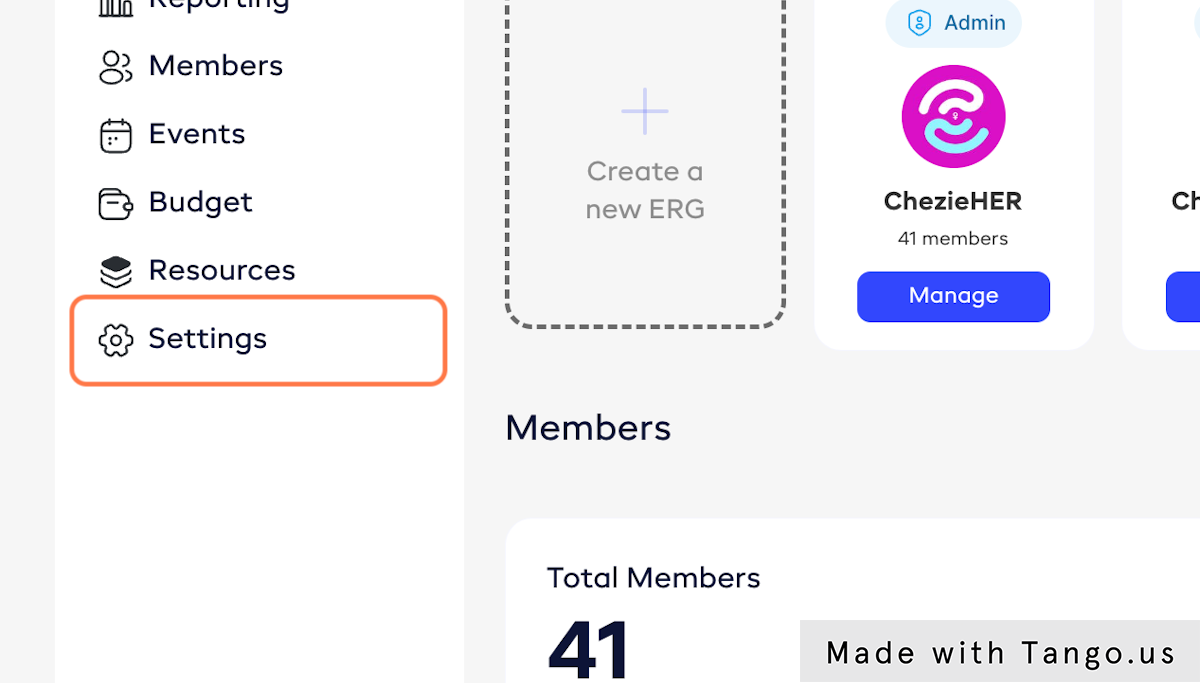
- Click on Settings
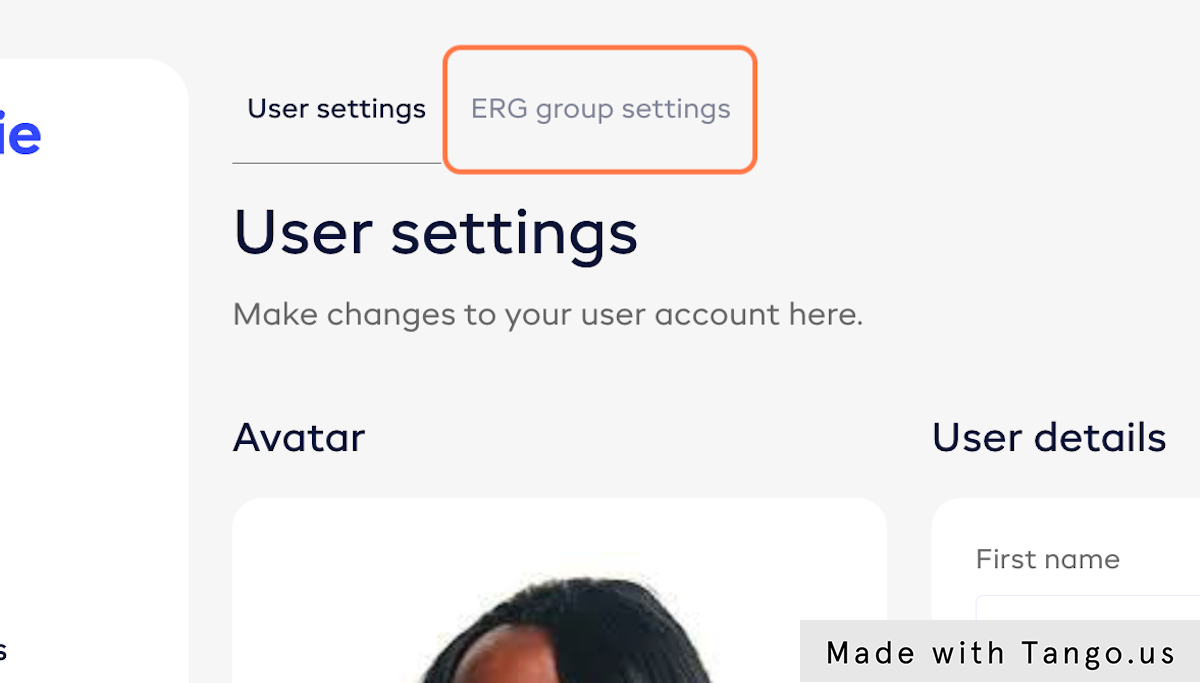
- Click on ERG group settings
- Select the Group that you want to add a Lead for

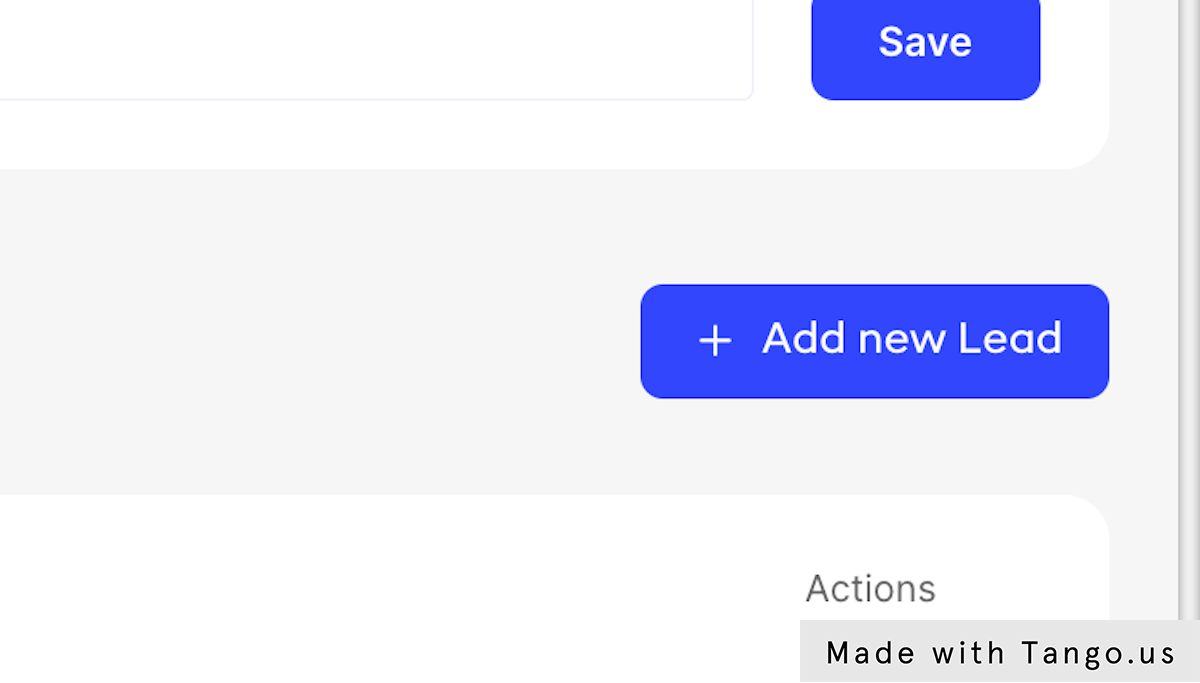
- Scroll to the bottom of the page to the list of ERG leads. Click on Add new Lead
- Search for an employee by name and select that employee. Then fill out the remaining fields and click Add new lead.