Article
Event invitee options, explained
1 min read
Last updated 3 months ago
All of the different options for inviting groups in Chezie.
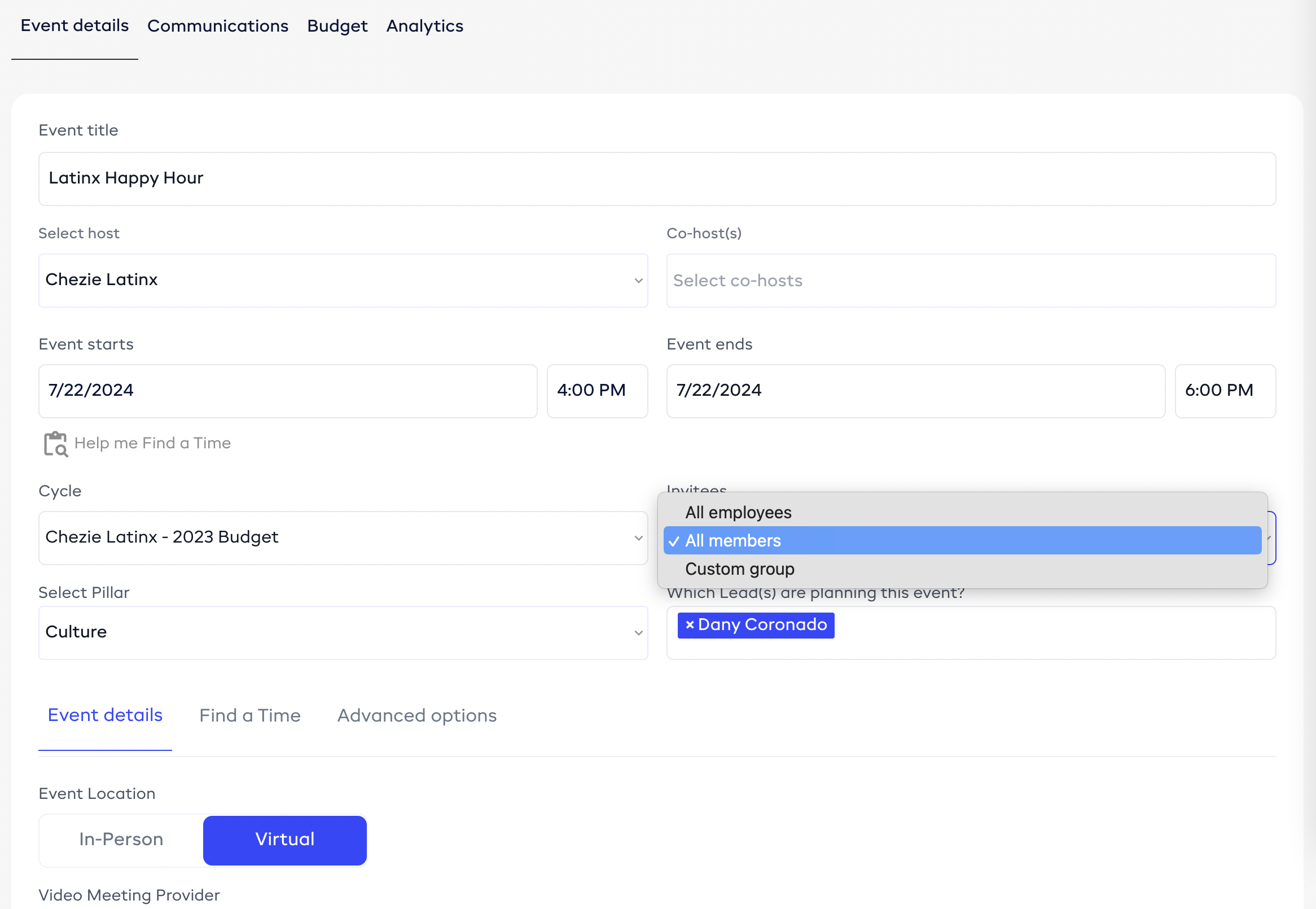
There are three options when scheduling an event:
-
All employees
-
All members
This sends an invite to anyone that has joined your Group, regardless of how they’ve identified.
-
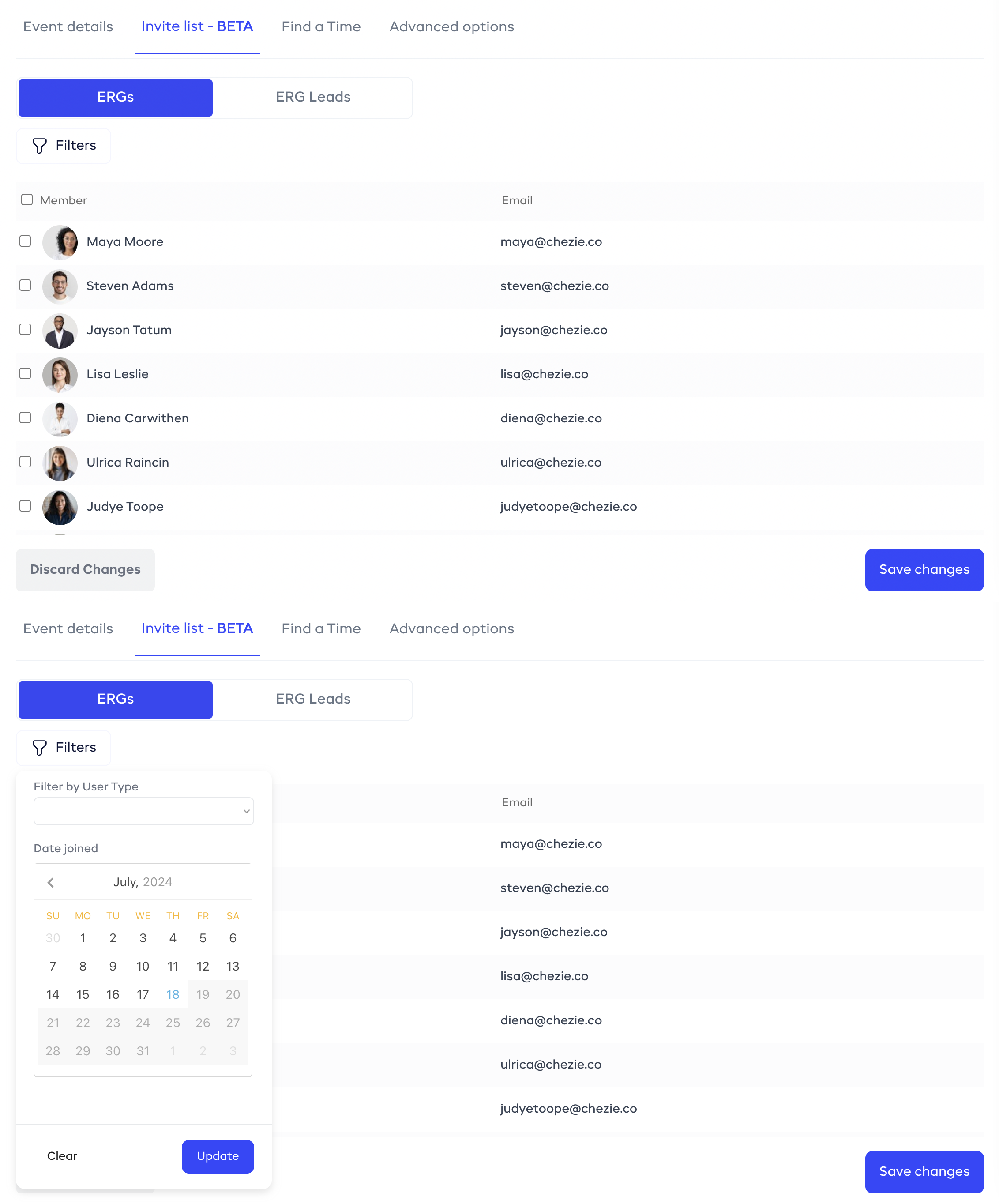
Custom group
This sends an invite to a group of your choosing. Select all members from the groups that are hosting the event, pick and choose using the checkboxes, or filter based on the in-group/ally designation or date joined filter.