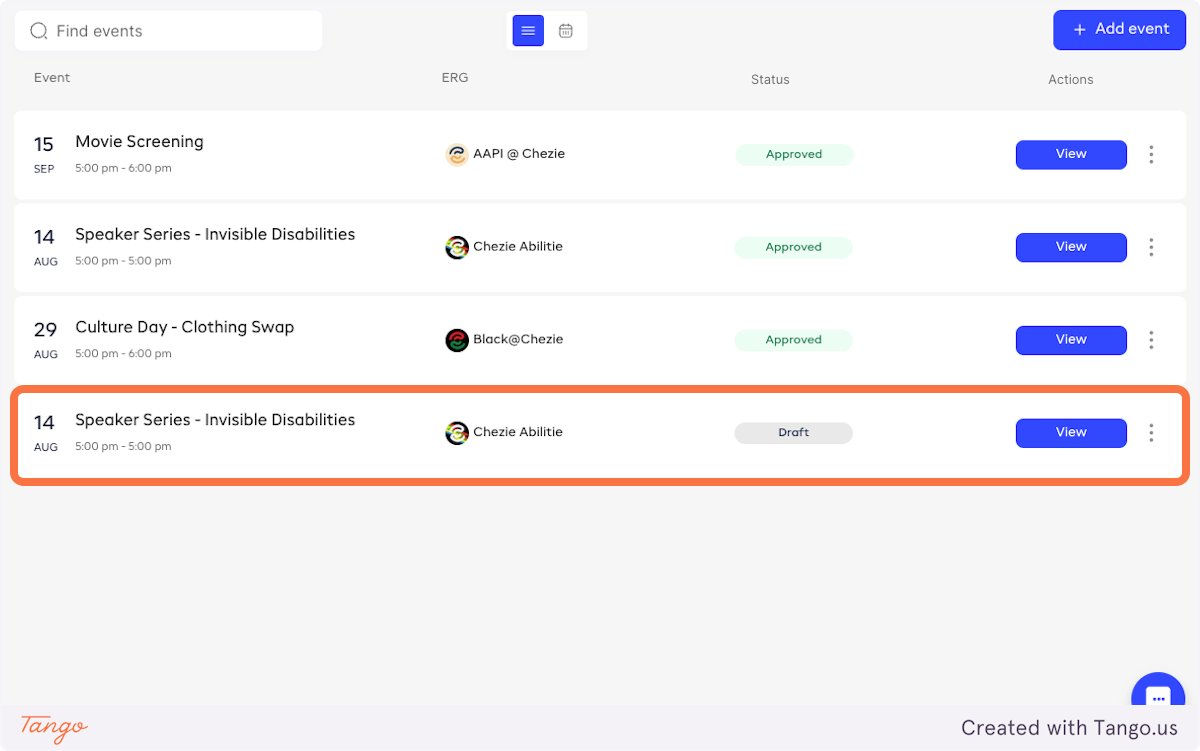
Article
How to duplicate events
1 min read
Last updated 3 months ago
Streamline your event planning by duplicating existing events with our easy-to-follow instructions.
Rather than creating the same event over and over, you can simply duplicate an event and use it again.
-
Log in to Chezie and go to Admin view
-
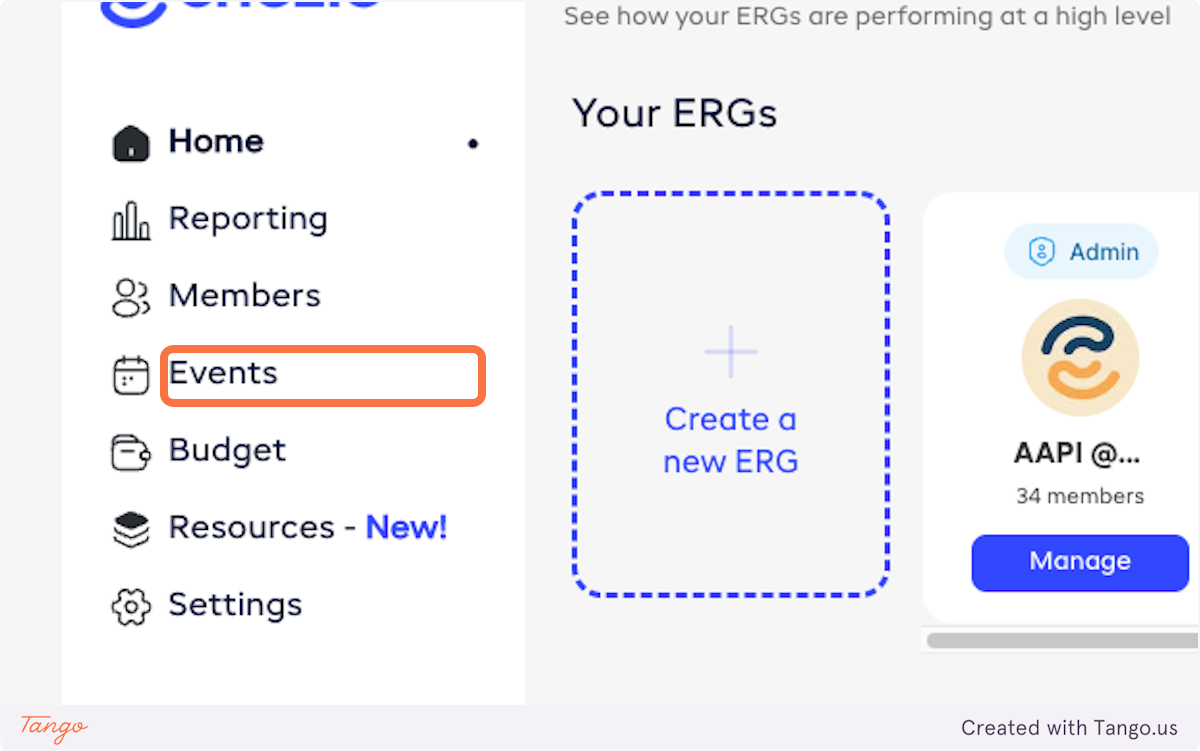
Click on Events
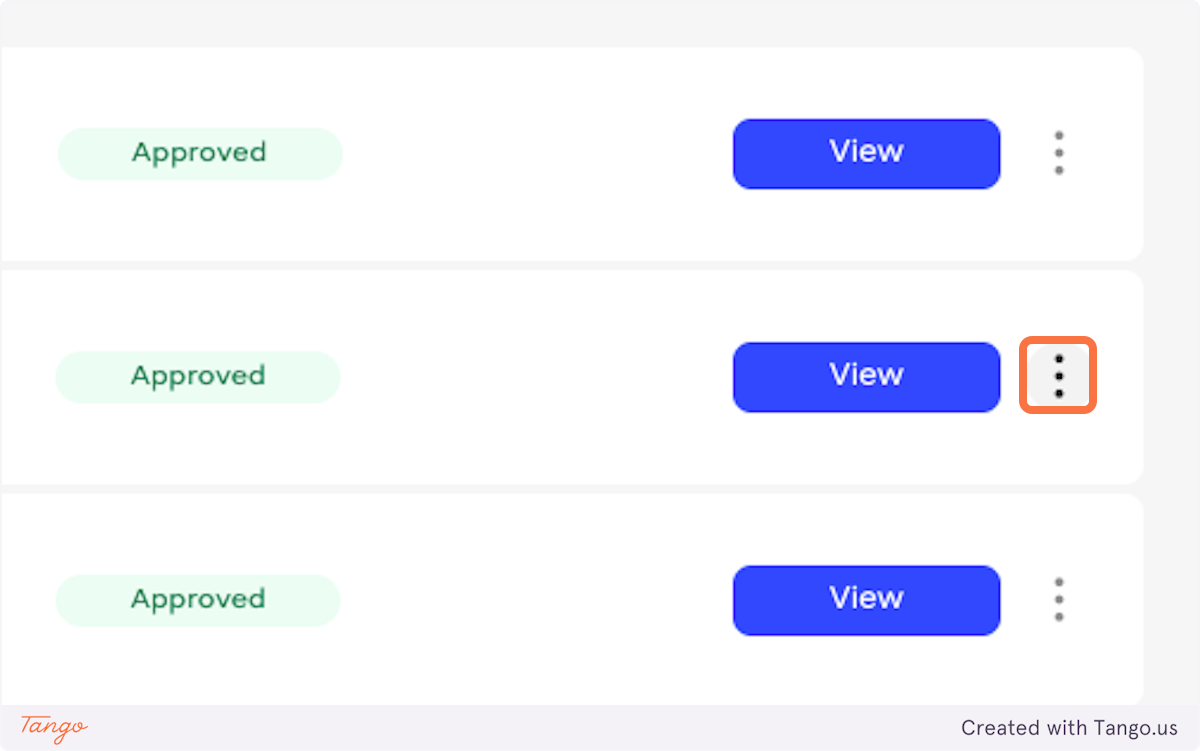
- Click on the three dots next to the event you want to duplicate
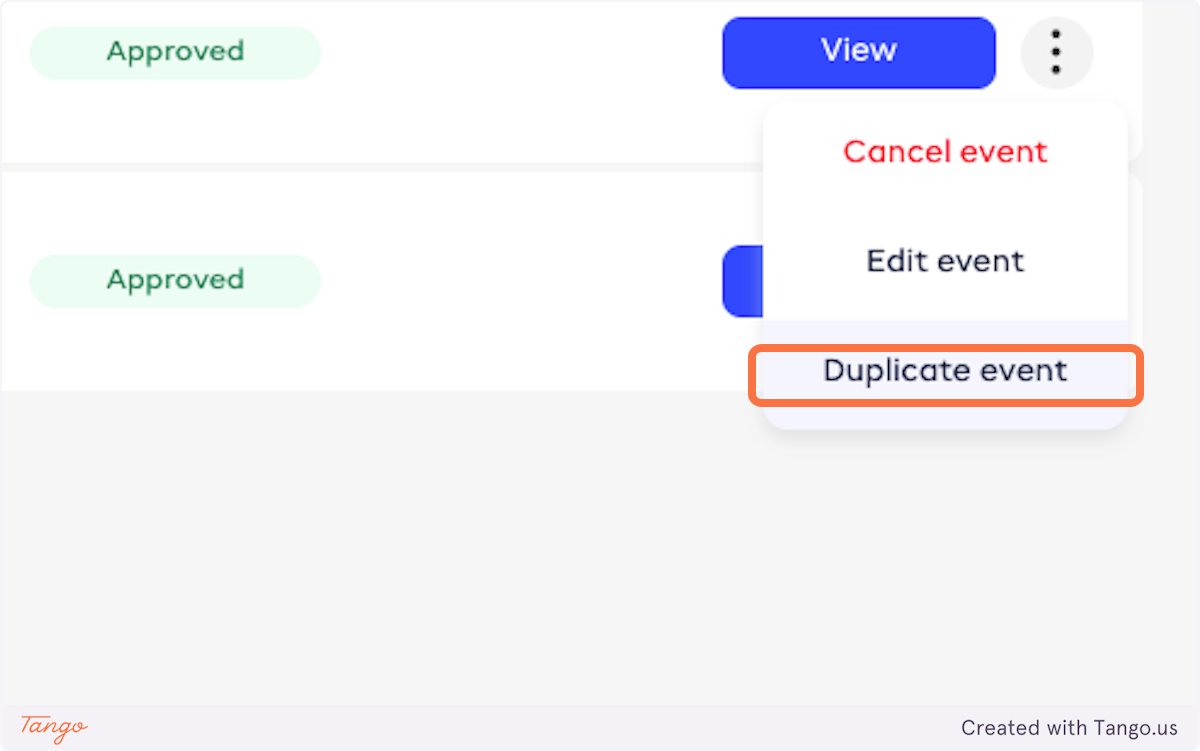
- Click on Duplicate event
- That’s it!