Article
How to schedule a new event
1 min read
Last updated 3 months ago
A comprehensive step-by-step guide that simplifies the event scheduling process.
Events are an essential part of your group's programming. Scheduling events through your Chezie Dashboard allows you to track attendance, feedback, and spending in one place.
Note: Admins can also schedule events via the Admin home page. Just click on the Events tab and follow instructions from step 3 on.
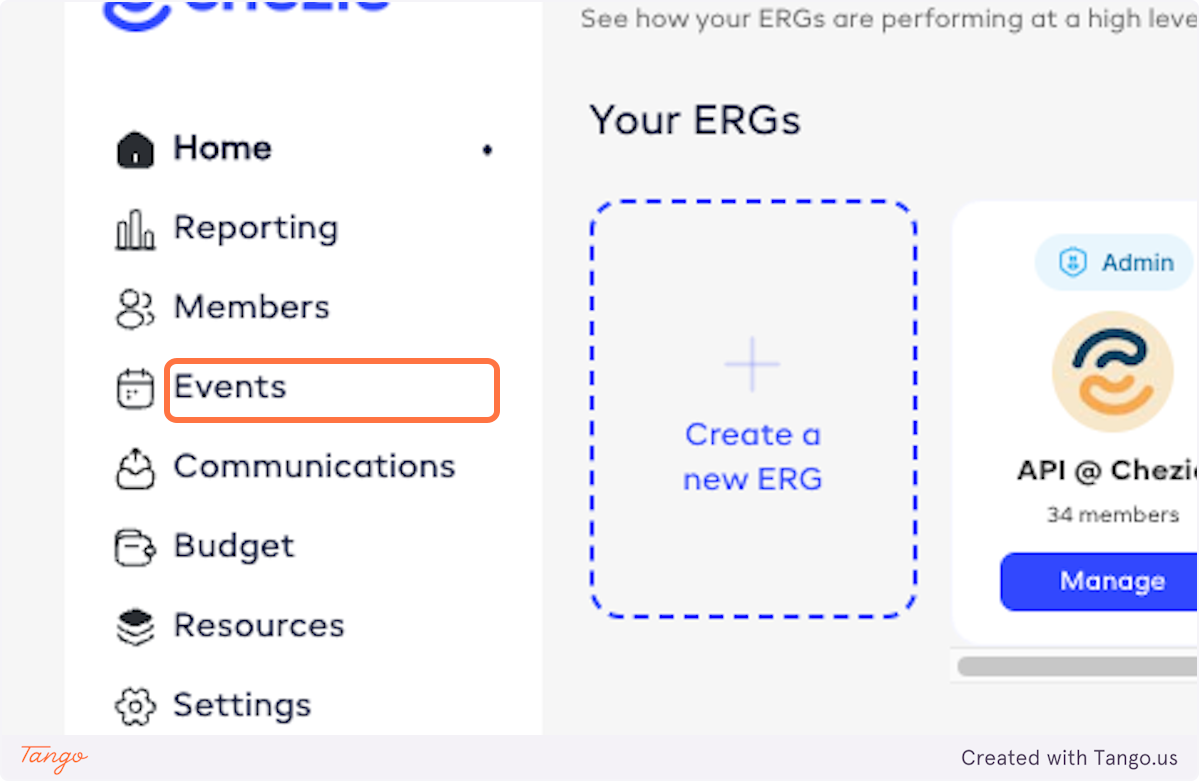
1. From admin view, click on Events
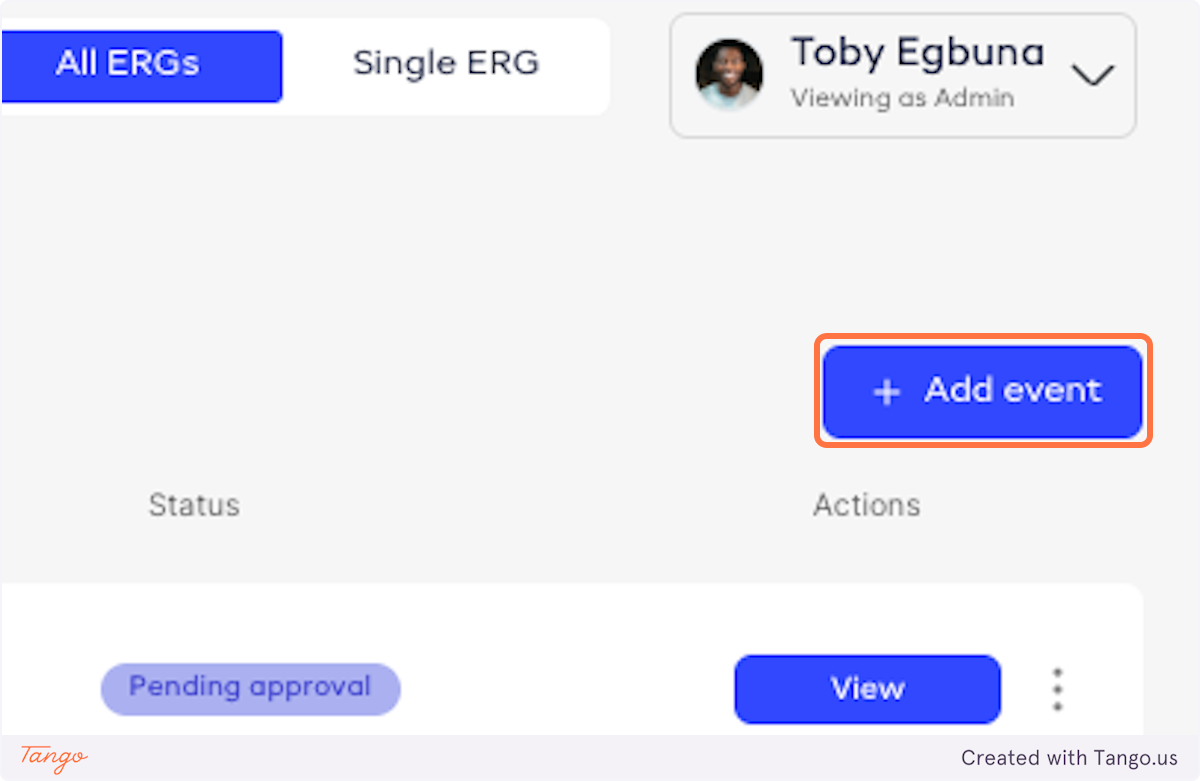
2. Click on Add event
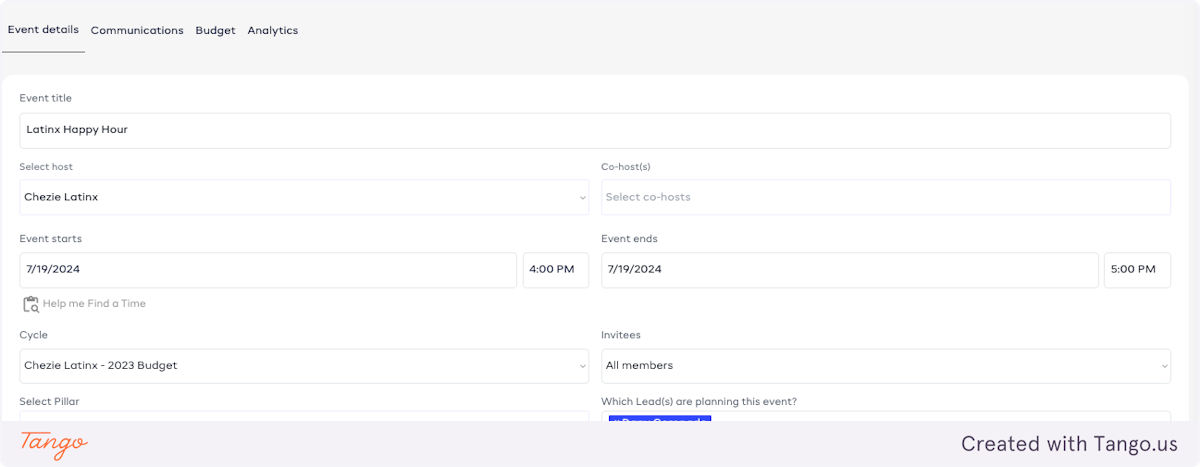
3. Fill in your event details
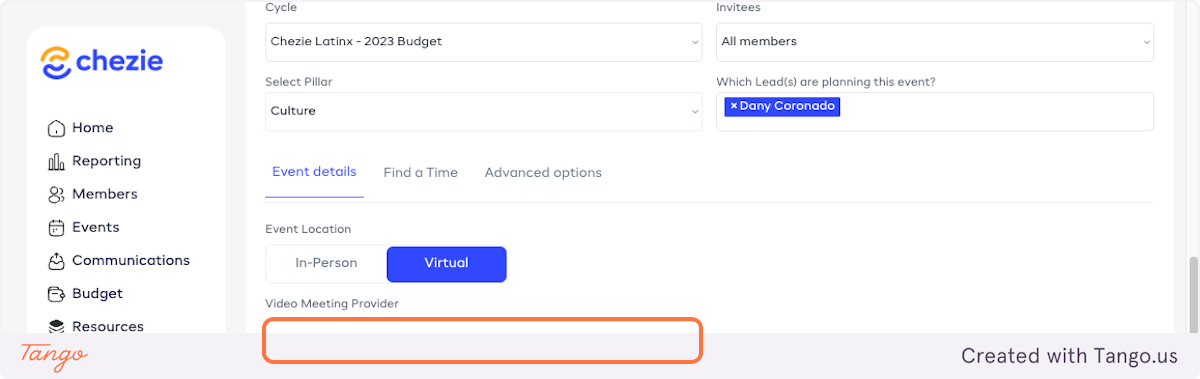
4. Select in-person or virtual for your meeting location
If in person, enter a location, if virtual, select a video meeting provider from the dropdown

5. In this case, we will make a virtual meeting with Zoom.
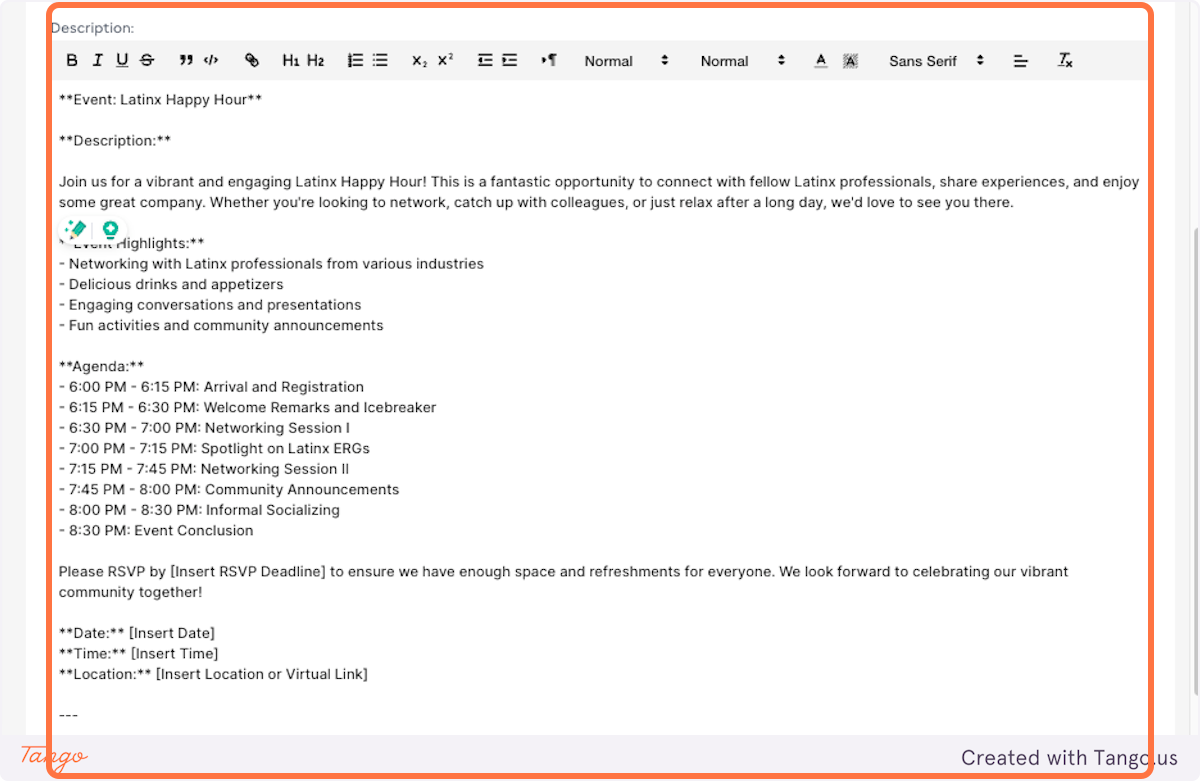
6. Enter your meeting description
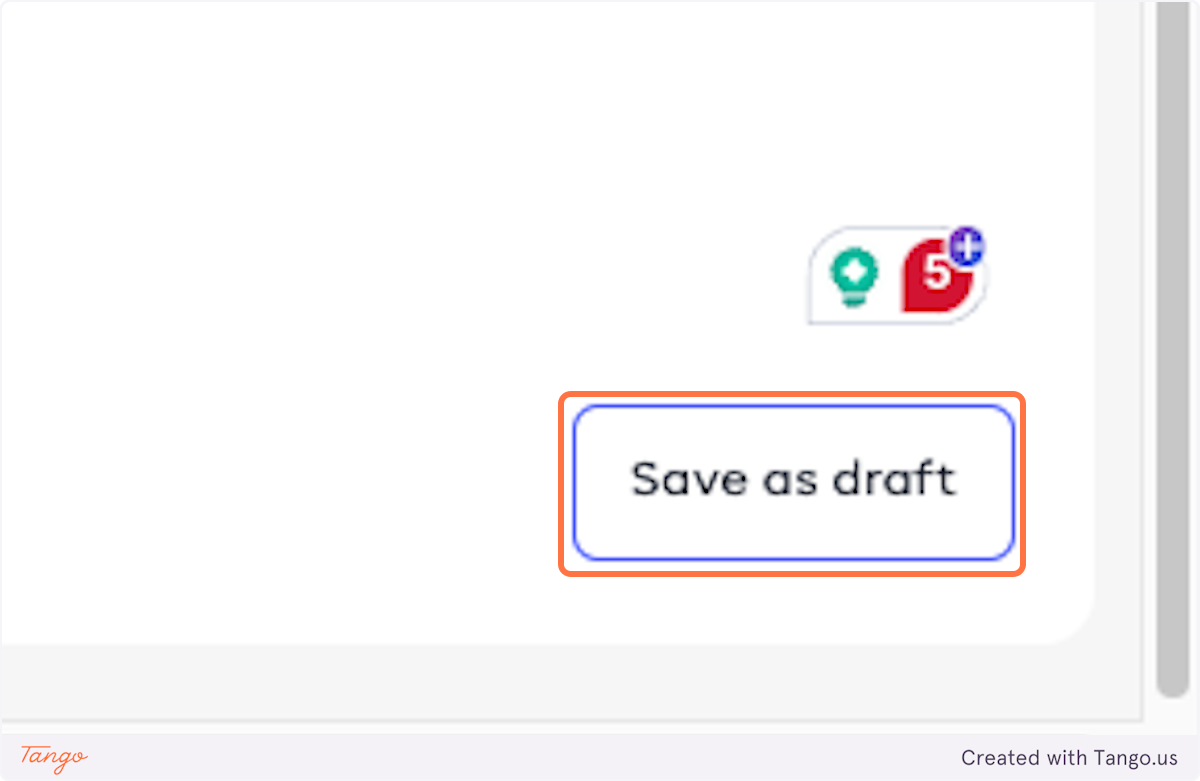
7. Click on Save as draft