Article
How to send a Slack message from Chezie
1 min read
Last updated 3 months ago
Learn the step-by-step process of sending Slack messages using Chezie.
Only Admins/Leads can send Slack messages.
Note: Leads can only send Slack messages to the Group(s) that they lead.
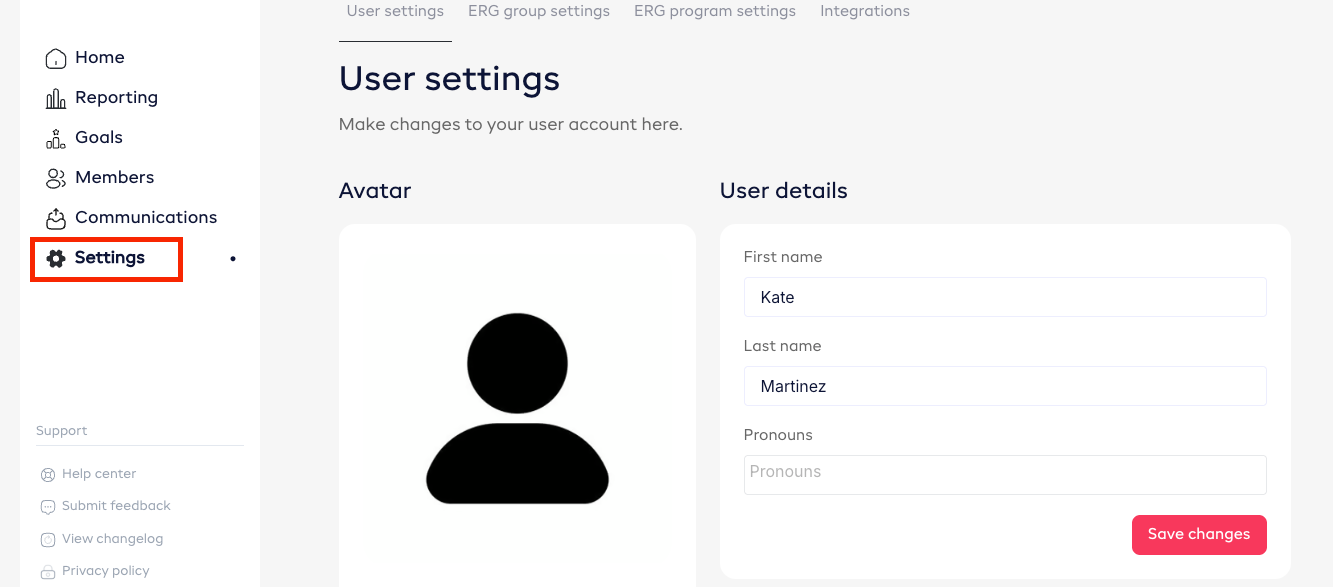
- Log in to Chezie and go to ‘Settings’.

- Click ‘Connect Slack’.

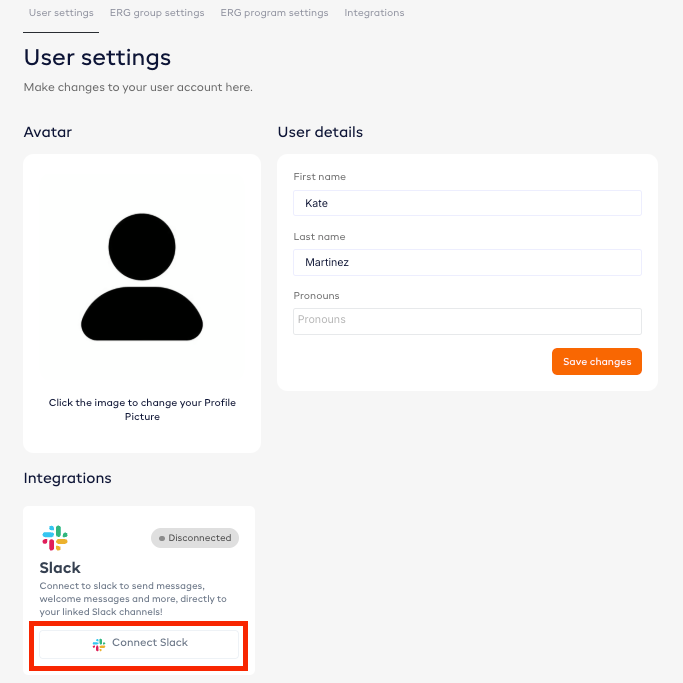
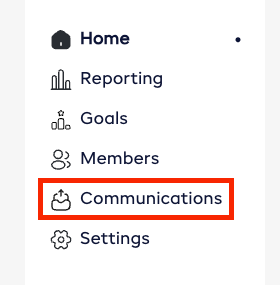
- Once your Slack is connected, go to ‘Communications’.

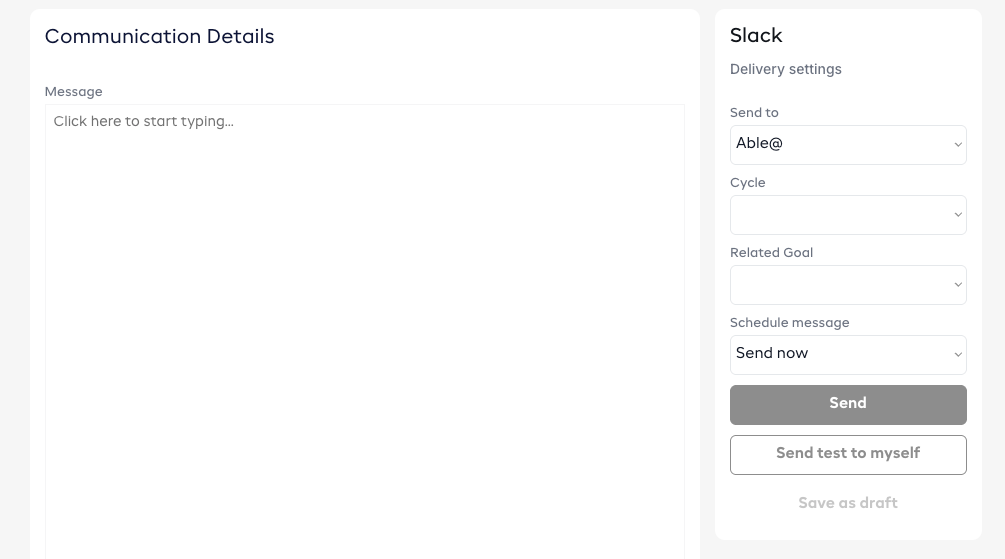
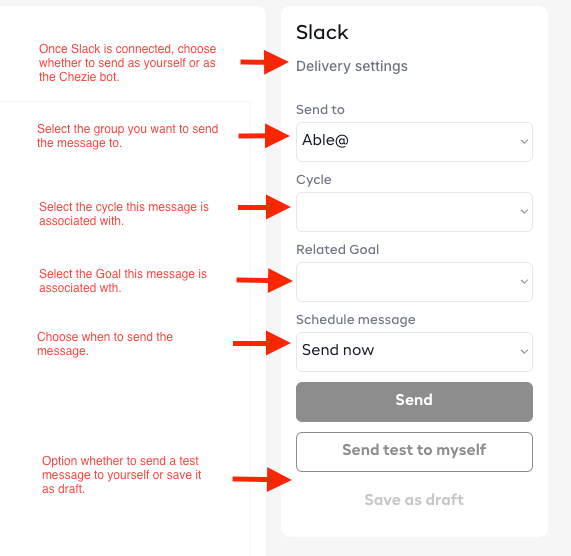
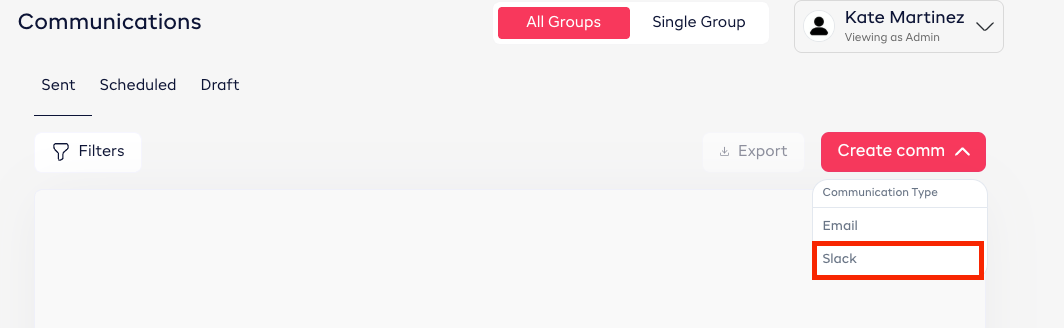
- Select ‘Create comm’ then ‘Slack’.

- Compose your message.