Article
How to send an email from Chezie
1 min read
Last updated 3 months ago
Learn the step-by-step process of sending emails using Chezie.
Only Admins/Leads can send emails.
Note: Leads can only send emails to the Group(s) that they lead.
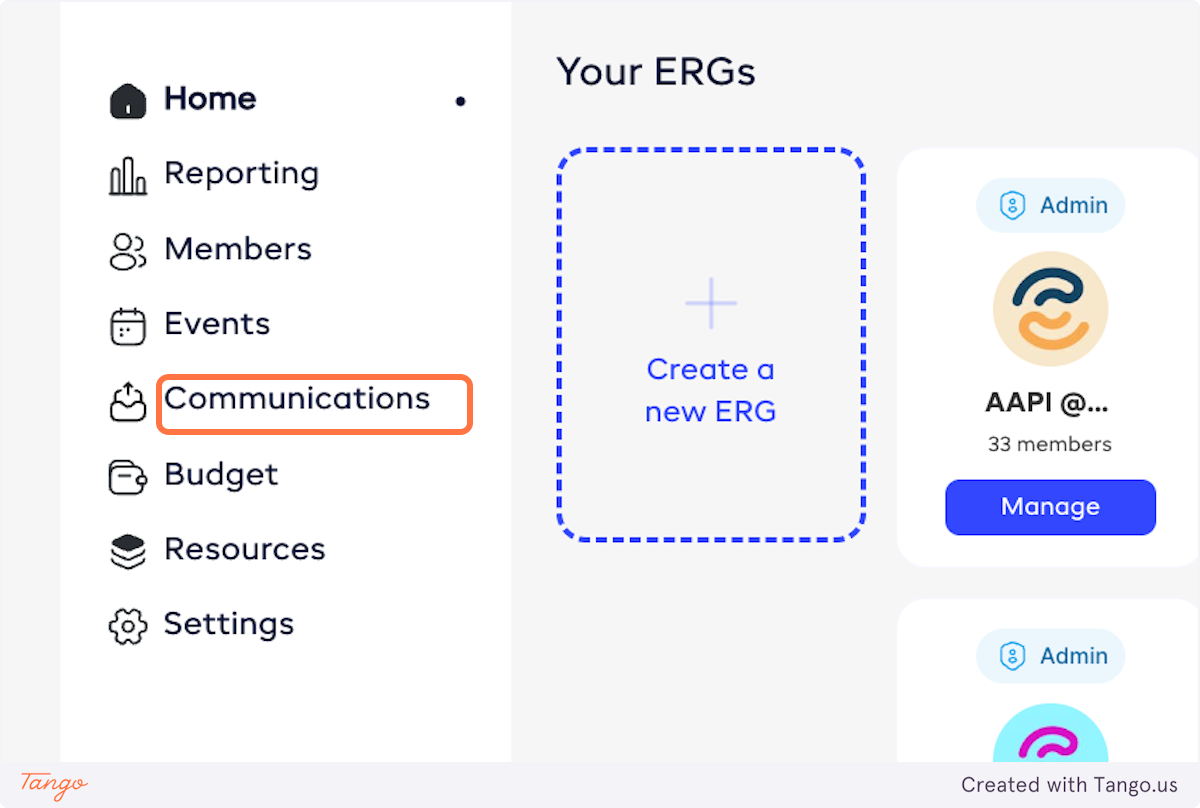
- From admin view, Click on Communications.
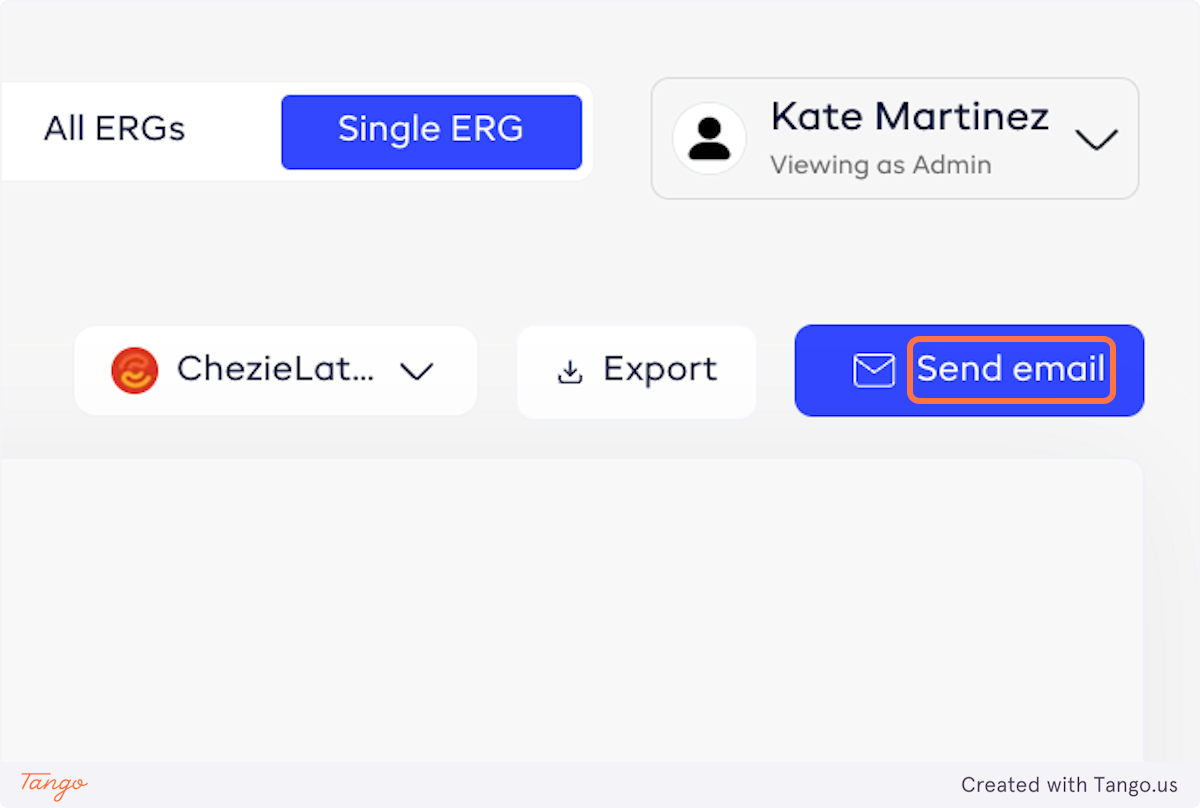
- Click on Send email.
- Select the ERG Group you want to send the email to.
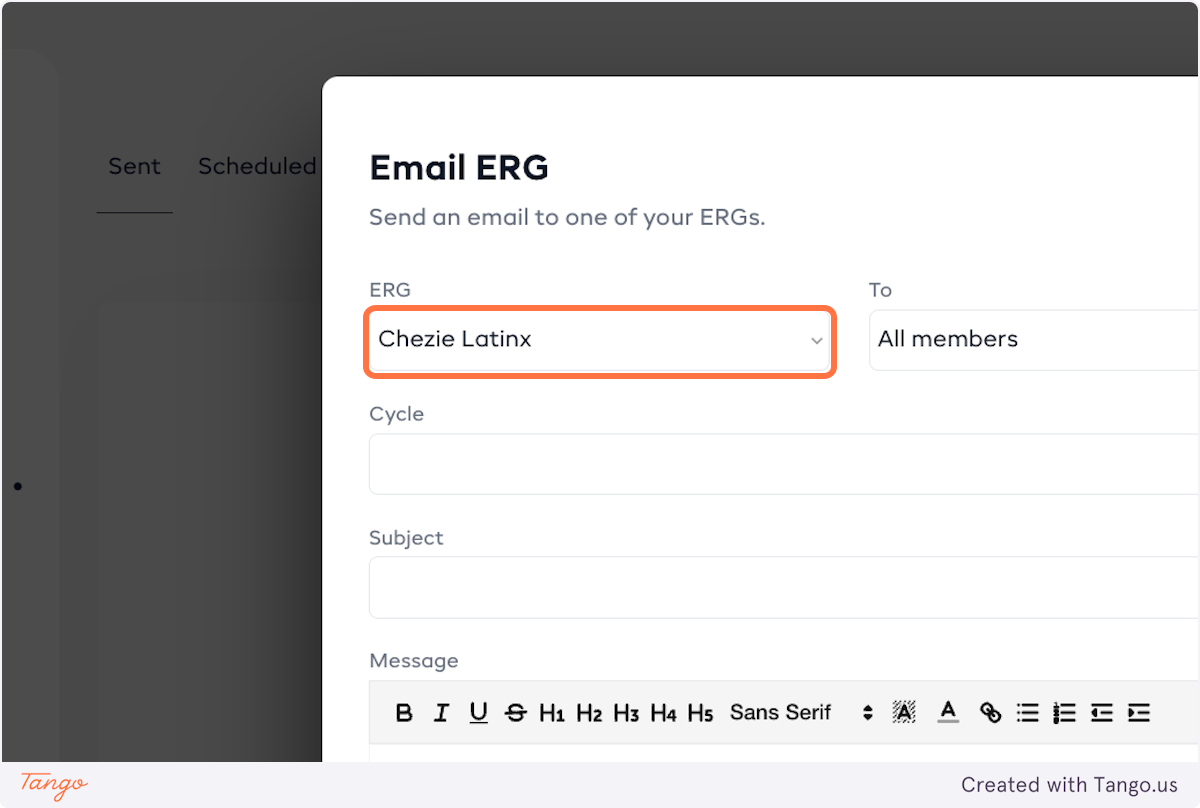
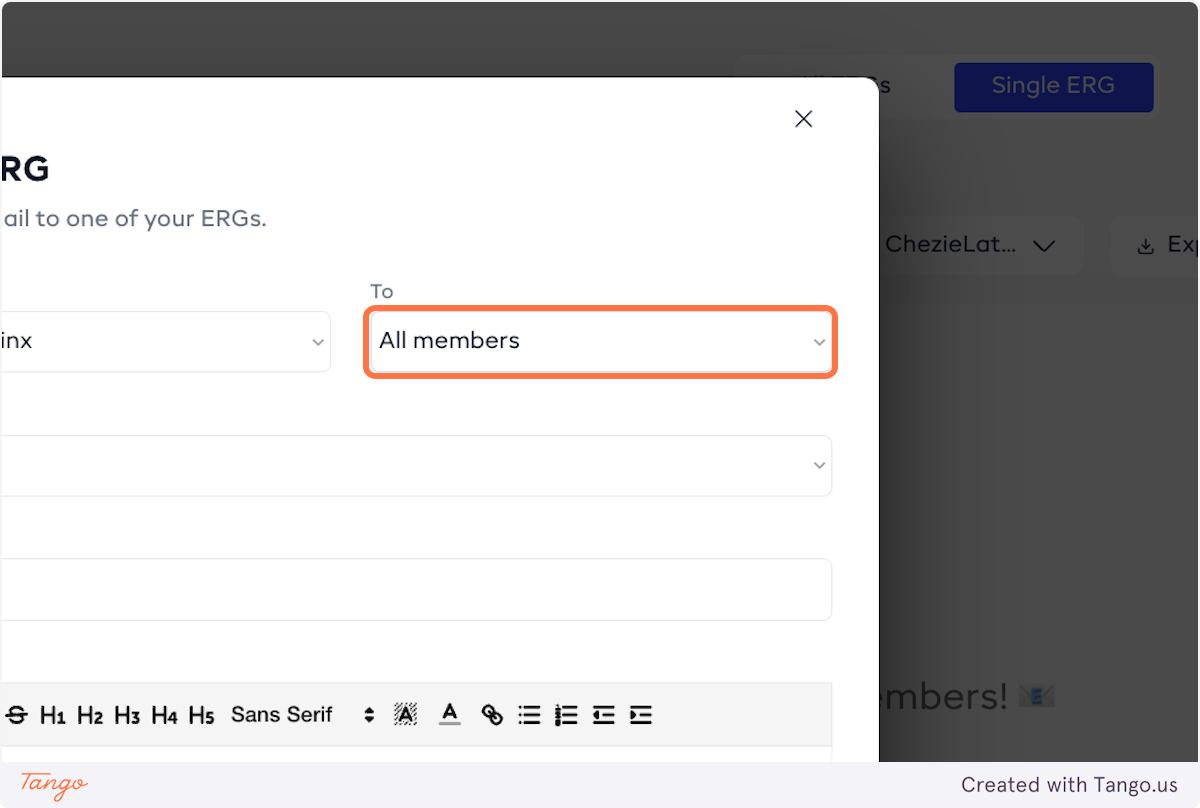
- Designate who you’d like to send an email to (in-group members, ally members, or all members) and then fill out the content of the message.
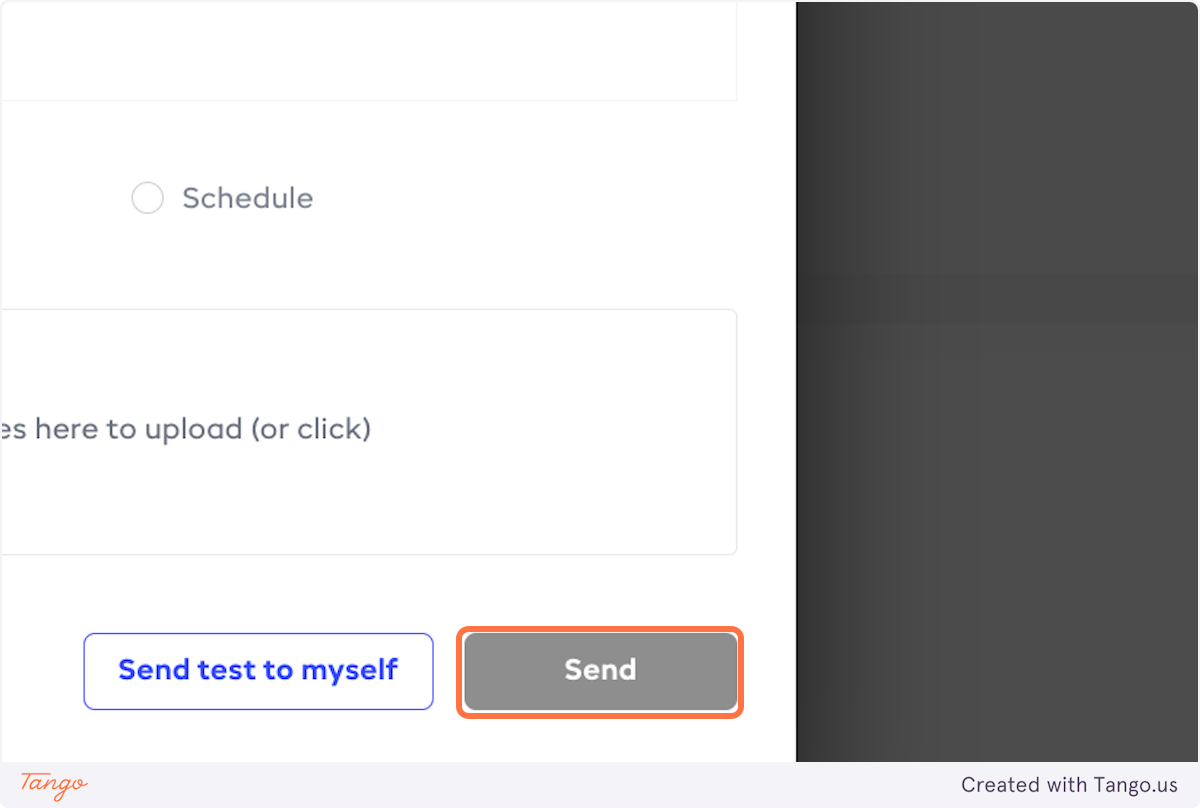
- If you want to send the email right now, click on Send.
- If you want to schedule sending the message, select Schedule.

- Select the time and date when you want to send out your email.
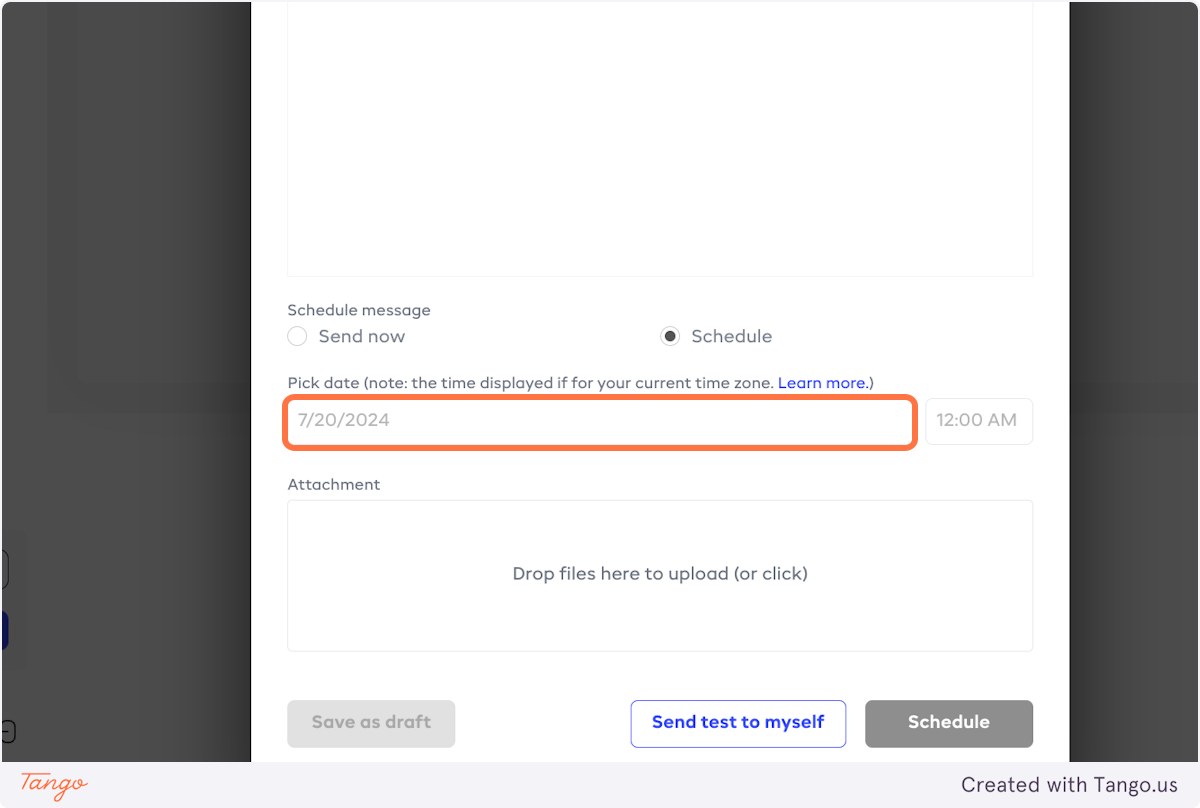
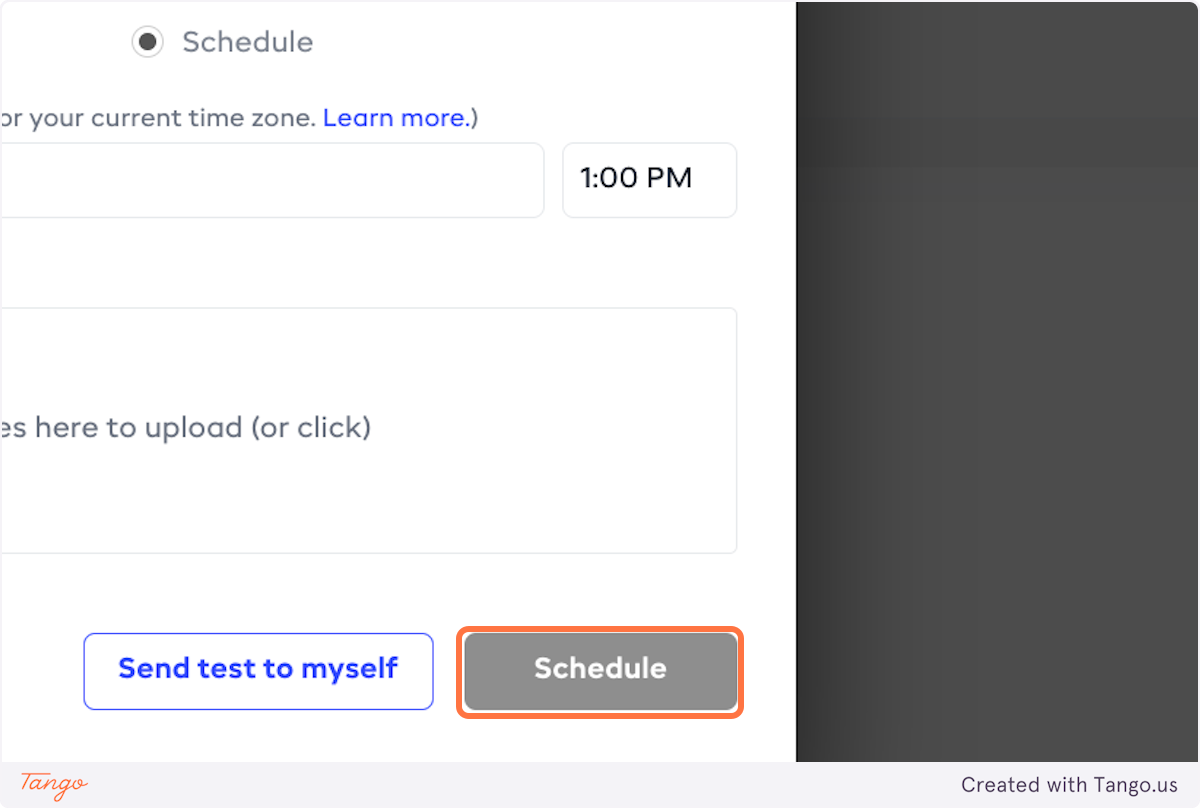
- Click on Schedule.