Article
Navigating your ERG group settings page
1 min read
Last updated 3 months ago
-
Log-in to Chezie
-
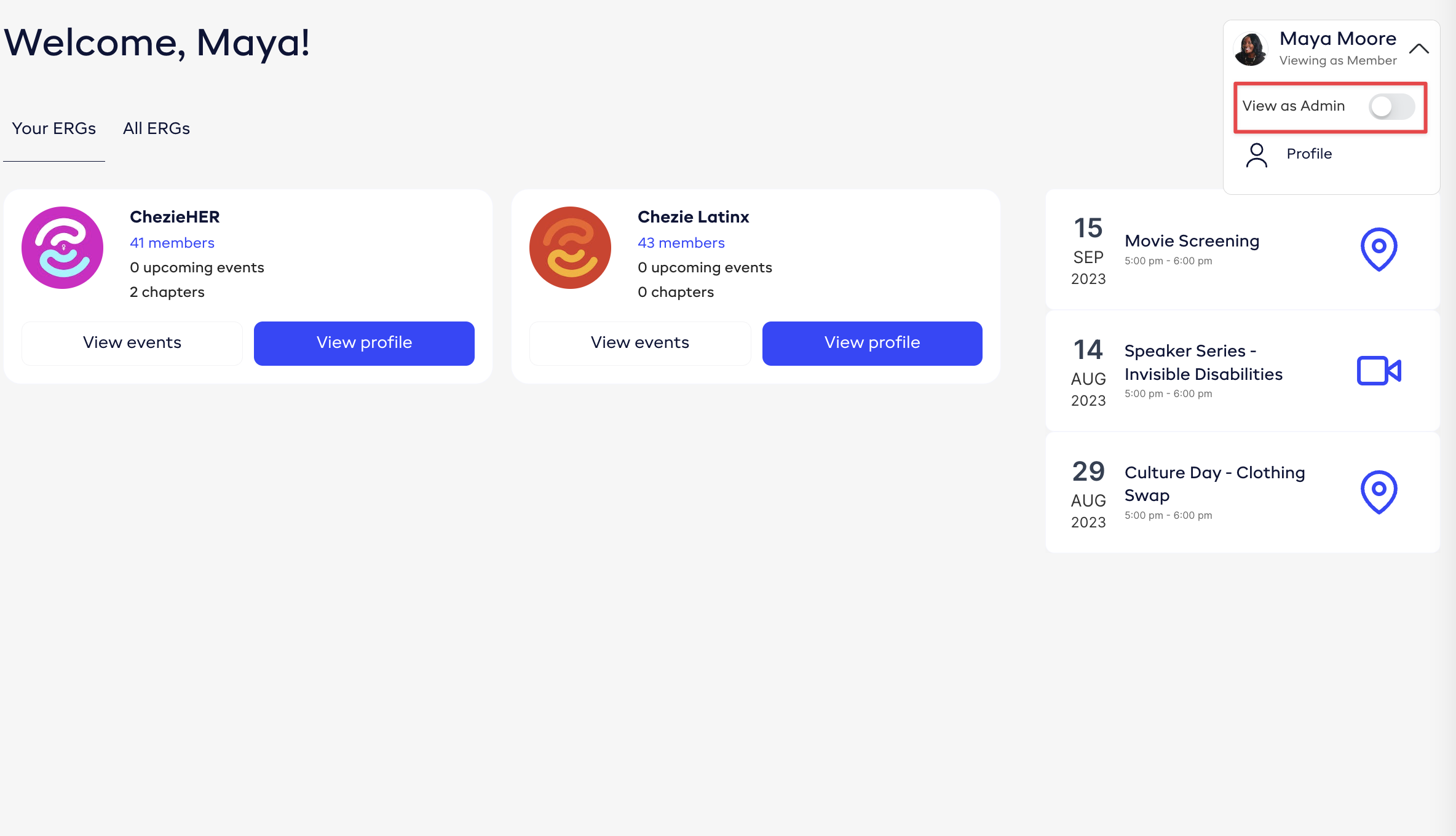
Click the profile dropdown and switch to Admin view.
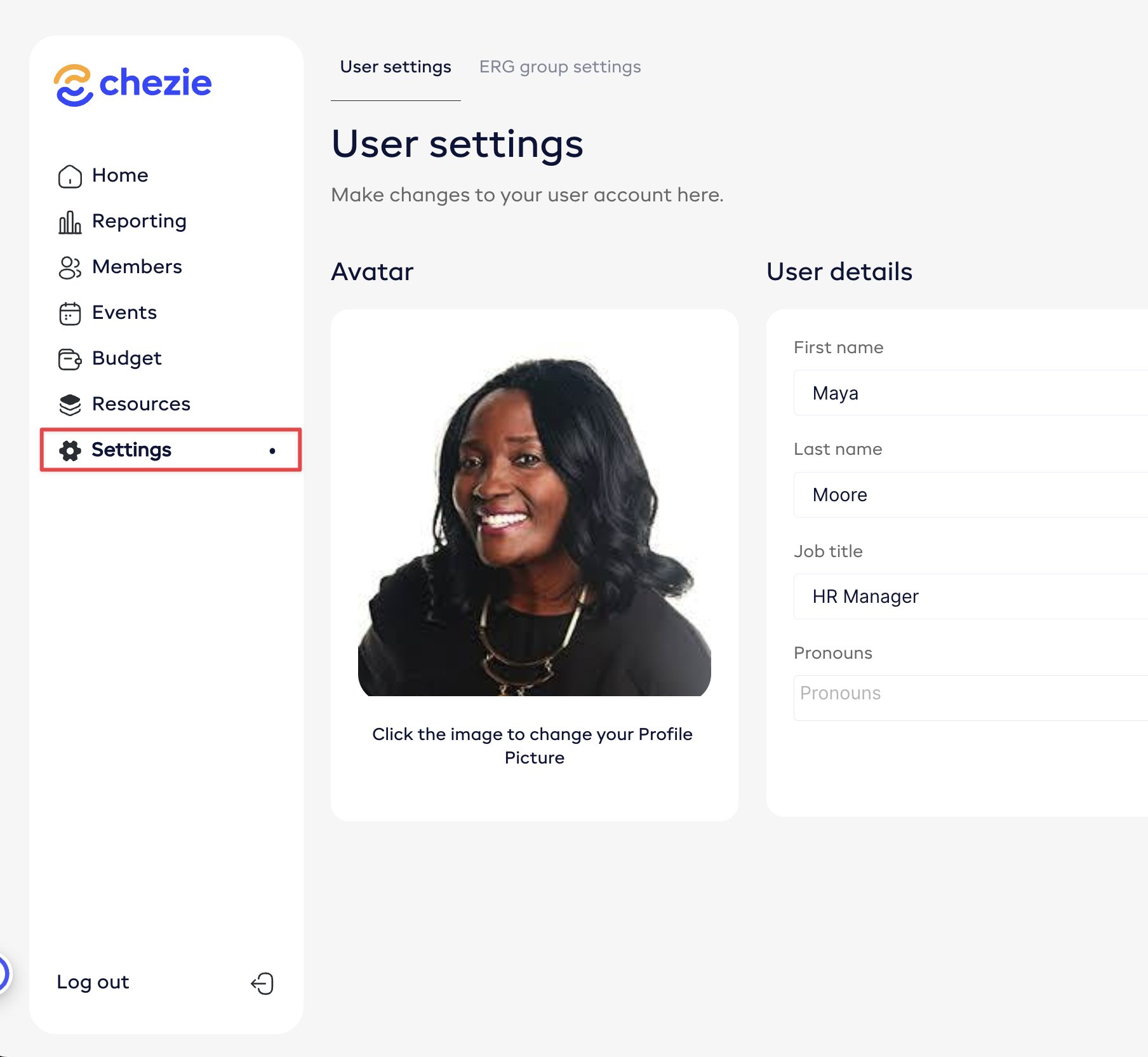
- Click the Settings tab on the side bar.
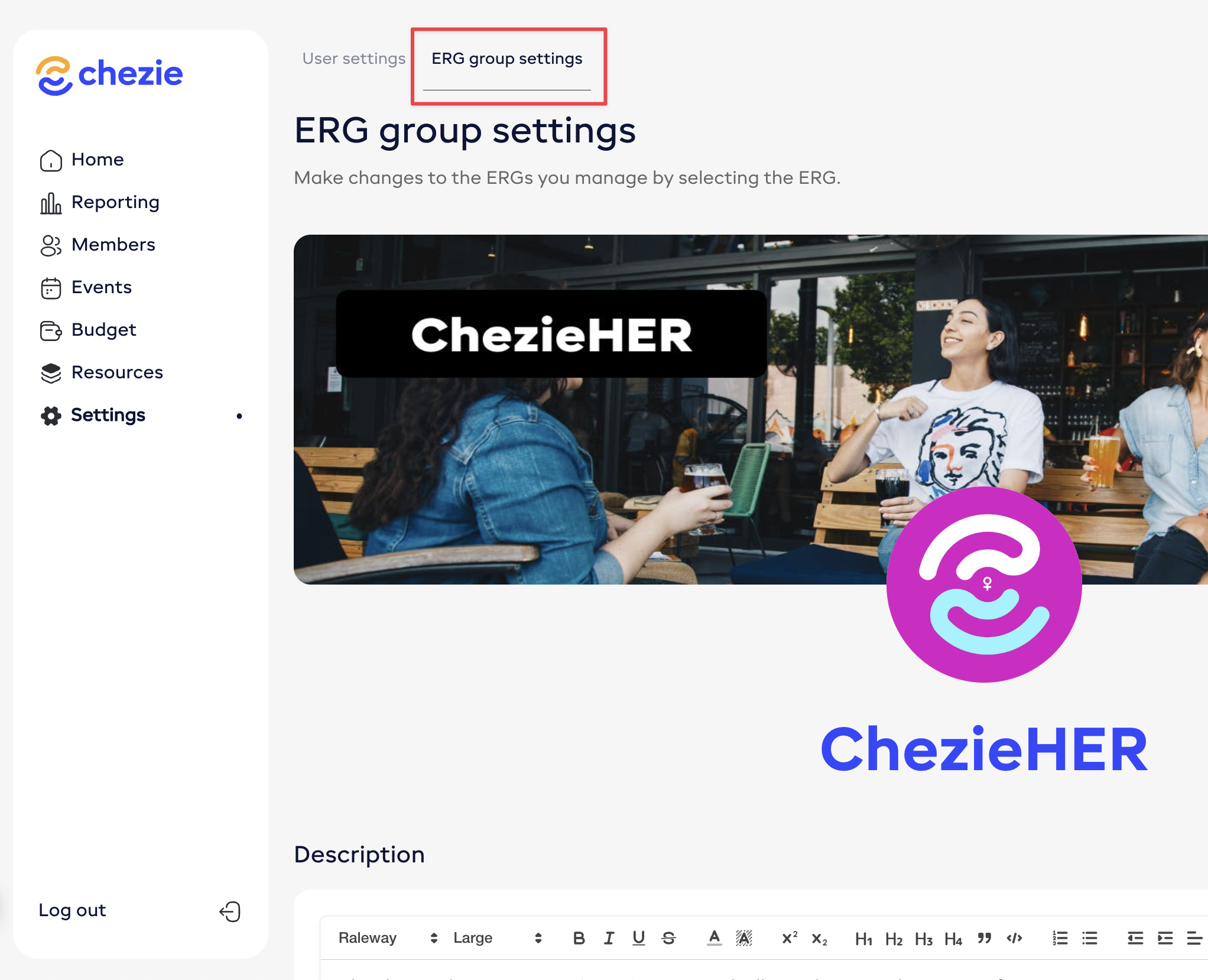
- Click ERG group settings
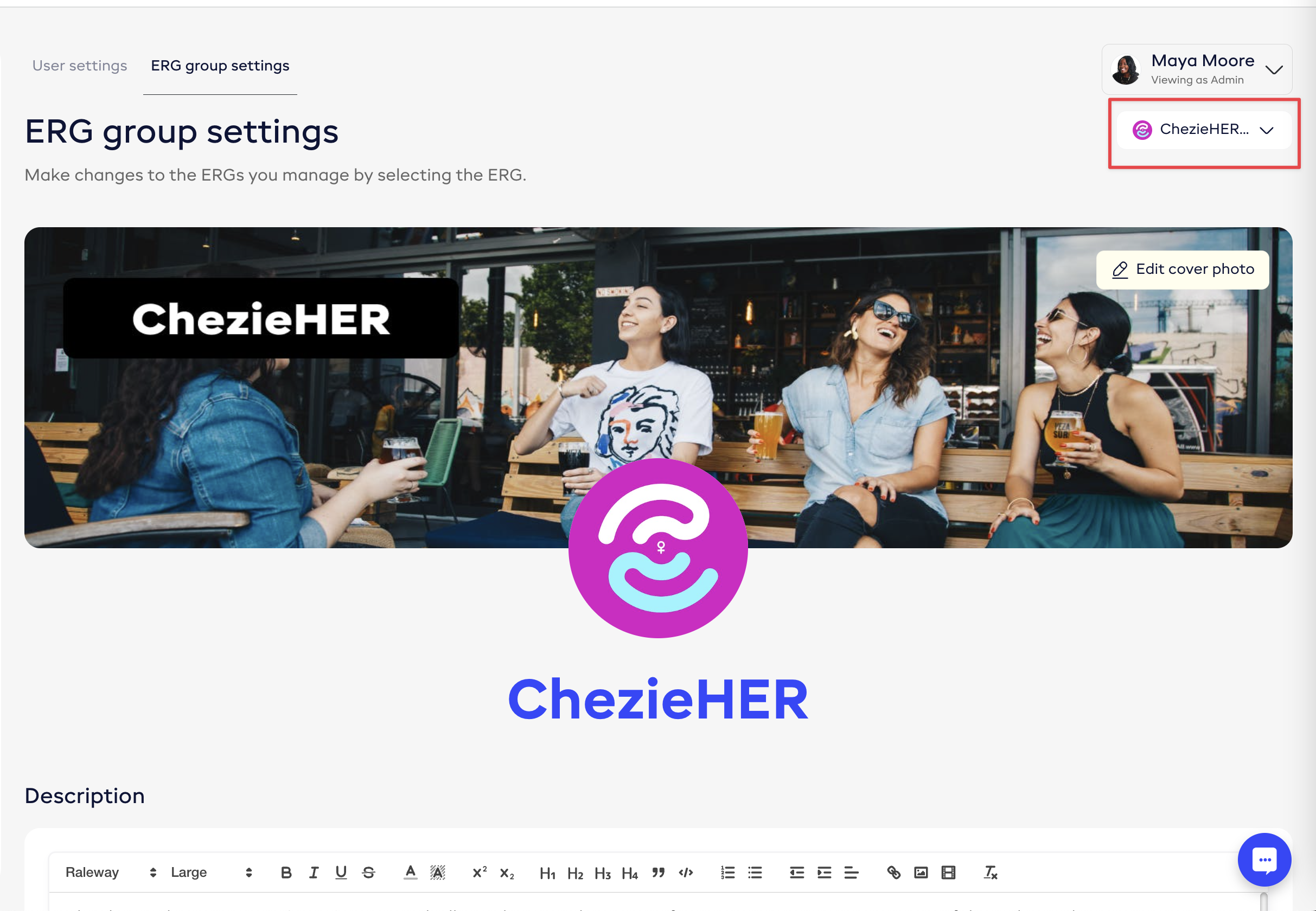
- Select the Group that you want to customize