Article
Customize your Group's Welcome Email
1 min read
Last updated 4 months ago
Tailor your group's welcome email to make a lasting impression.
Only Admins/Leads can customize the Group's welcome email.
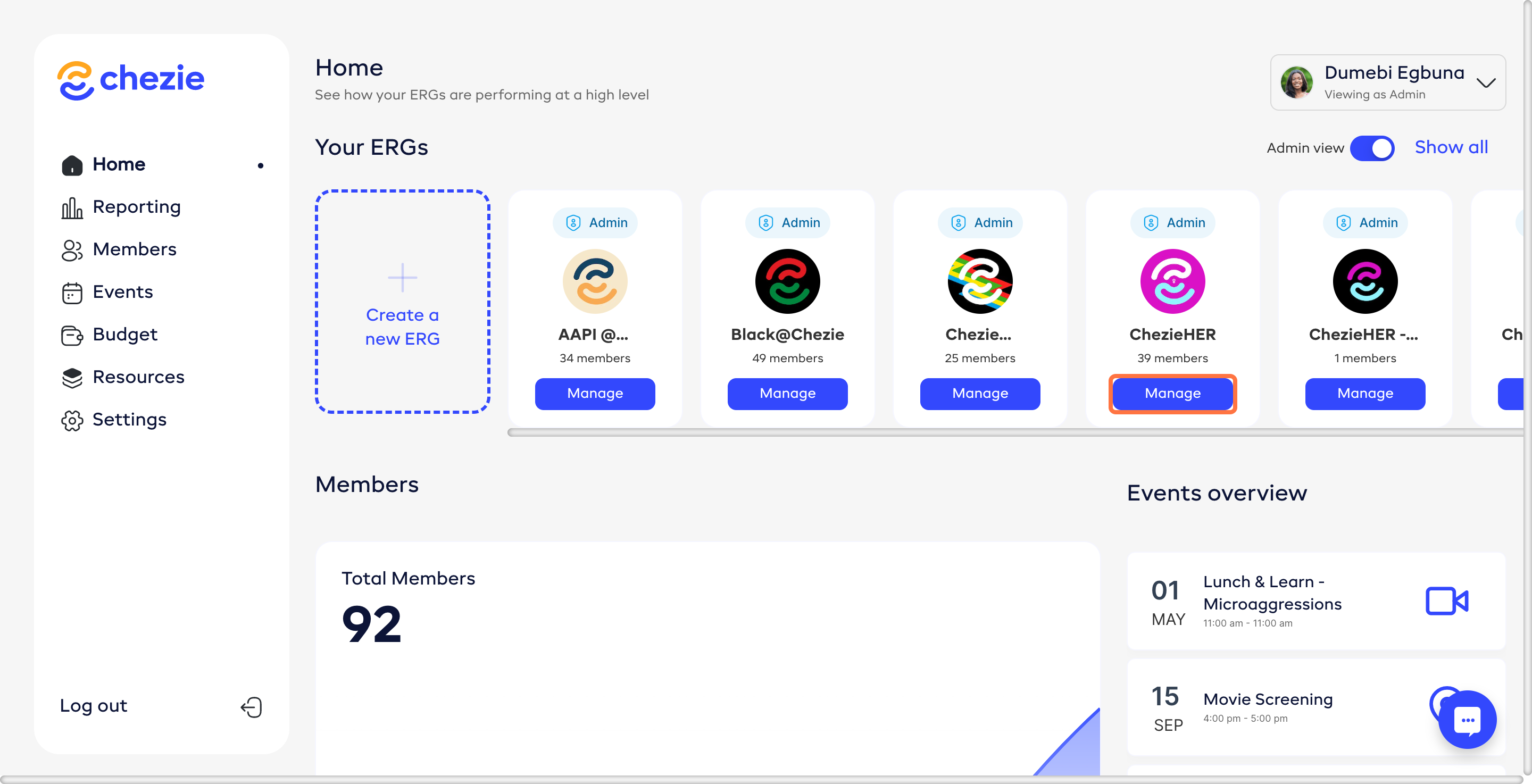
- Go to the Manage Group page of the Group that you want to edit.
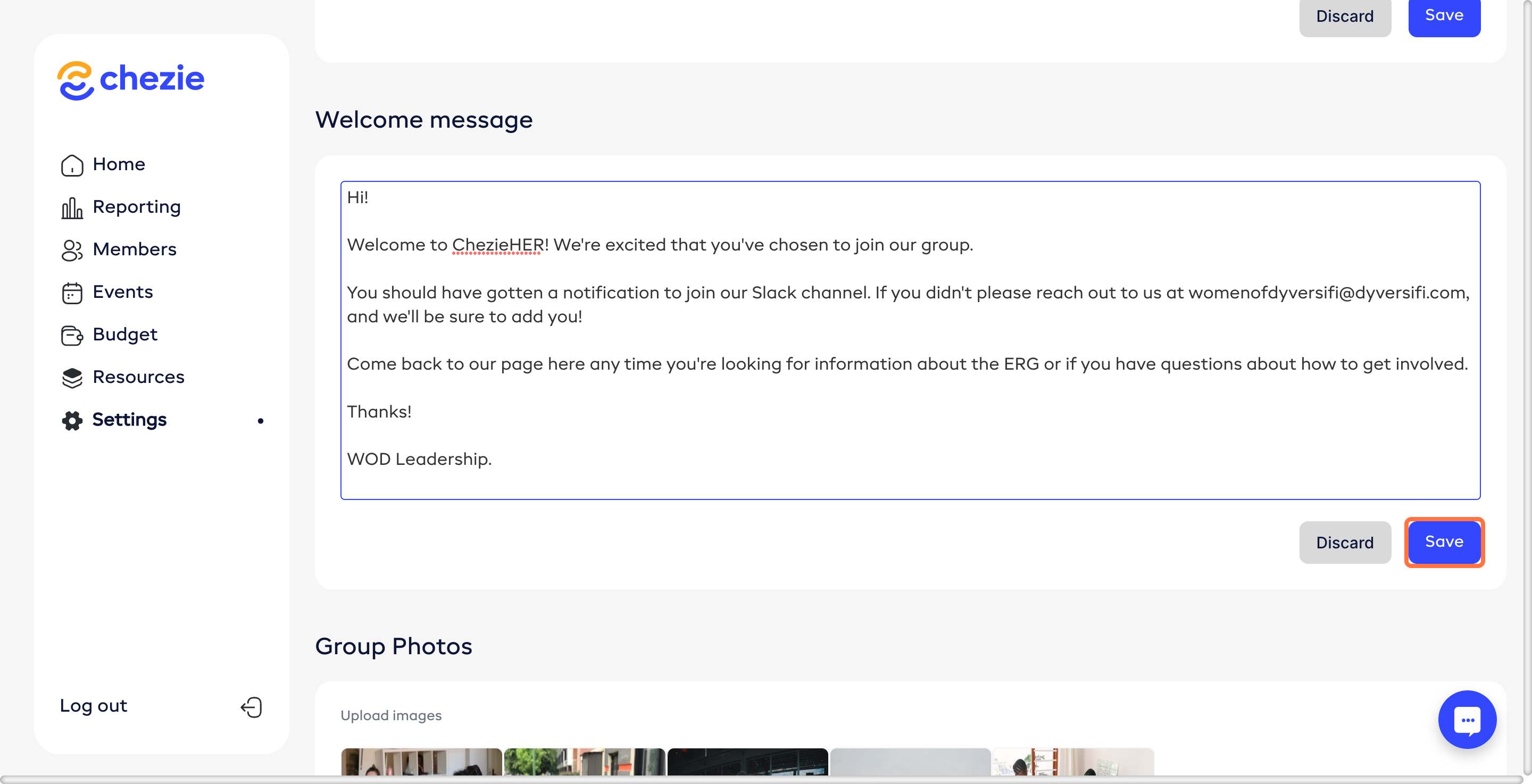
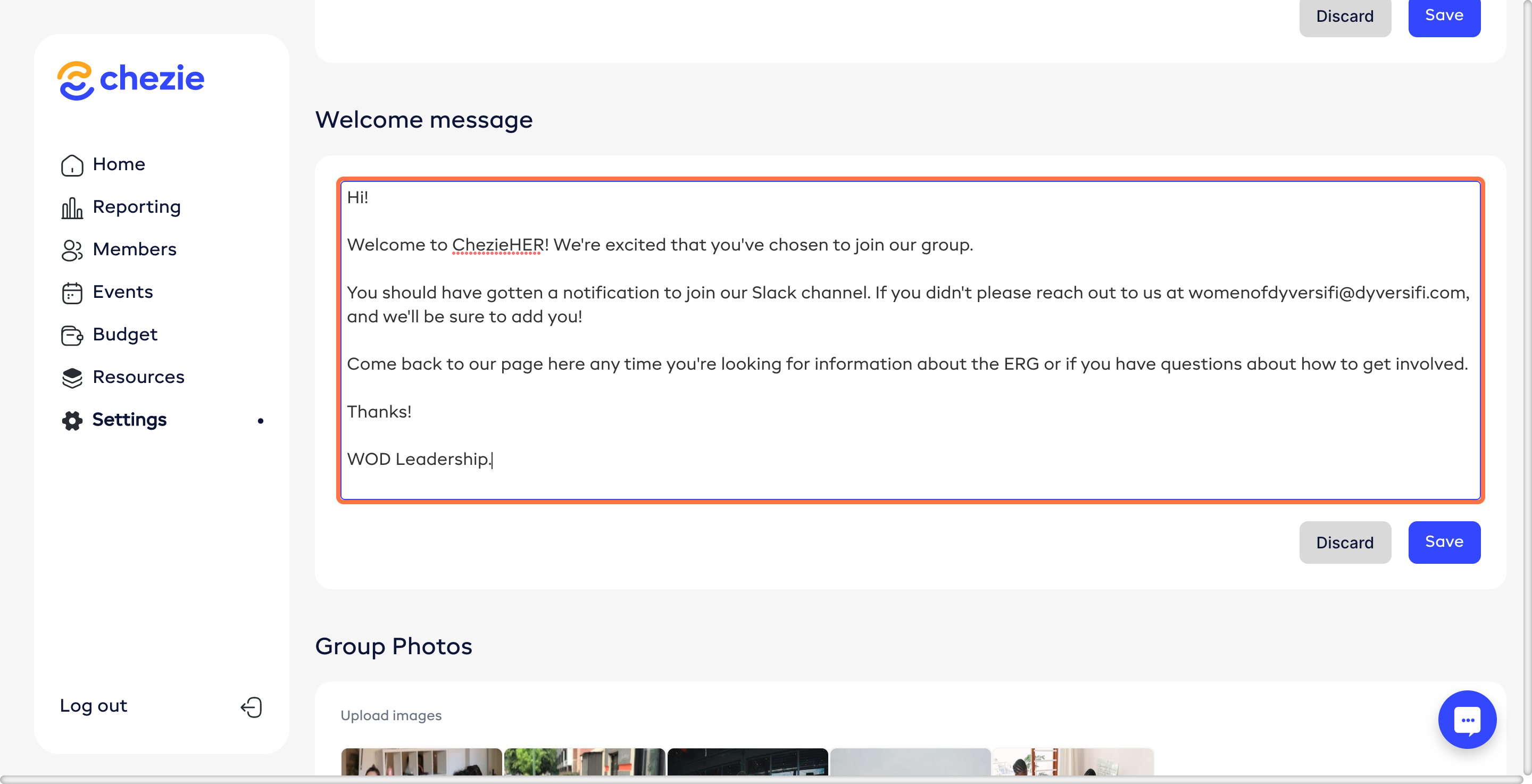
- Scroll down to the Welcome Email header and fill out the content of your welcome message.
- Click SAVE.