Article
How to update an event
1 min read
Last updated 2 months ago
How to update an existing calendar invite with the option to deliver the notifications quietly
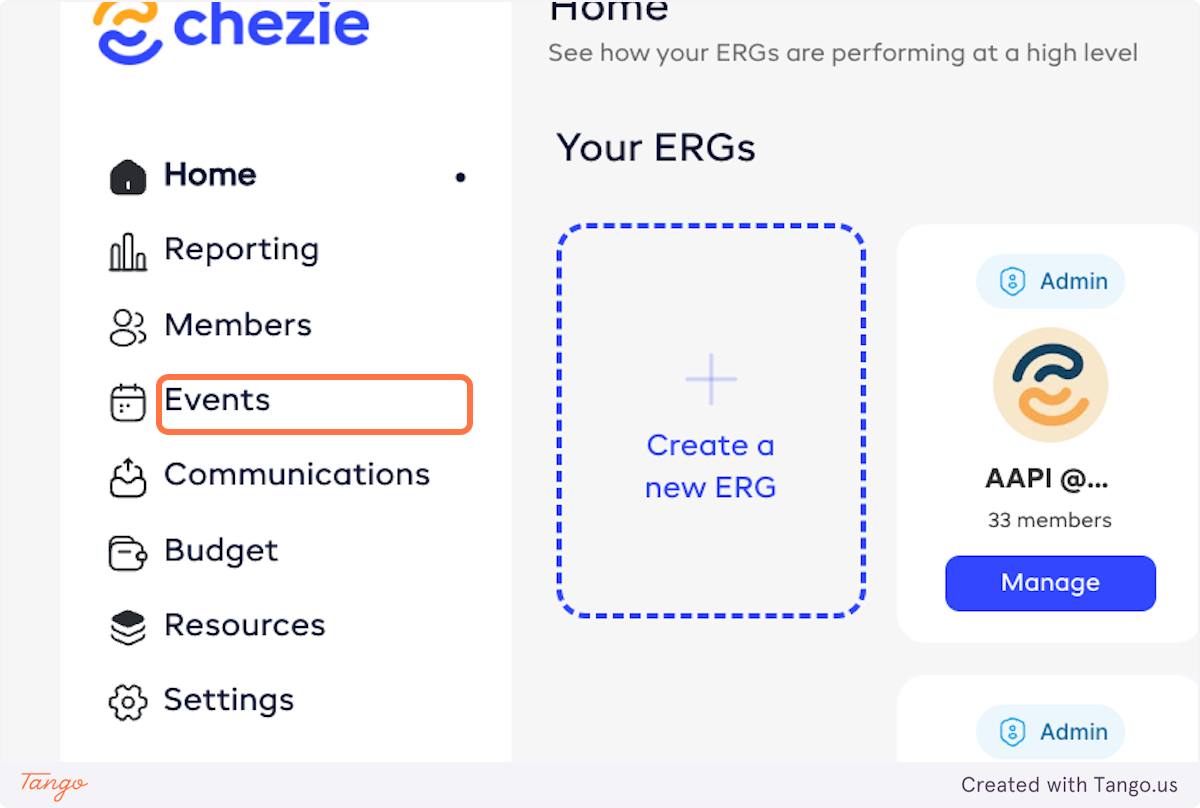
- Go to admin view and click Events.
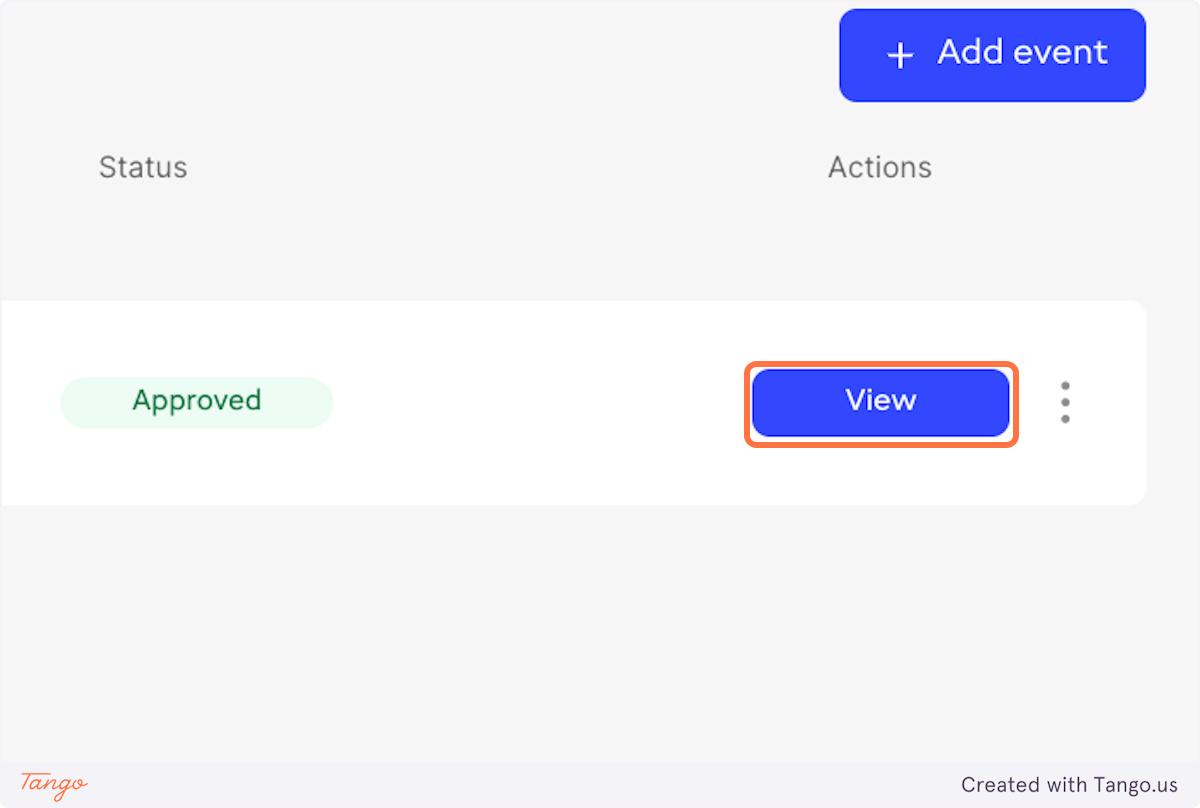
- Find the event that you want to update and click VIEW.
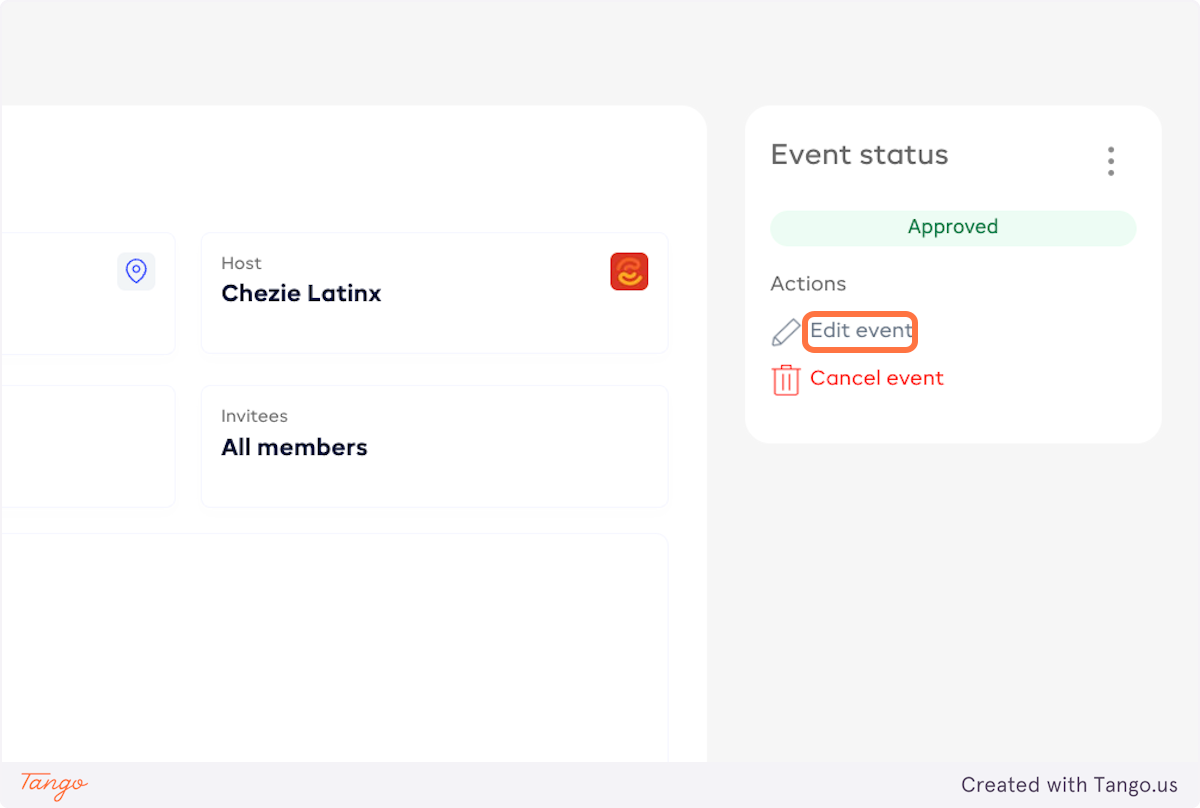
- Click on Edit event.
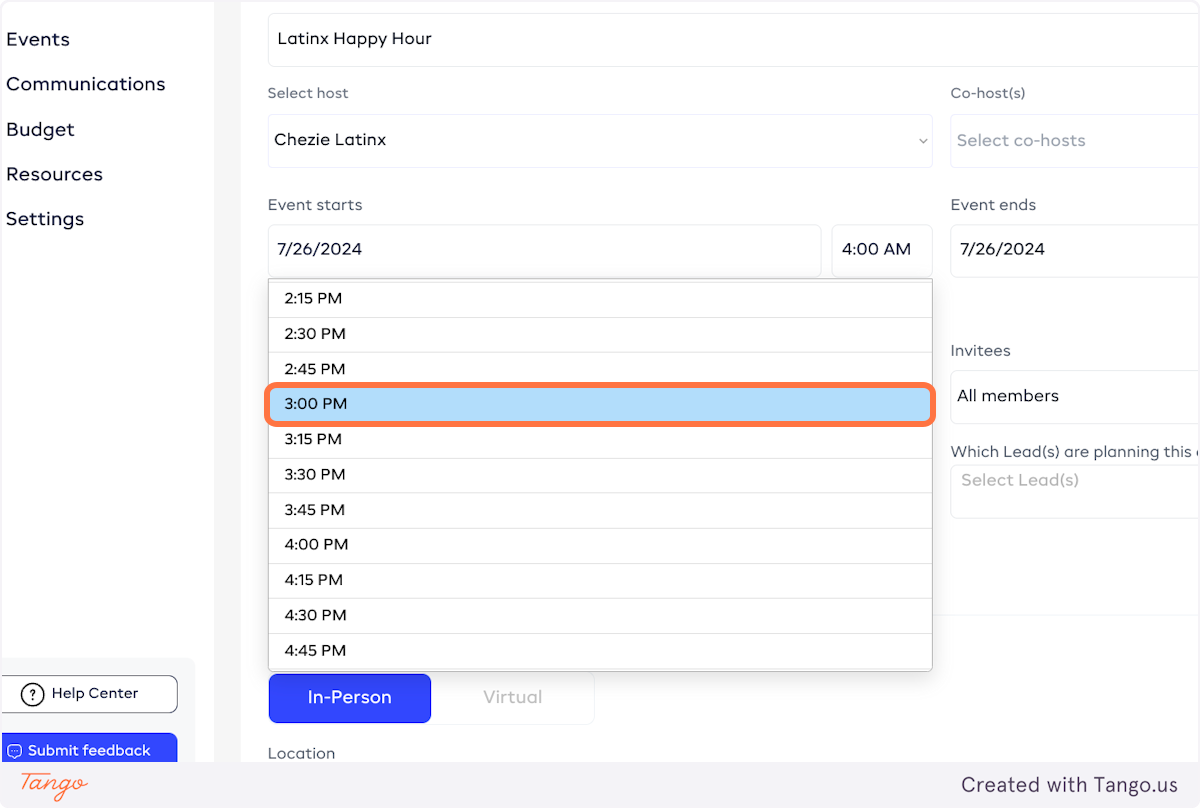
- Make whatever changes you like. In this case, we'll change the time to 3:00 PM.
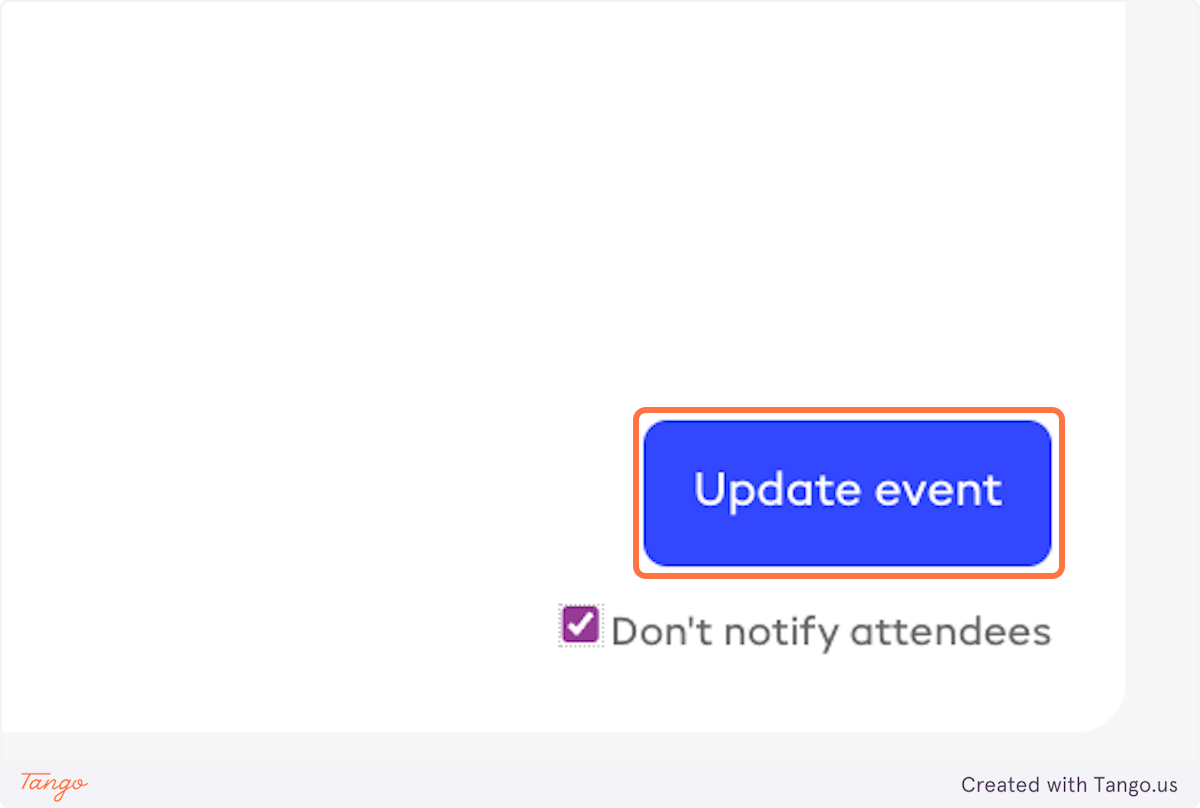
- If you don't want the people on your guest list to be notified, check the Don't notify attendees box.
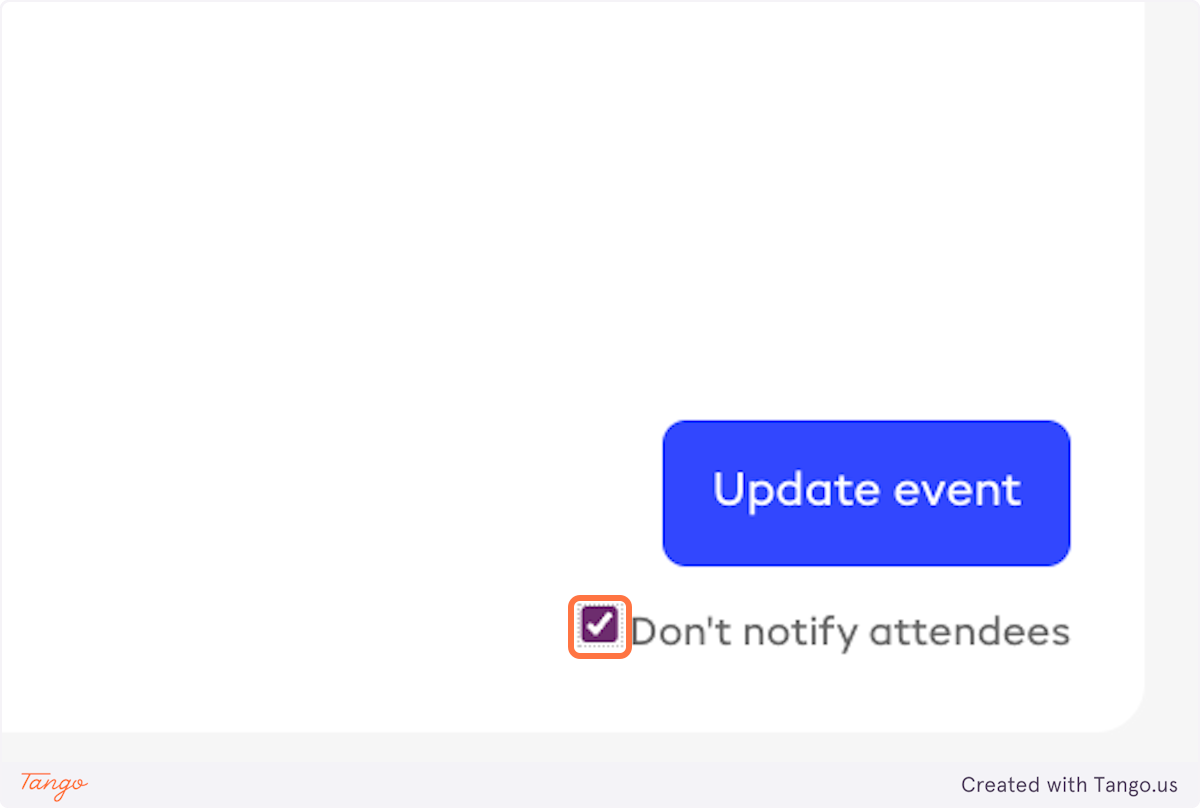
- Click on Update event.