Article
How to create an expense
1 min read
Last updated 4 months ago
How to create an expense item in Chezie.
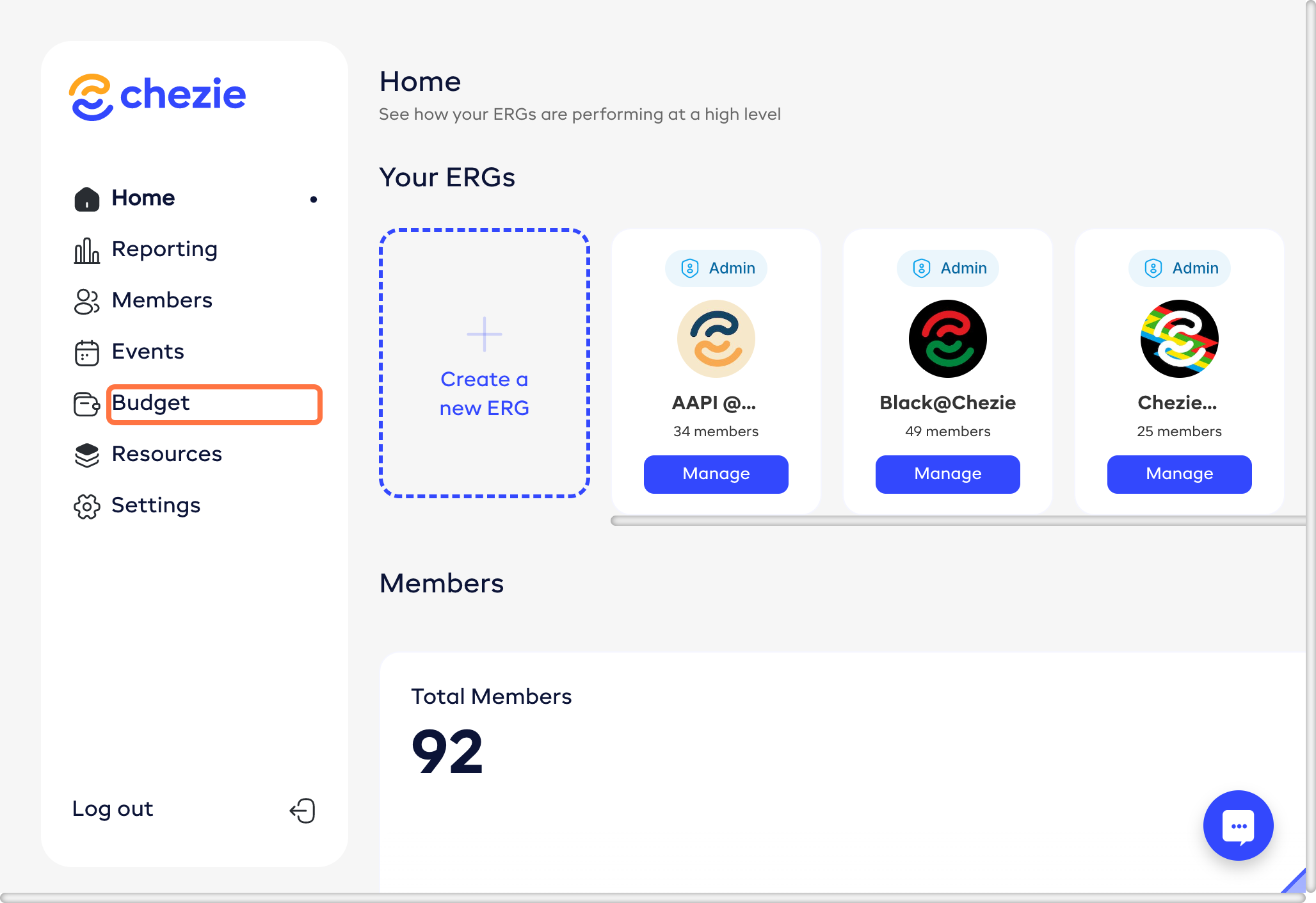
- From the Admin Home page or from the Manage Group page, click Budget, then NEW.
-
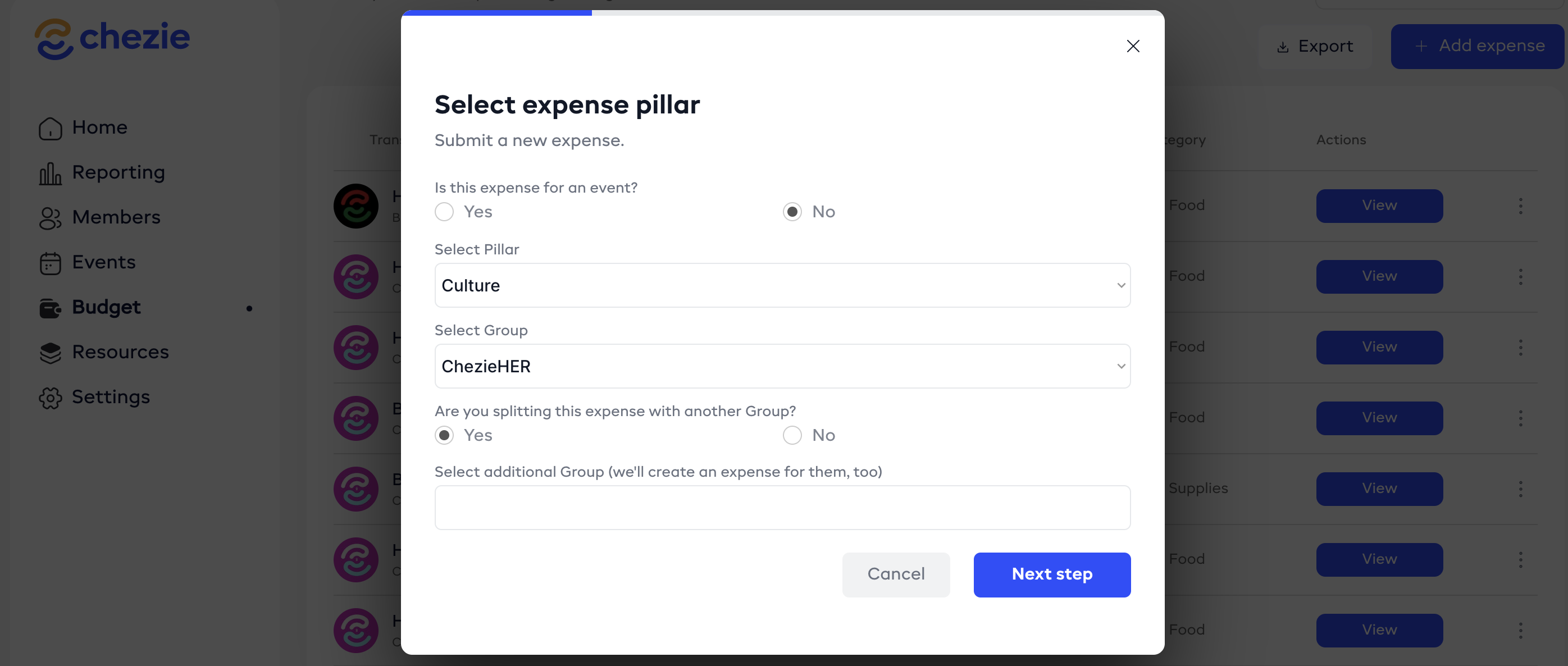
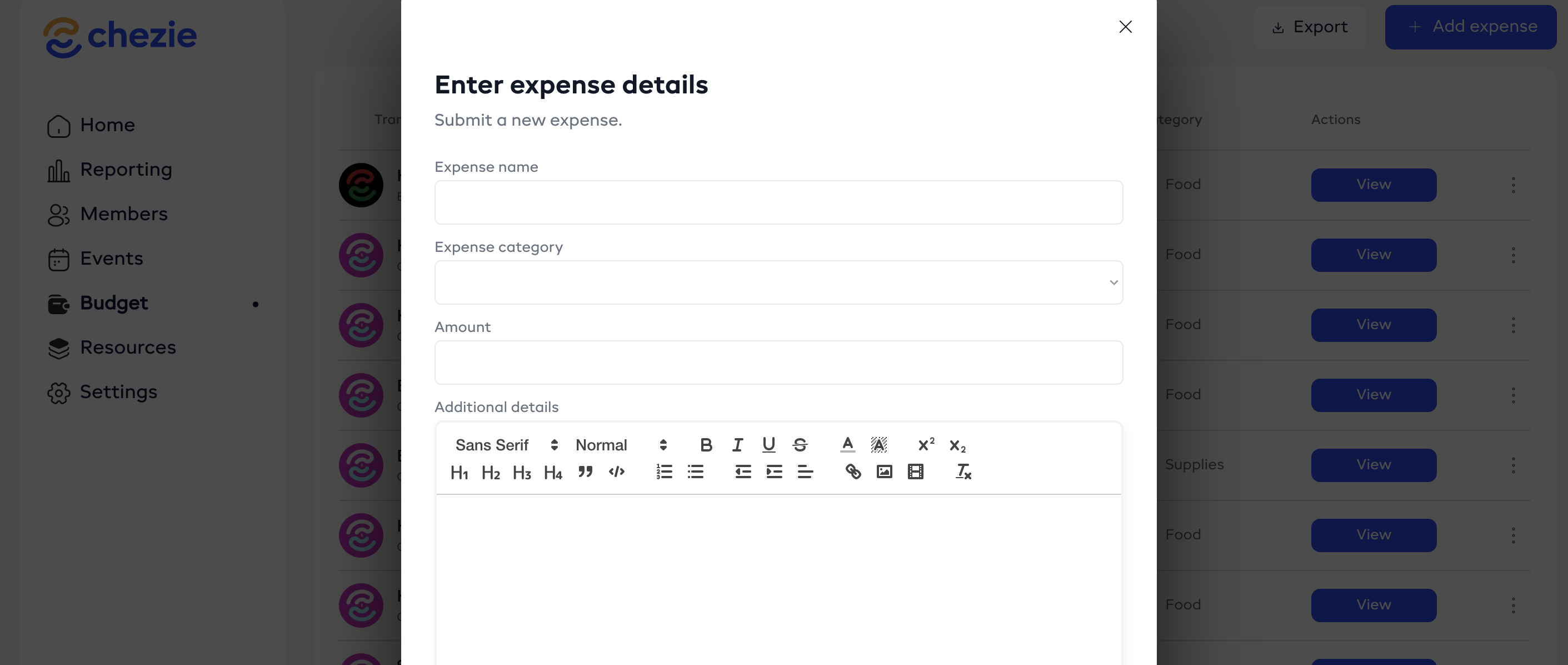
Enter the details for your expense, including: name, amount, category, and pillar.
Note: you can split expenses with another Group. If you do, a duplicate expense will be created for the Groups that you're splitting with.
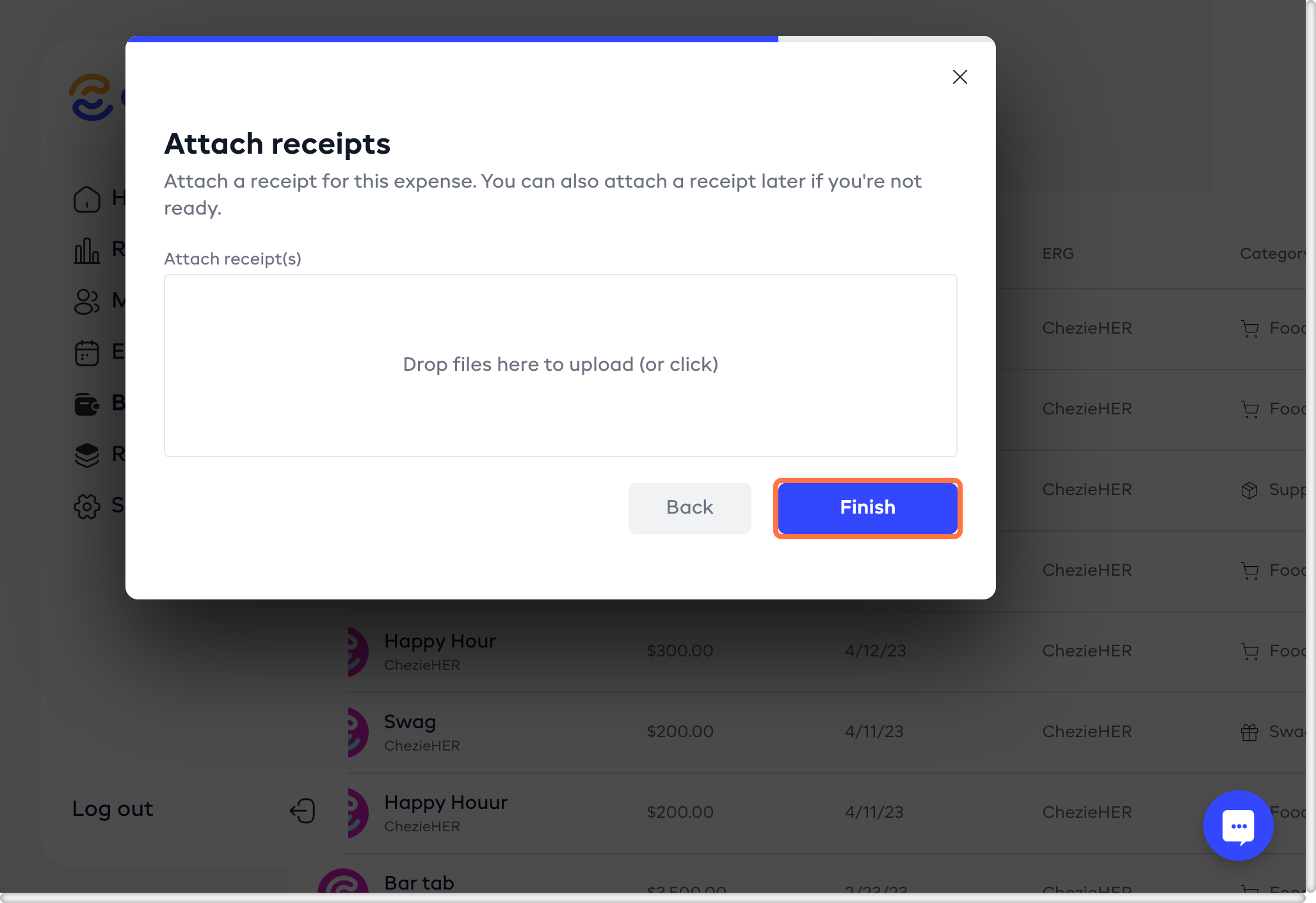
- Click FINISH