Article
How to request approval for an expense
1 min read
Last updated 4 months ago
How to request approval for an expense in Chezie.
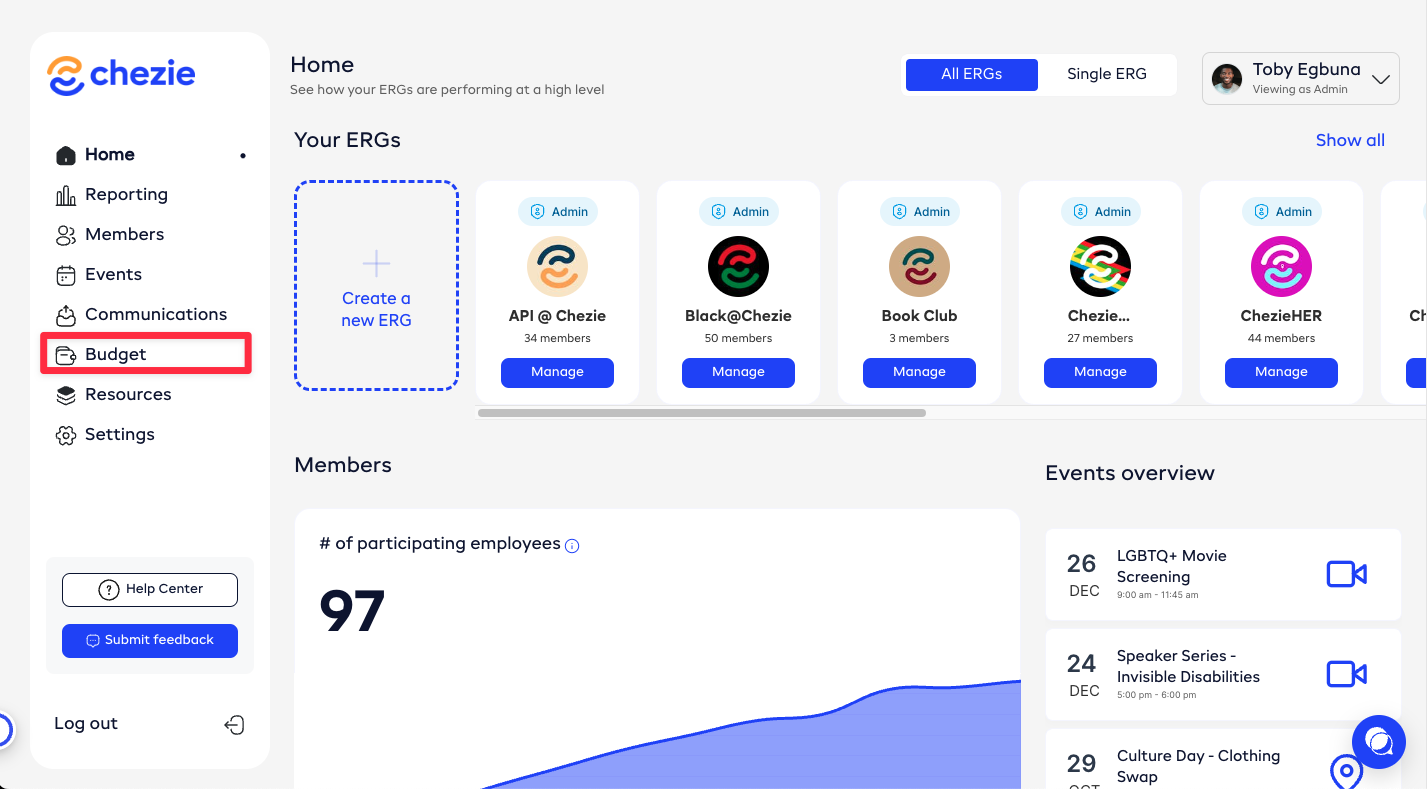
- From admin view, click the Budget tab.
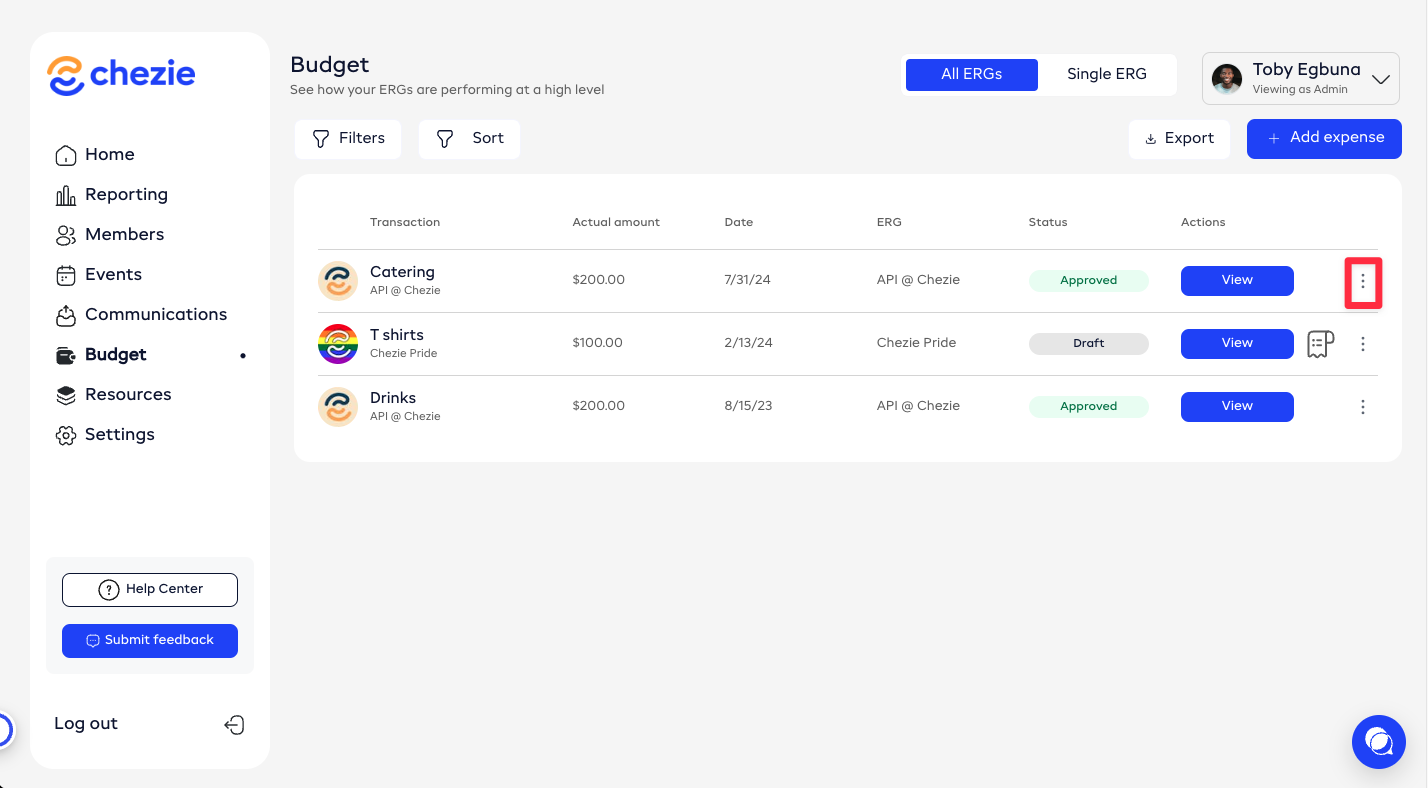
- Find the expense you want to request approval for. Click the three dots next to the expense.
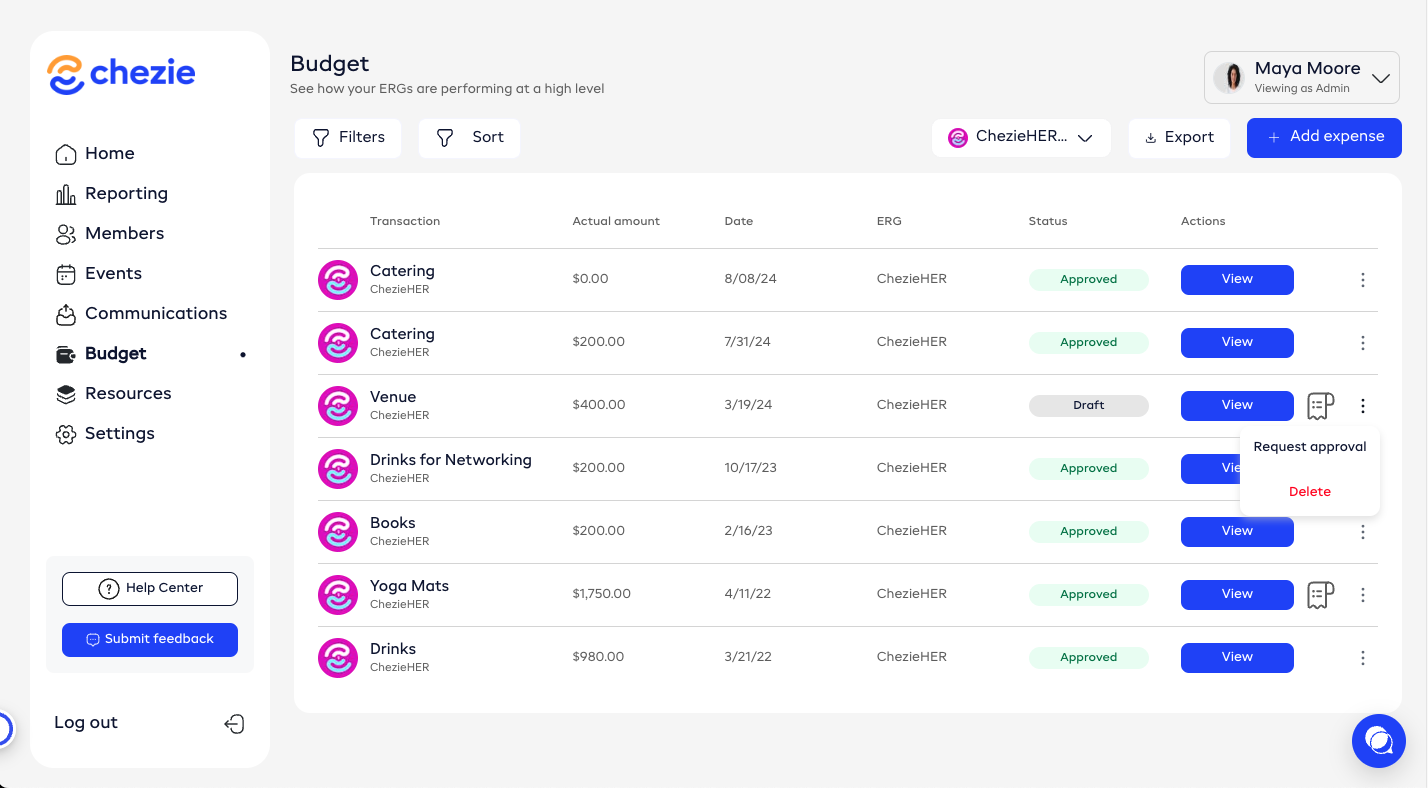
- Click request approval
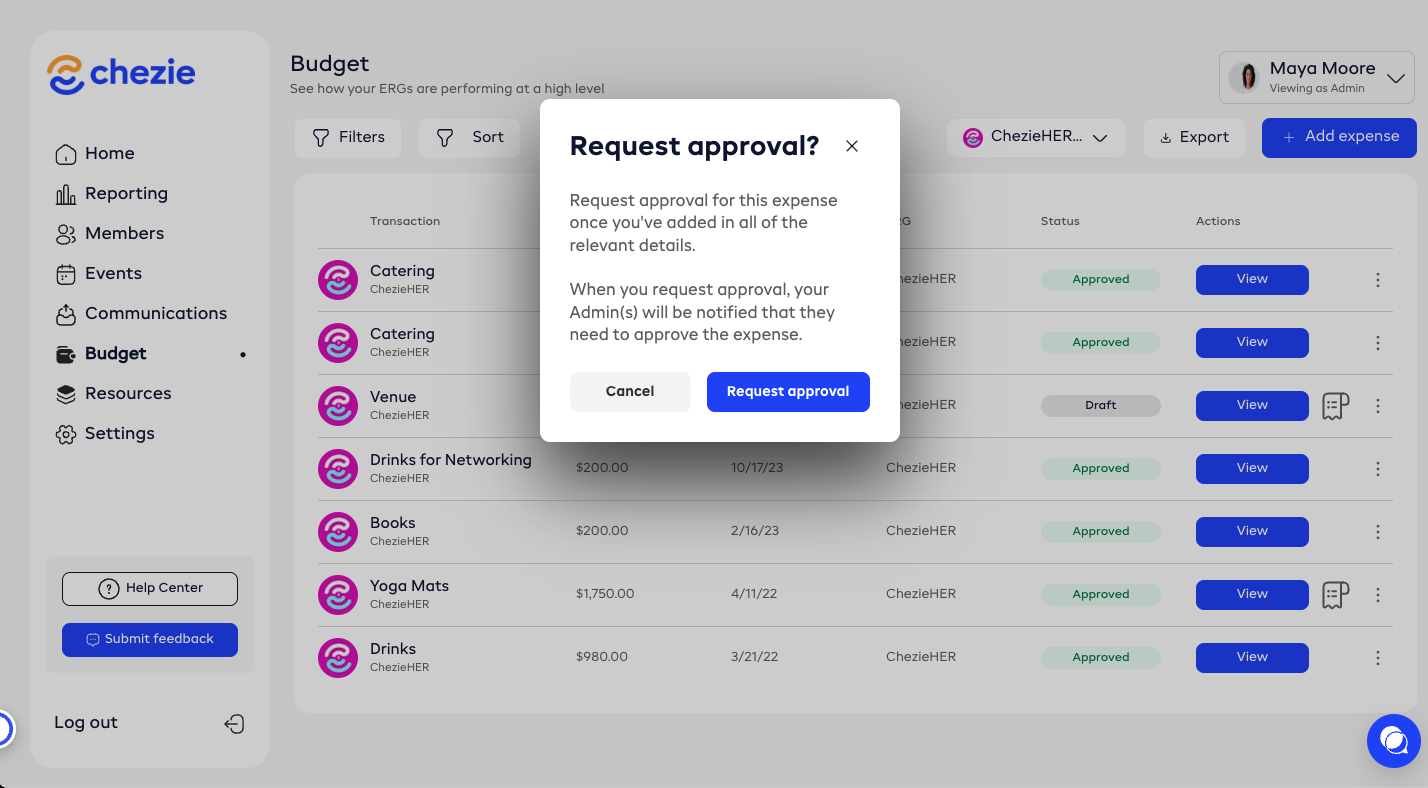
- Click the request approval button to send the request to your admin.