Article
How to create a goal
1 min read
Last updated 4 months ago
Step-by-step guide on how to create a goal in Chezie.
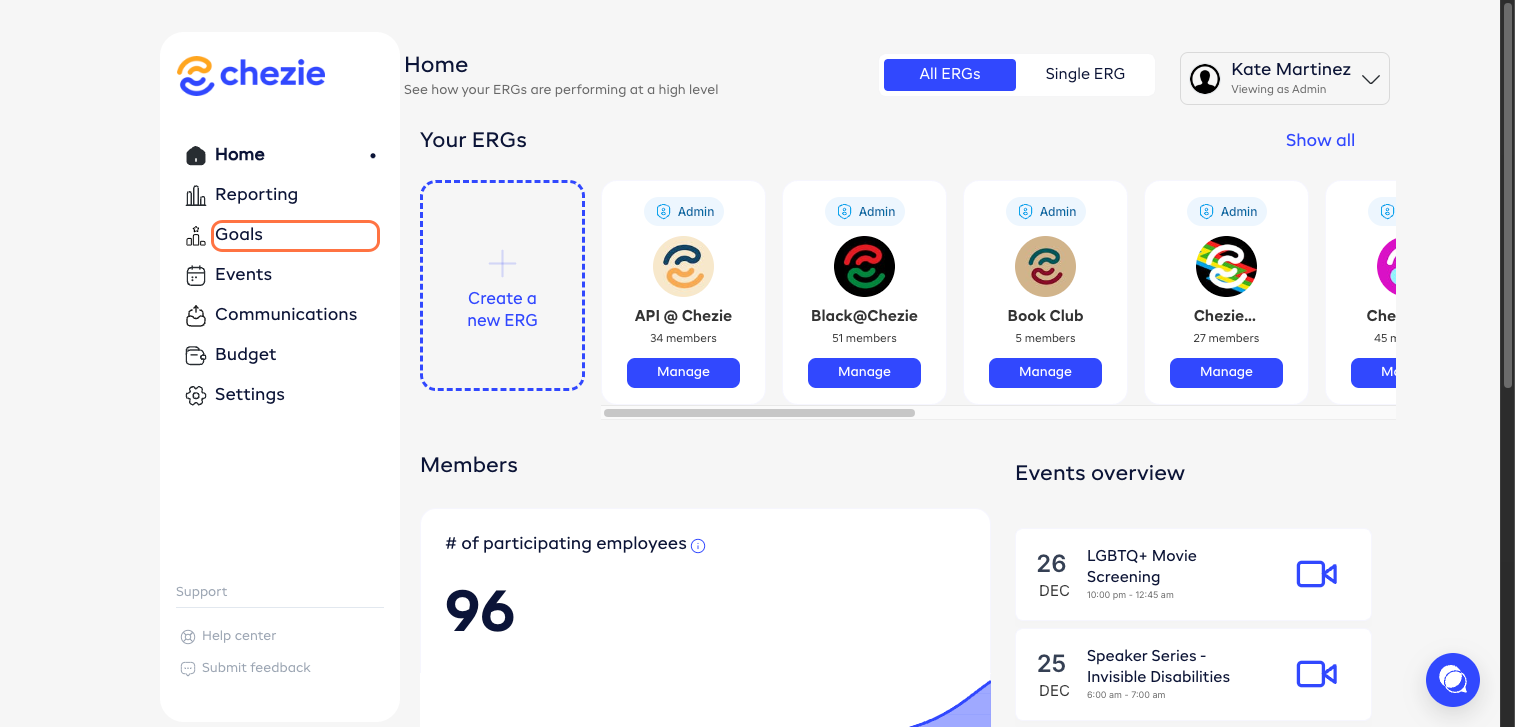
- From the Admin Home Page, click 'Goals'.
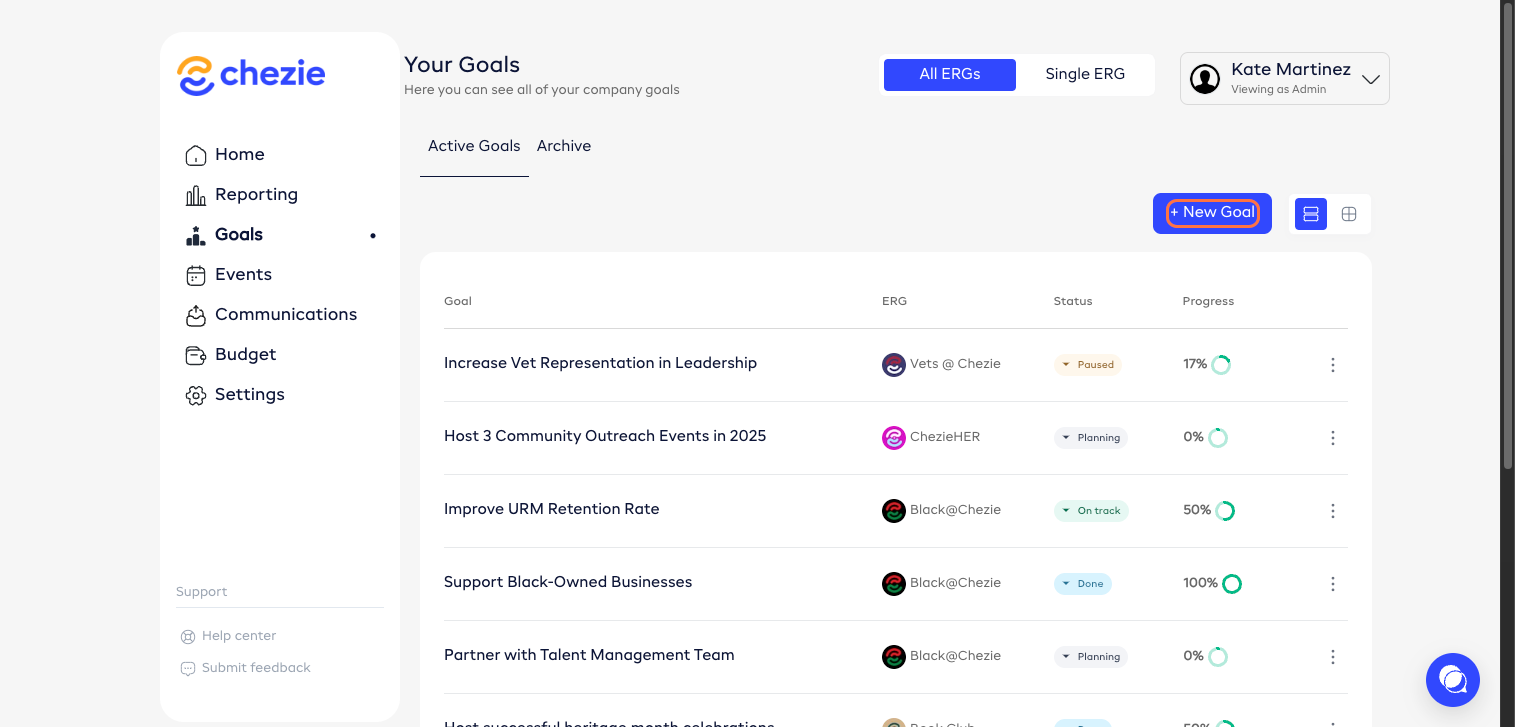
- Click ‘New Goal’.
- Enter details.
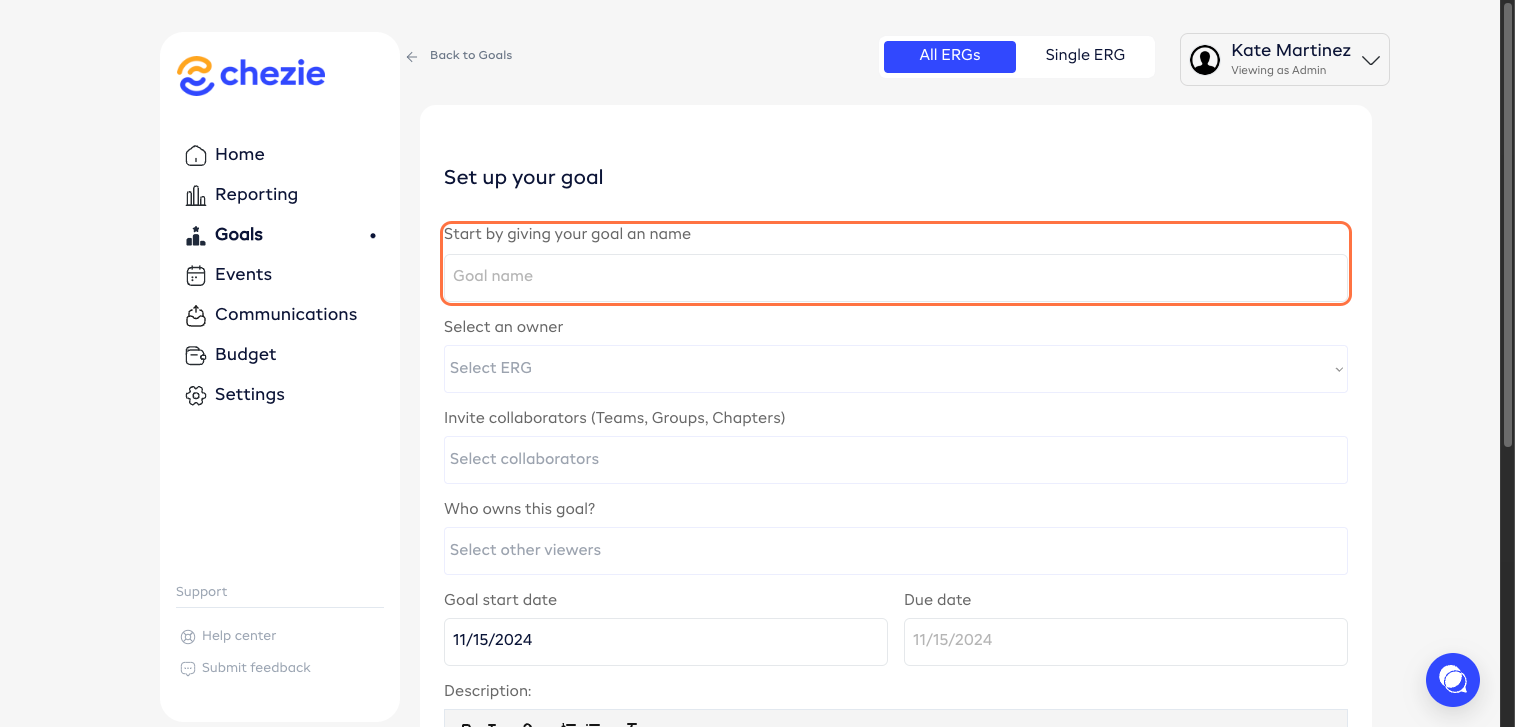
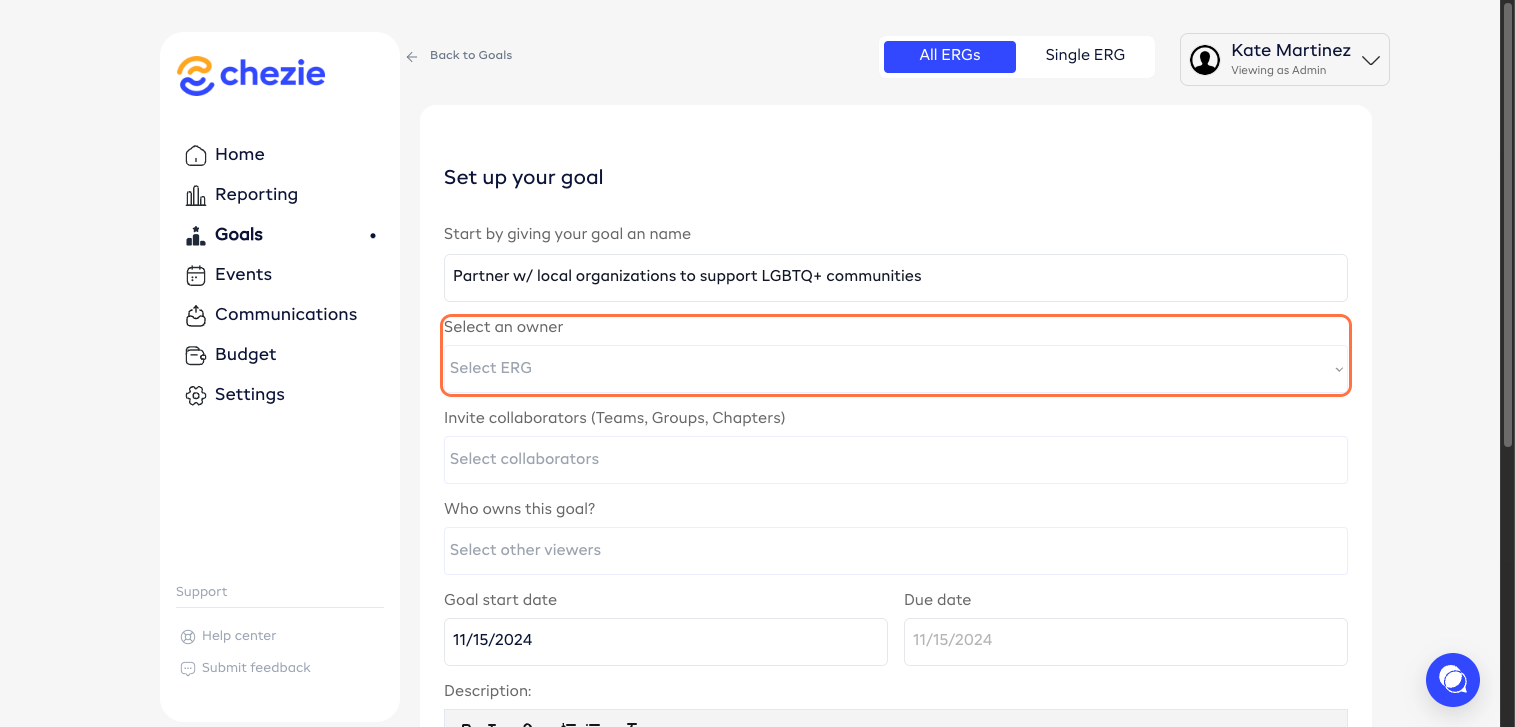
- Select an owner.
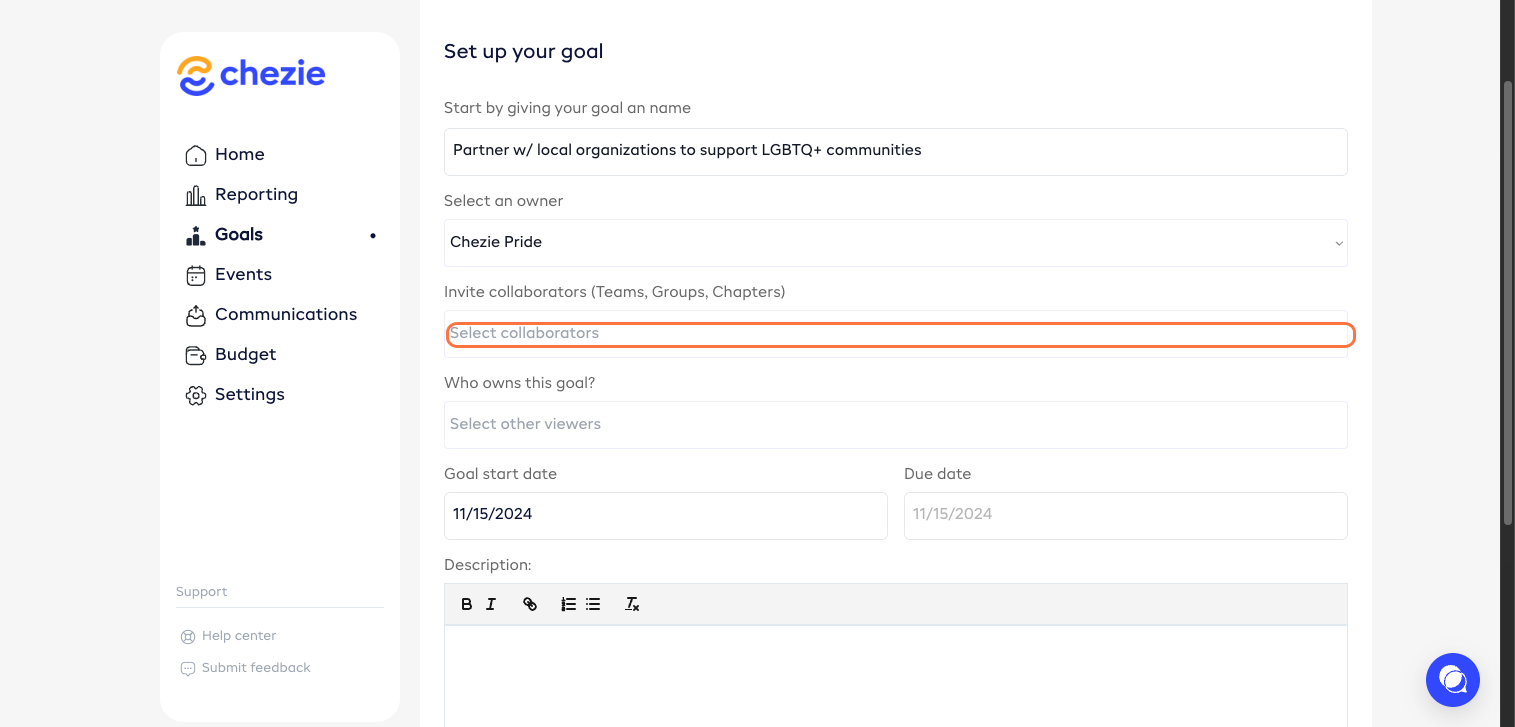
- Add collaborators, if any.
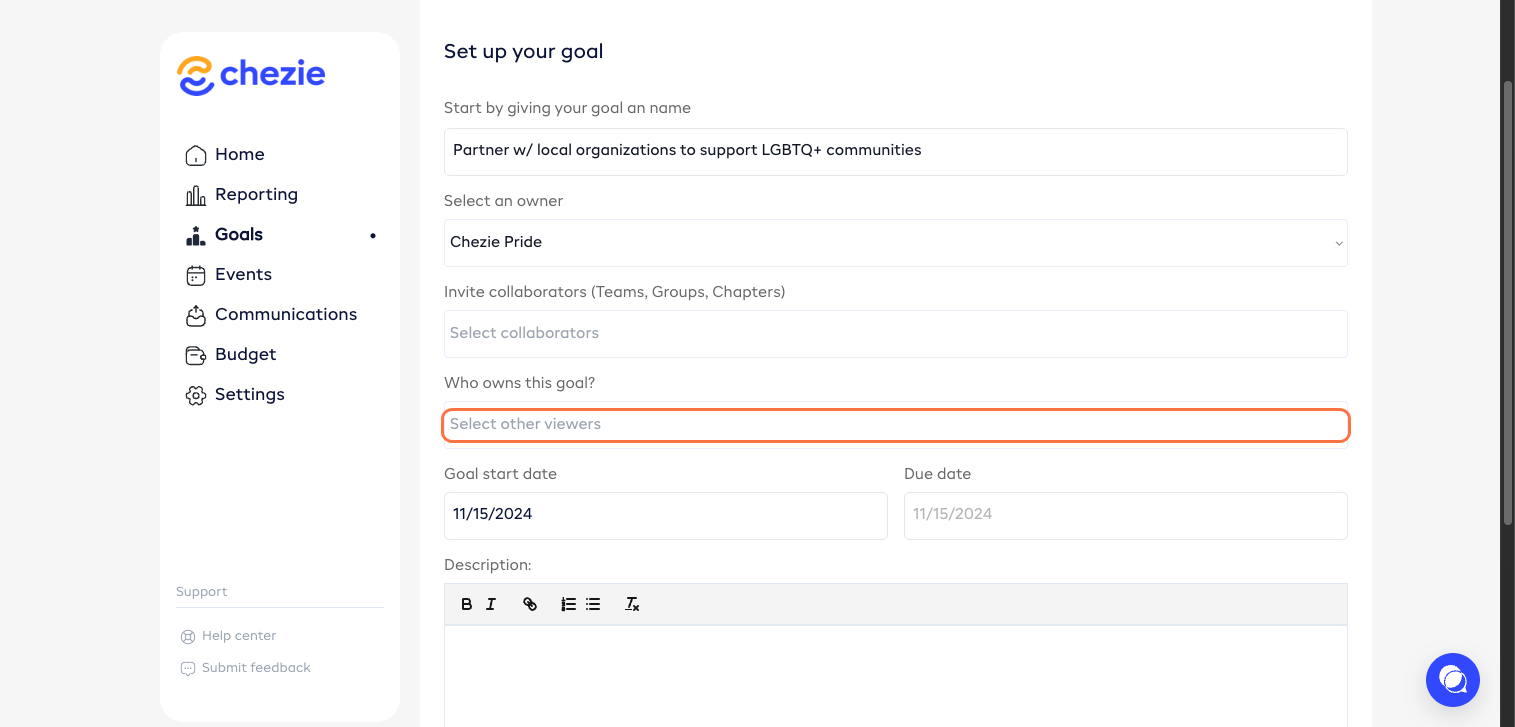
- Assign this goal to a member. Multiple members may be assigned.
- Enter start date.
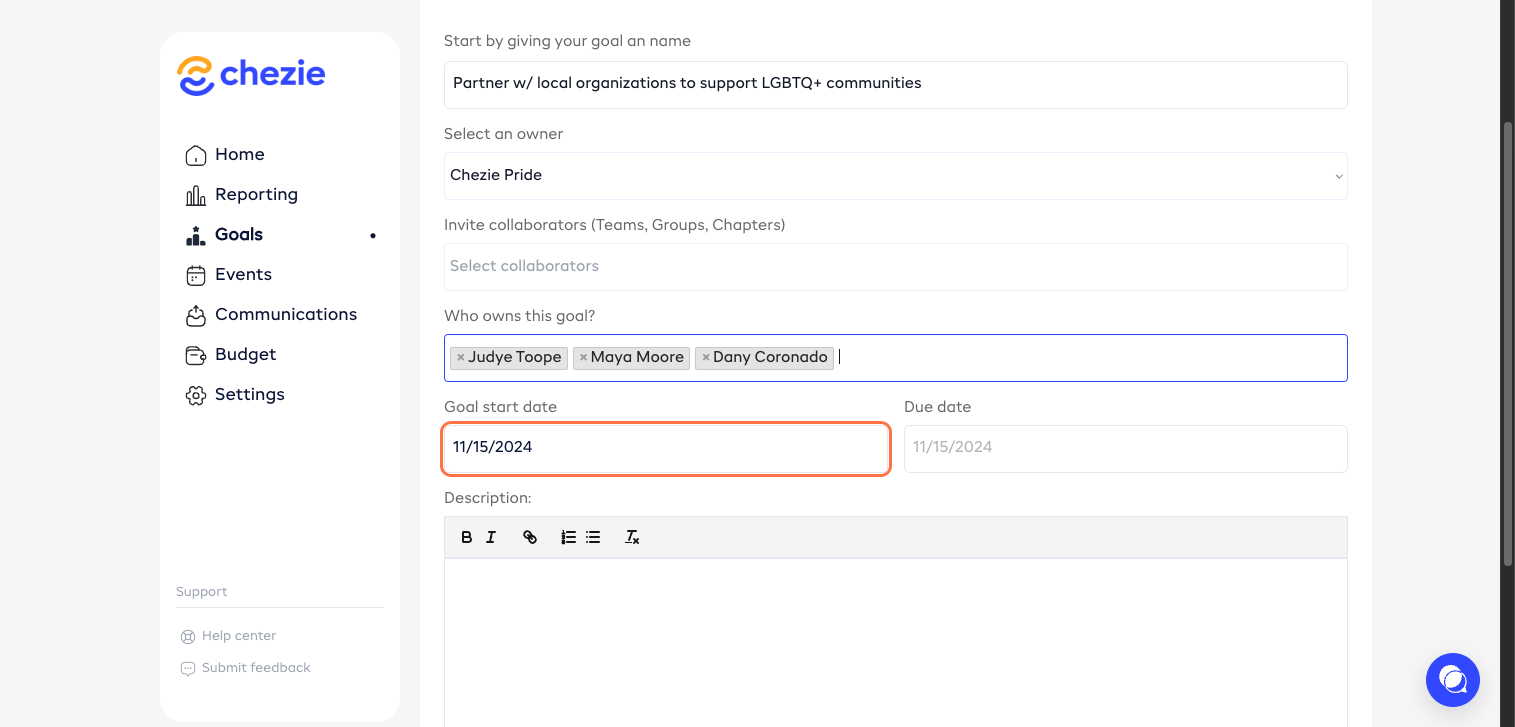
- Enter due date.
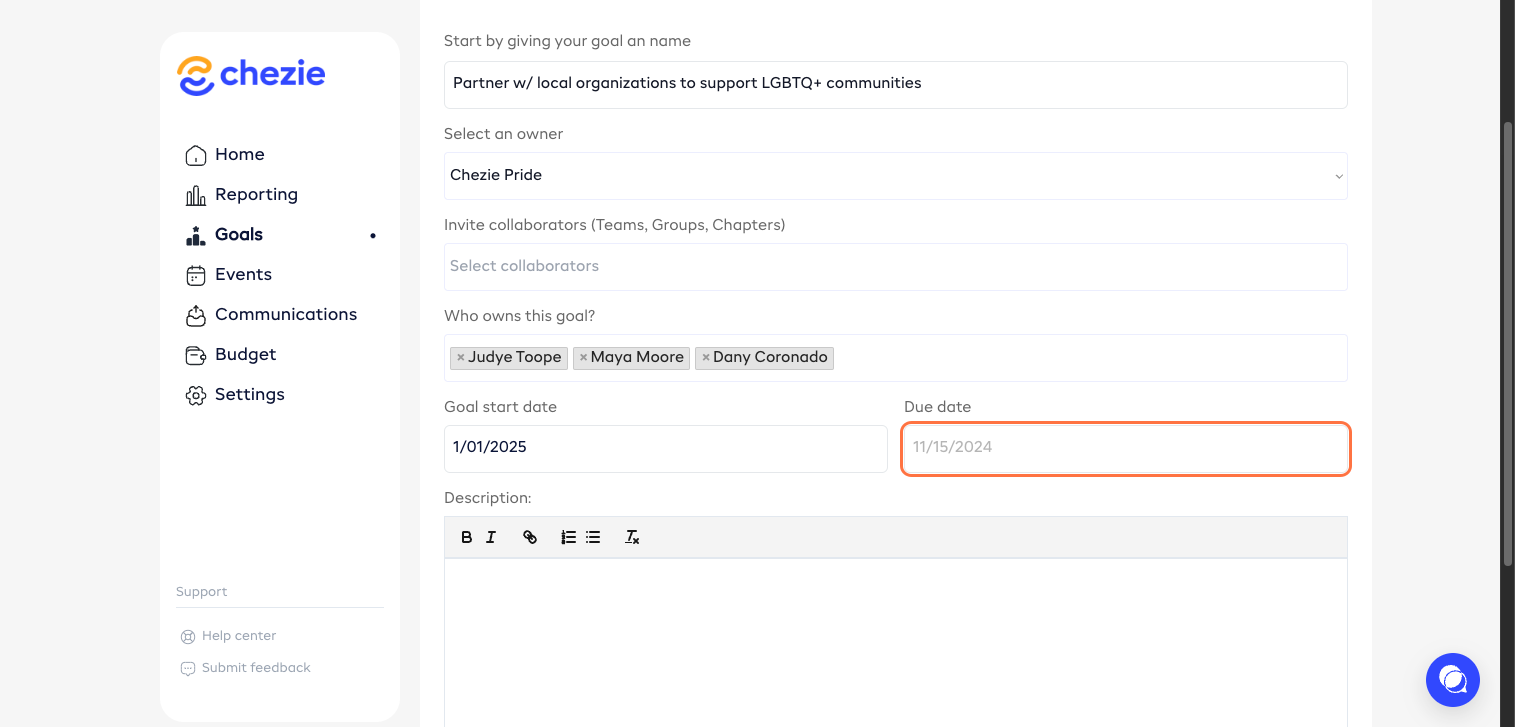
- Add a description to your goal.
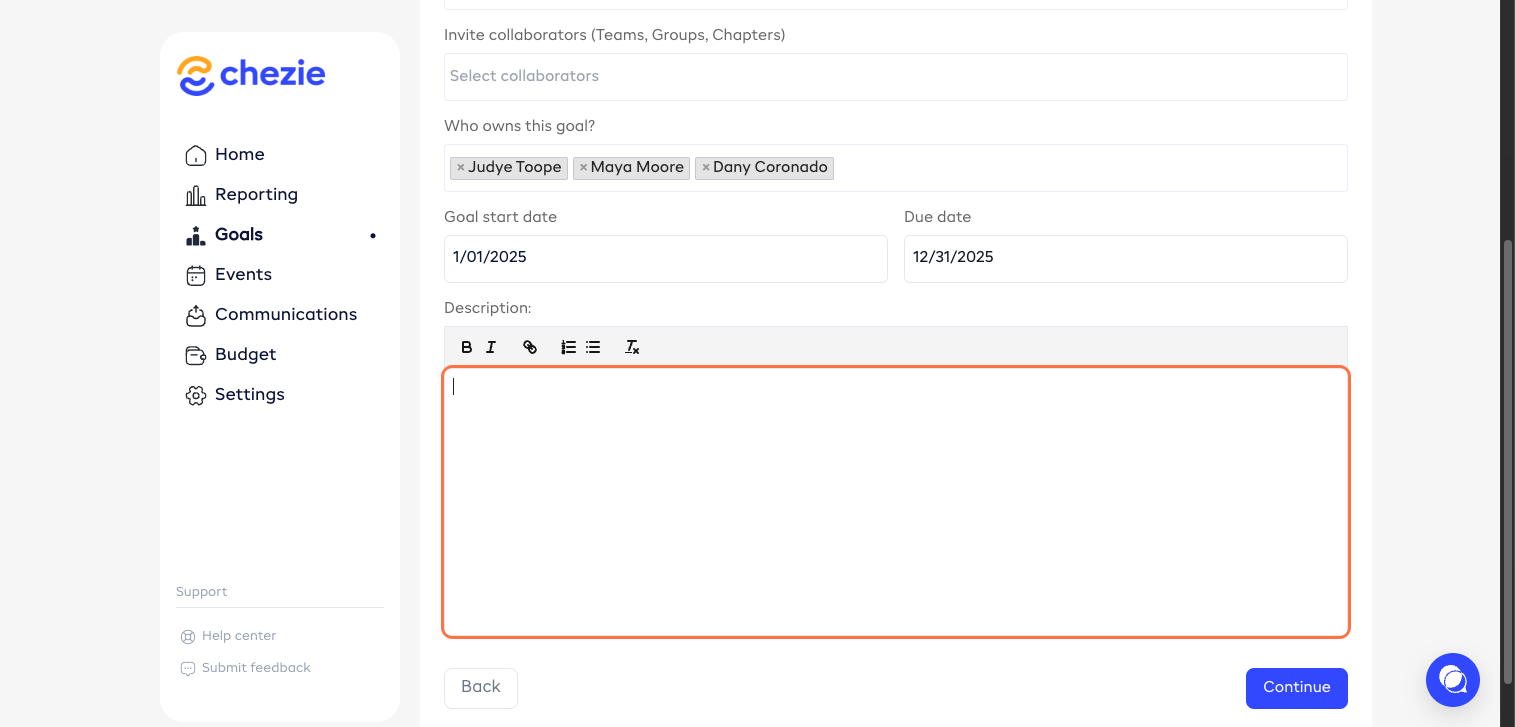
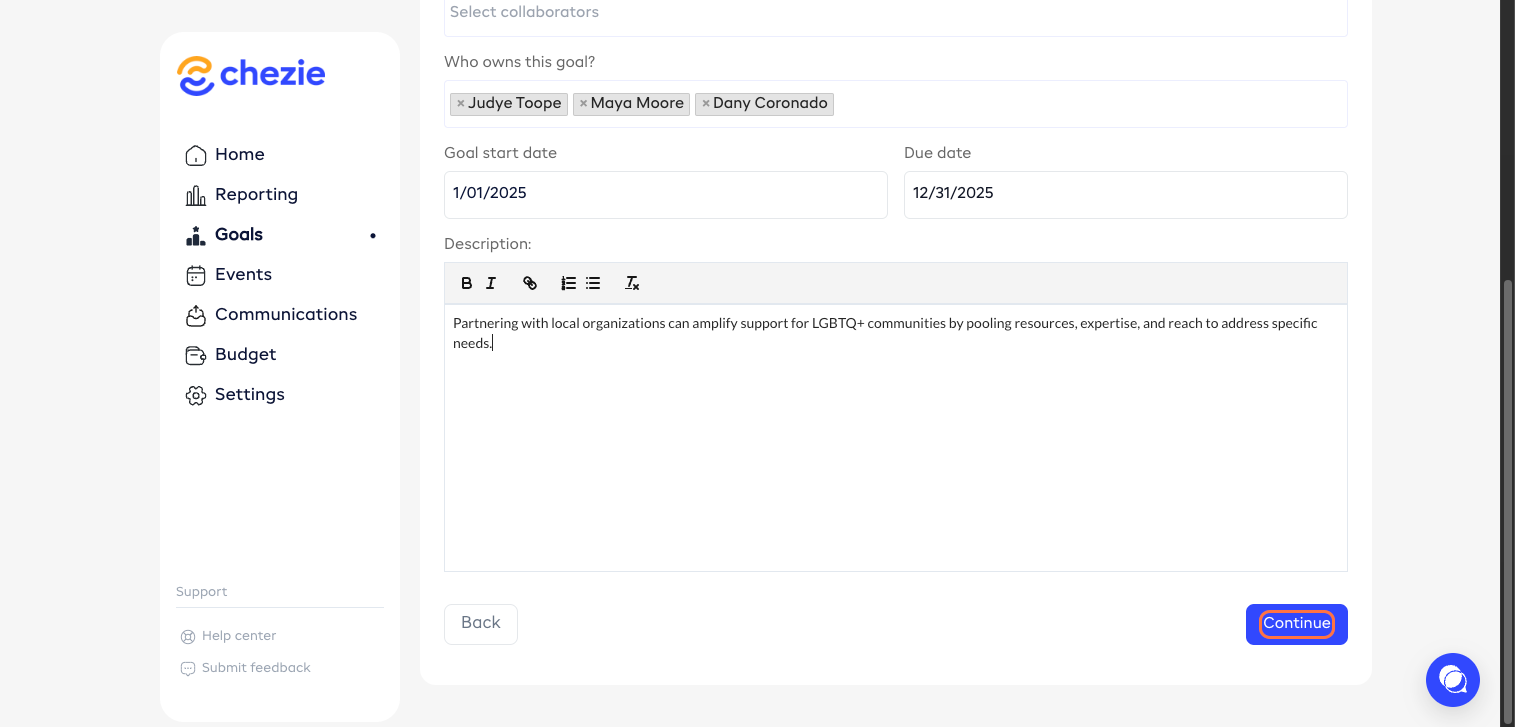
- Click ‘Continue’.
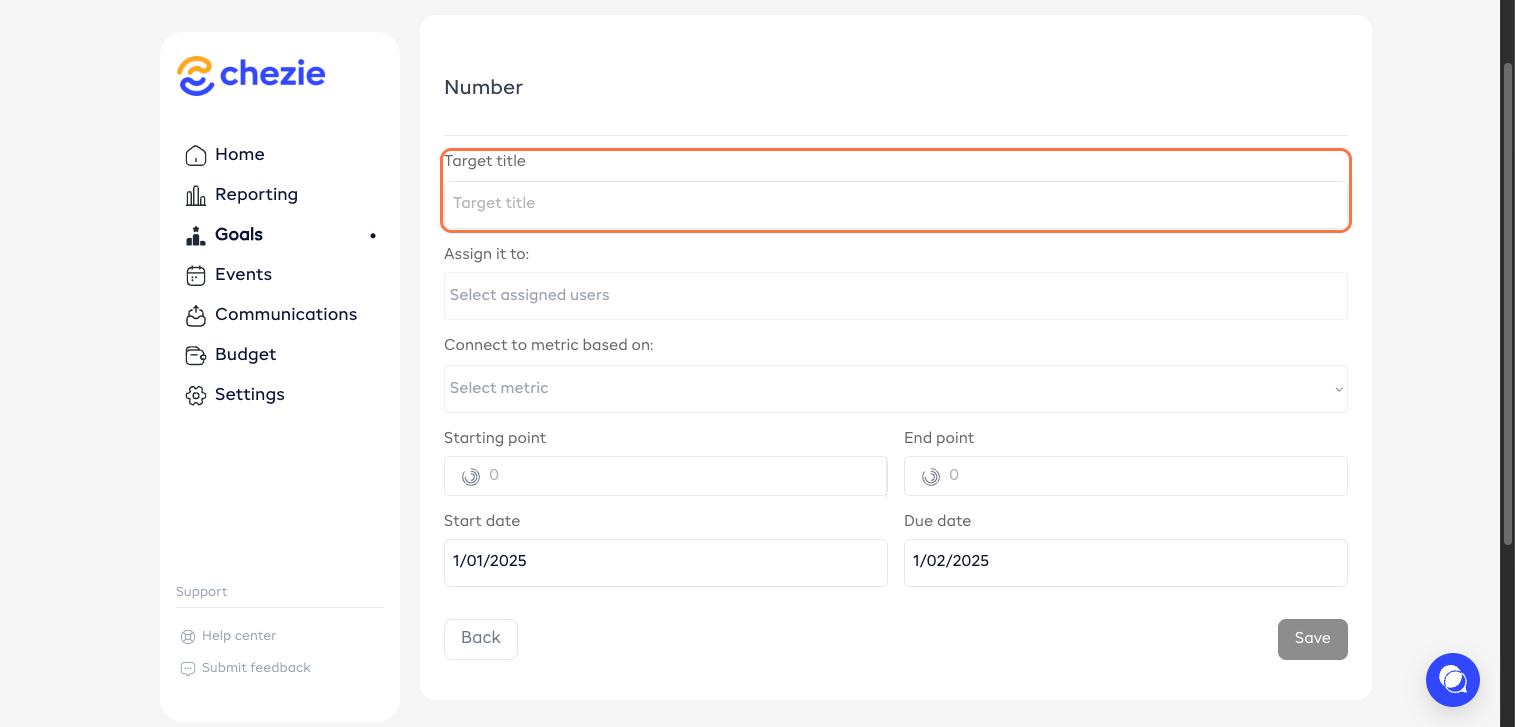
- Additionally, you can add a Target to your goal. To do this, click 'Target'.
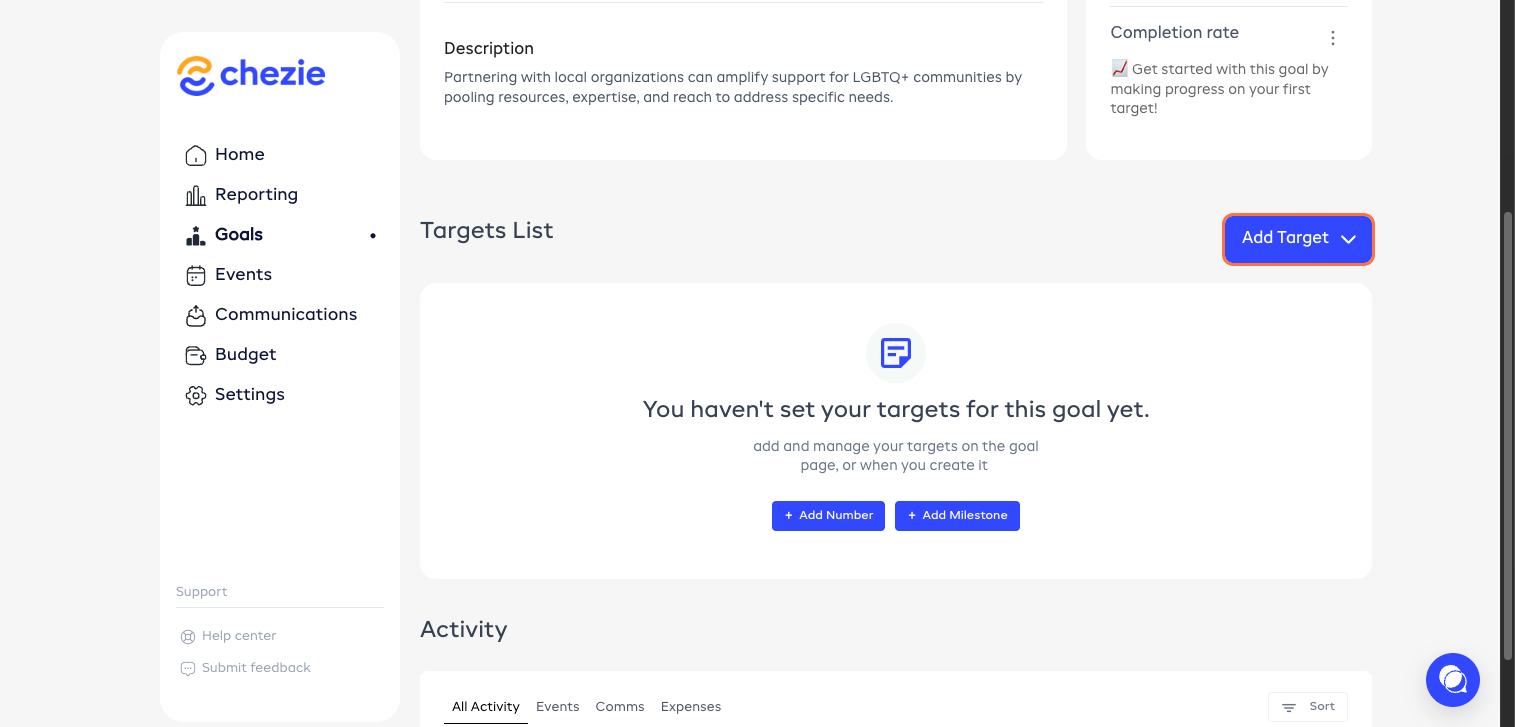
- Enter the details.
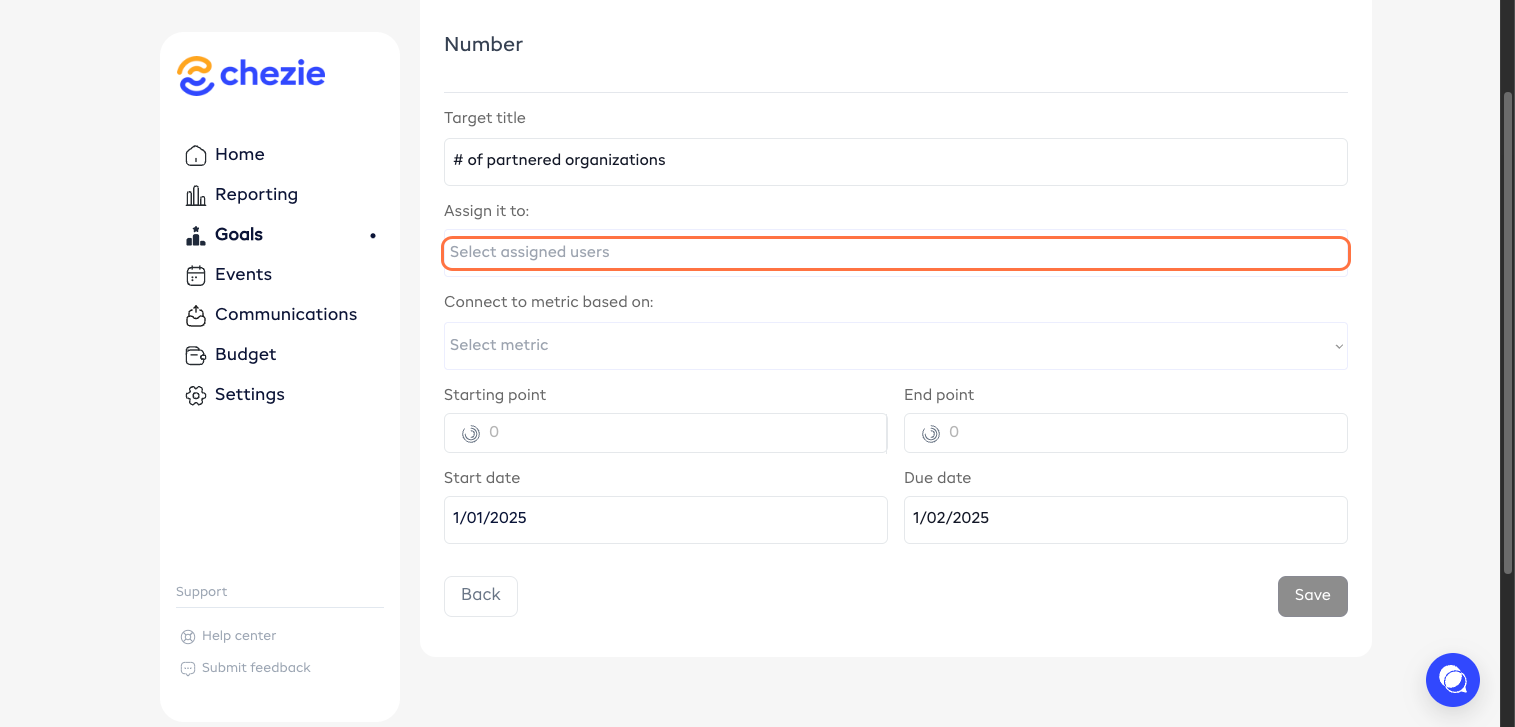
- Choose your assigned member.
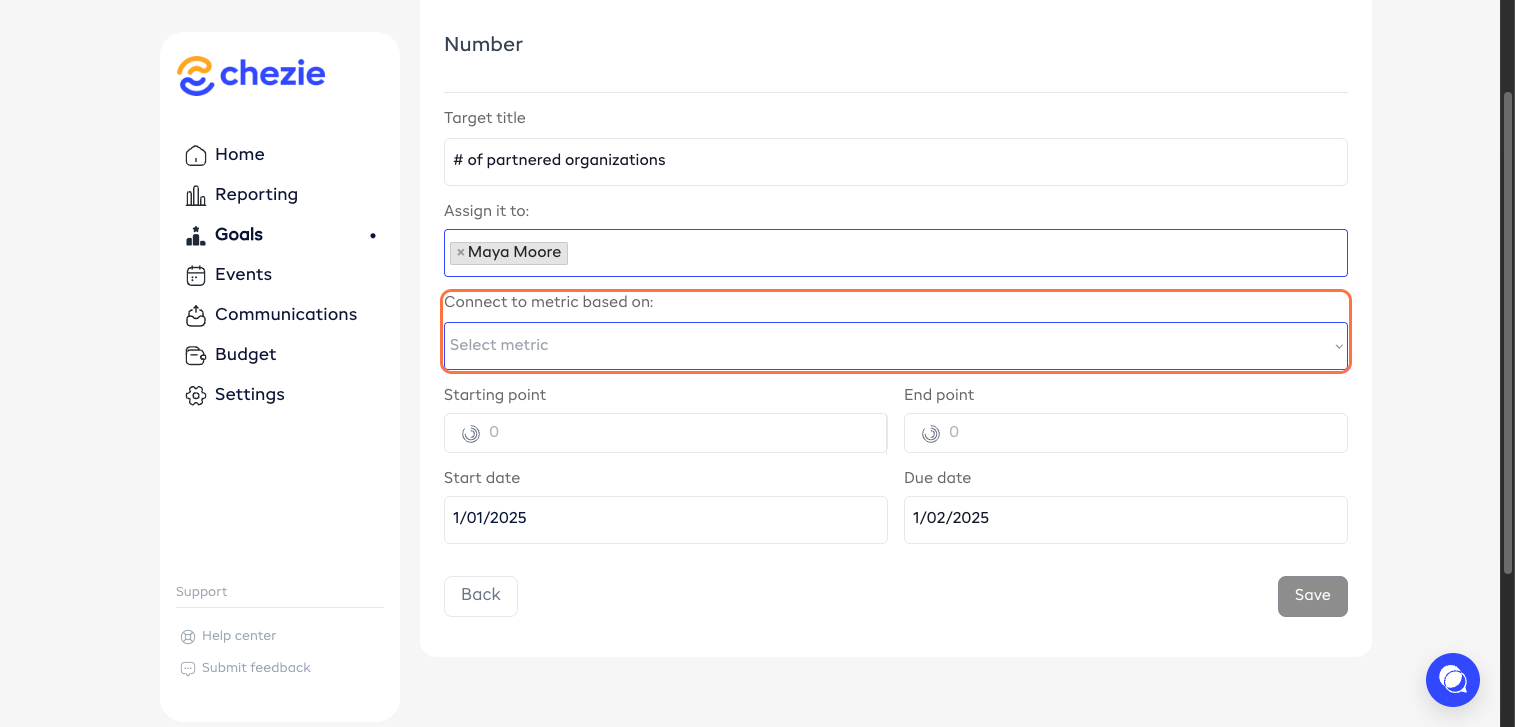
- Select your metric for the target.
- Enter your start point.
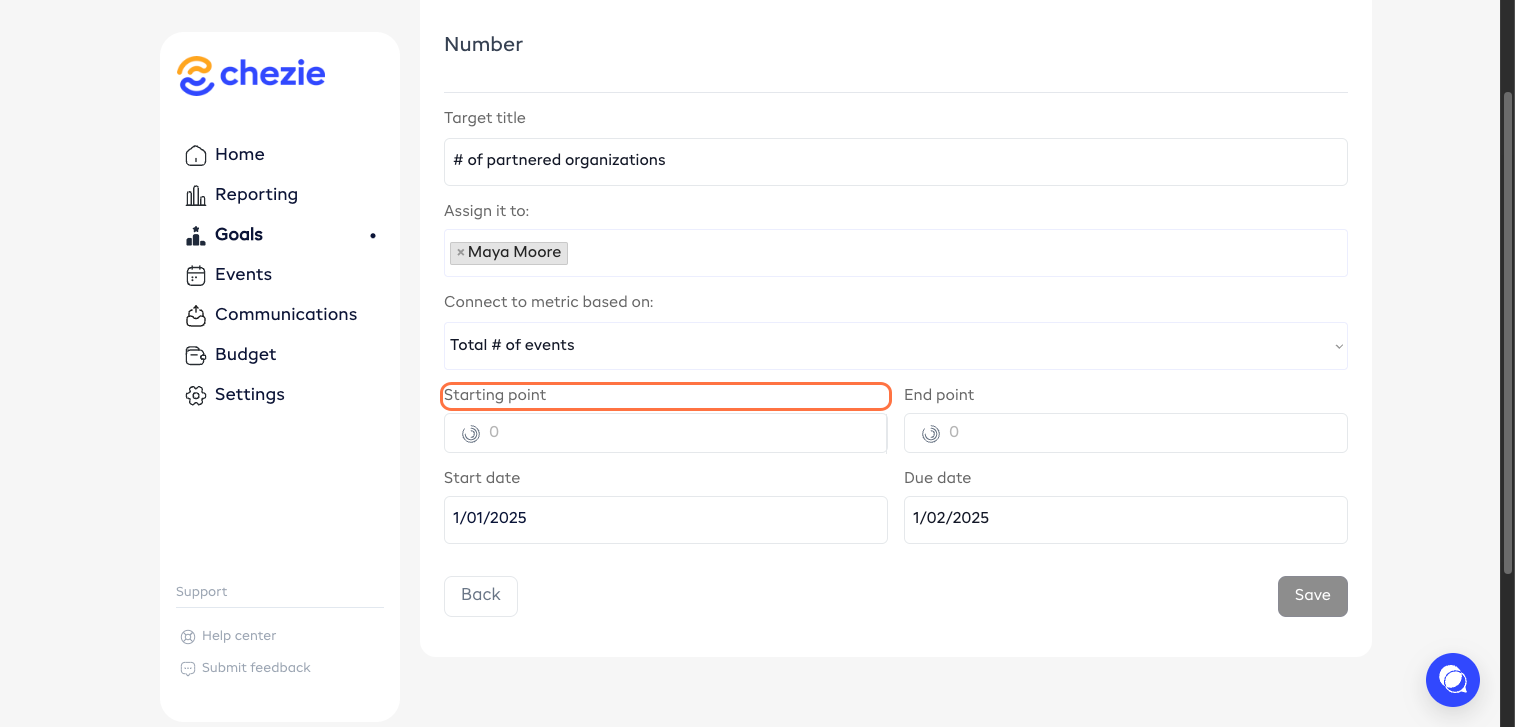
- Set your end point.
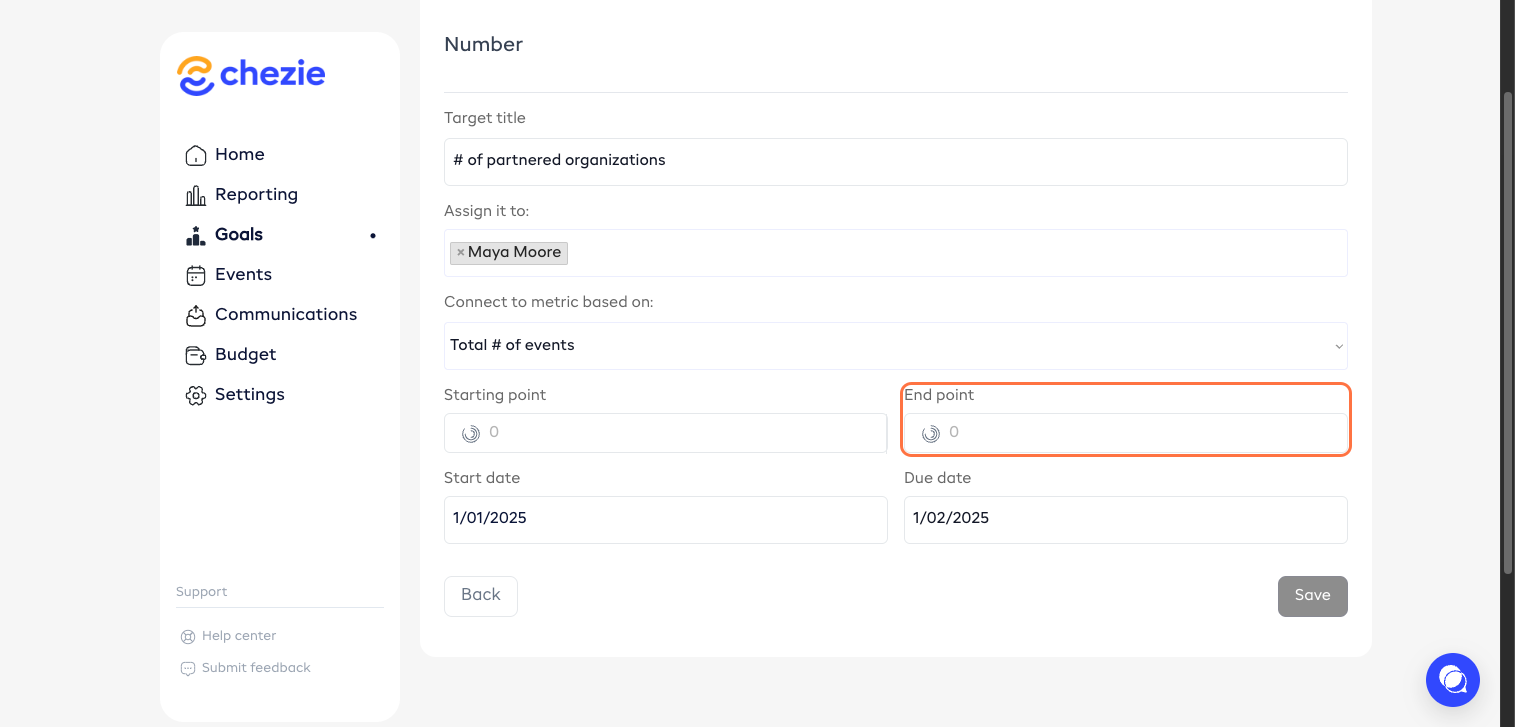
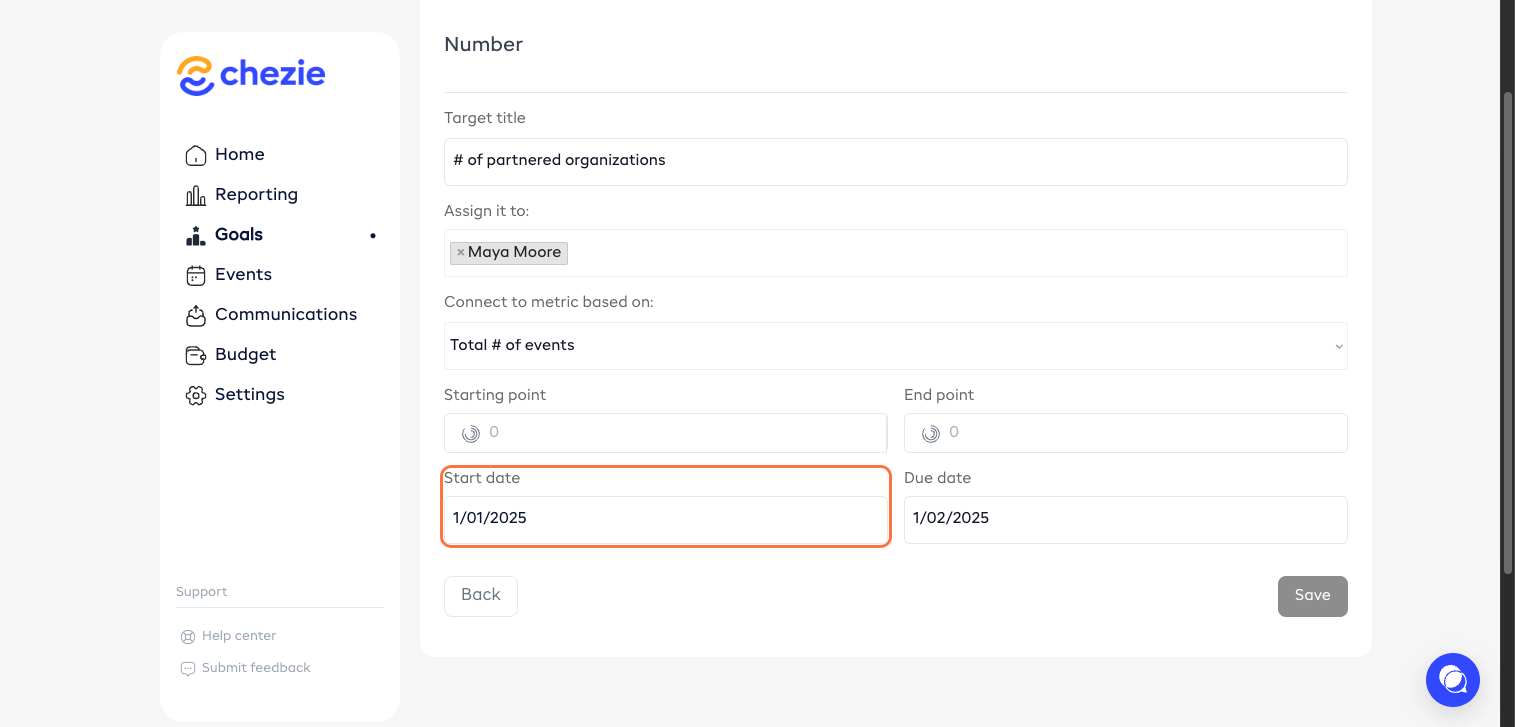
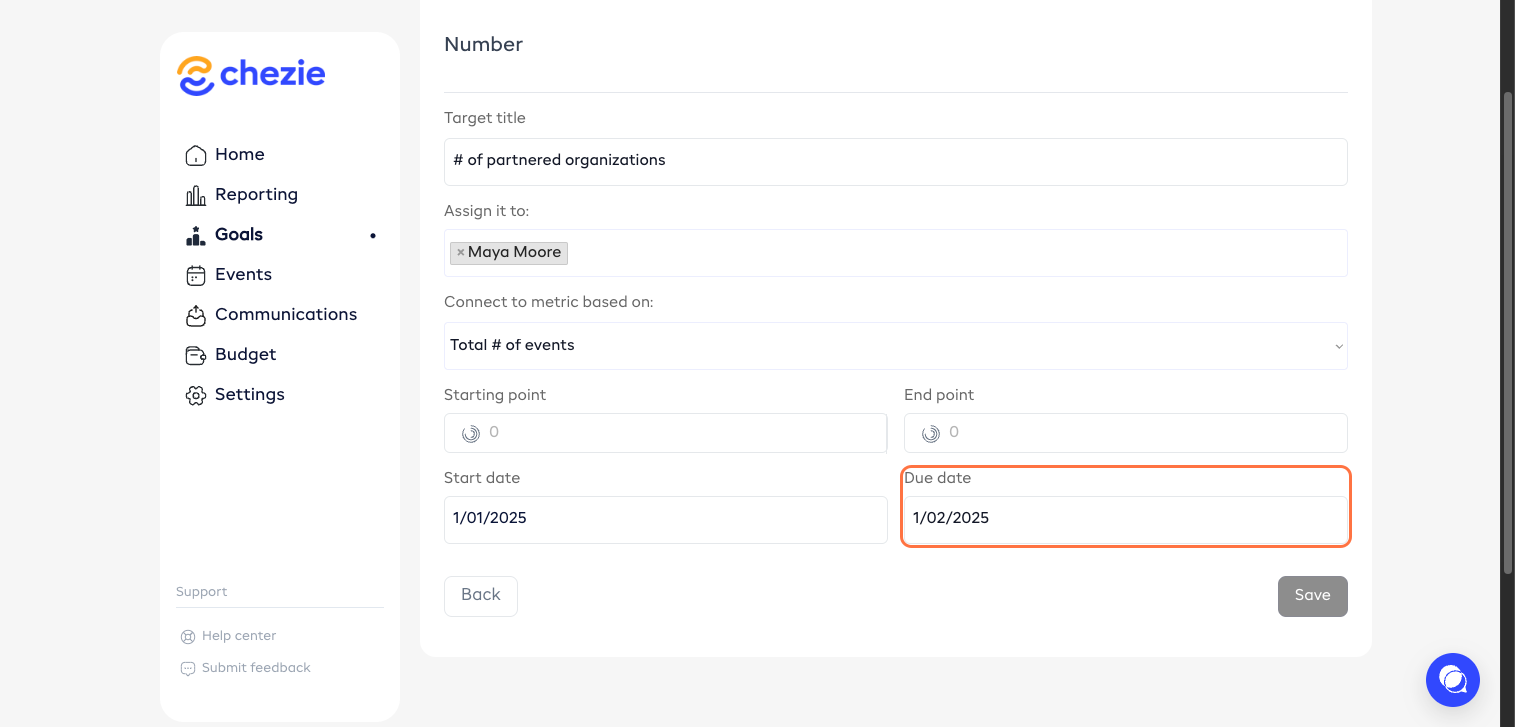
- Set your start and due dates.
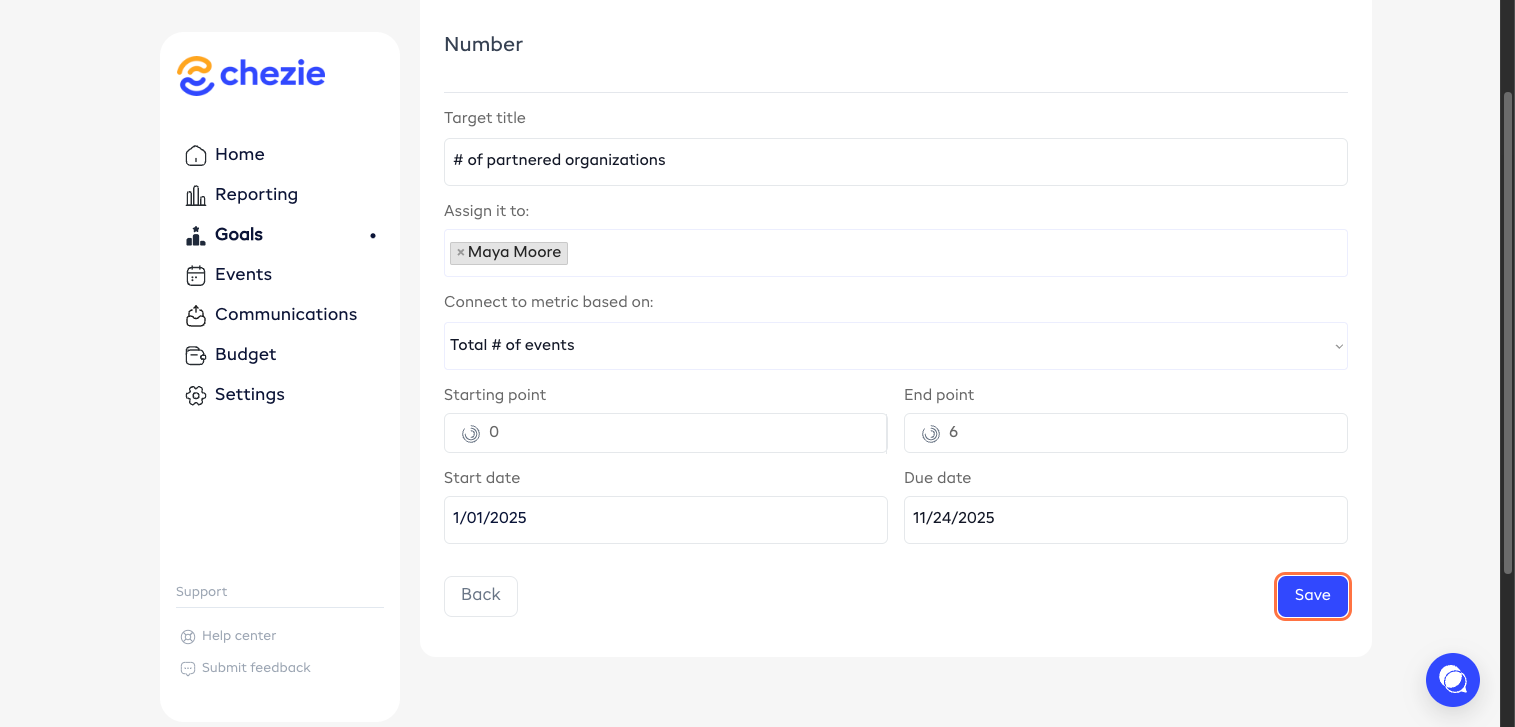
- Click ‘Save’.
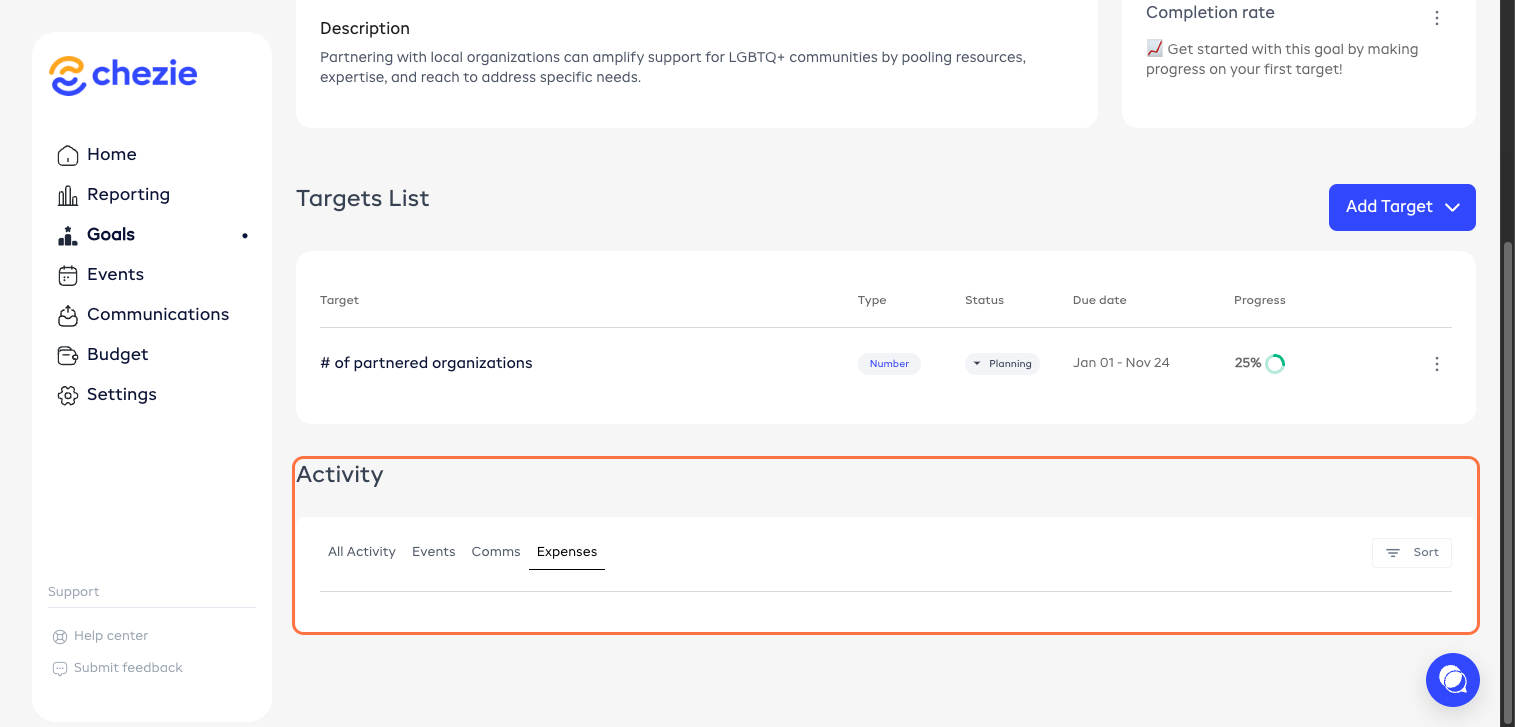
- All activities submitted for this goal will be seen here.