Article
Customize your Group details
1 min read
Last updated 4 months ago
Learn how to customize your Group details like your logo and welcome message.
Note: Only Admins/Leads can edit Group details.
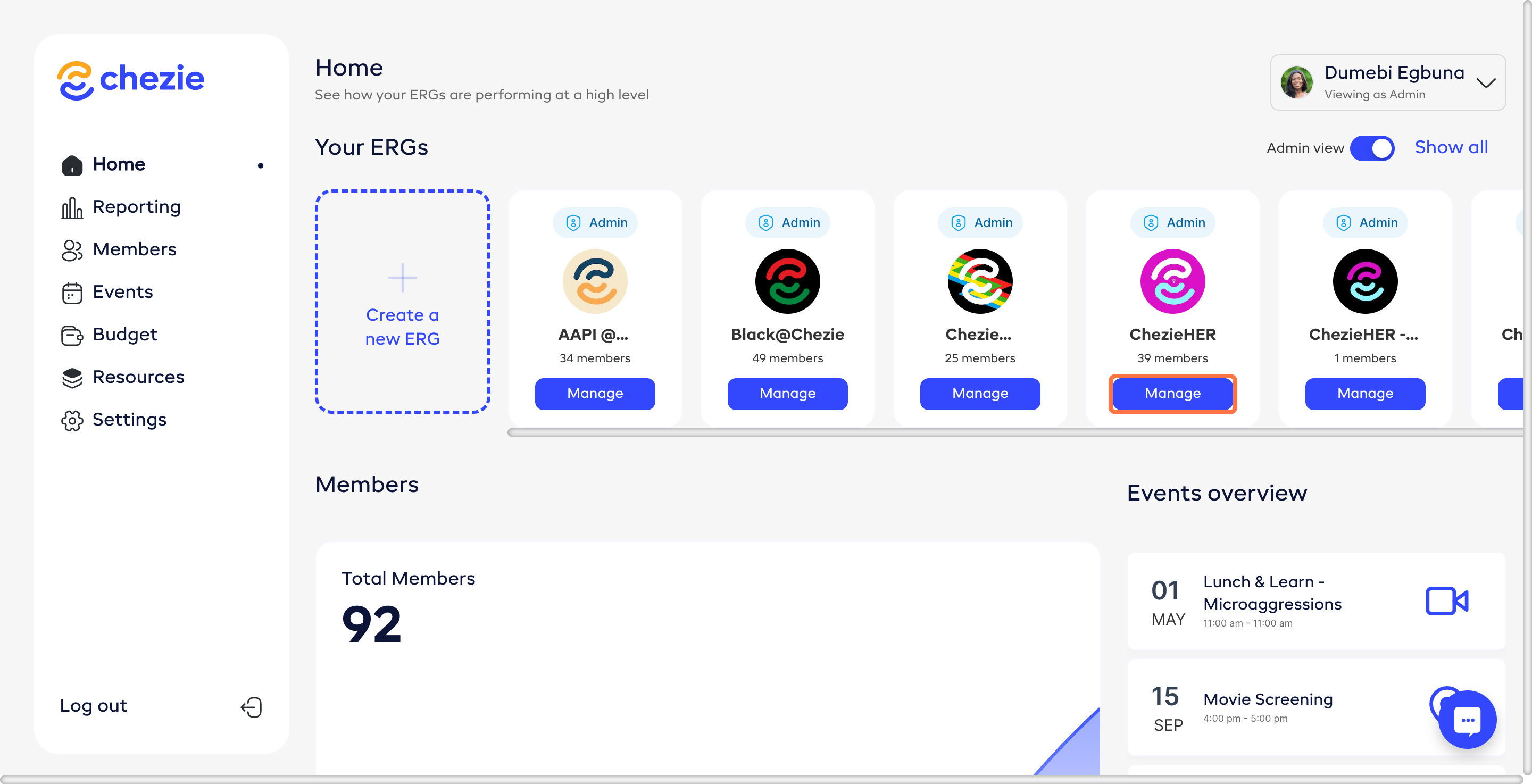
- Go to the Manage page for the Group that you want to edit.
-
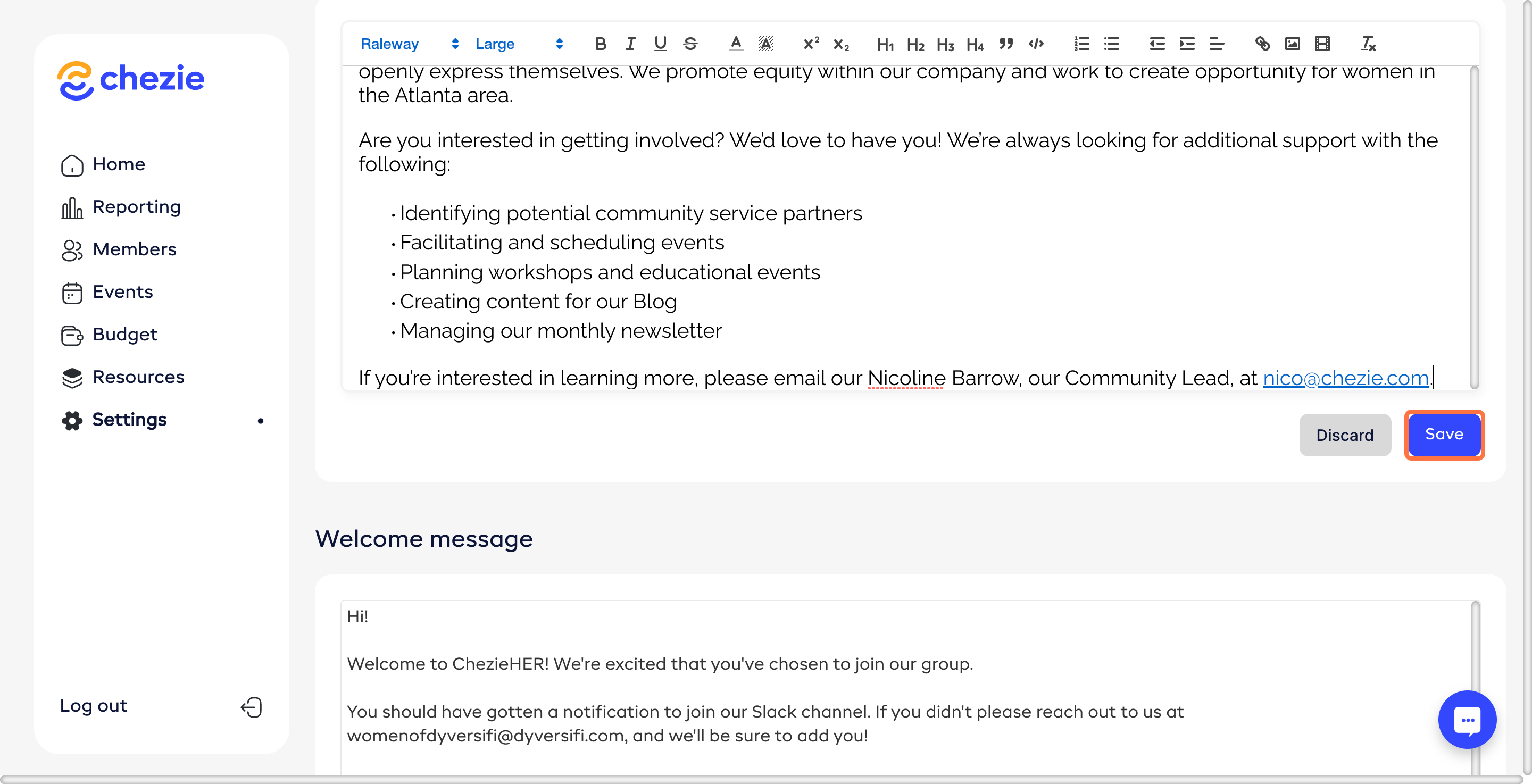
Fill in the relevant information for your group.
-
Make your desired changes and click SAVE CHANGES