Article
How to edit a cycle
1 min read
Last updated 2 months ago
How to edit a cycle that already exists.
-
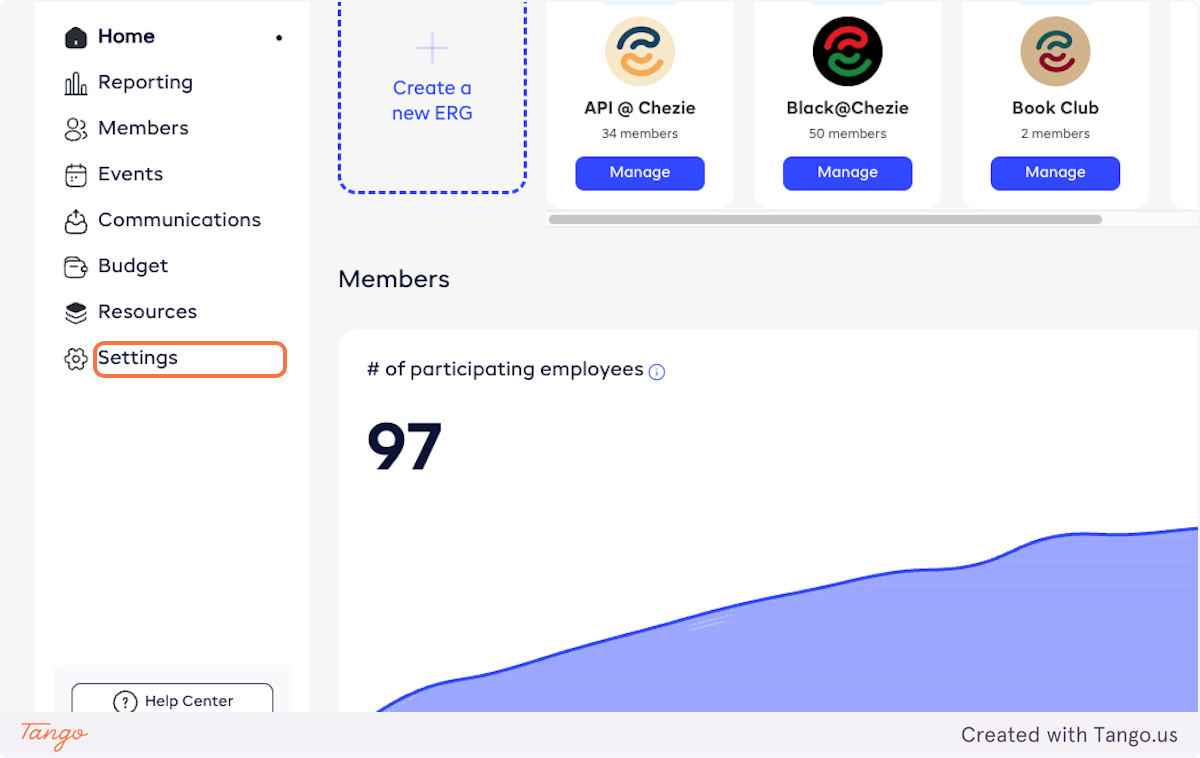
From admin view, click on Settings
-
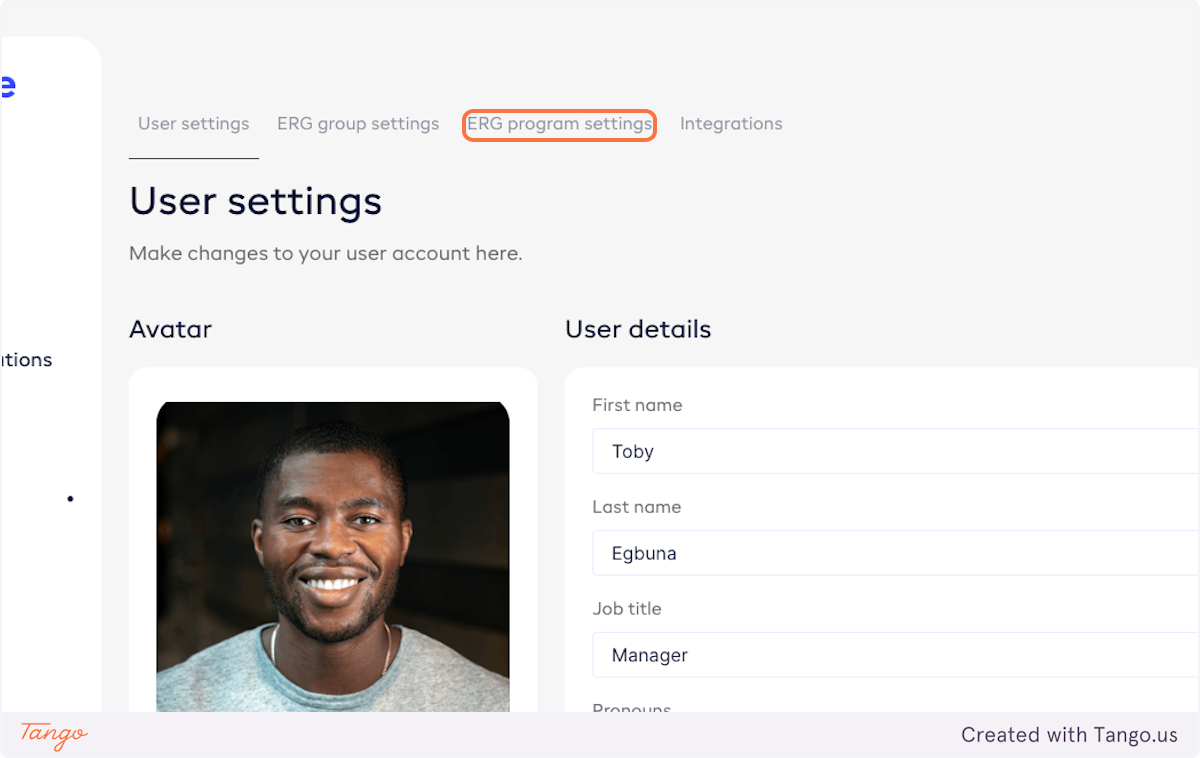
Click on ERG program settings
-
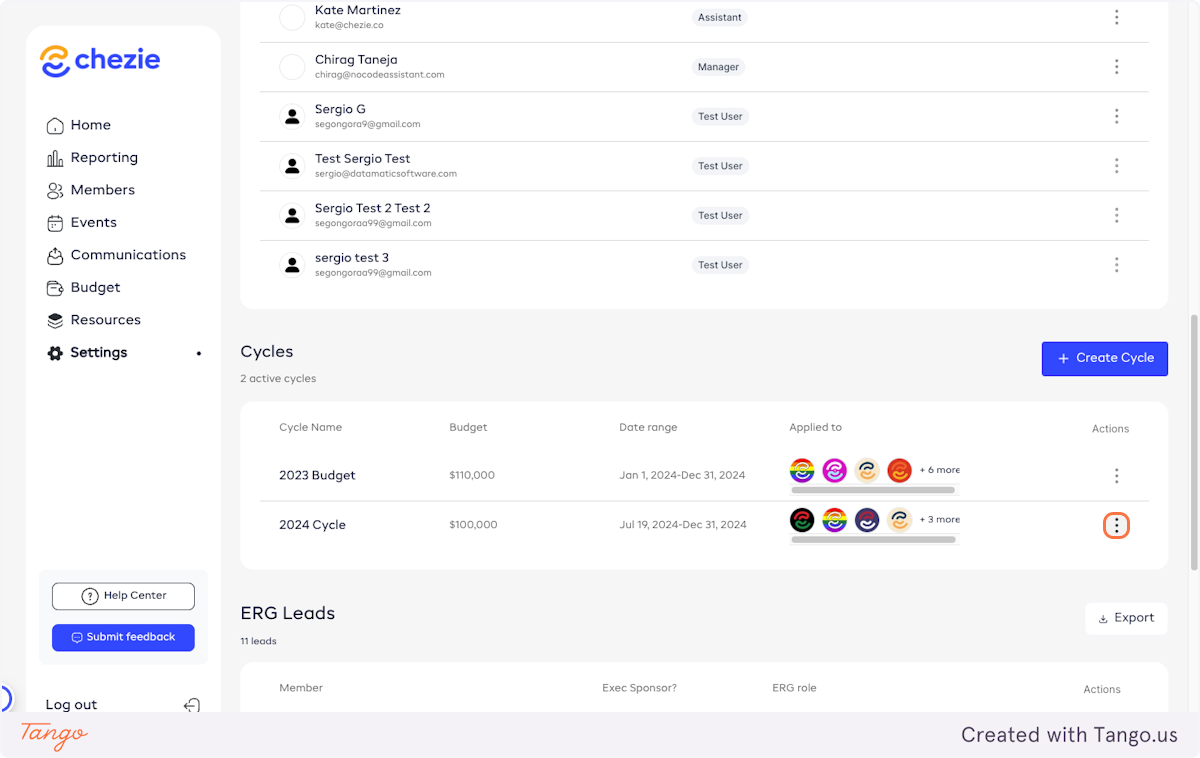
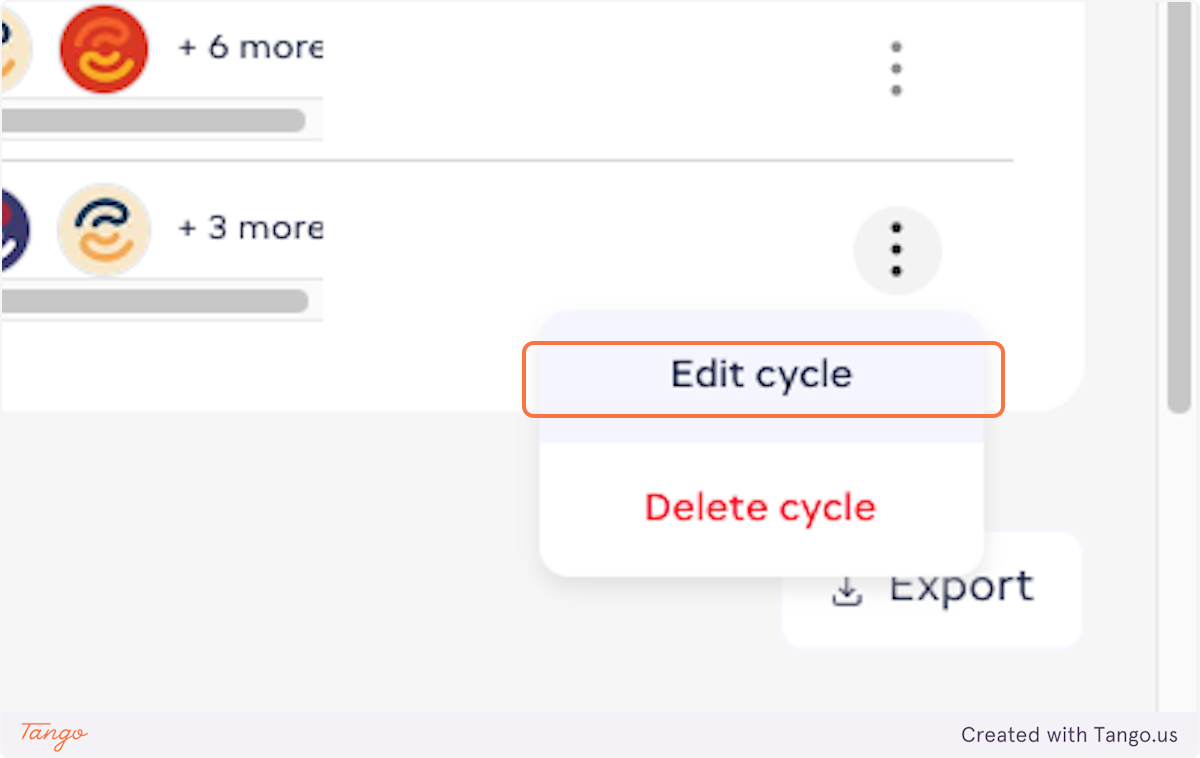
Find the cycle you want to edit and click on the action icon
-
Click on Edit cycle
-
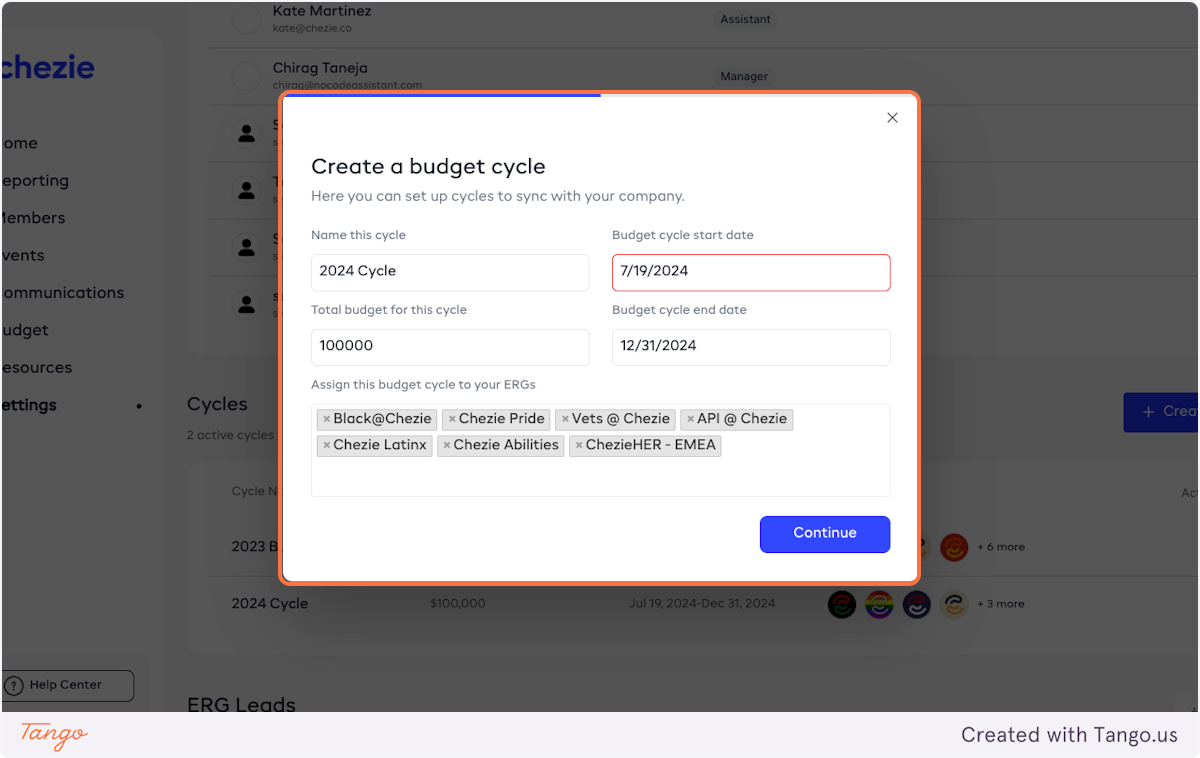
Change any of the details of this cycle.
You can change the name, start/end date, total budget, or the ERGs assigned to the cycle.
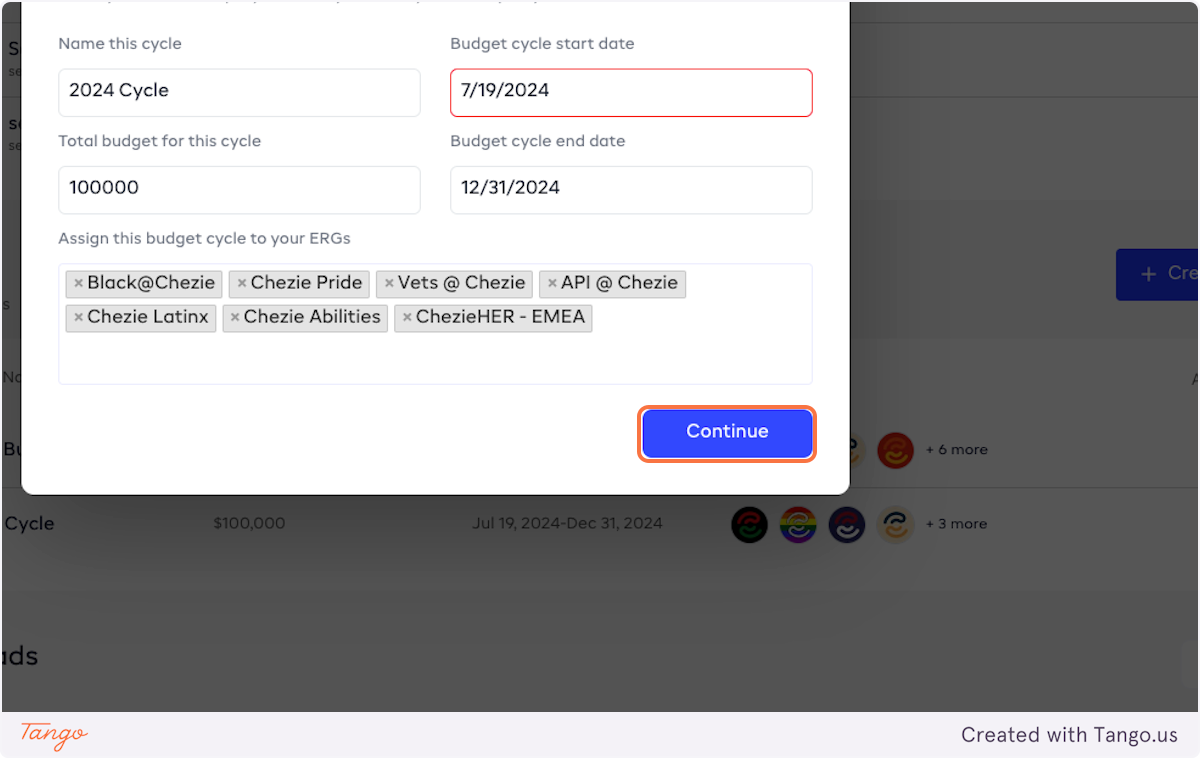
- Click on Continue
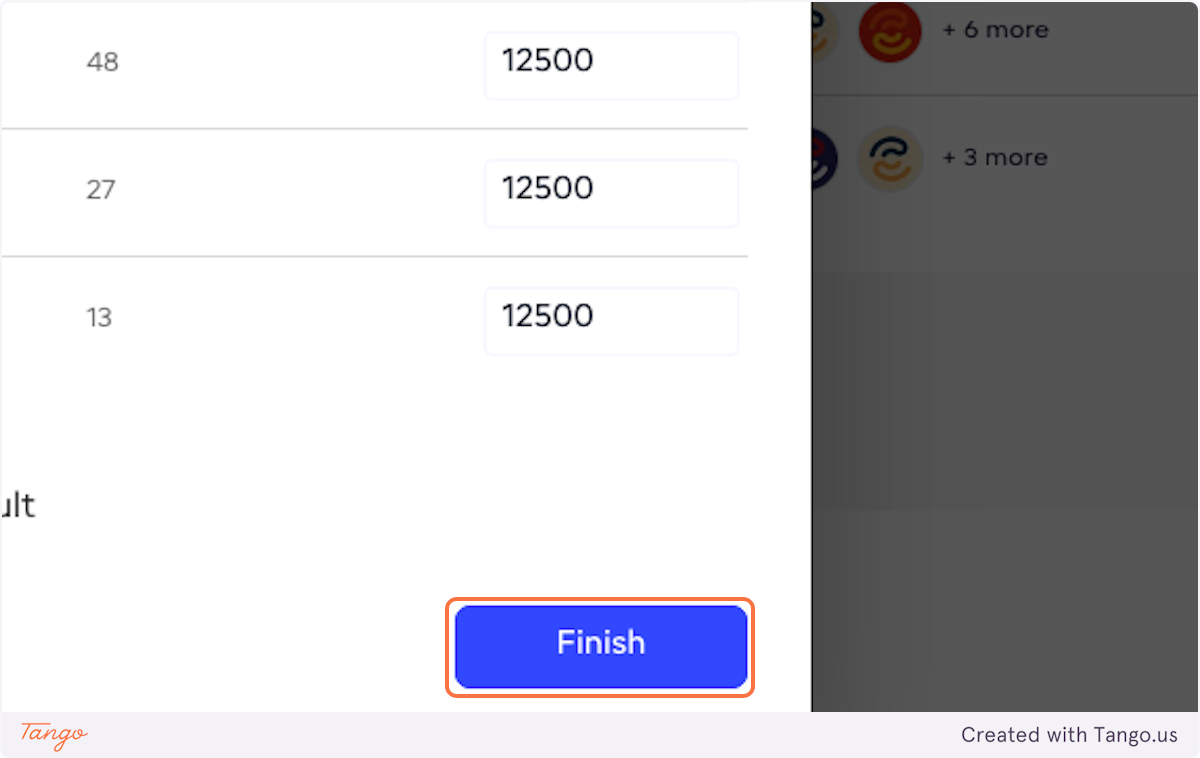
- If you need to, edit the budget allocations for each group.
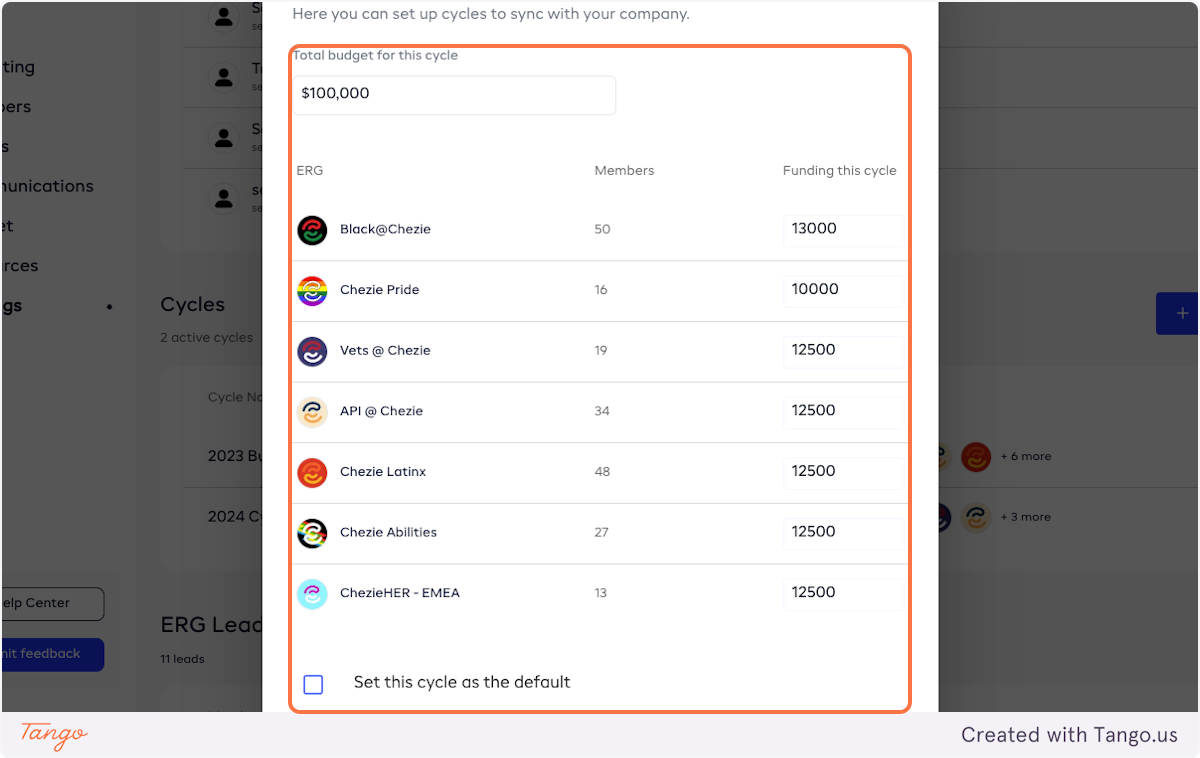
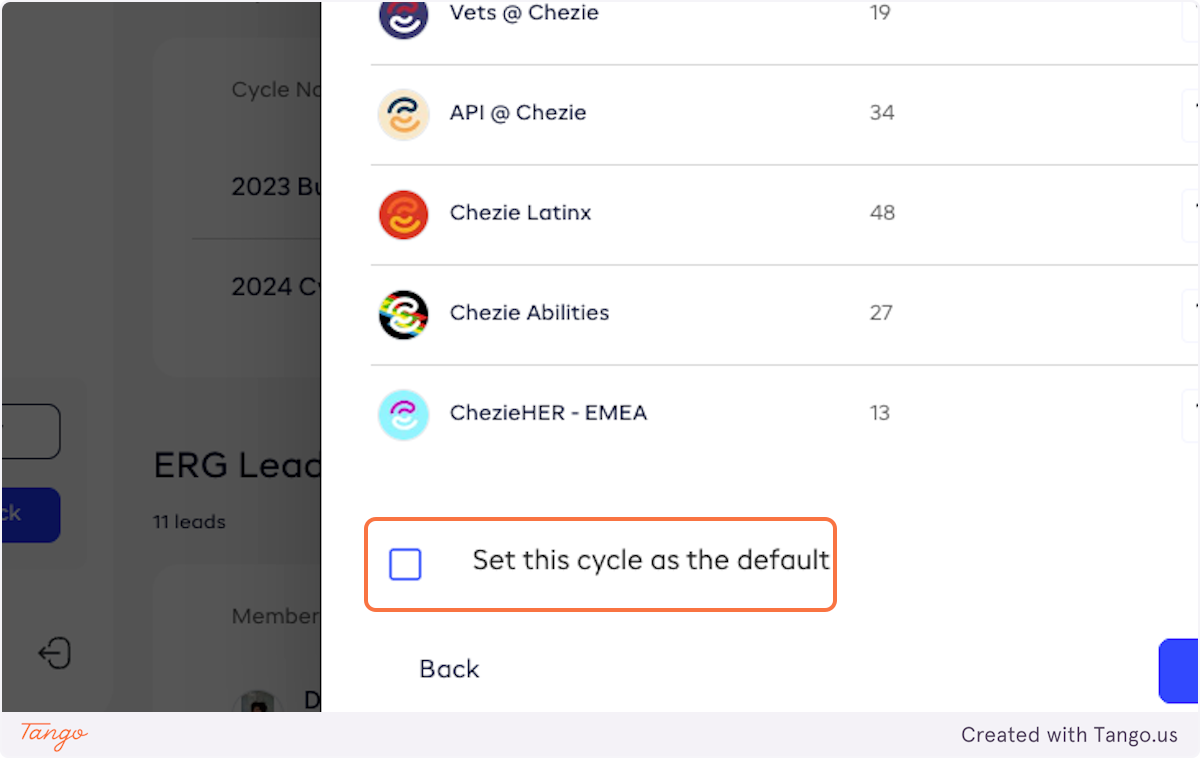
- If you'd like to make this cycle the default cycle, check the box.
- Click on Finish to save your changes.