Article
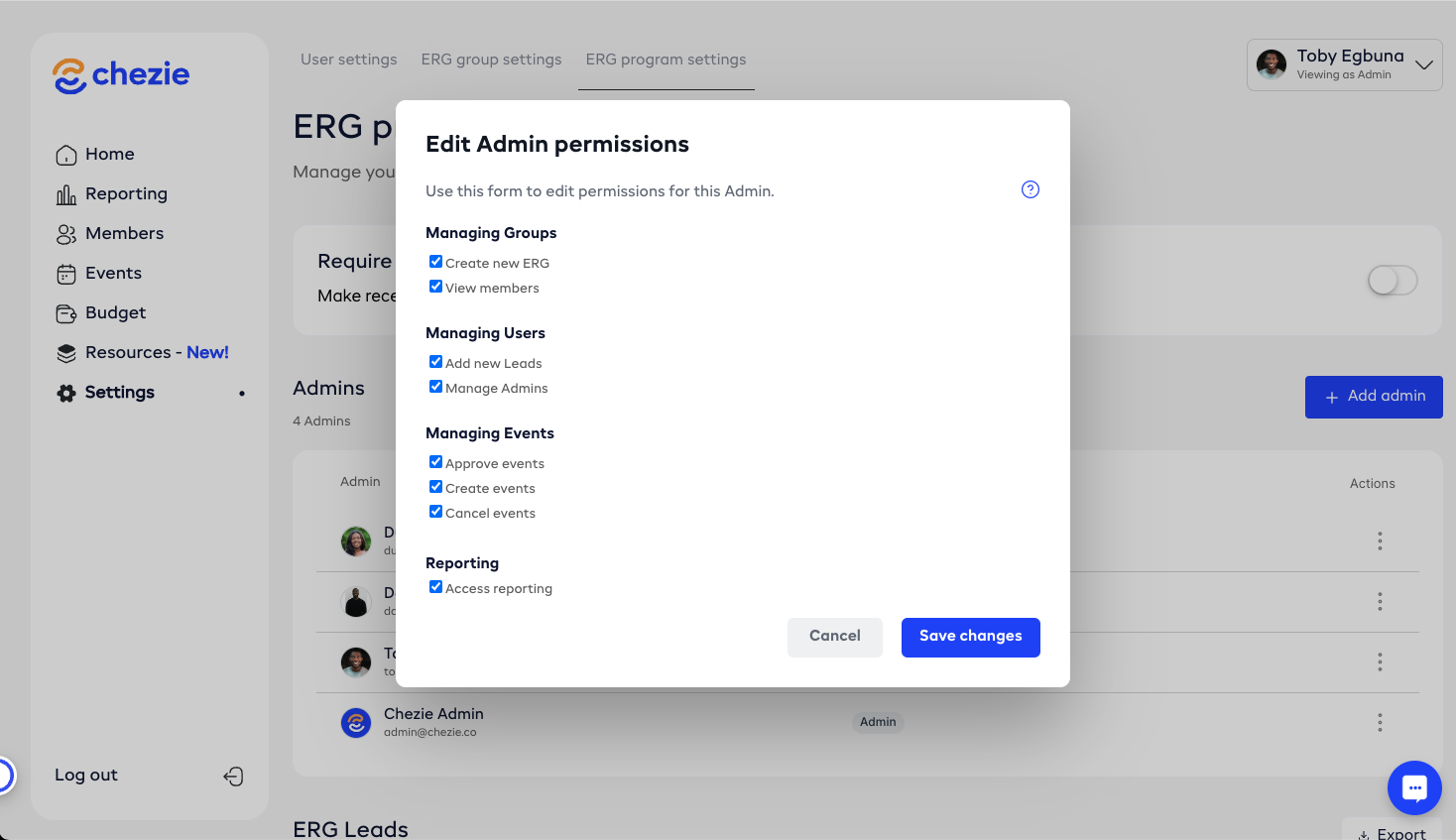
How to update a Lead’s permissions
1 min read
Last updated 4 months ago
A step-by-step guide on modifying lead permissions.
If you're an Admin with the Manage Admins permission turned on, then you can edit permissions for other Admins.
-
Switch to admin view
-
Navigate to Settings tab
-
Click ERG program settings tab at the top of the screen
-
Scroll to the Admins table.
-
Click the three dots next to an Admin whose permissions you want to update
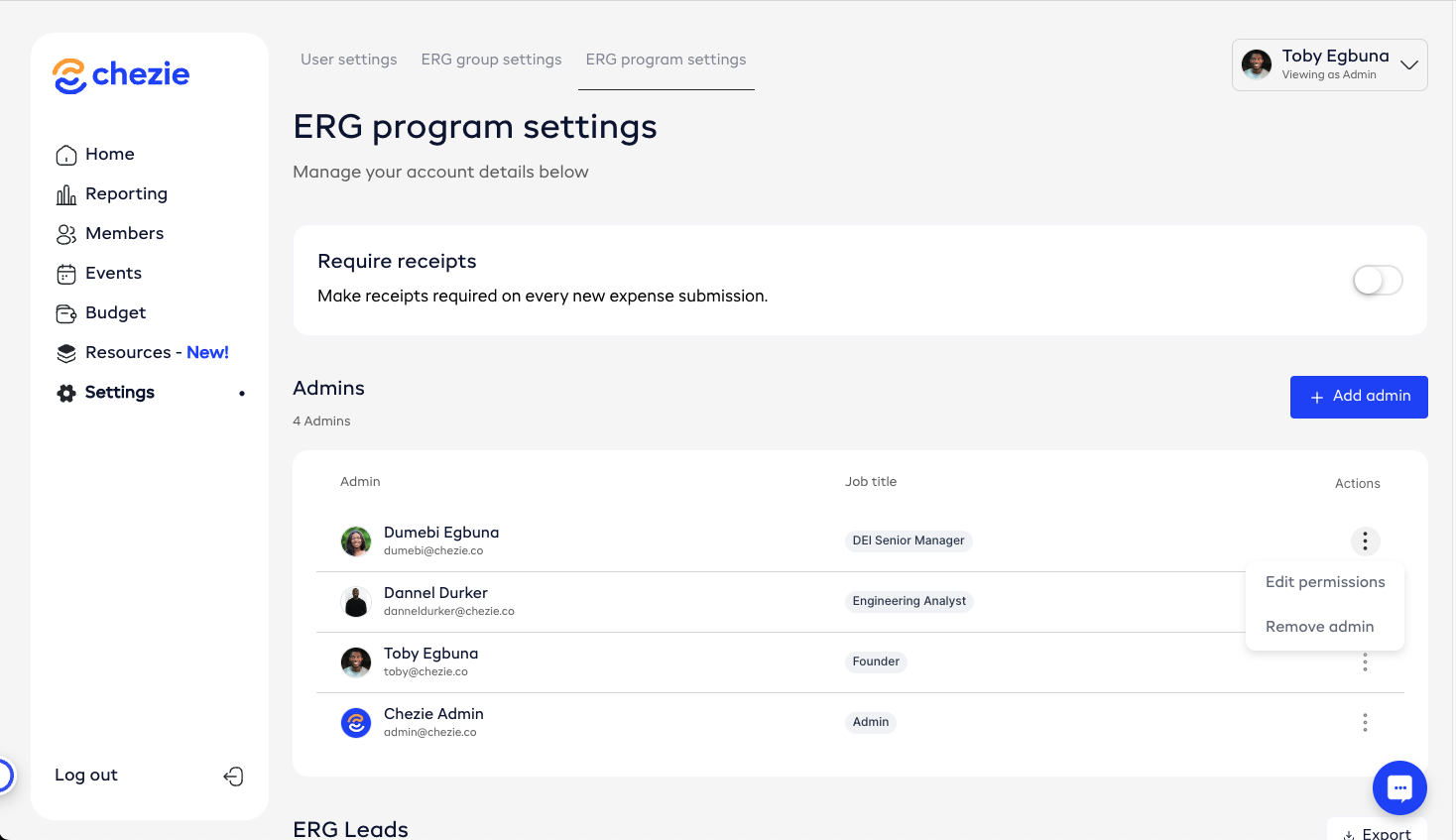
- Select the permissions that you want to change