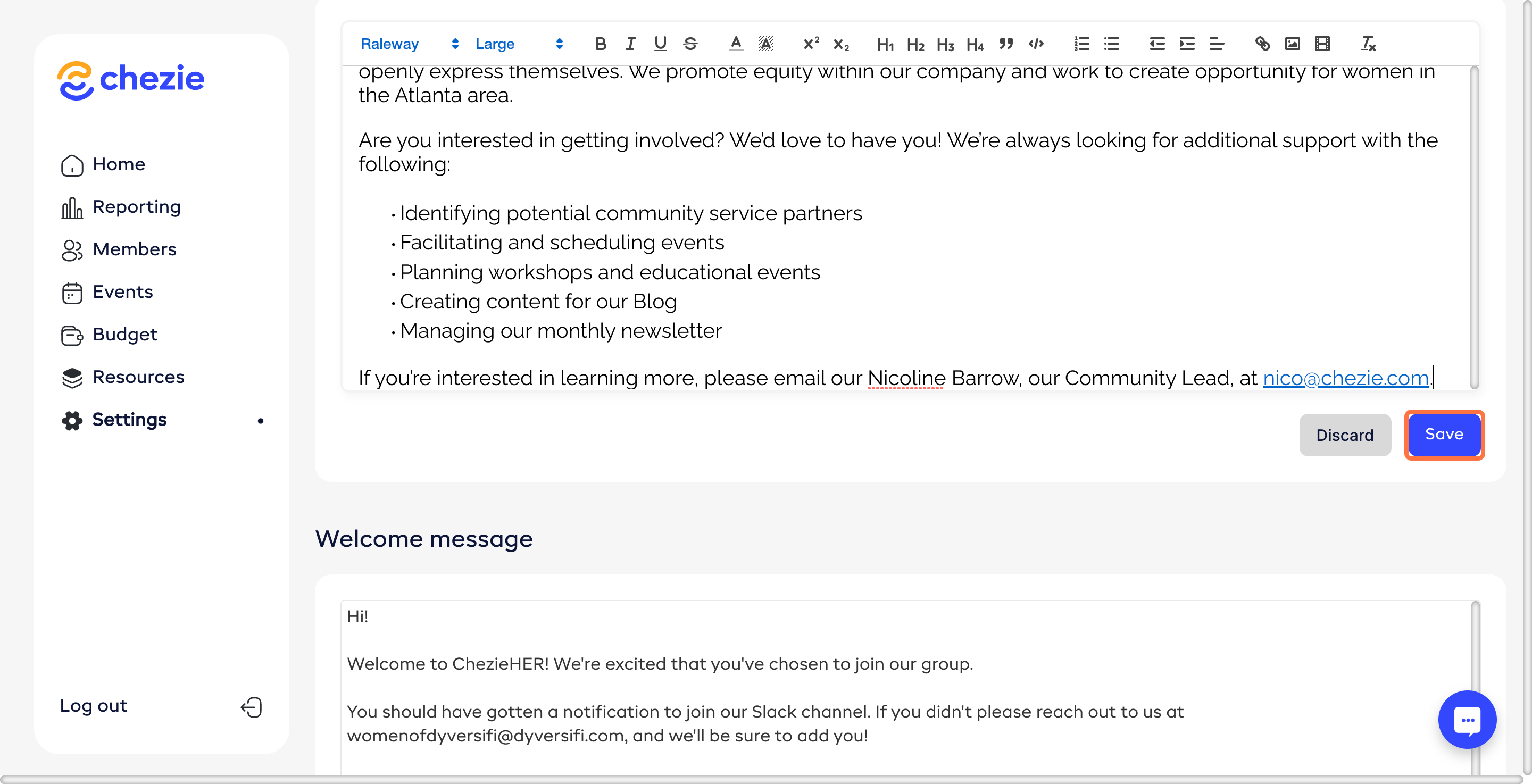
Customize your Group details
Learn how to customize your Group details like your logo and welcome message.
Written By Toby Egbuna
Last updated About 1 year ago
Note: Only Admins/Leads can edit Group details.
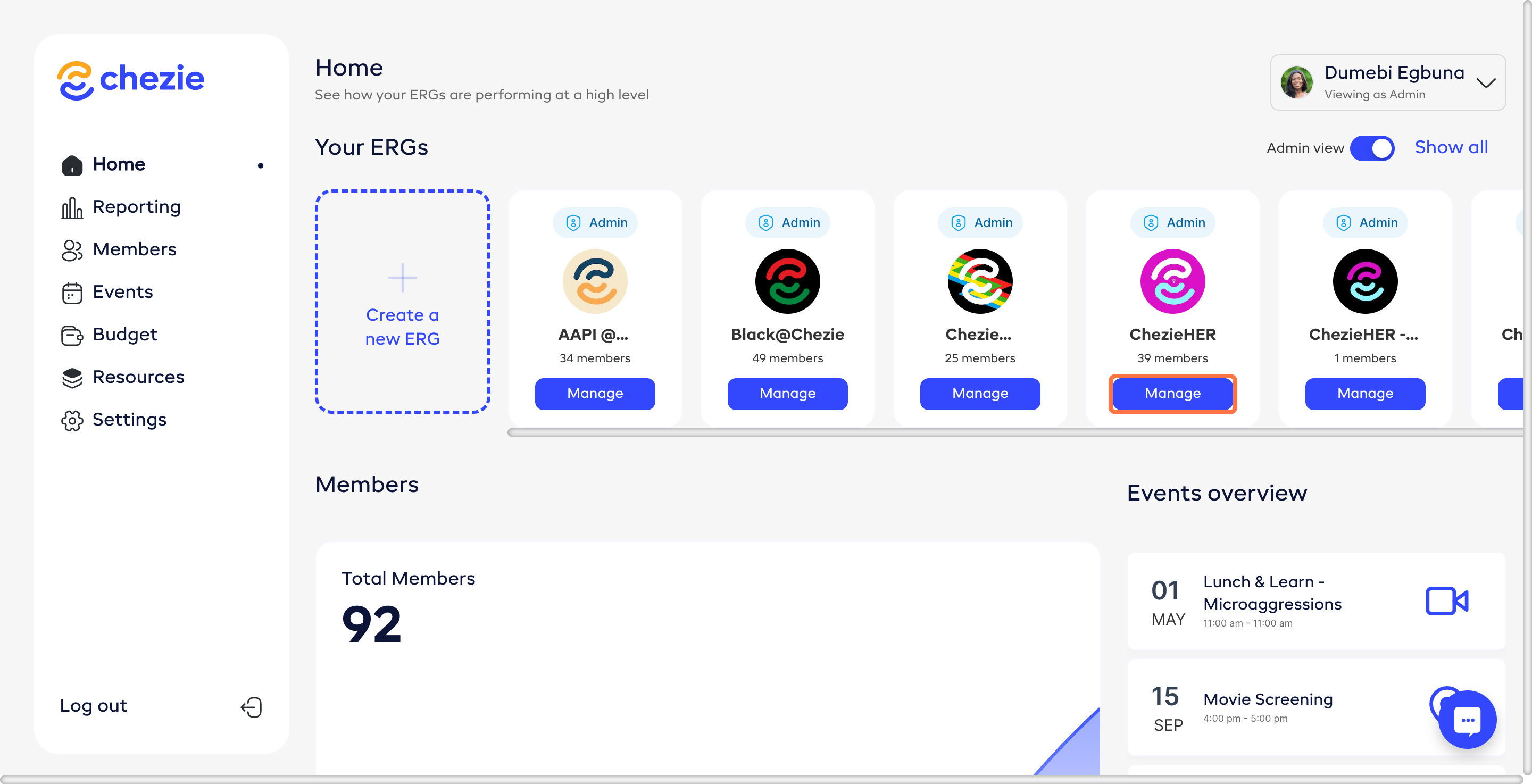
Go to the Manage page for the Group that you want to edit.
Fill in the relevant information for your group.
Make your desired changes and click SAVE CHANGES