Article
How to upload attendance for a past event
1 min read
Last updated 2 months ago
Effortlessly upload and manage attendance records for your past events.
-
Gather your attendance reports (from Zoom, Google Meet, MS Teams, or in-person tracking). Click here for instructions on how to gather your report from Zoom.
-
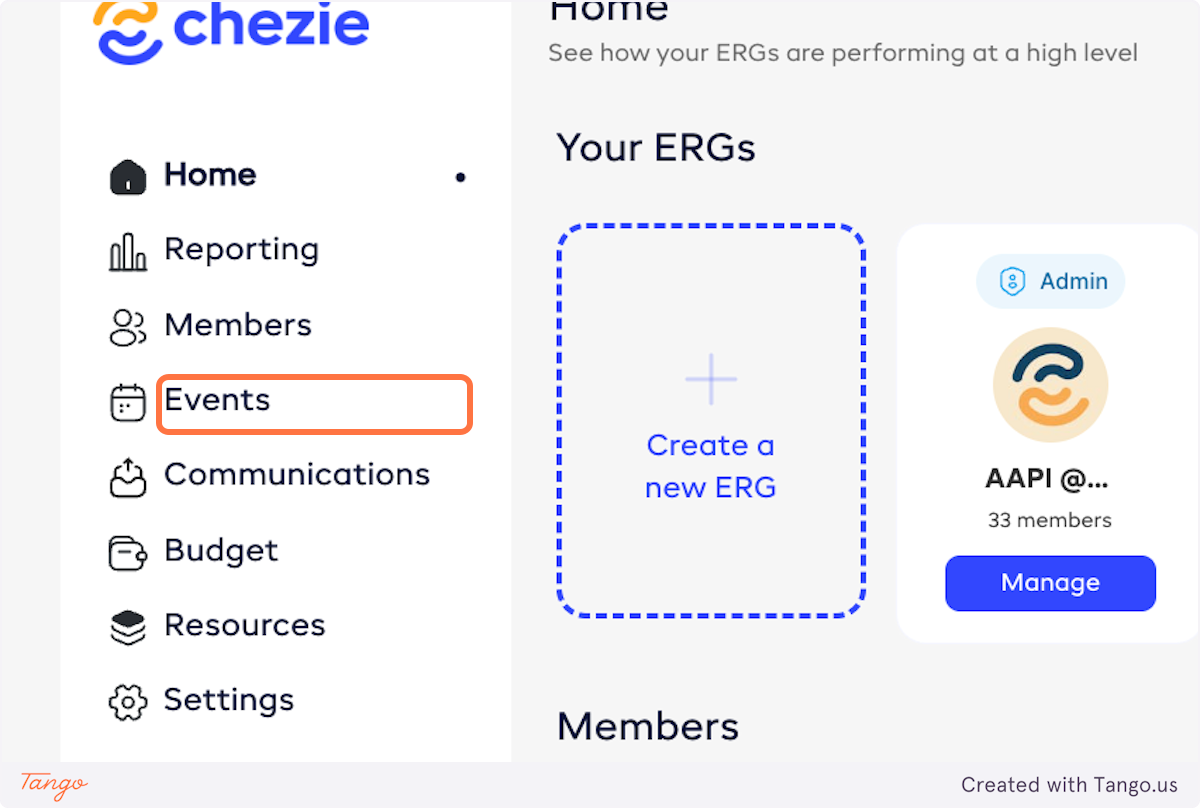
Go to the Events tab in Admin view.
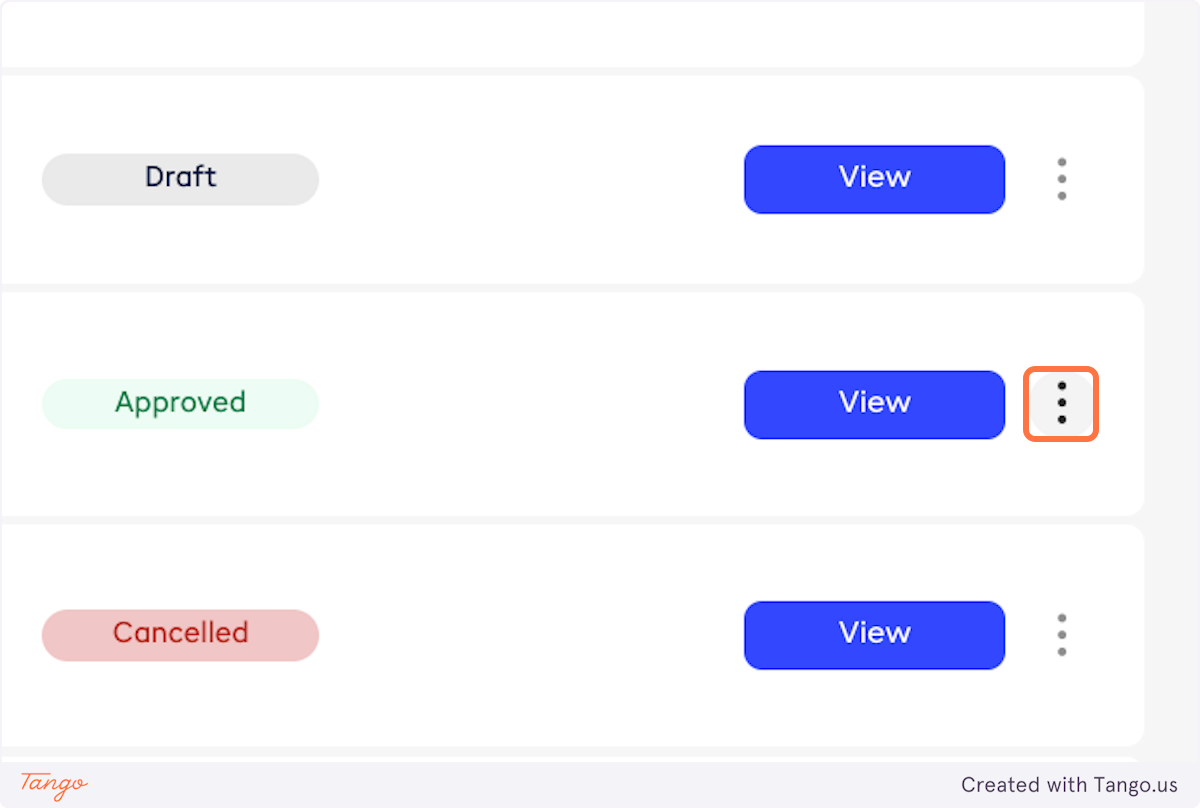
- Click the three dots next to the event you want to upload attendance for.
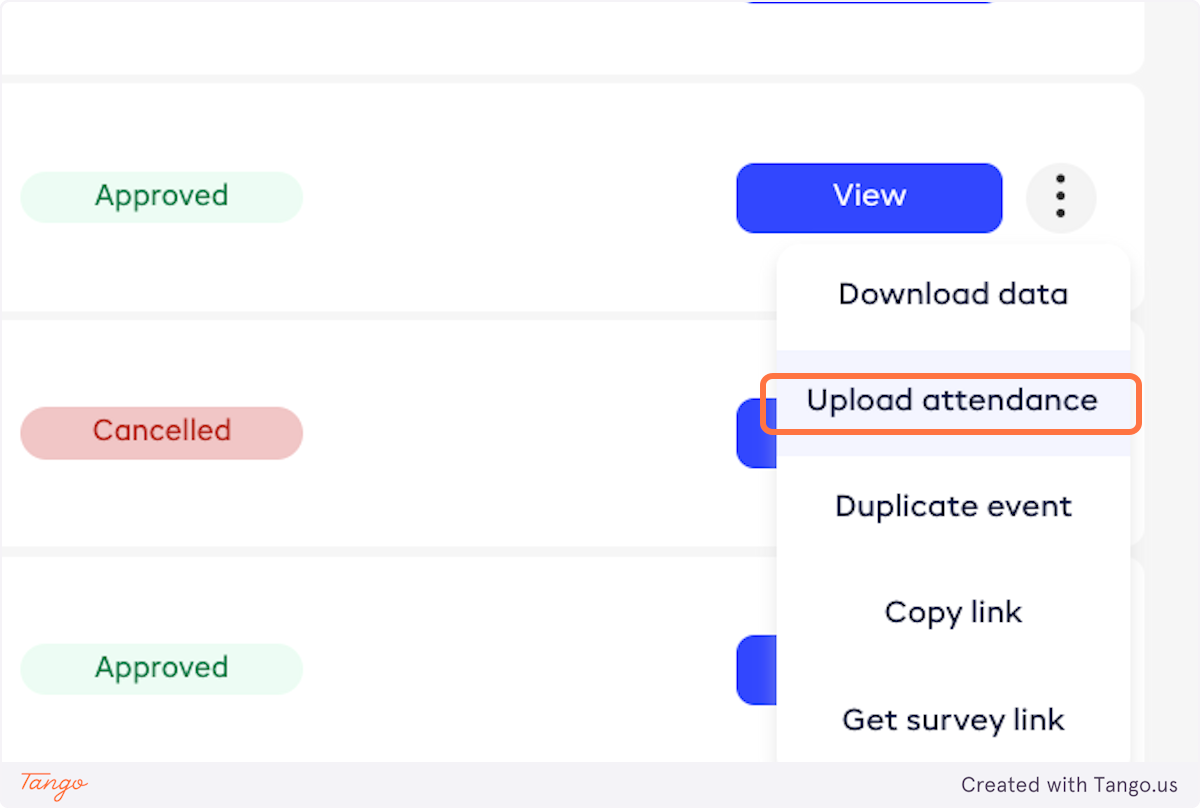
- Click on Upload attendance.
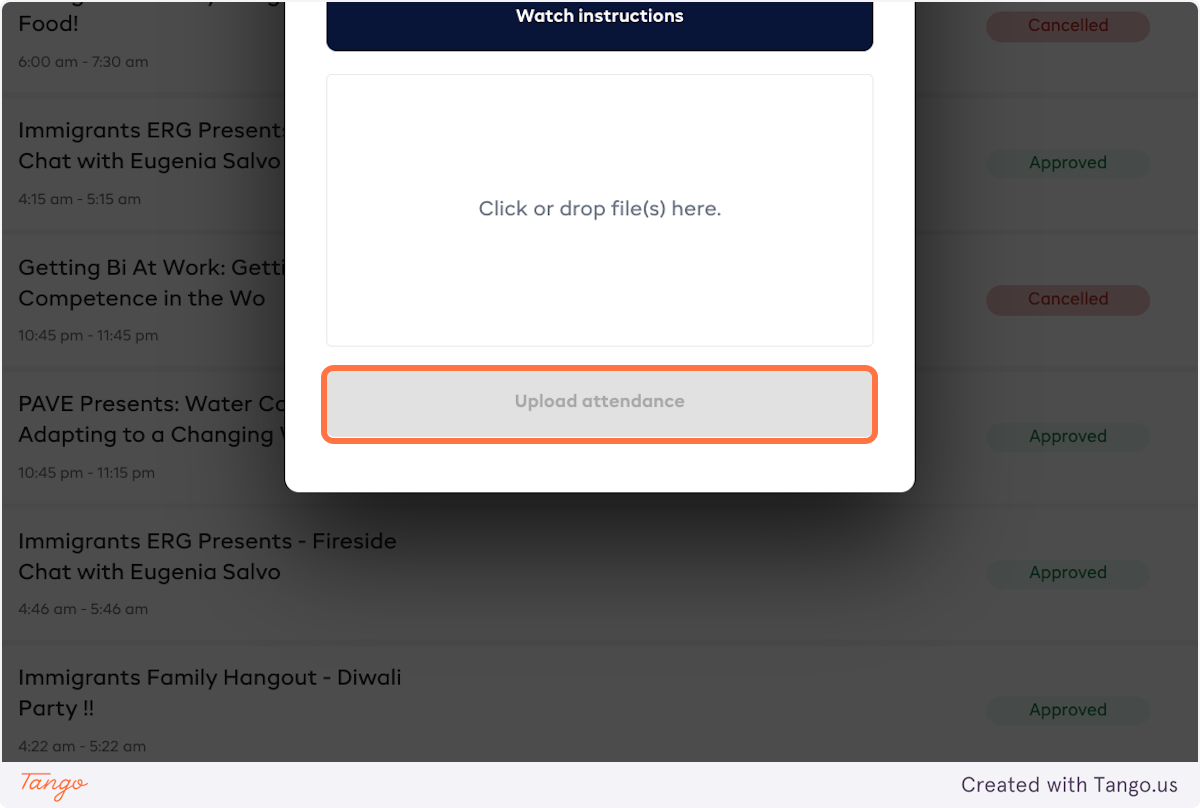
- Drop the files that you wish to upload into the popup.
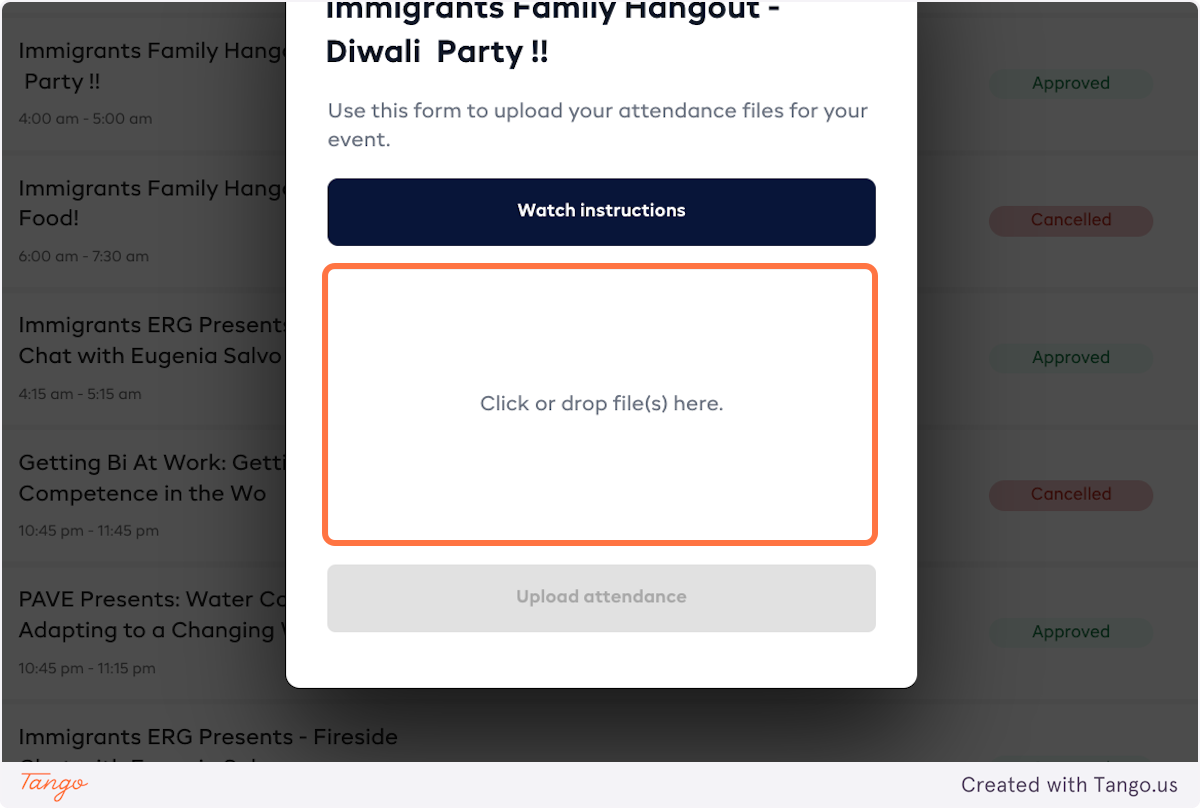
- Click on Upload attendance.
- Once your attendance is uploaded, you'll get a notification that the report is ready.