How to create a goal
Step-by-step guide on how to create a goal in Chezie.
Written By Toby Egbuna
Last updated About 1 year ago
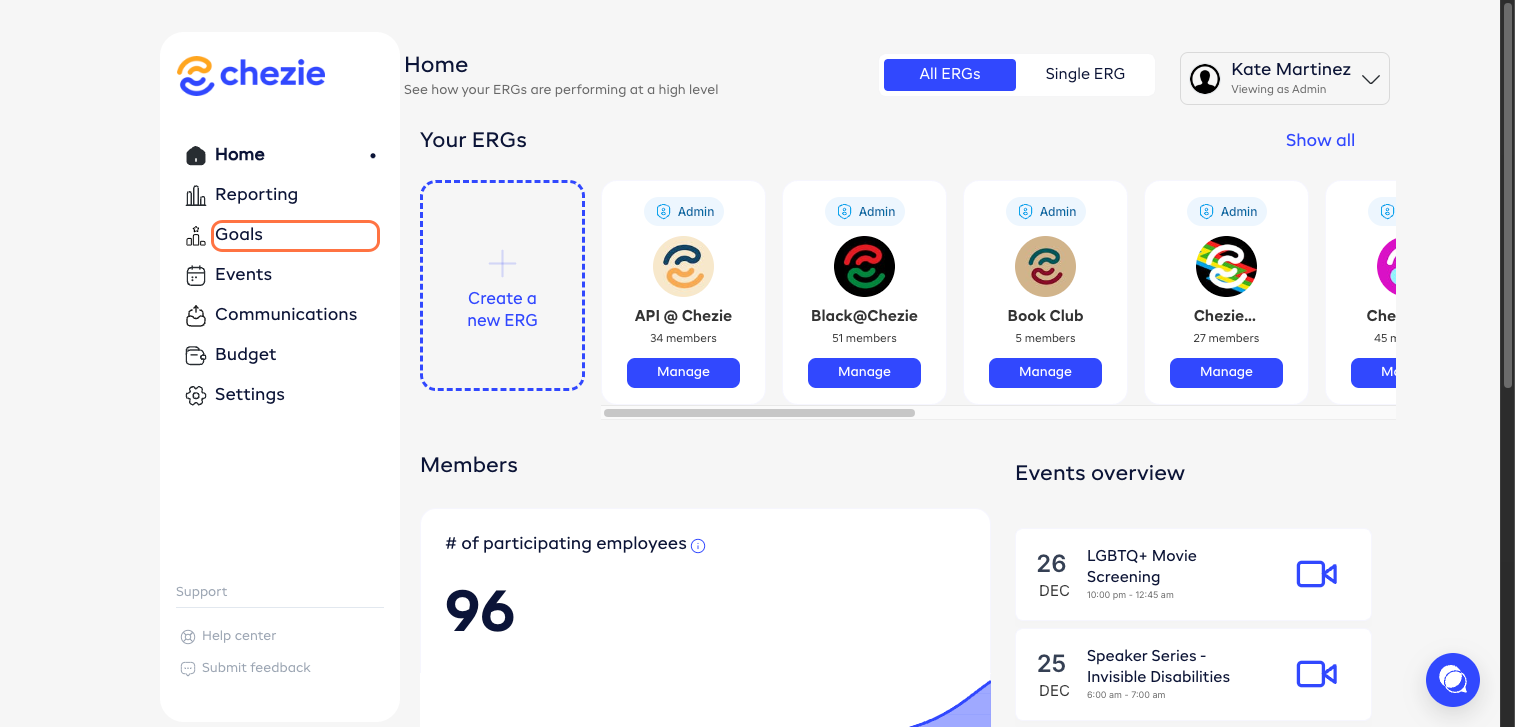
From the Admin Home Page, click 'Goals'.
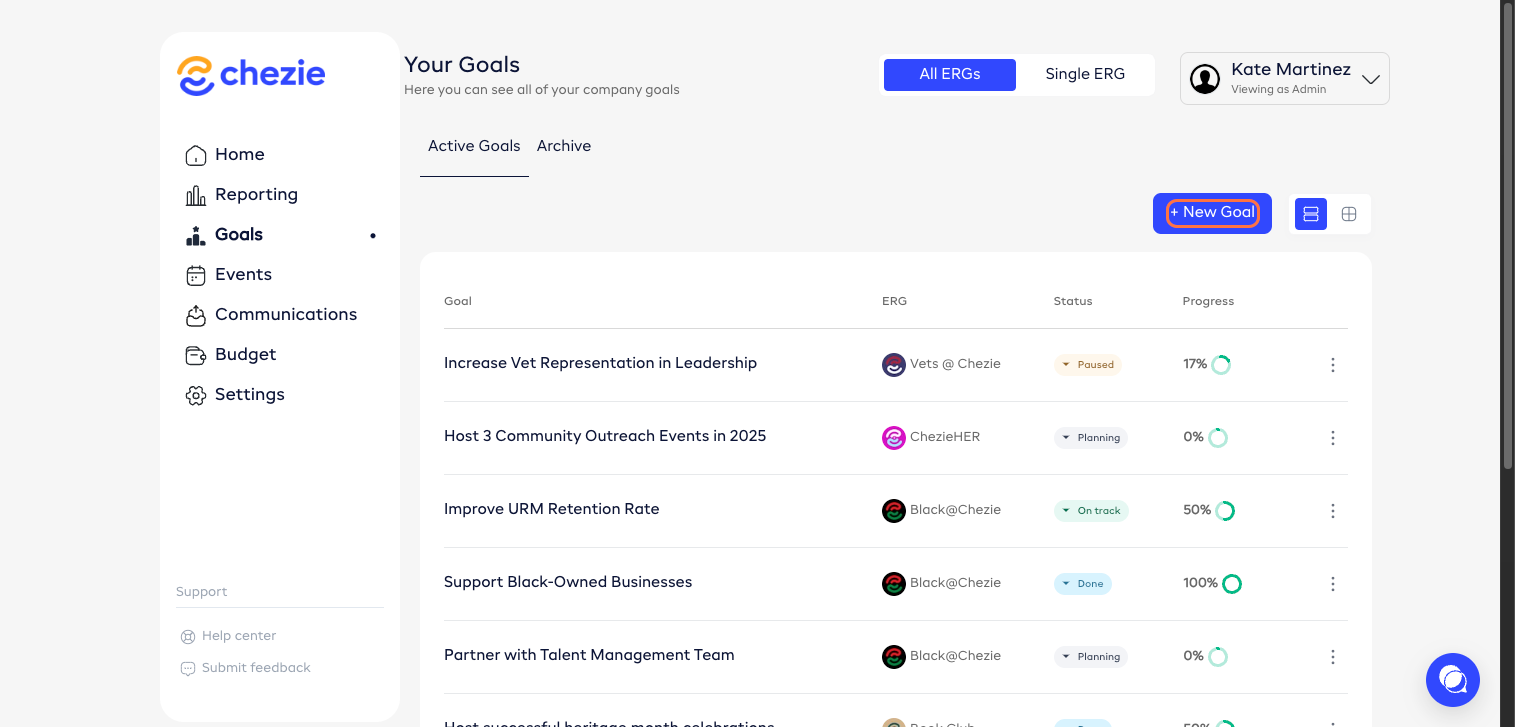
Click ‘New Goal’.
Enter details.
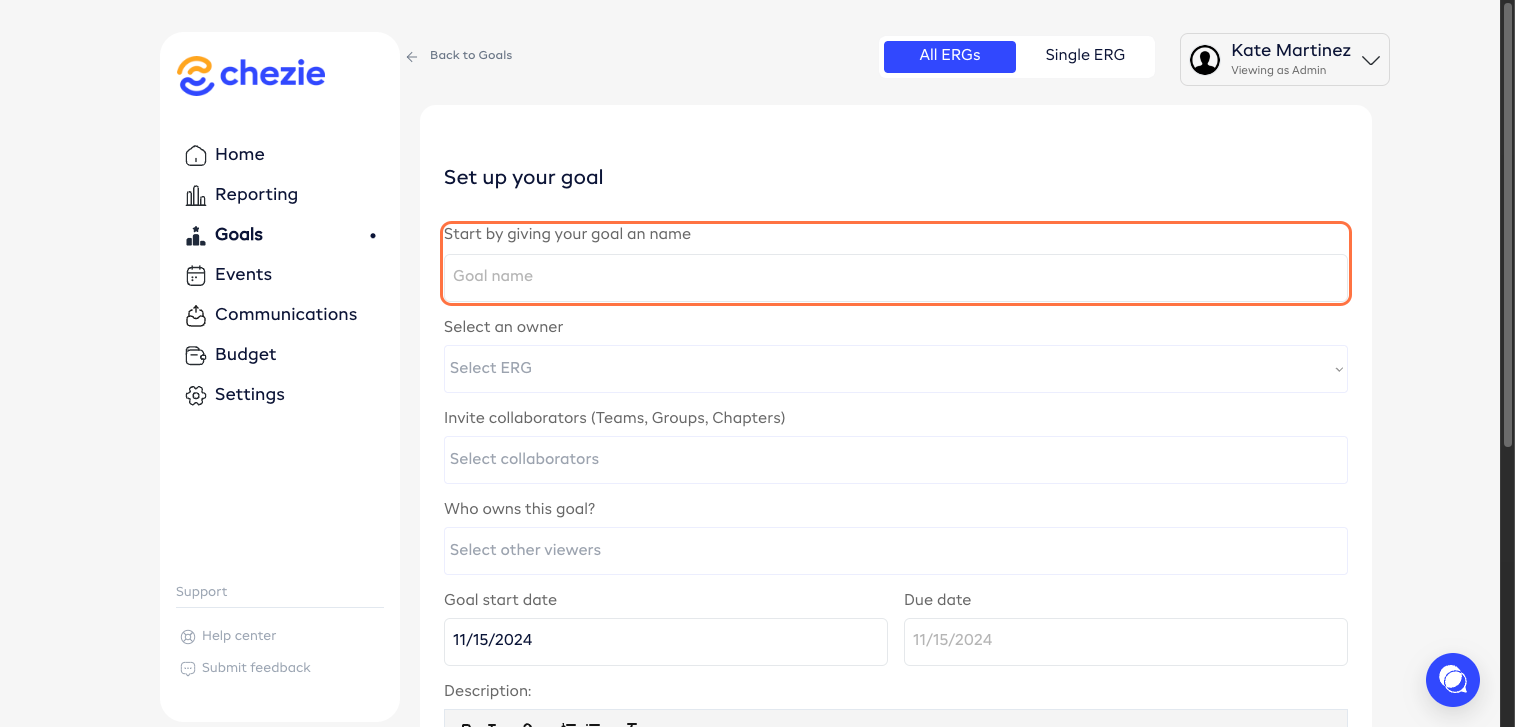
Select an owner.
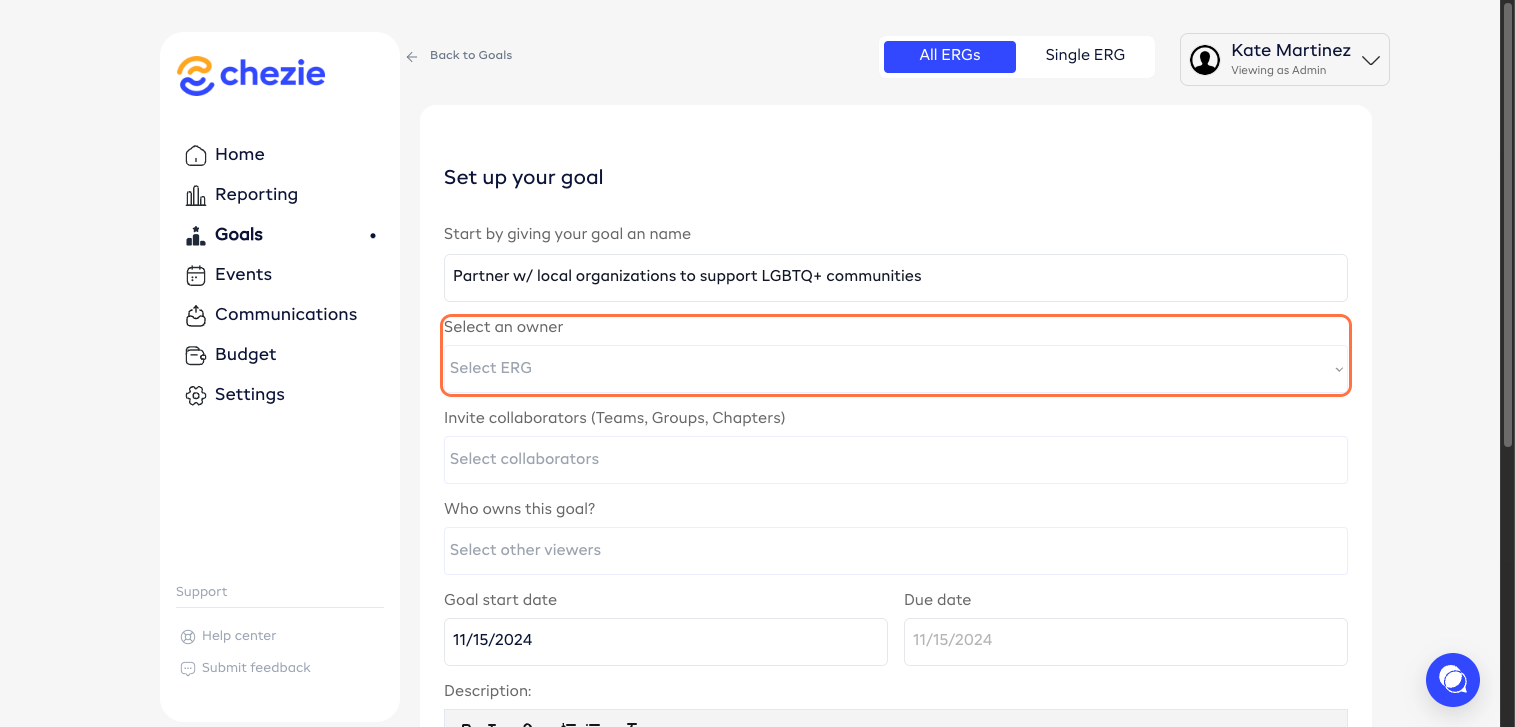
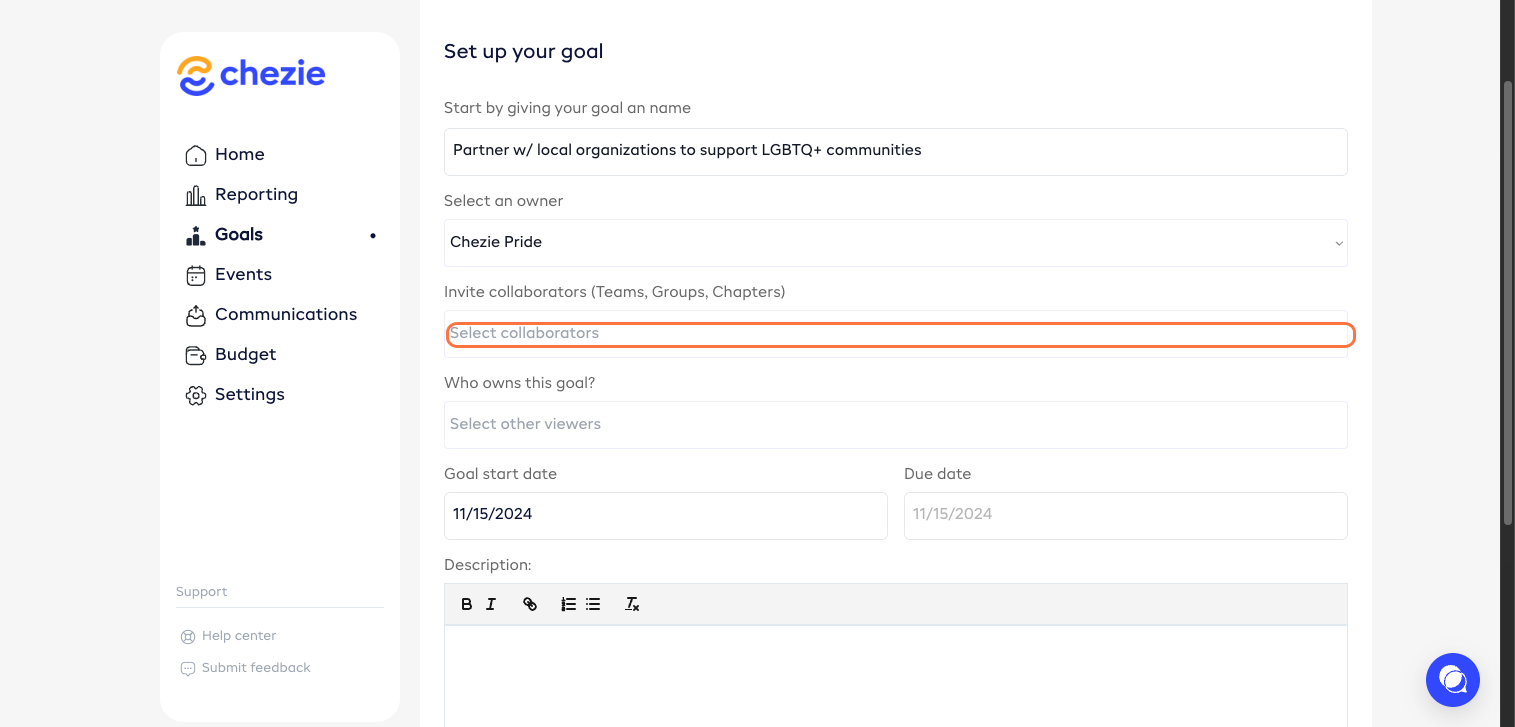
Add collaborators, if any.
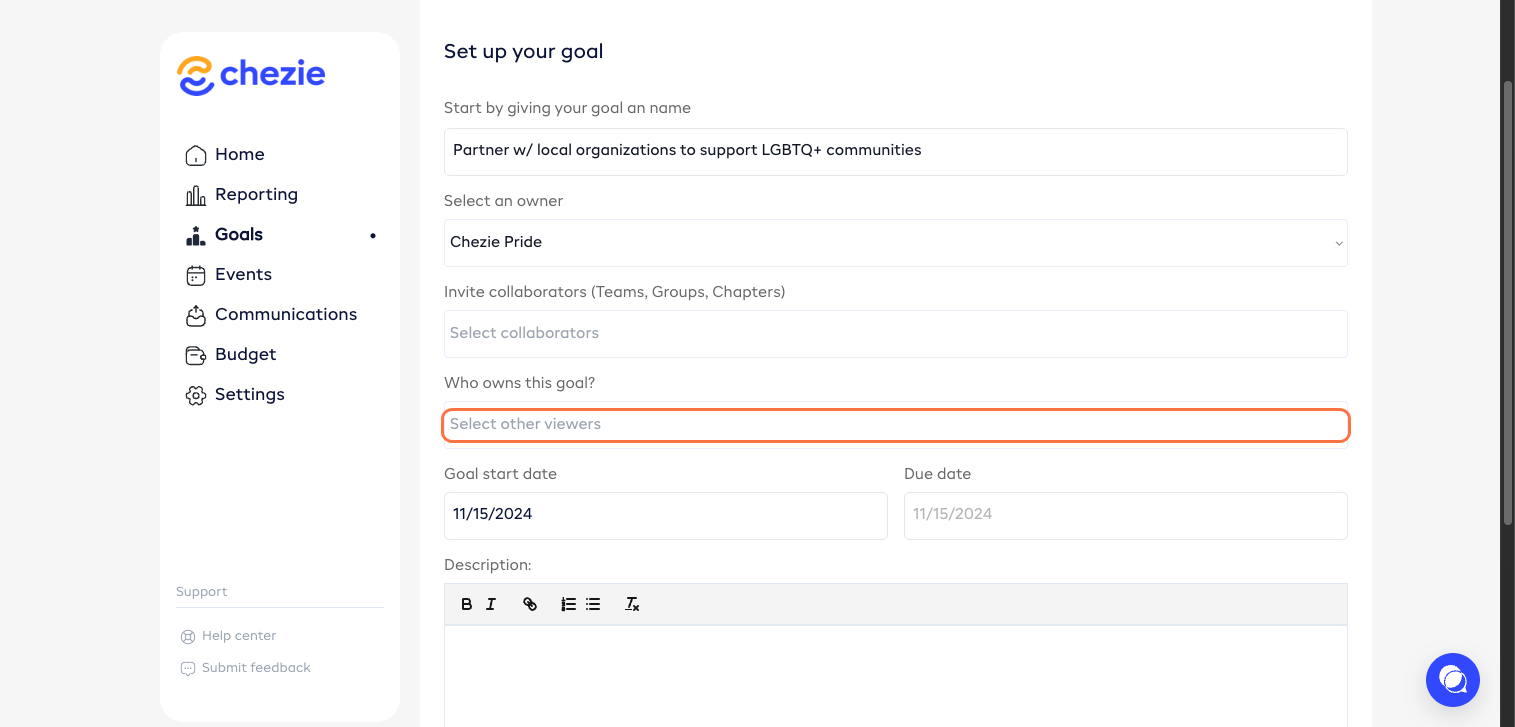
Assign this goal to a member. Multiple members may be assigned.
Enter start date.
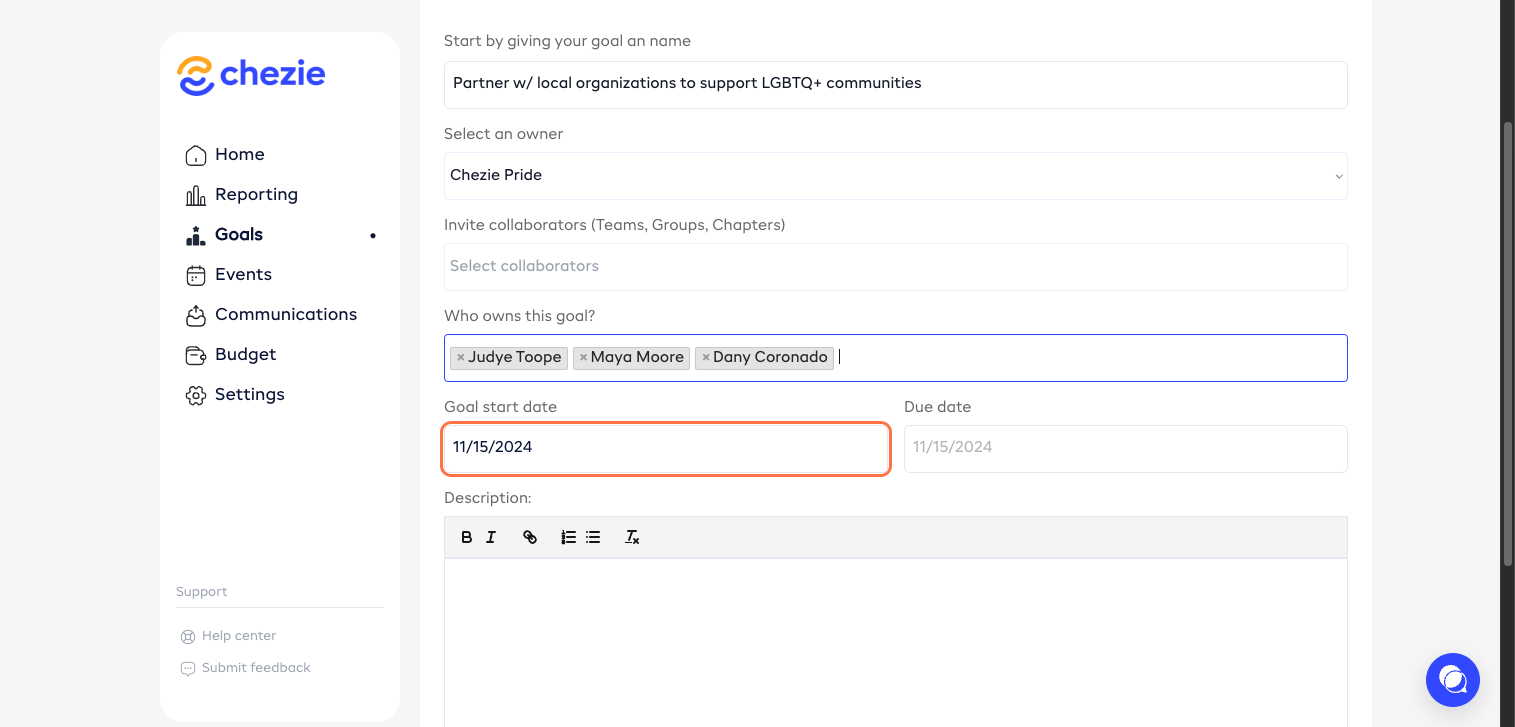
Enter due date.
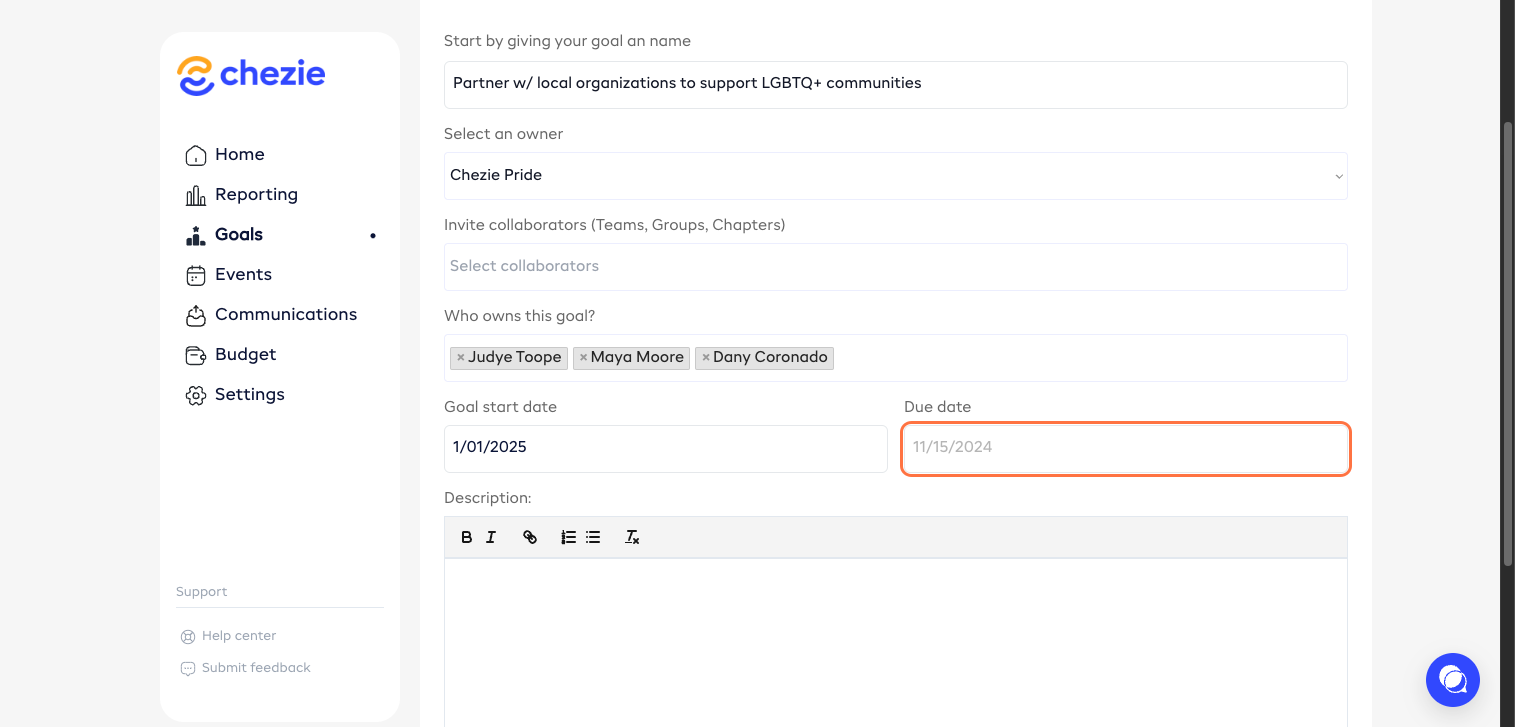
Add a description to your goal.
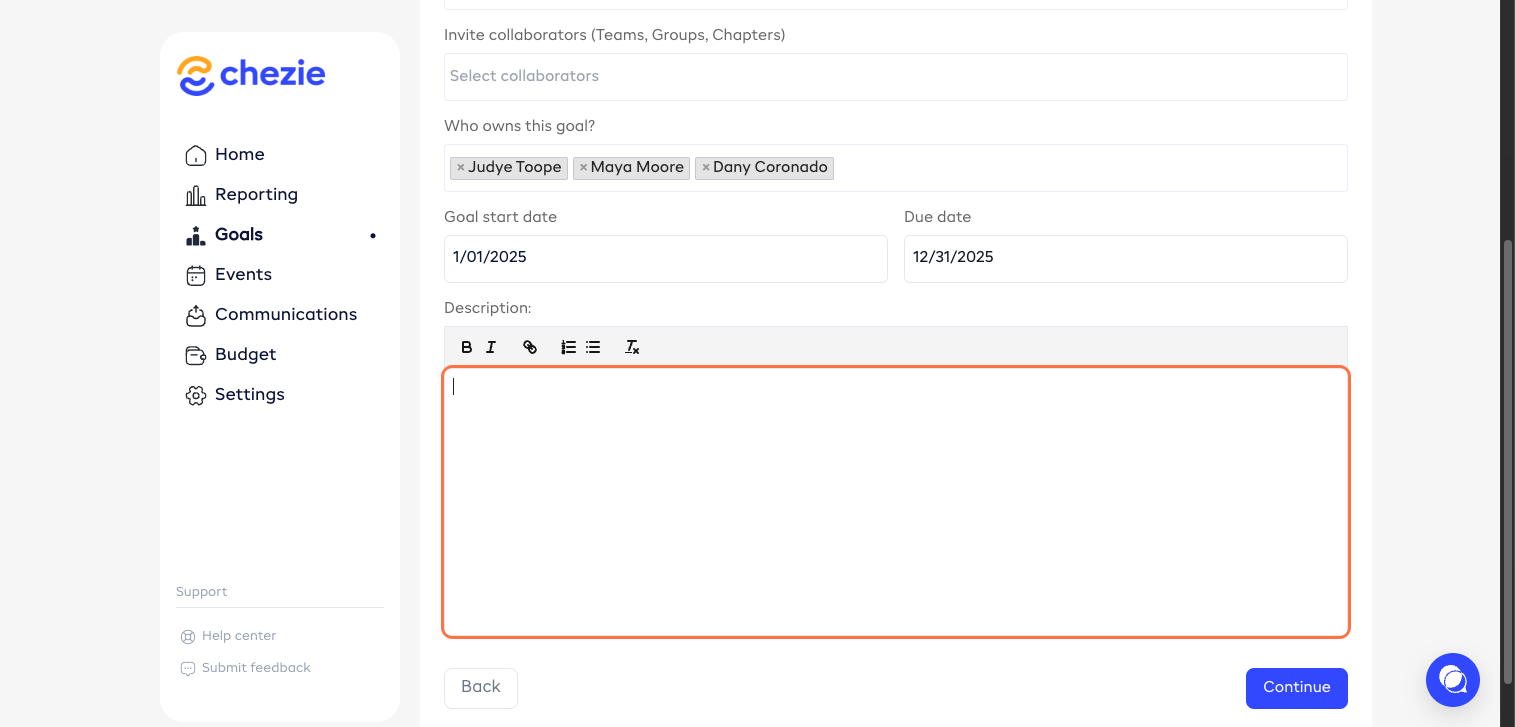
Click ‘Continue’.
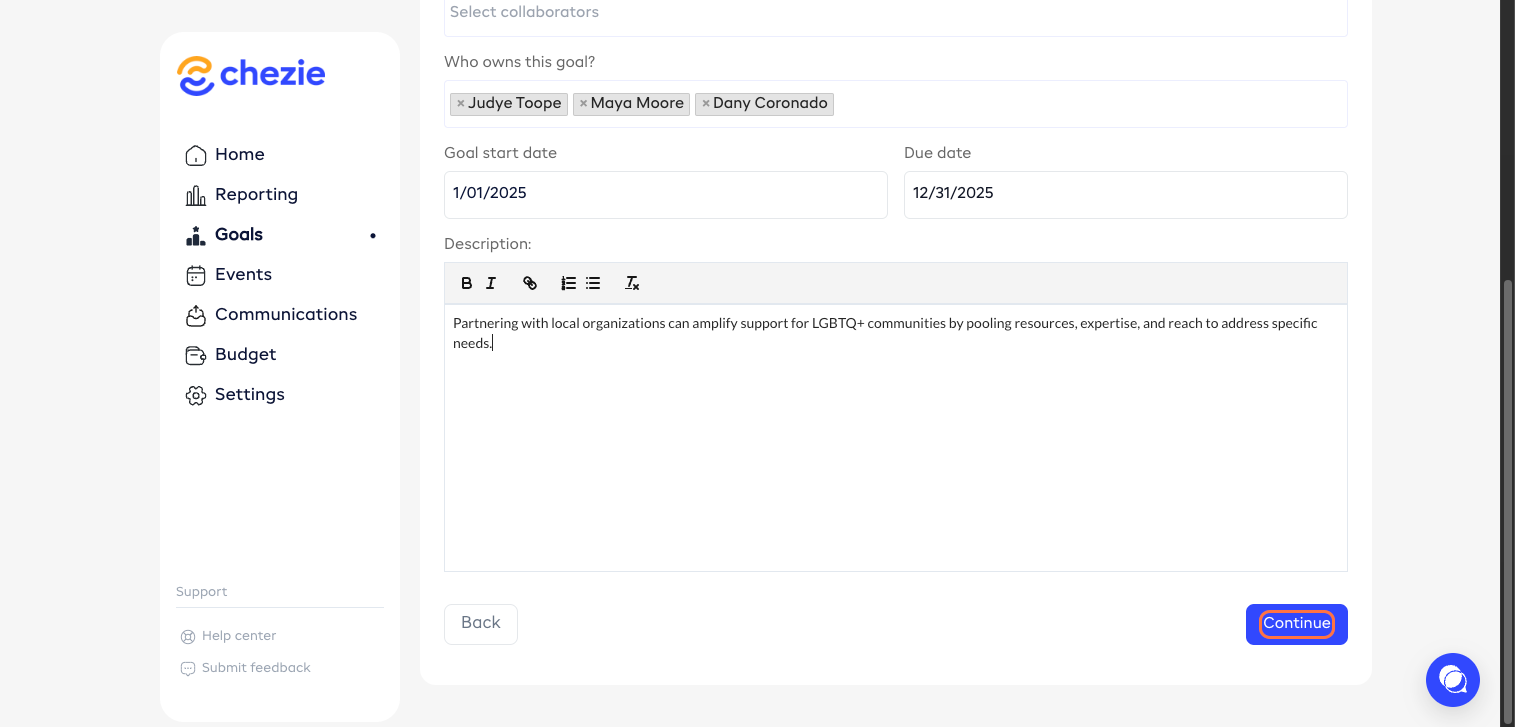
Additionally, you can add a Target to your goal. To do this, click 'Target'.
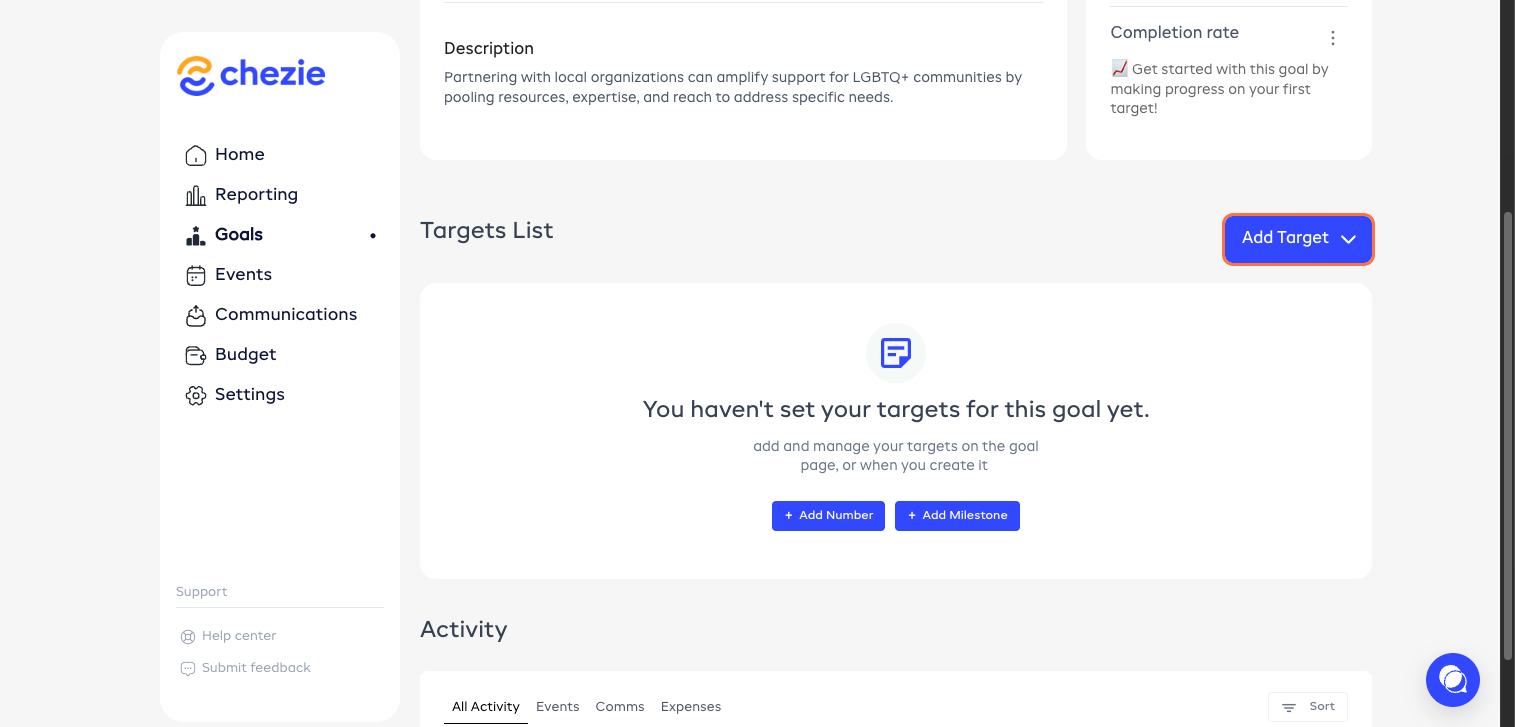
Enter the details.
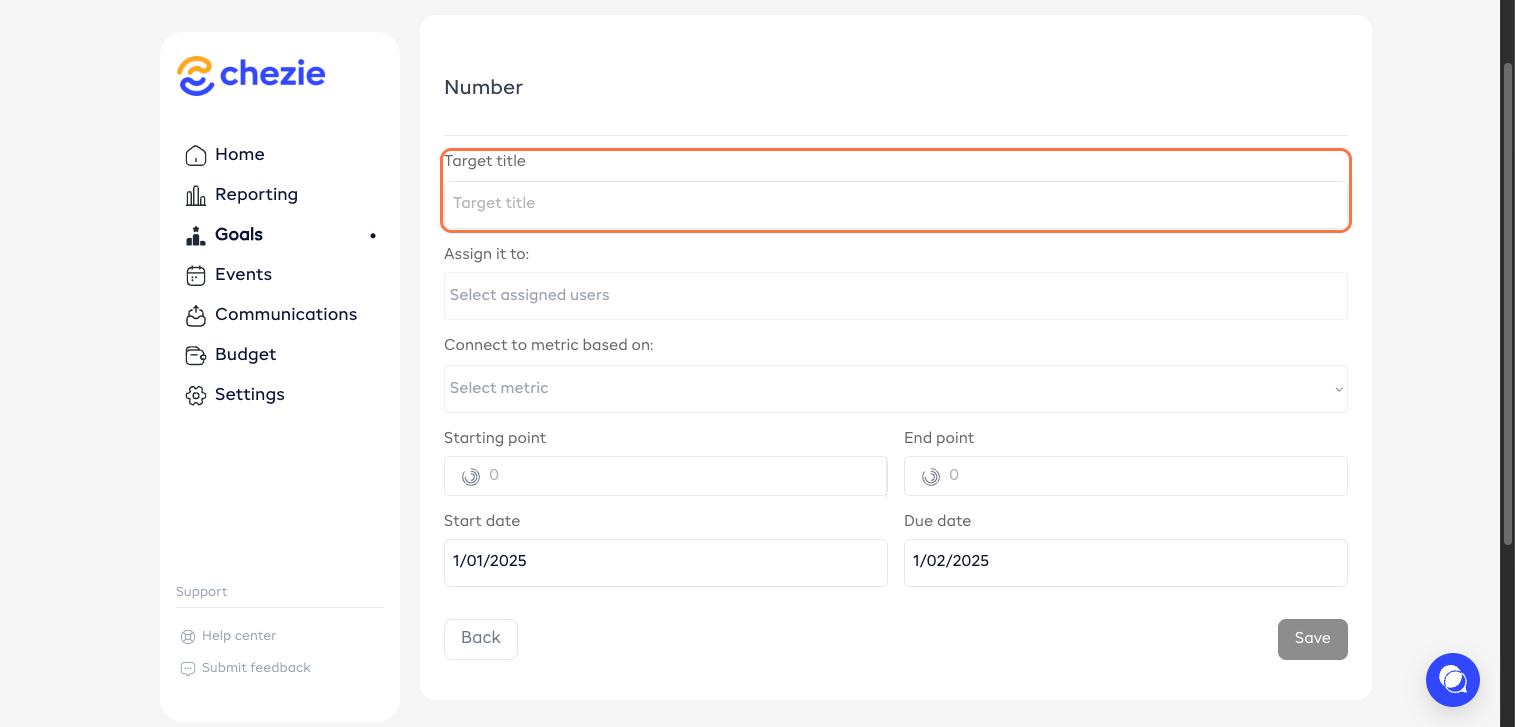
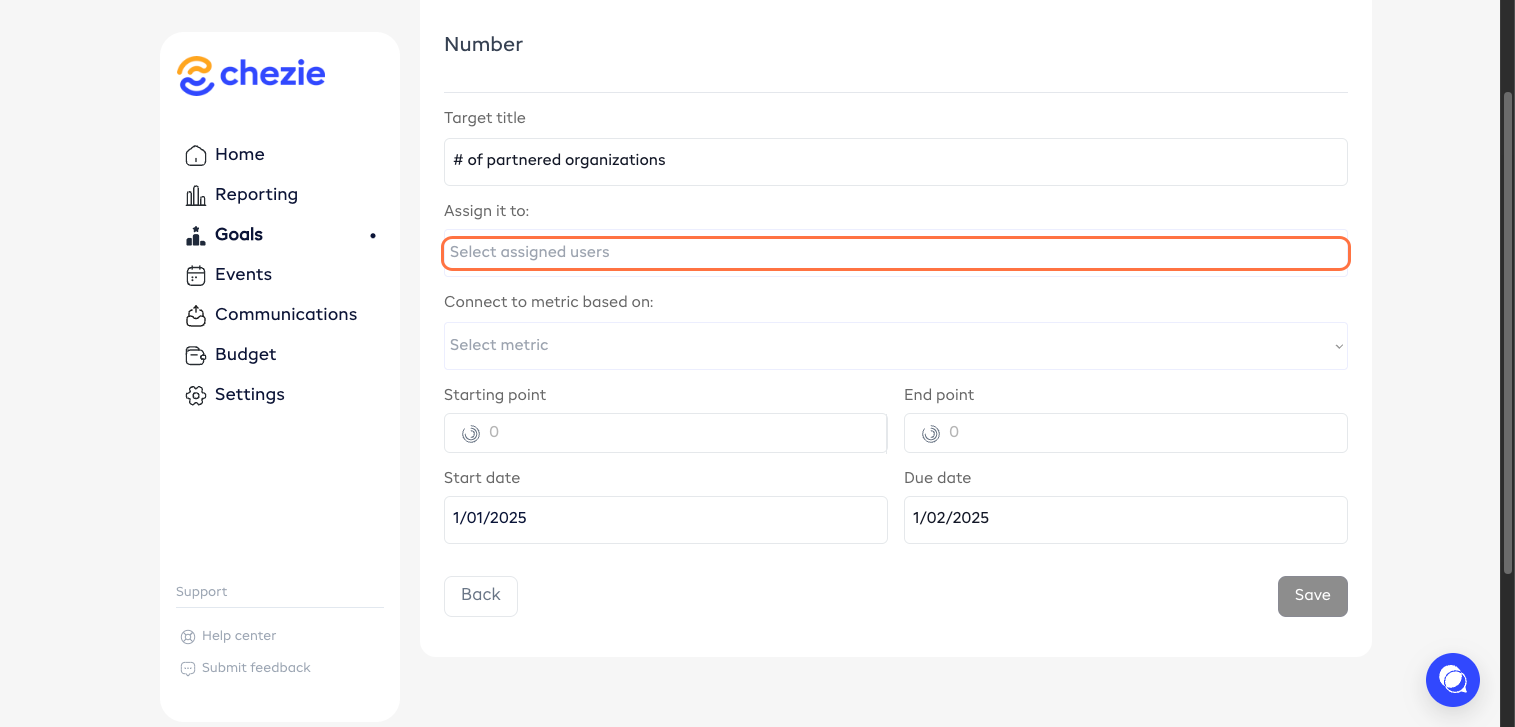
Choose your assigned member.
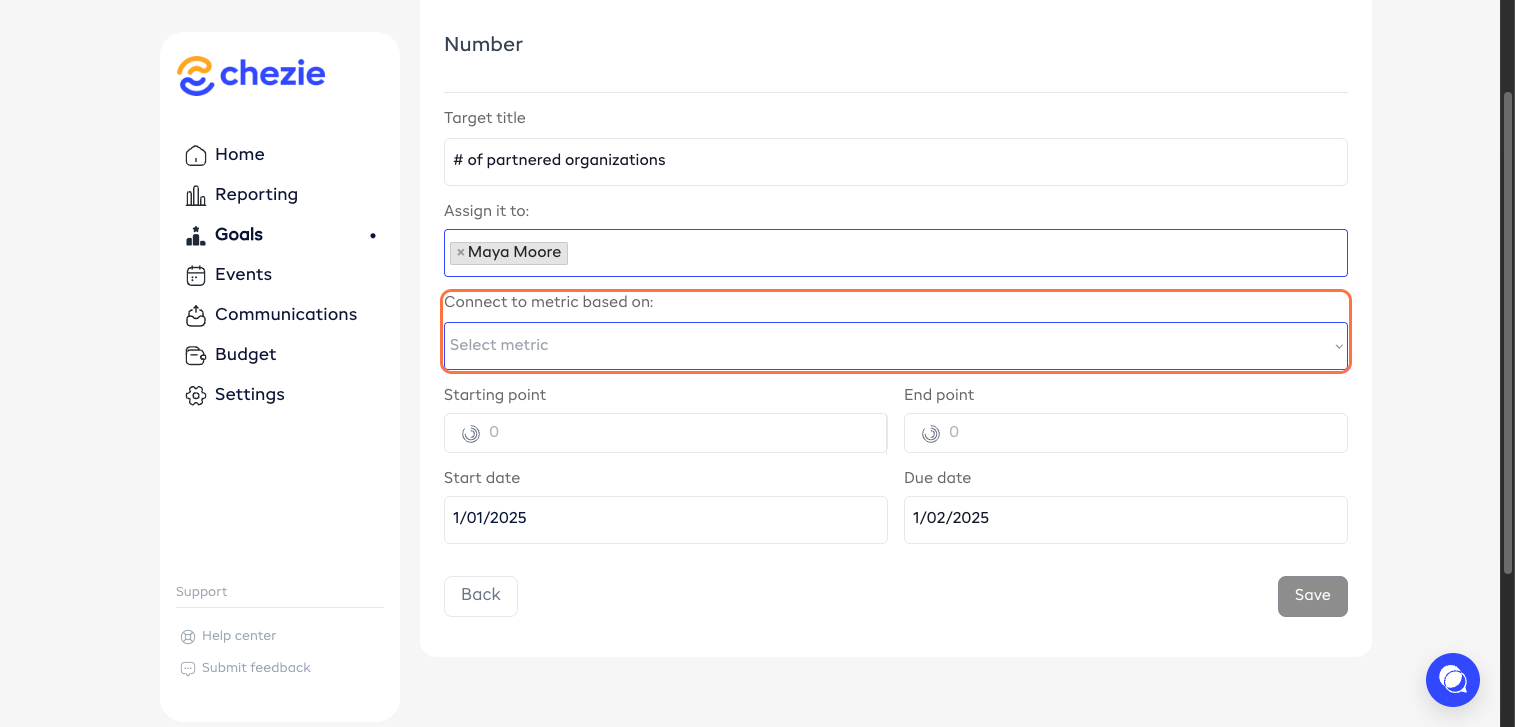
Select your metric for the target.
Enter your start point.
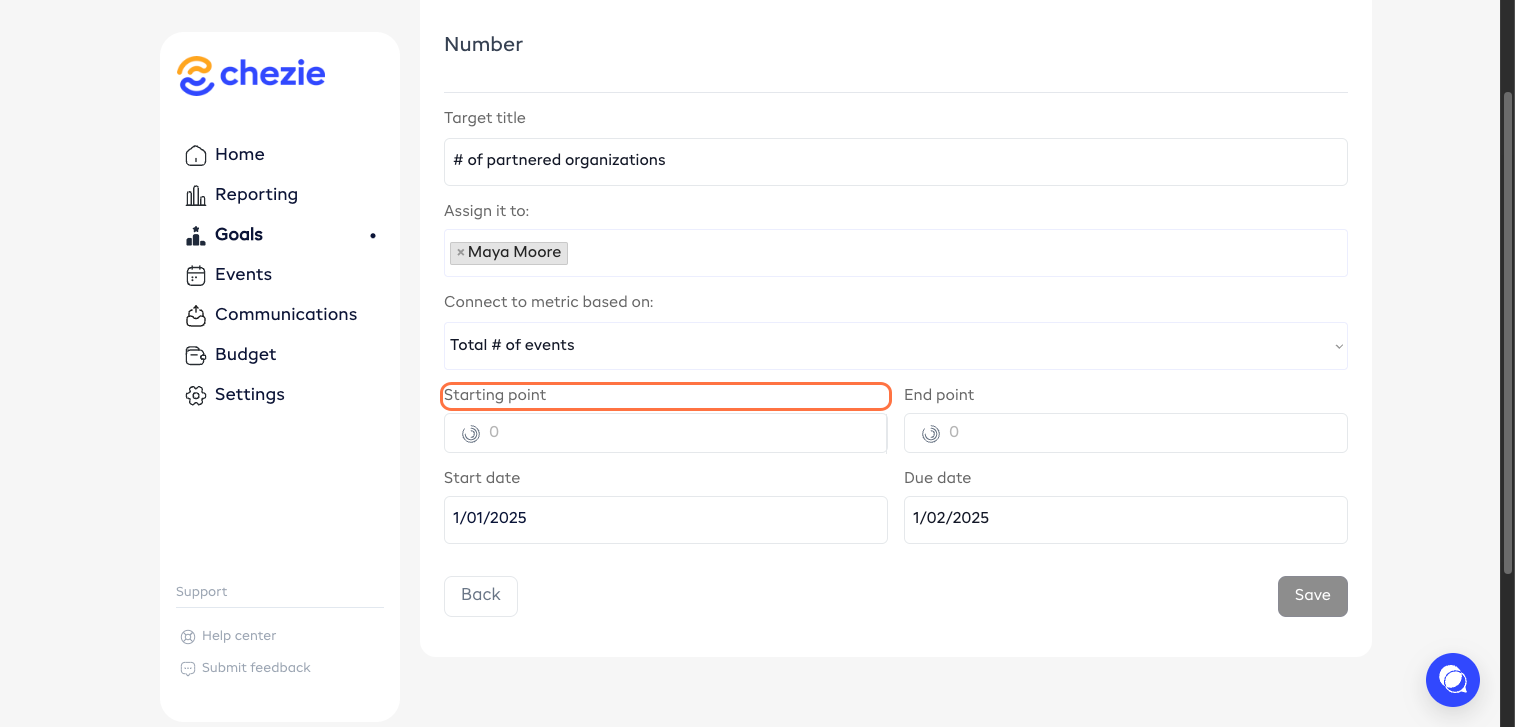
Set your end point.
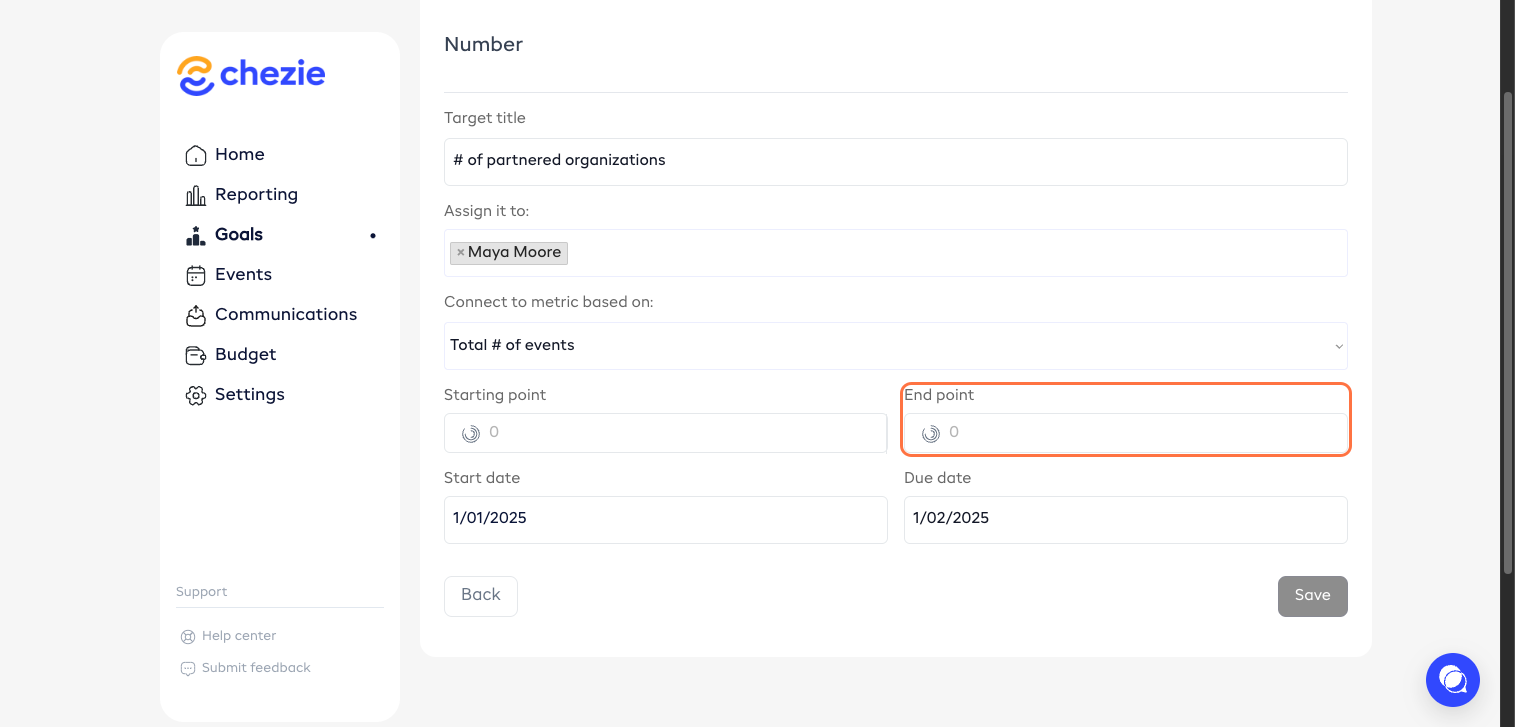
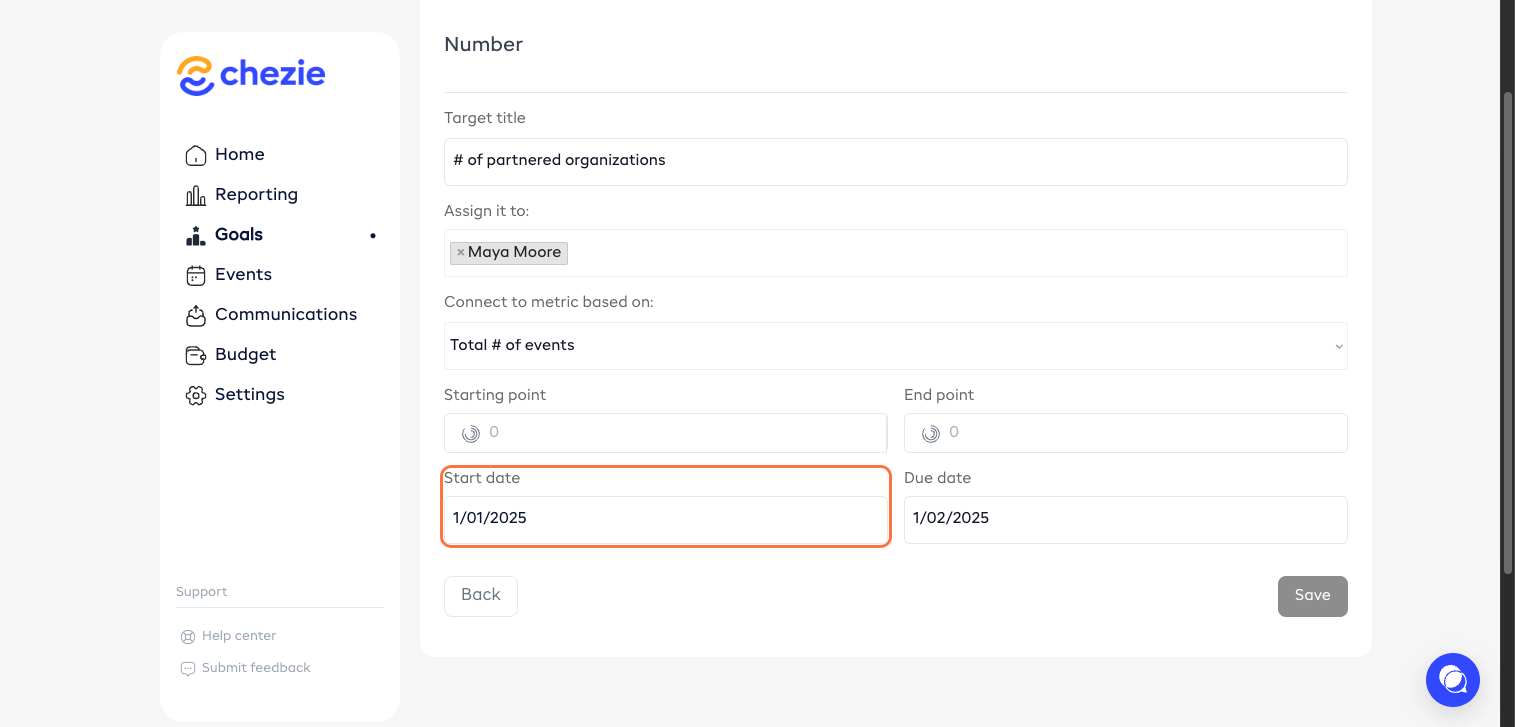
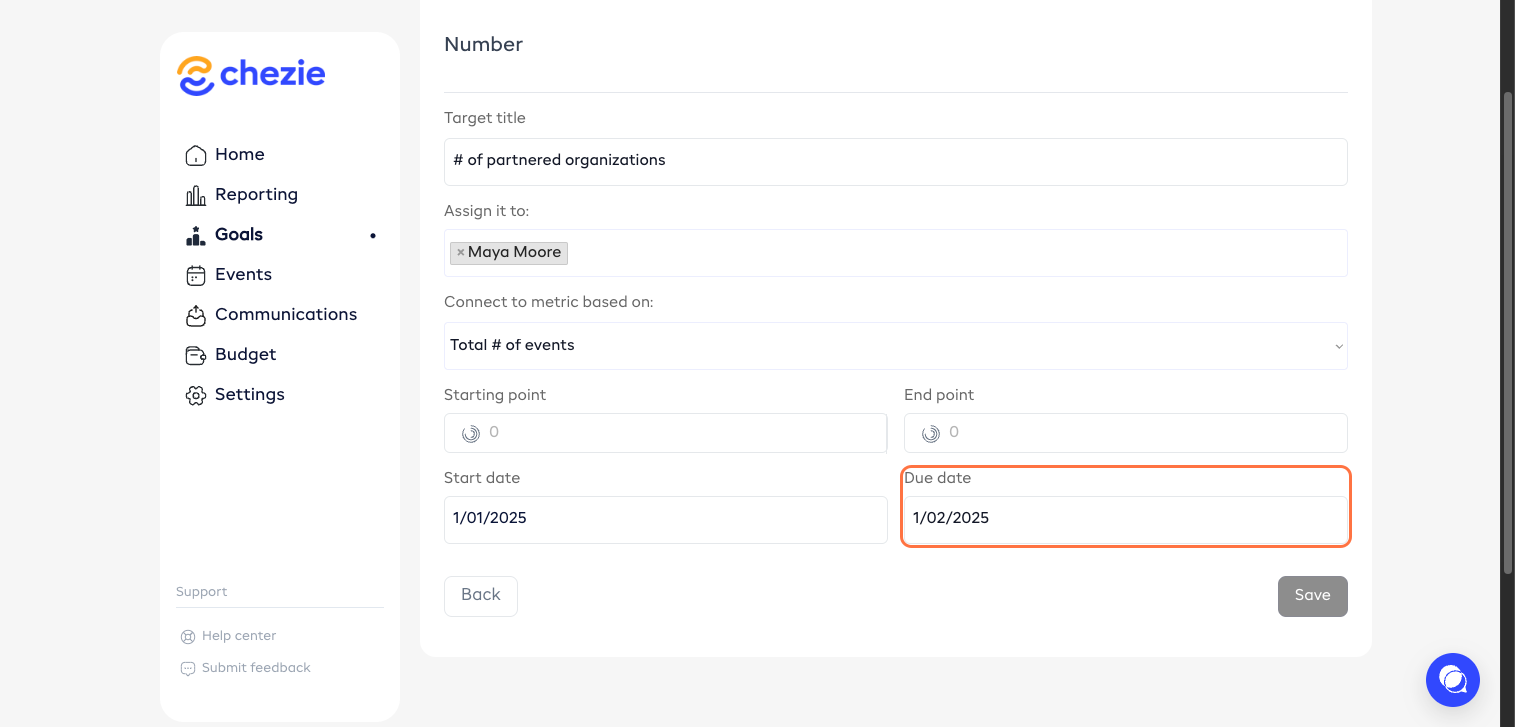
Set your start and due dates.
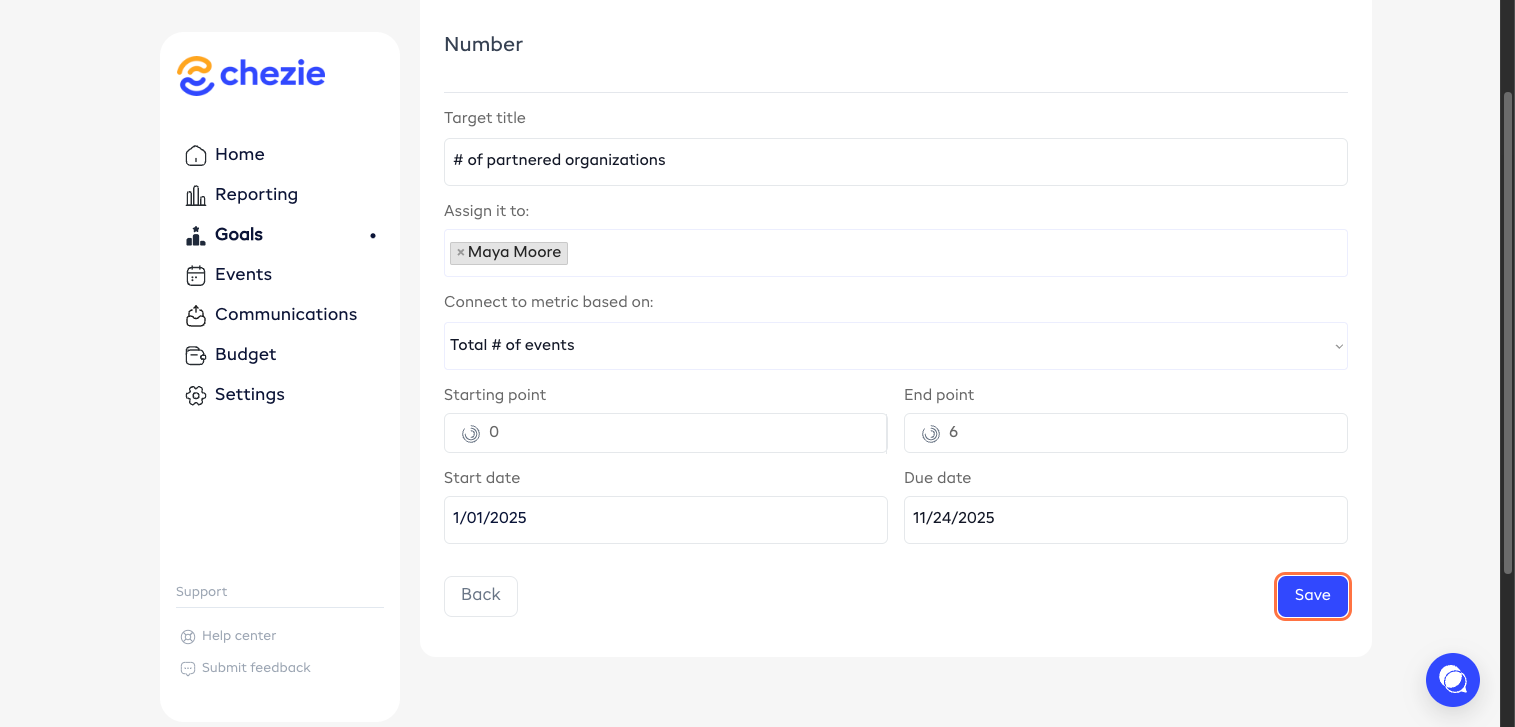
Click ‘Save’.
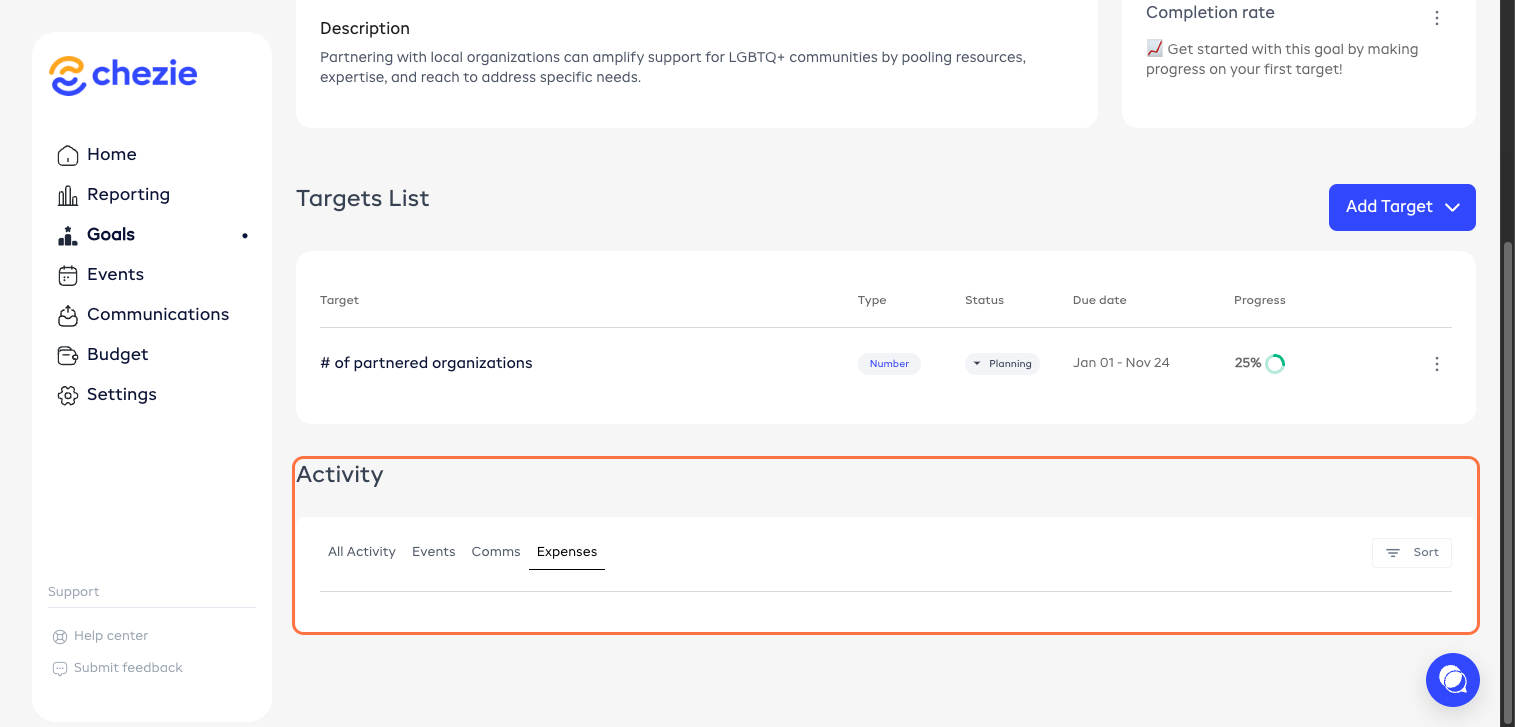
All activities submitted for this goal will be seen here.