Article
How to get a QR code for an Event
1 min read
Last updated 2 months ago
How to get a QR code for your events.
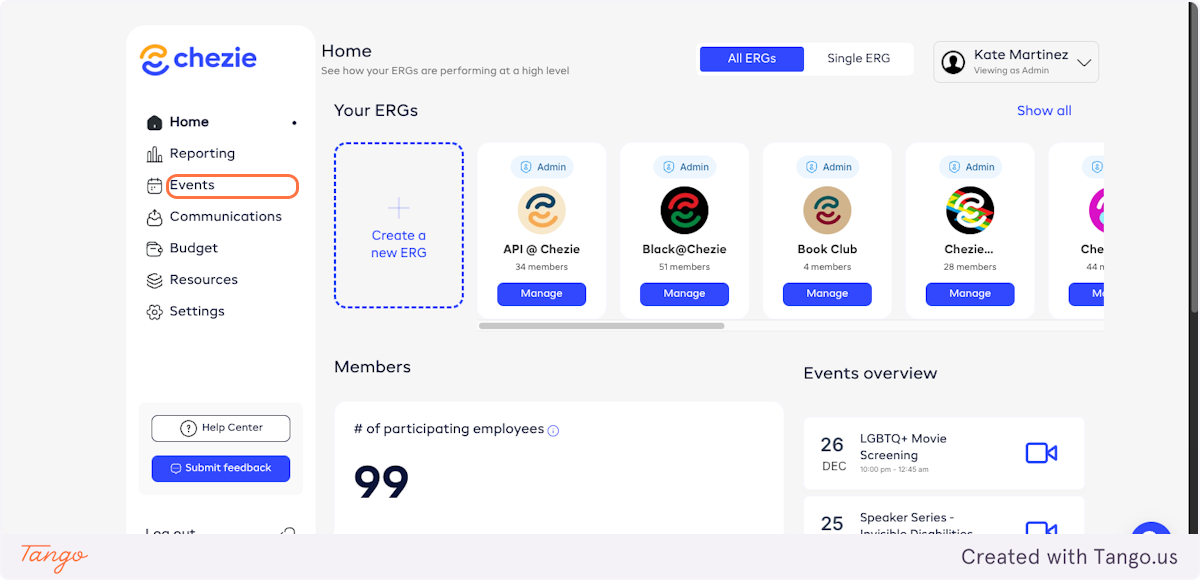
- On the homepage, click on Events
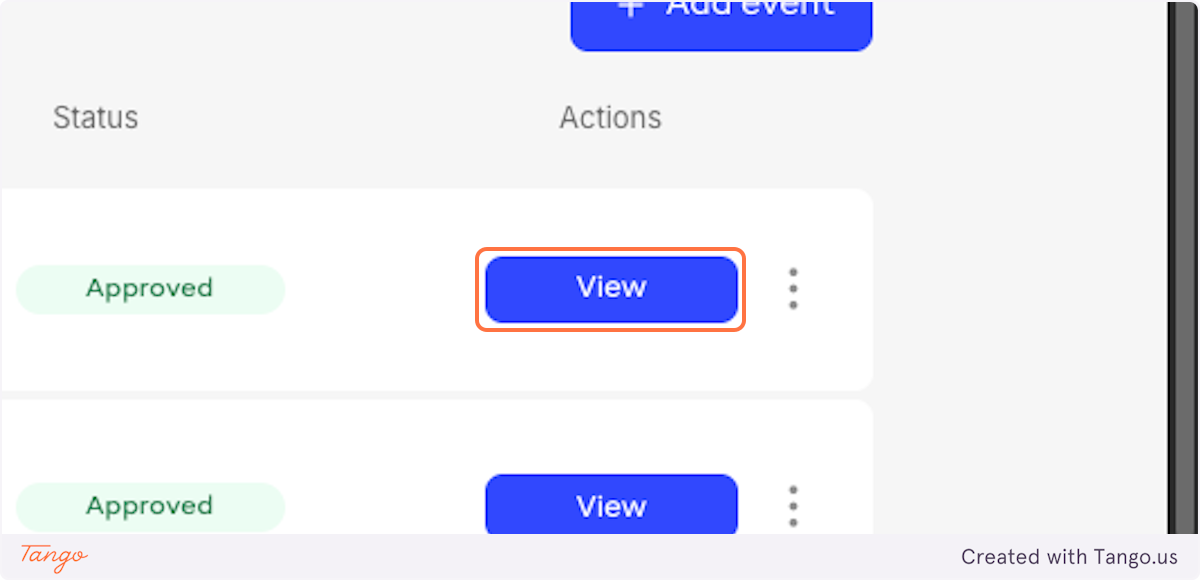
- Choose the event and click on View
- To download a check-in QR code, click on Attendance
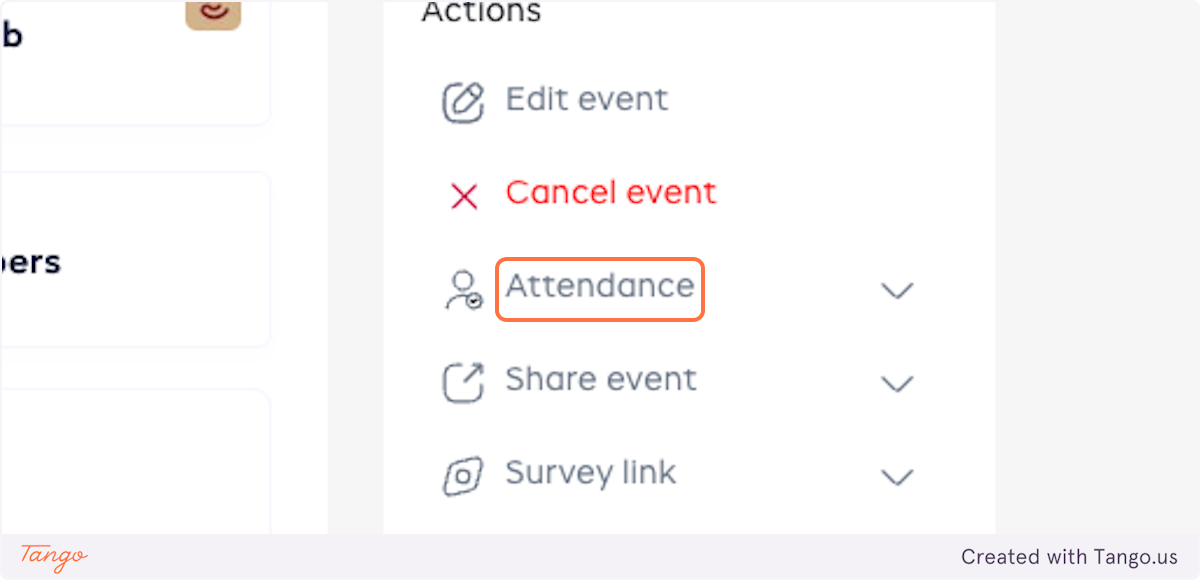
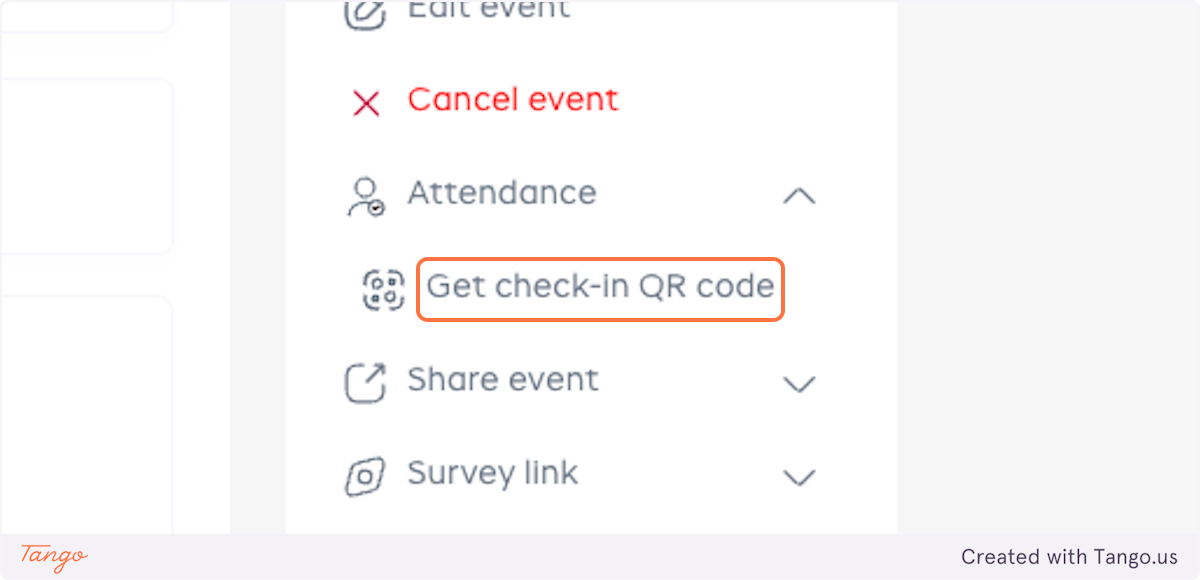
- Click on Get check-in QR code
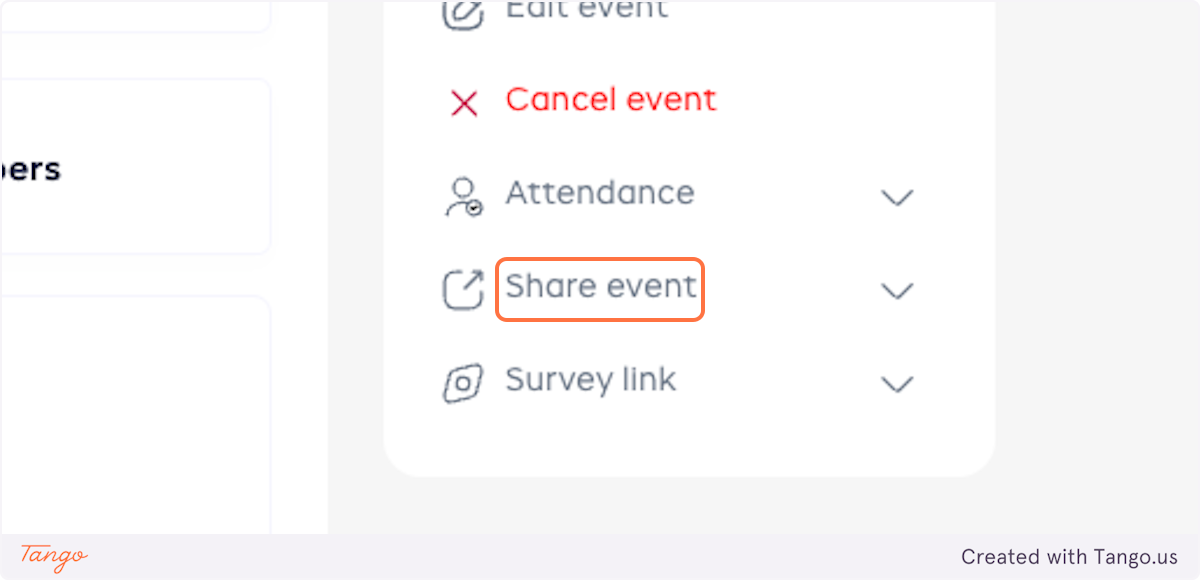
- To download a QR code to share the event, click on Share event
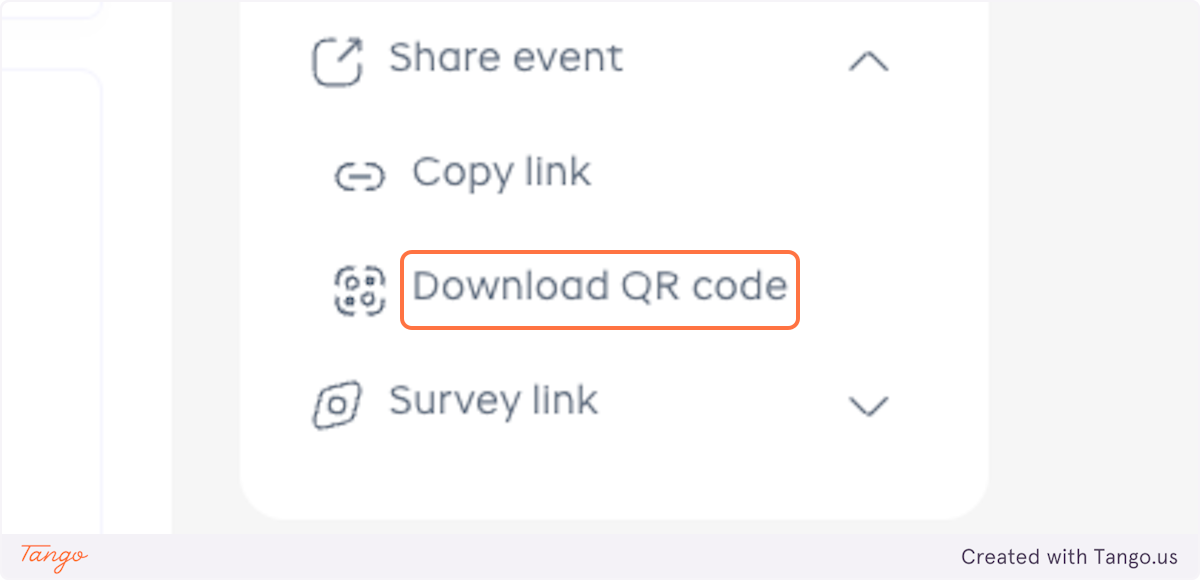
- Click on Download QR code
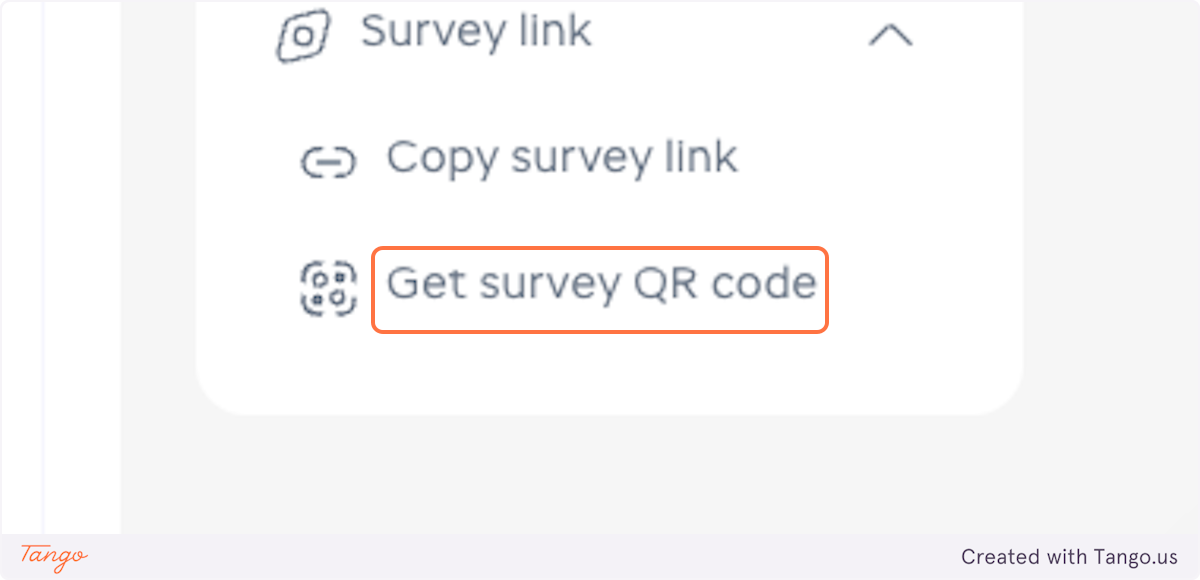
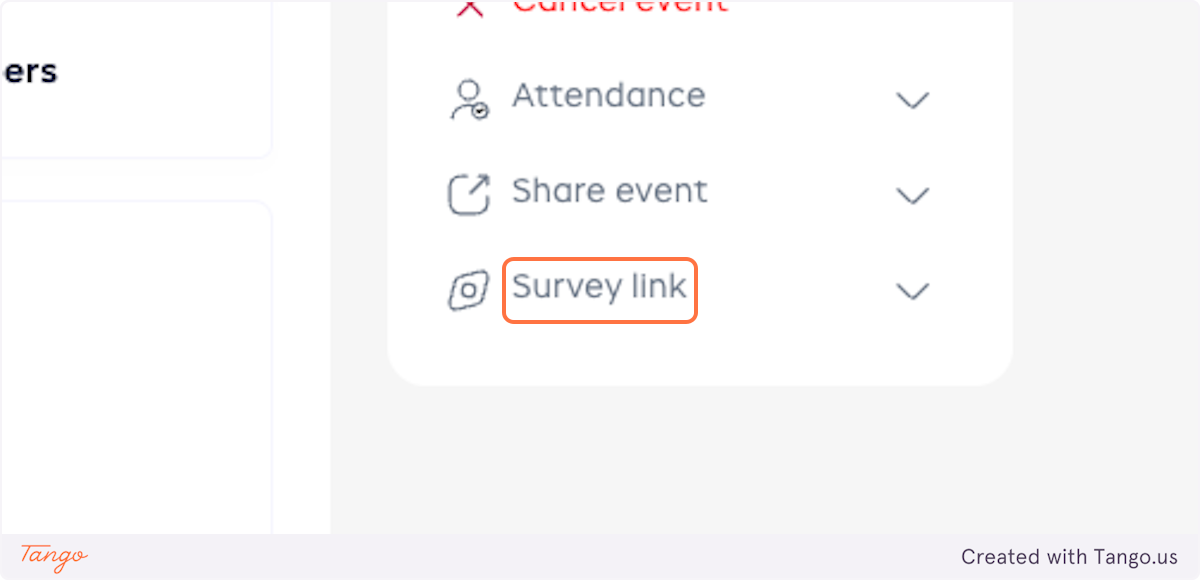
- To get a survey QR code, click on Survey link
- Click on Get survey QR code