Article
Private Groups
2 min read
Last updated 2 months ago
Learn how to set your group's privacy to "private" in a few clicks.
How private Groups work
Private groups are groups that employees must request to join before they can view the group’s profile and/or receive calendar invites and emails.
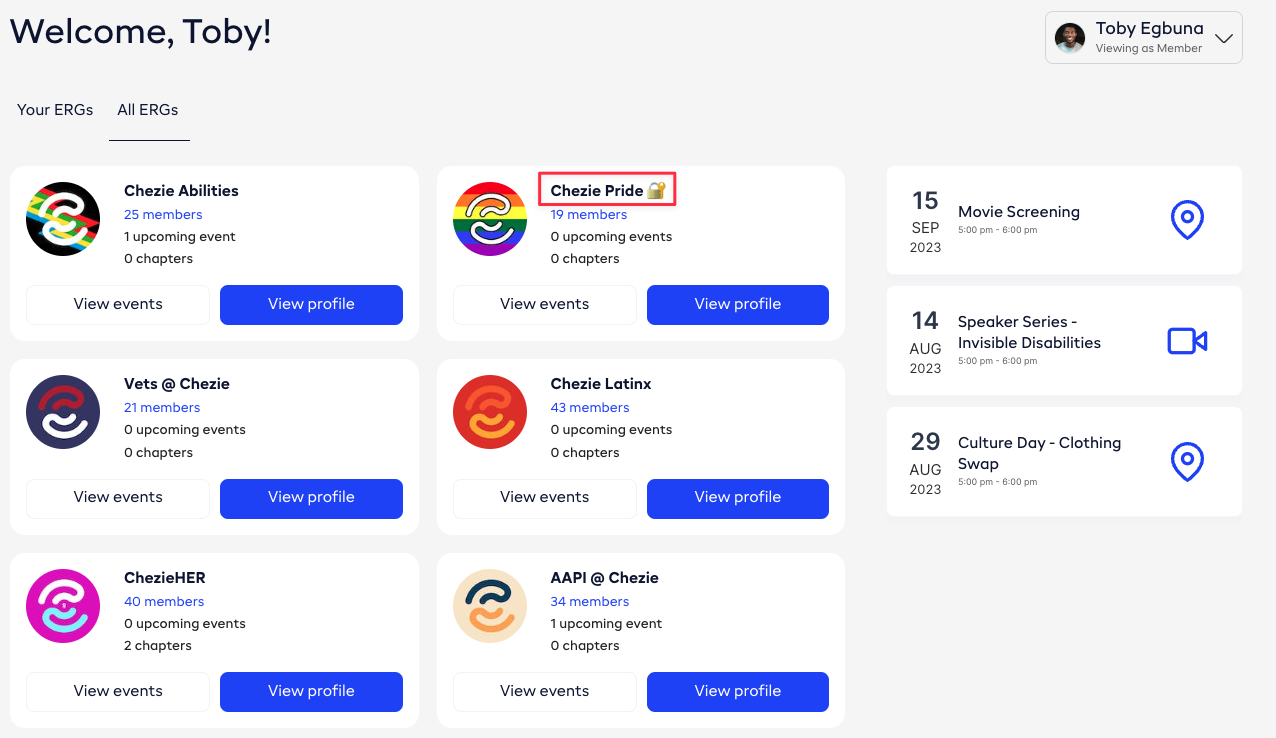
In the screenshot below, the 🔐 icon denotes a private group.
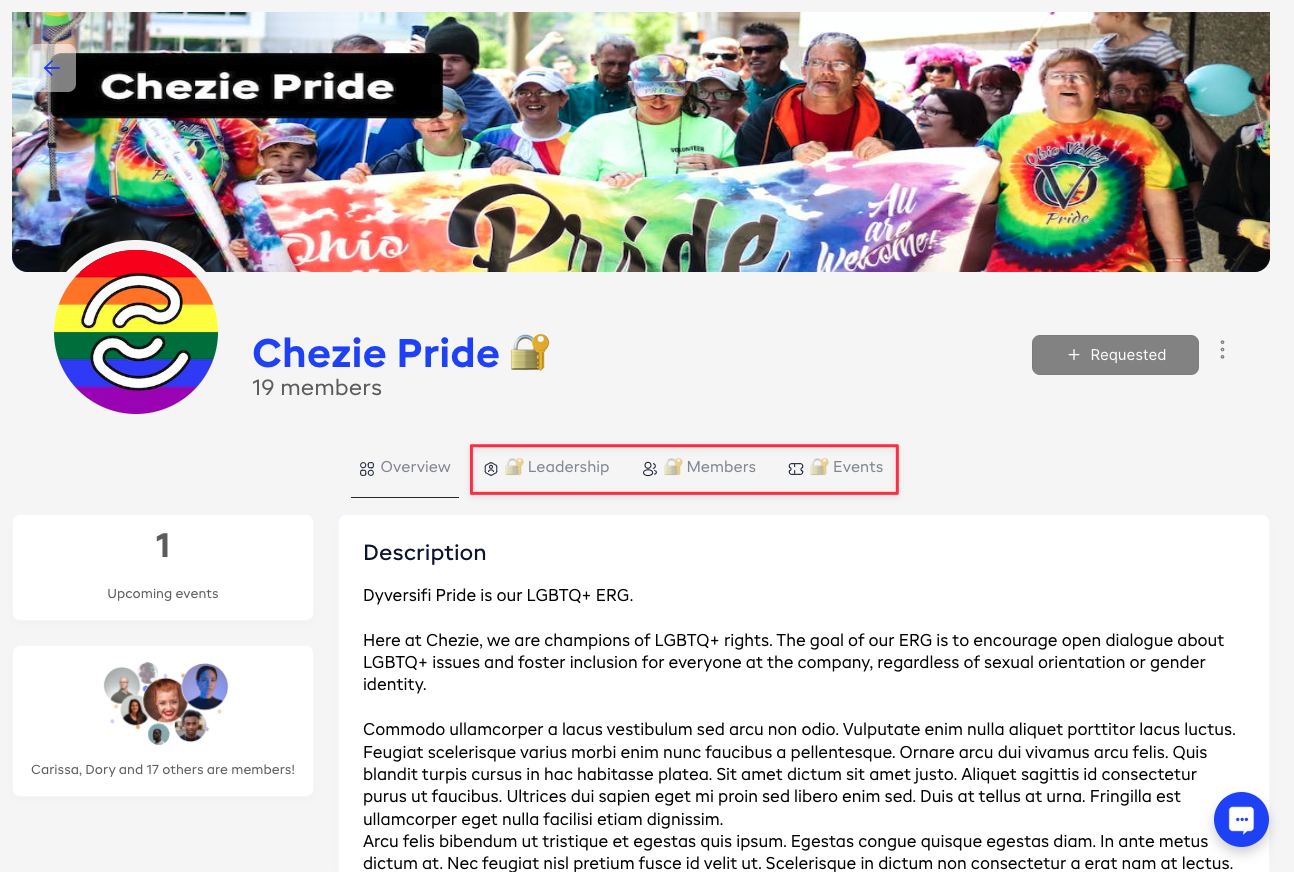
If a group is private, employees have to request to join. Until the request is accepted, employees can’t see leadership, members, or events.
How to make a Group Private
Groups can be made private. Though any Group can be made private, this feature is typically used for Groups where people’s identity as a member isn’t known to the company. For example, your LGBTQ+ Pride Group, Disabilities Group, or Veteran’s Groups might be private. If you make a group private, users will have to request to join.
-
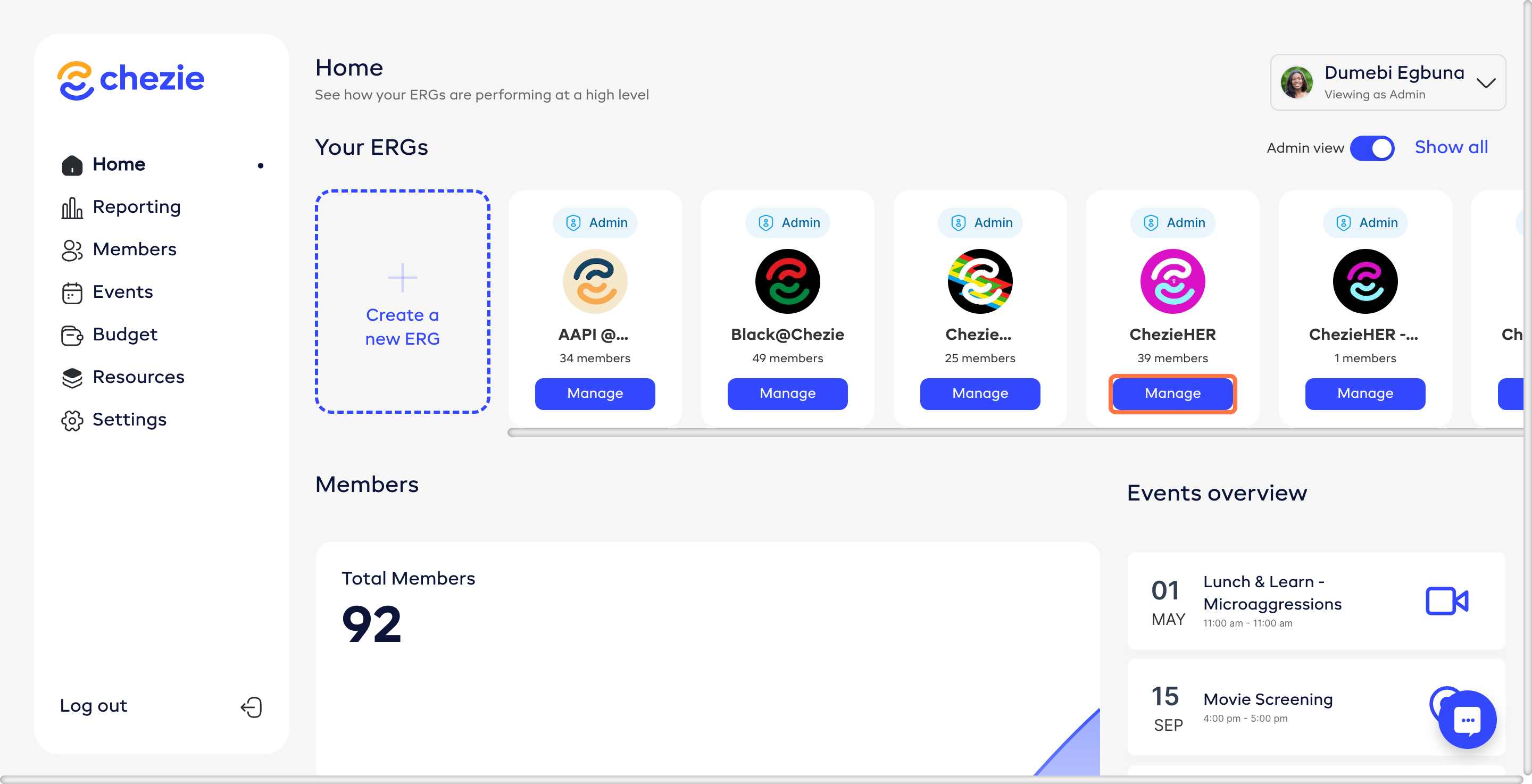
Go to the Manage Group page of the Group that you want to make private.
-
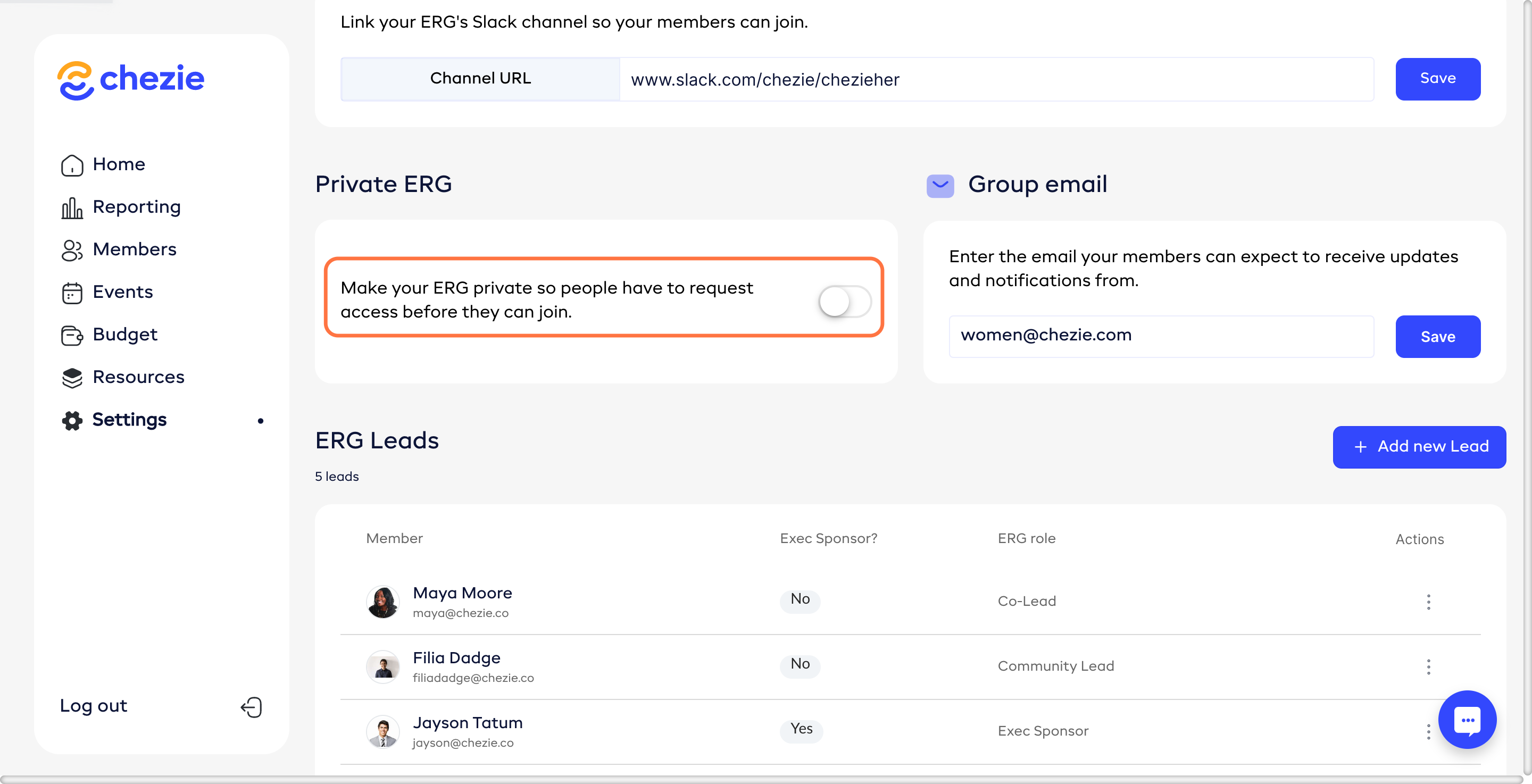
Scroll down to the ERG settings header. Under the header, you will see a slider/toggle for Private Group.
- Click on the slider/toggle so that it appears green. Once you’ve done this, your changes are automatically saved.