Adding new Admins
Expanding your admin team with new members.
Written By Toby Egbuna
Last updated About 1 year ago
Admins are people with access to your entire company's ERG information.
If you're an Admin with the Manage Admins permission turned on, then you can add other Admins. You can also edit permissions for other Admins
How to add an admin:
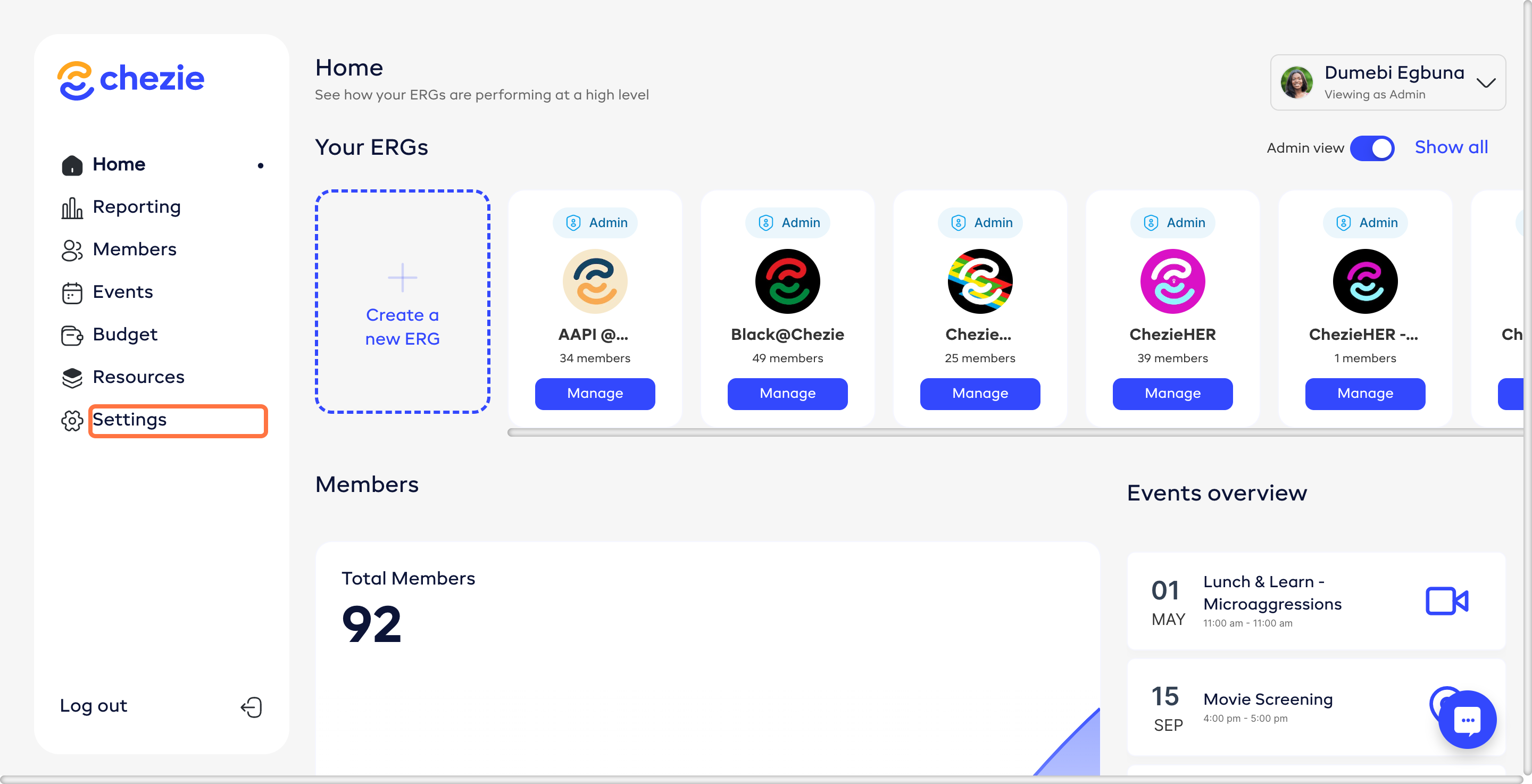
Navigate to admin home page.
Click Settings on the Sidebar
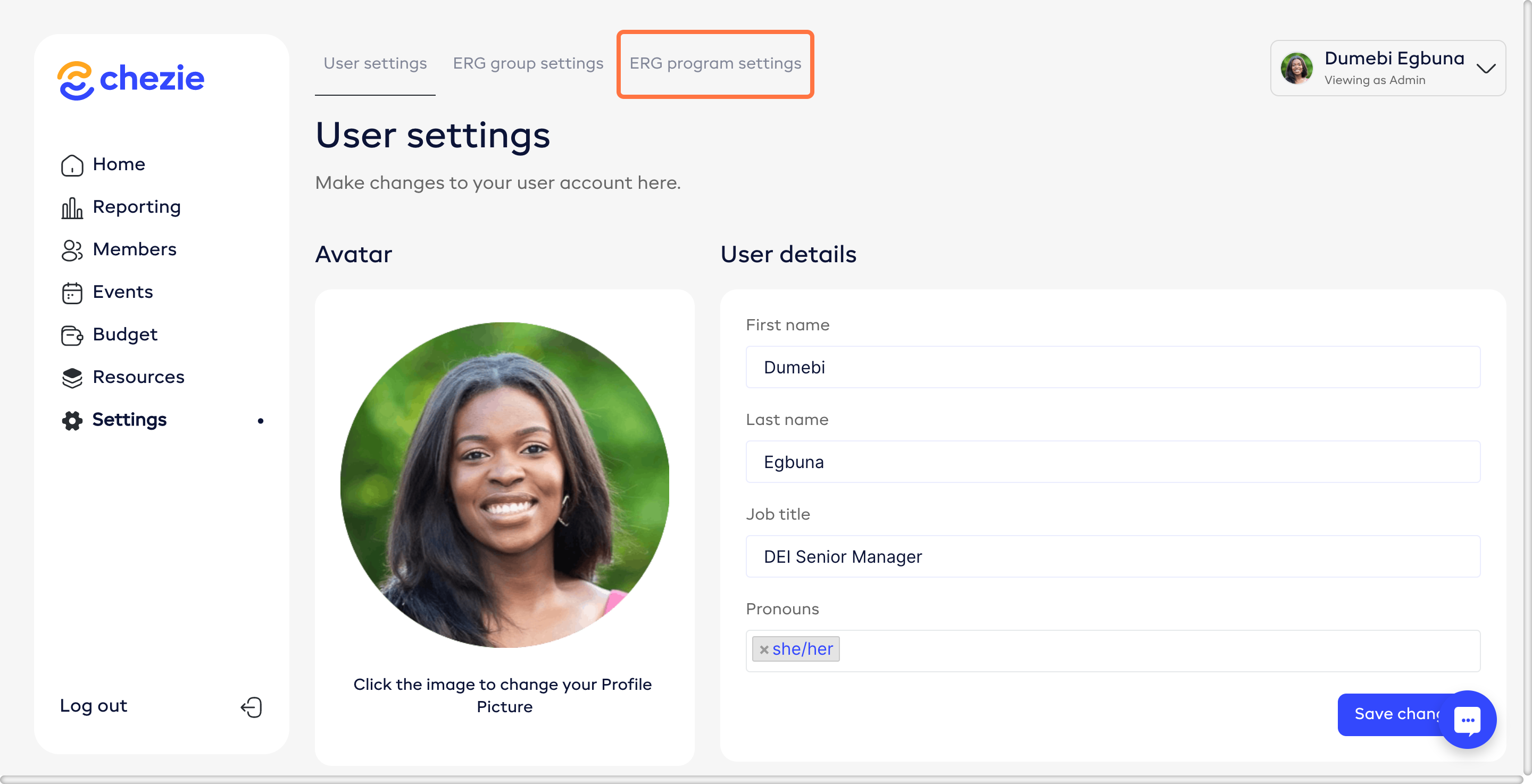
Click ERG Program Settings
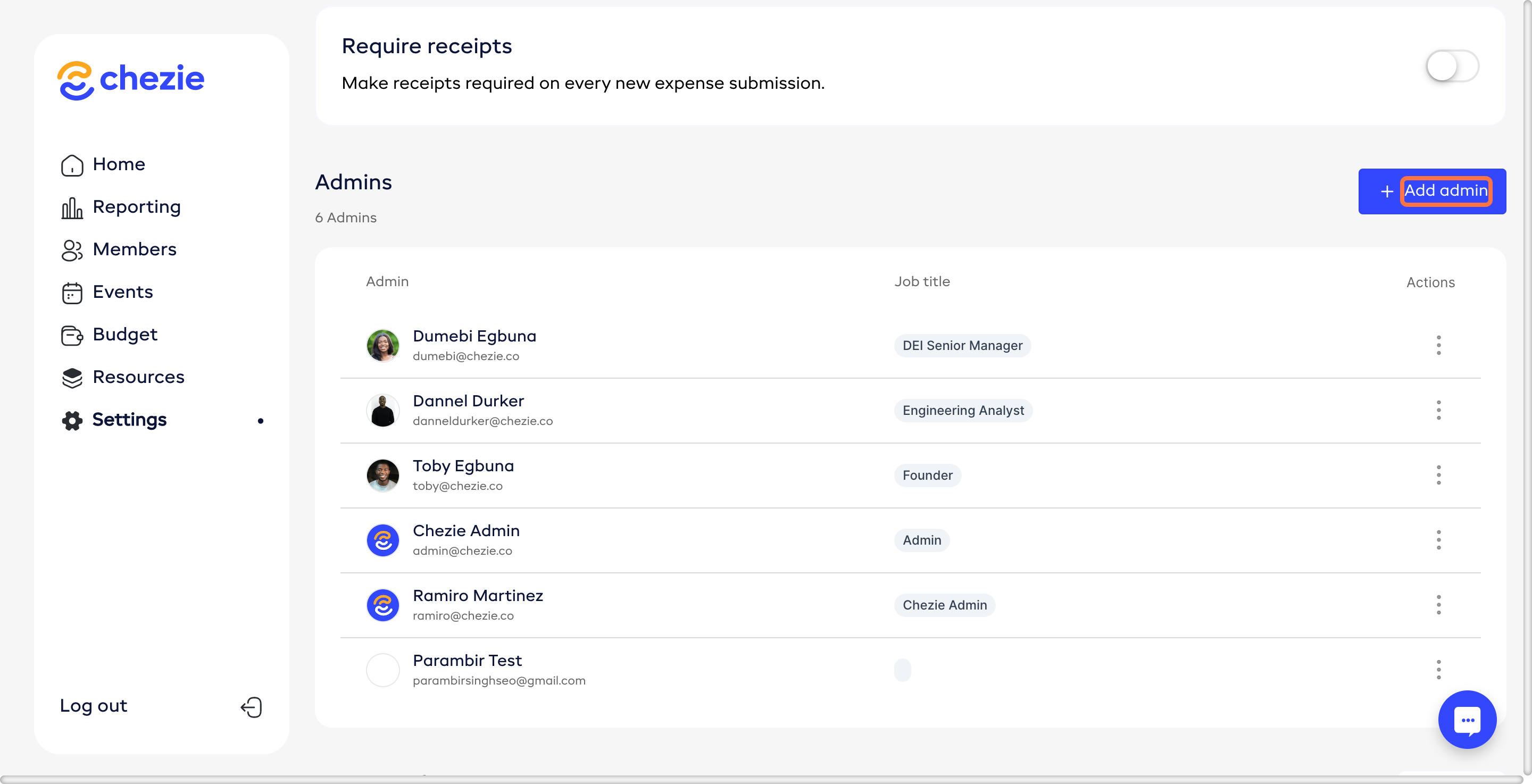
Click Add Admin
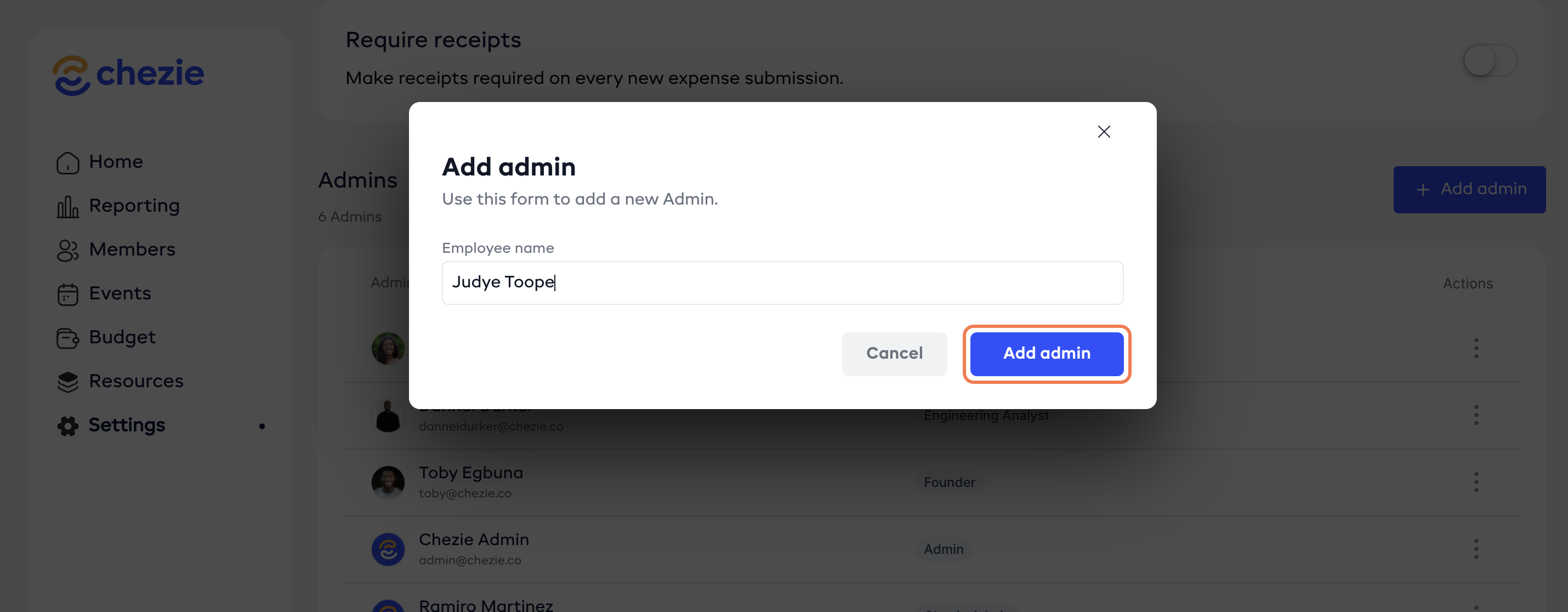
Enter the name of the user that you want to make an Admin
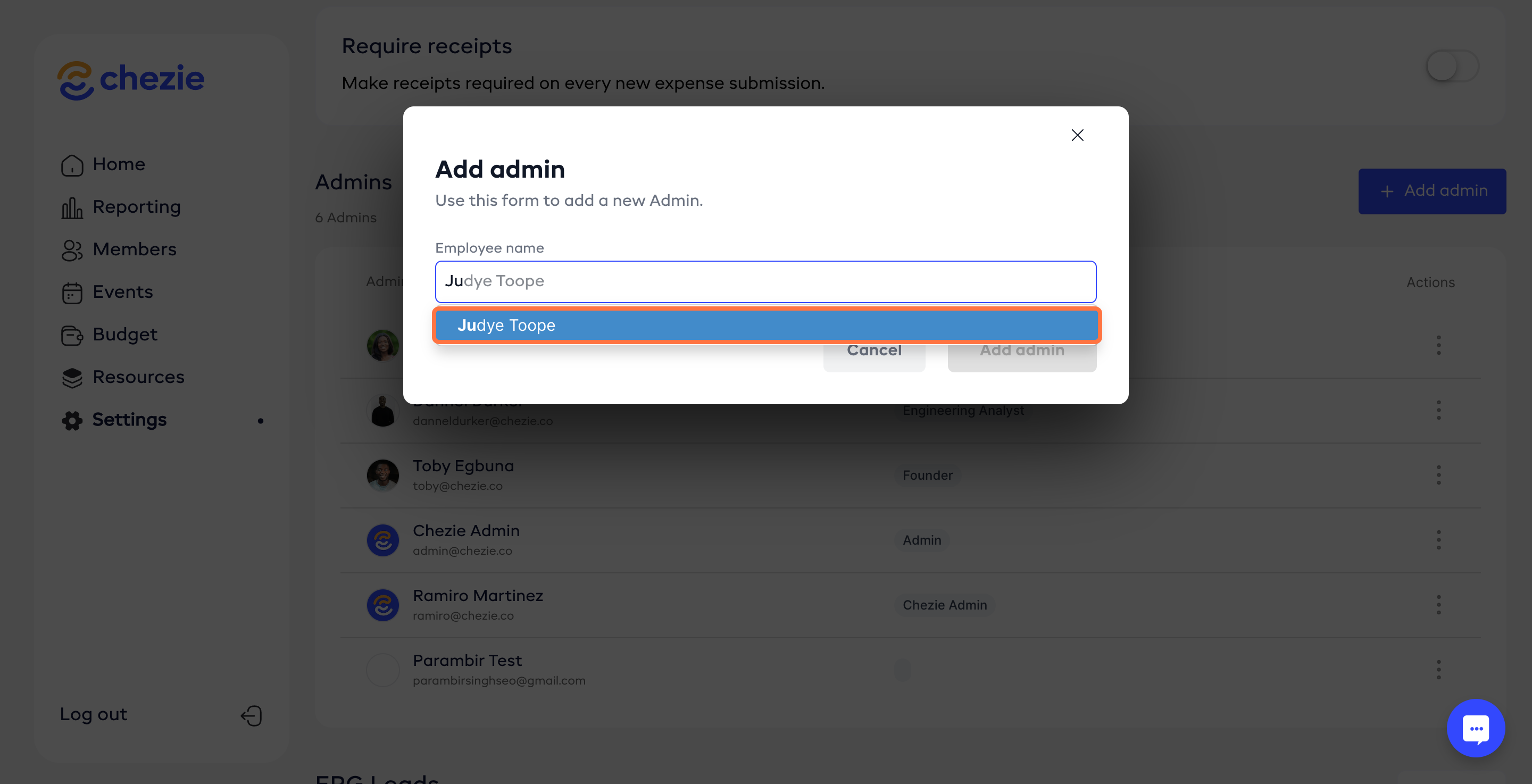
Click ADD ADMIN