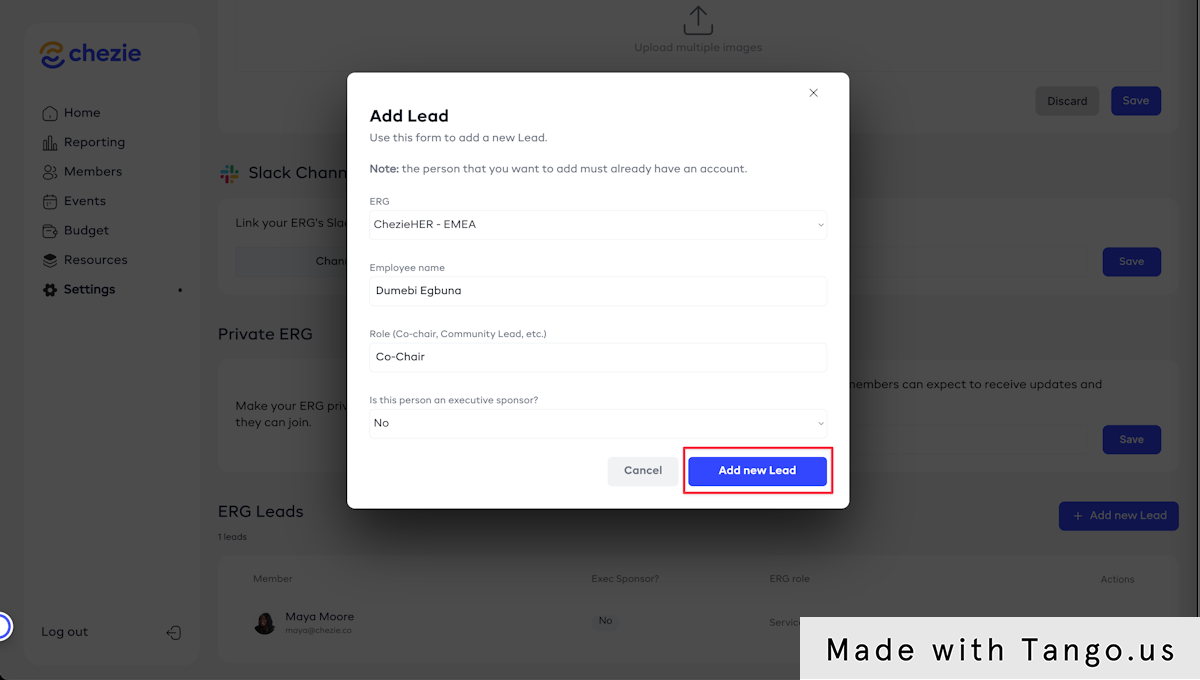
Adding a new Group Lead
Learn how to appoint a new Lead to your group.
Written By Toby Egbuna
Last updated About 1 year ago
Adding a new Lead as an Admin
Go to the Manage Group page of the Group that you want to add a lead for.

Scroll down to the ERG Leads header.
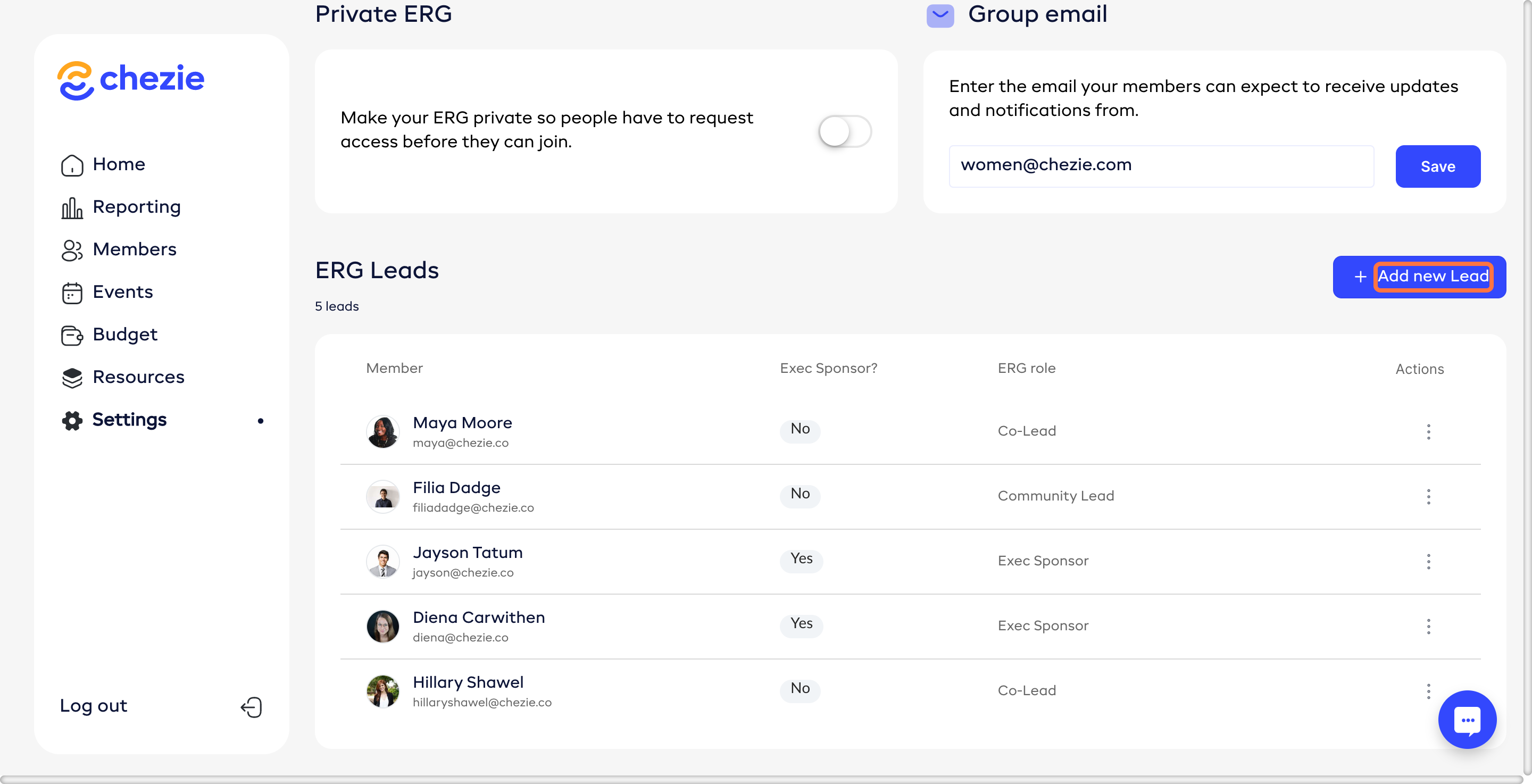
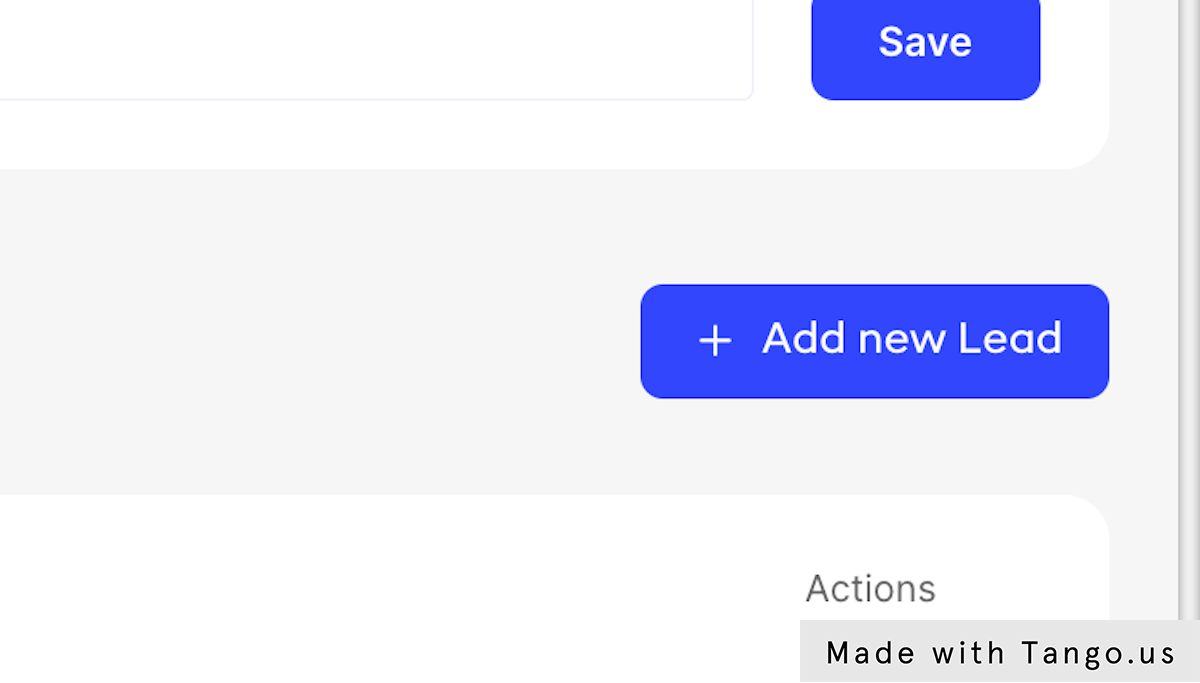
Click Add New Lead.
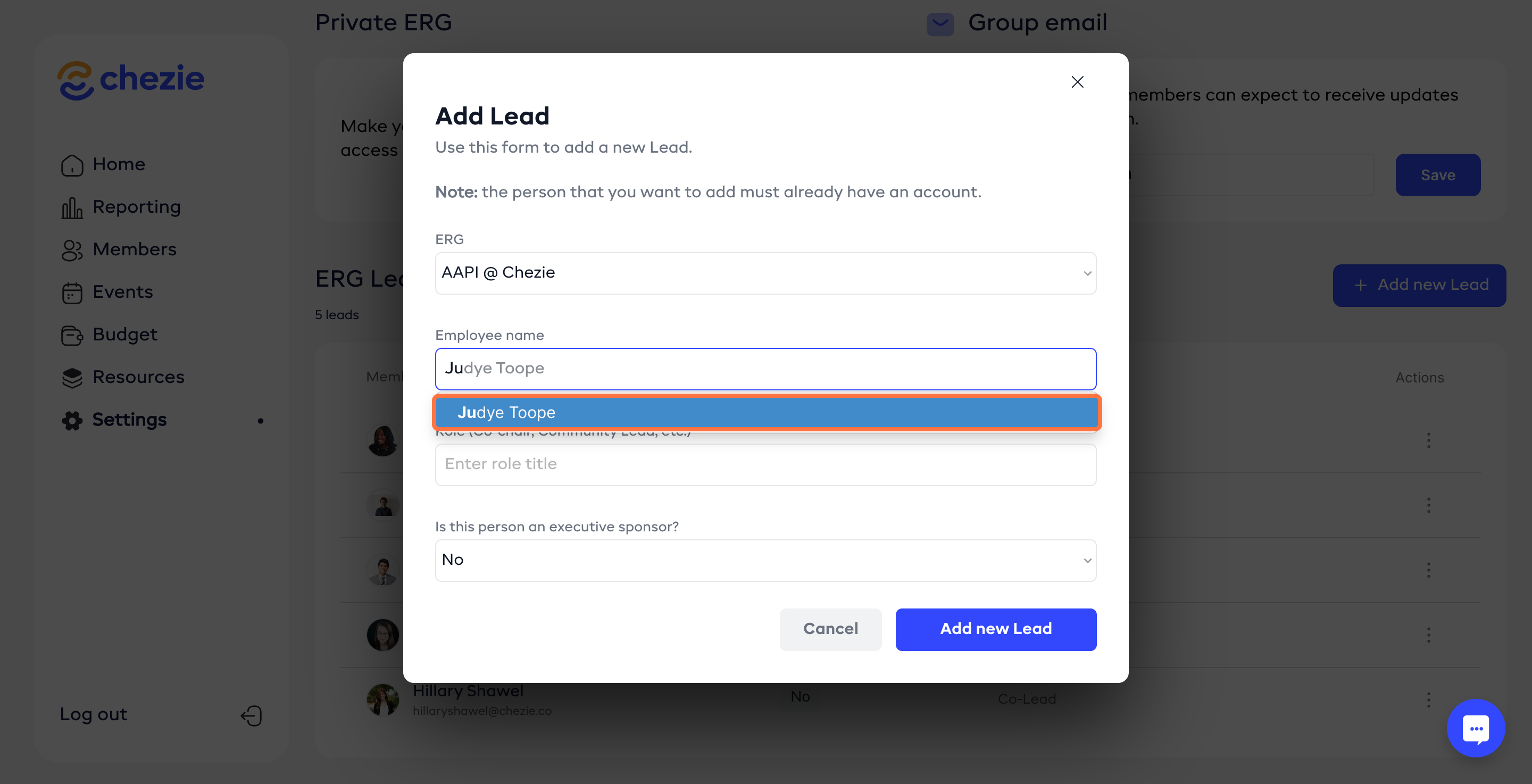
Search for the ERG lead. (Note: they will only appear if they have logged into the portal).
Enter the rest of the requested information.
Click Add New Lead to save.
Adding a new Lead as a Lead
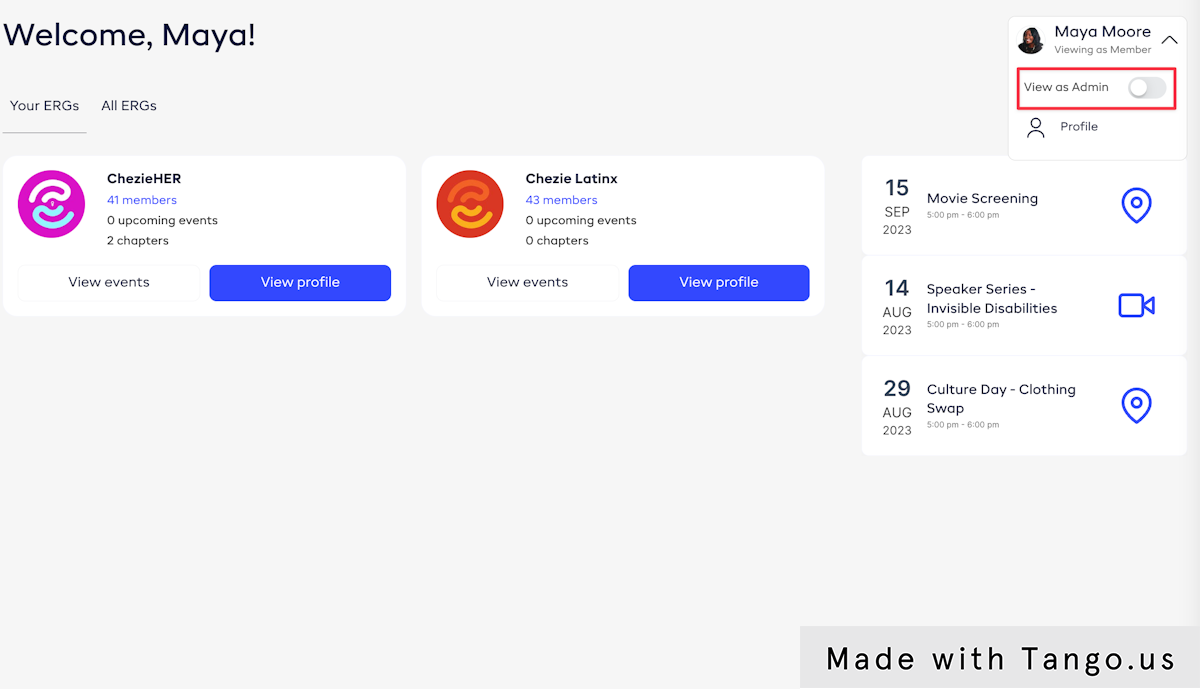
Switch to Admin view
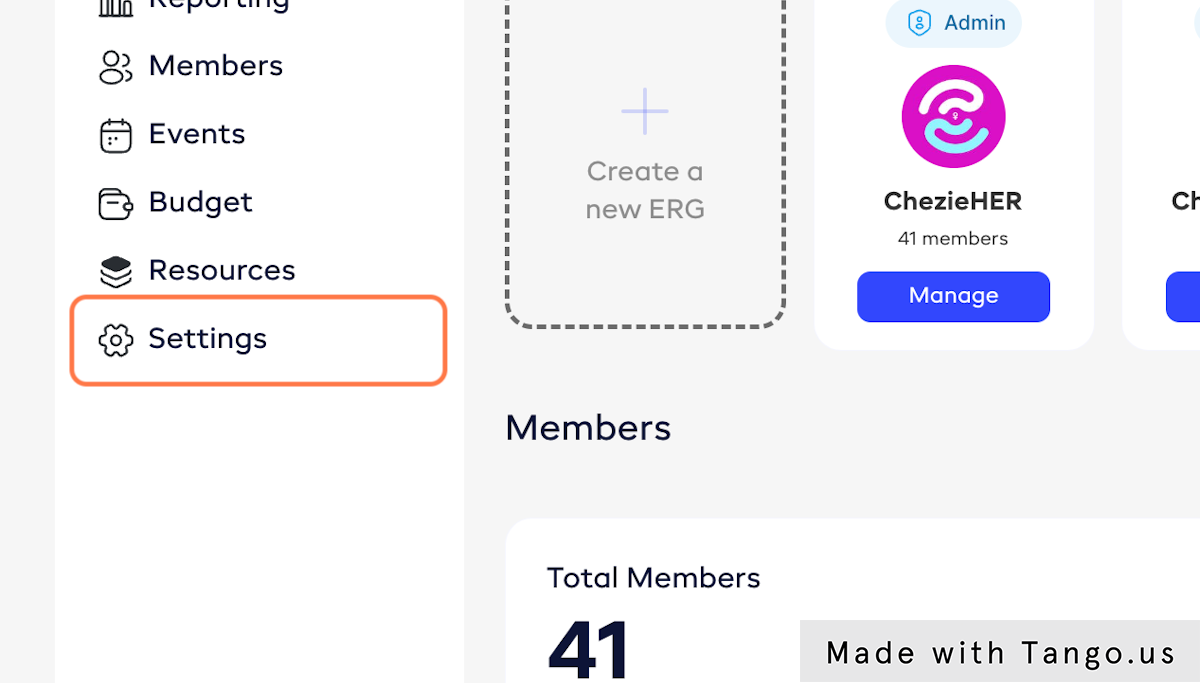
Click on Settings
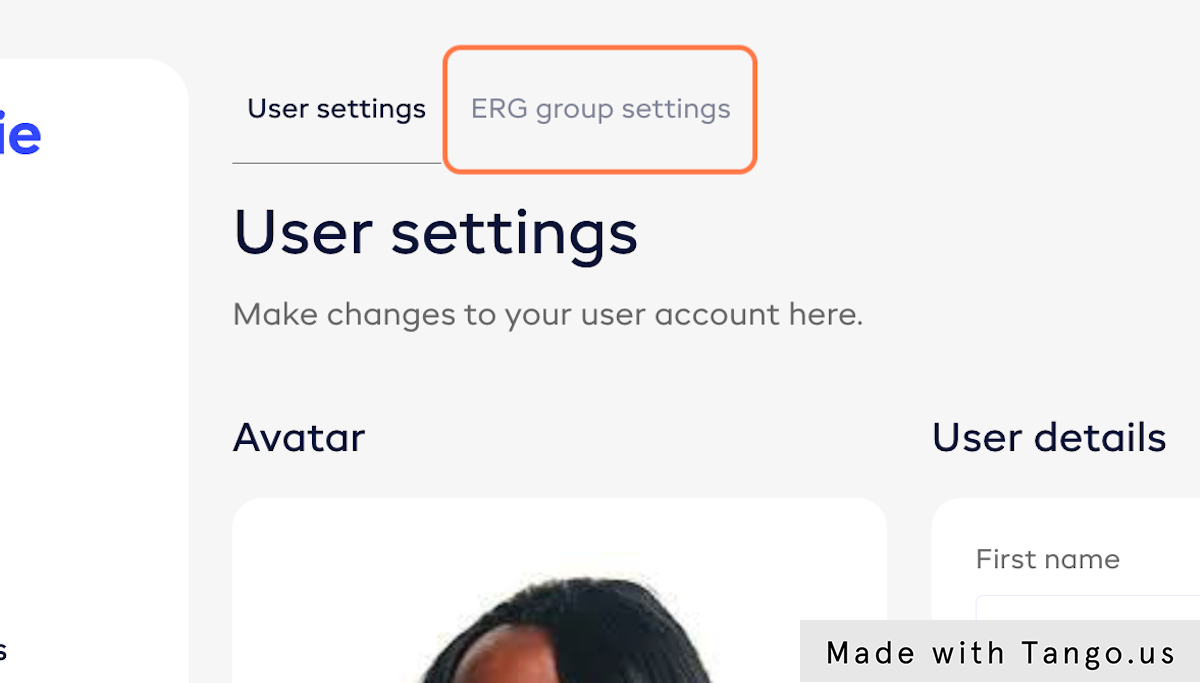
Click on ERG group settings
Select the Group that you want to add a Lead for

Scroll to the bottom of the page to the list of ERG leads. Click on Add new Lead
Search for an employee by name and select that employee. Then fill out the remaining fields and click Add new lead.