Reporting
Security
FAQ
The Complete Guide to Customizing Your ERG in Chezie
πŸ“„
Navigating your ERG group settings page
πŸ“„
Changing your logo/banner
πŸ“„
Editing your Group’s description
πŸ“„
Editing your Group’s welcome message
πŸ“„
Customizing your Group's Join form
πŸ“„
Managing your Group’s resources
πŸ“„
Connecting your Messaging App Channel
πŸ“„
Adding your Group’s email
πŸ“„
Changing viewing permissions
Goals
Managing Groups
Settings
Communications
Expenses
Required Reading
Integrations
Best Practices For Launching Chezie
Events
πŸ’¬
Feedback
πŸ—ΊοΈ
Roadmap
πŸ“
Changelog
    Home
  1. The Complete Guide to Customizing Your ERG in Chezie
  2. Navigating your ERG group settings page

Navigating your ERG group settings page

Written By Toby Egbuna

Last updated 12 months ago

  1. Log-in to Chezie

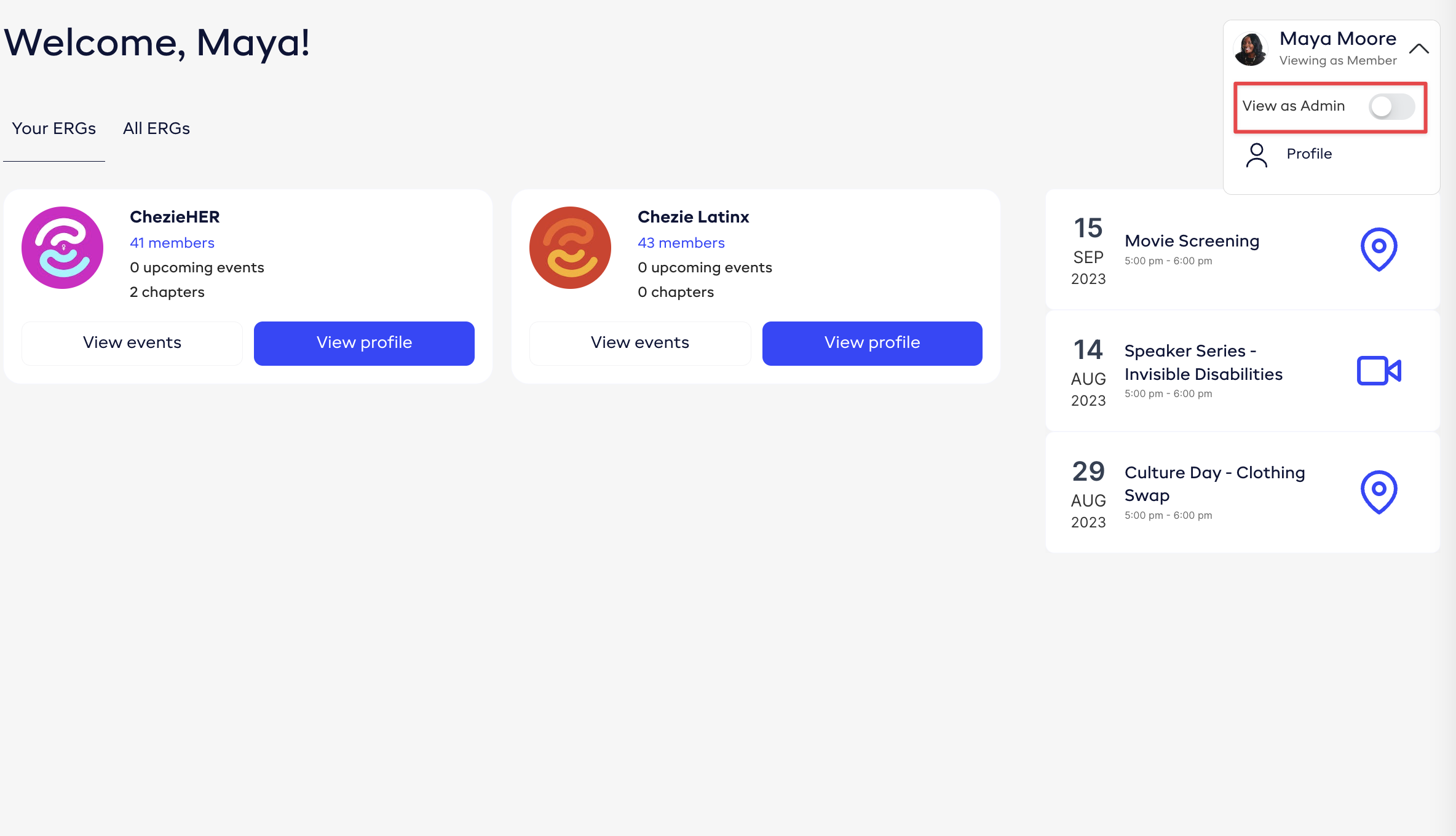
  2. Click the profile dropdown and switch to Admin view.
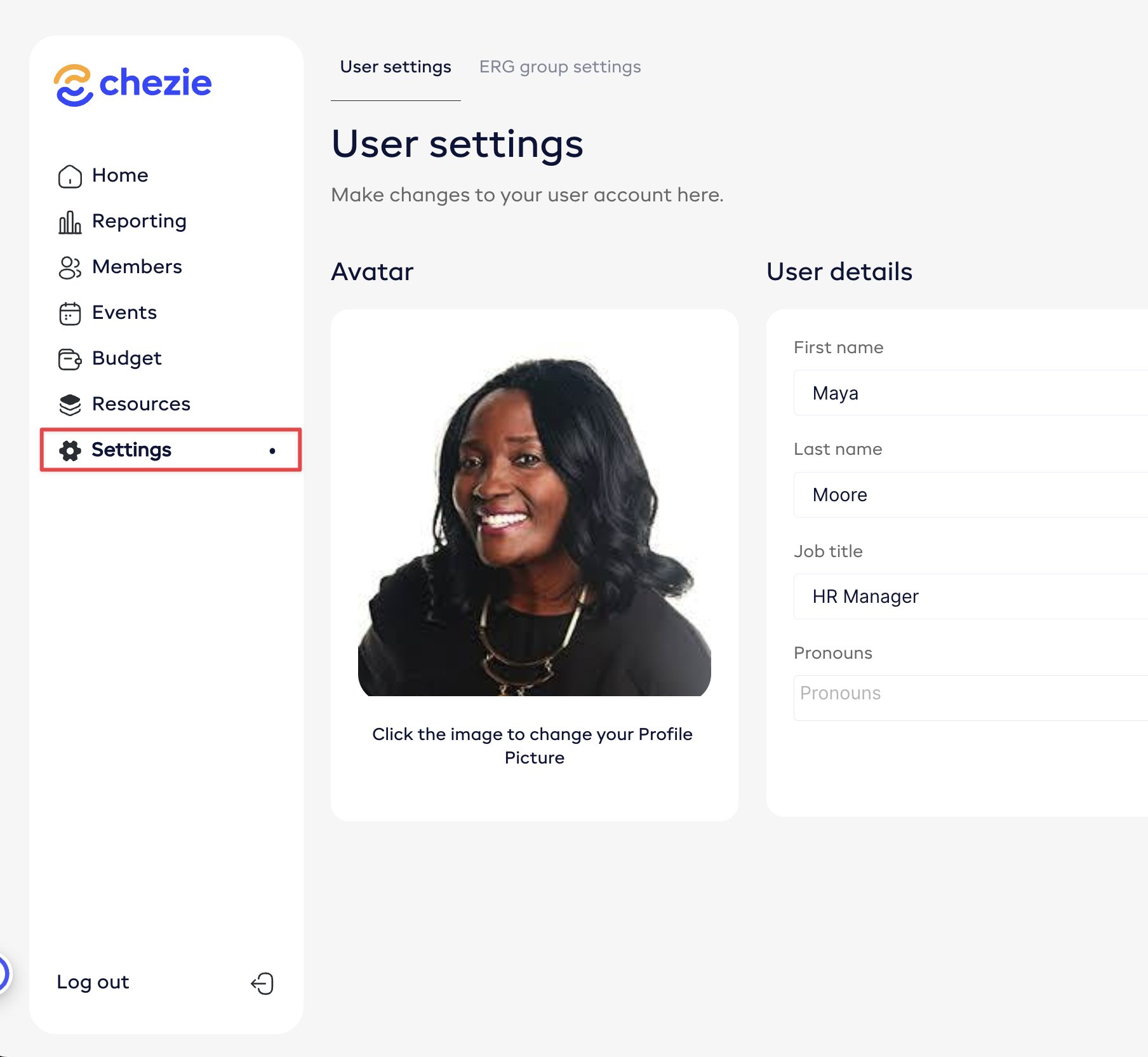
  1. Click the Settings tab on the side bar.
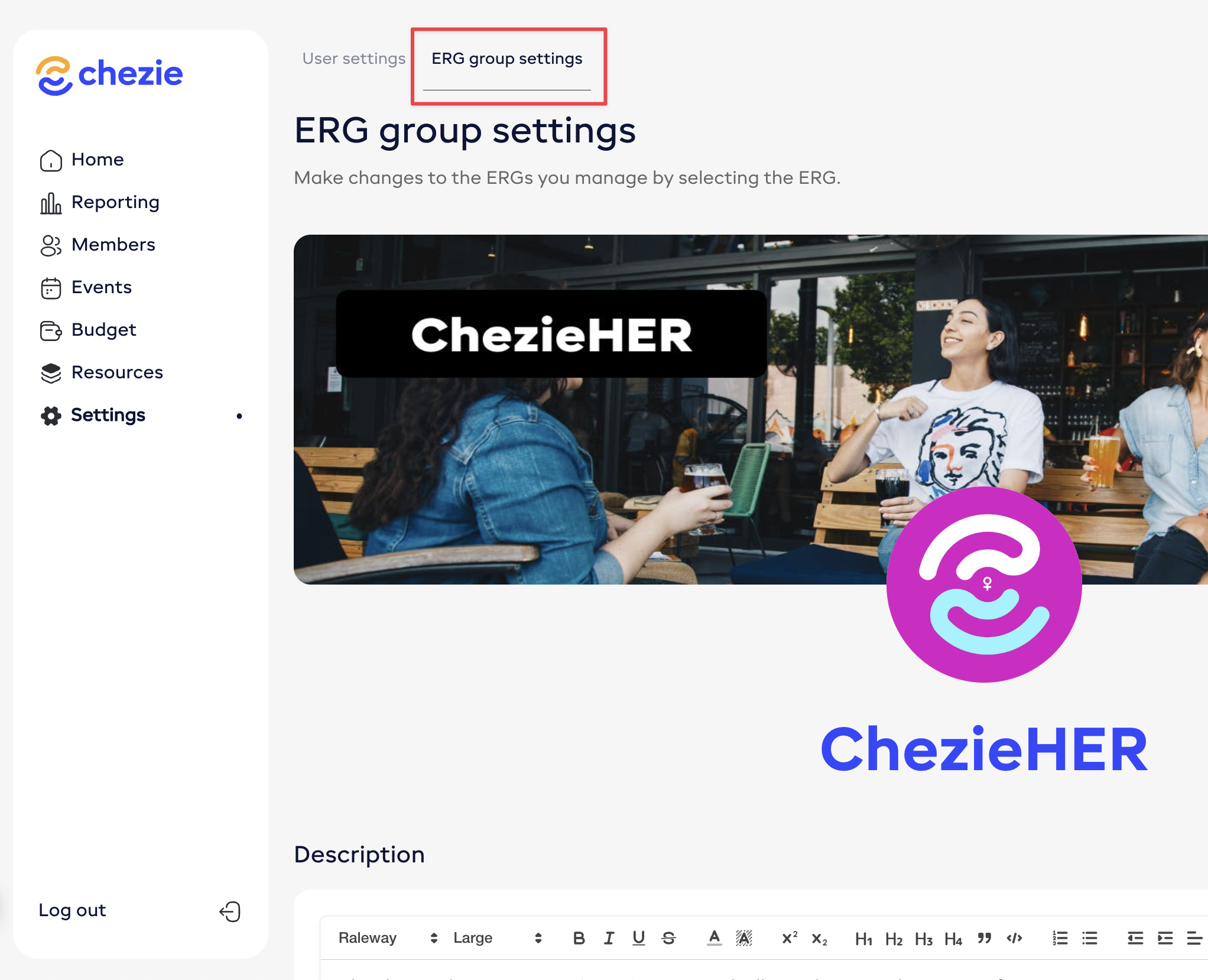
  1. Click ERG group settings

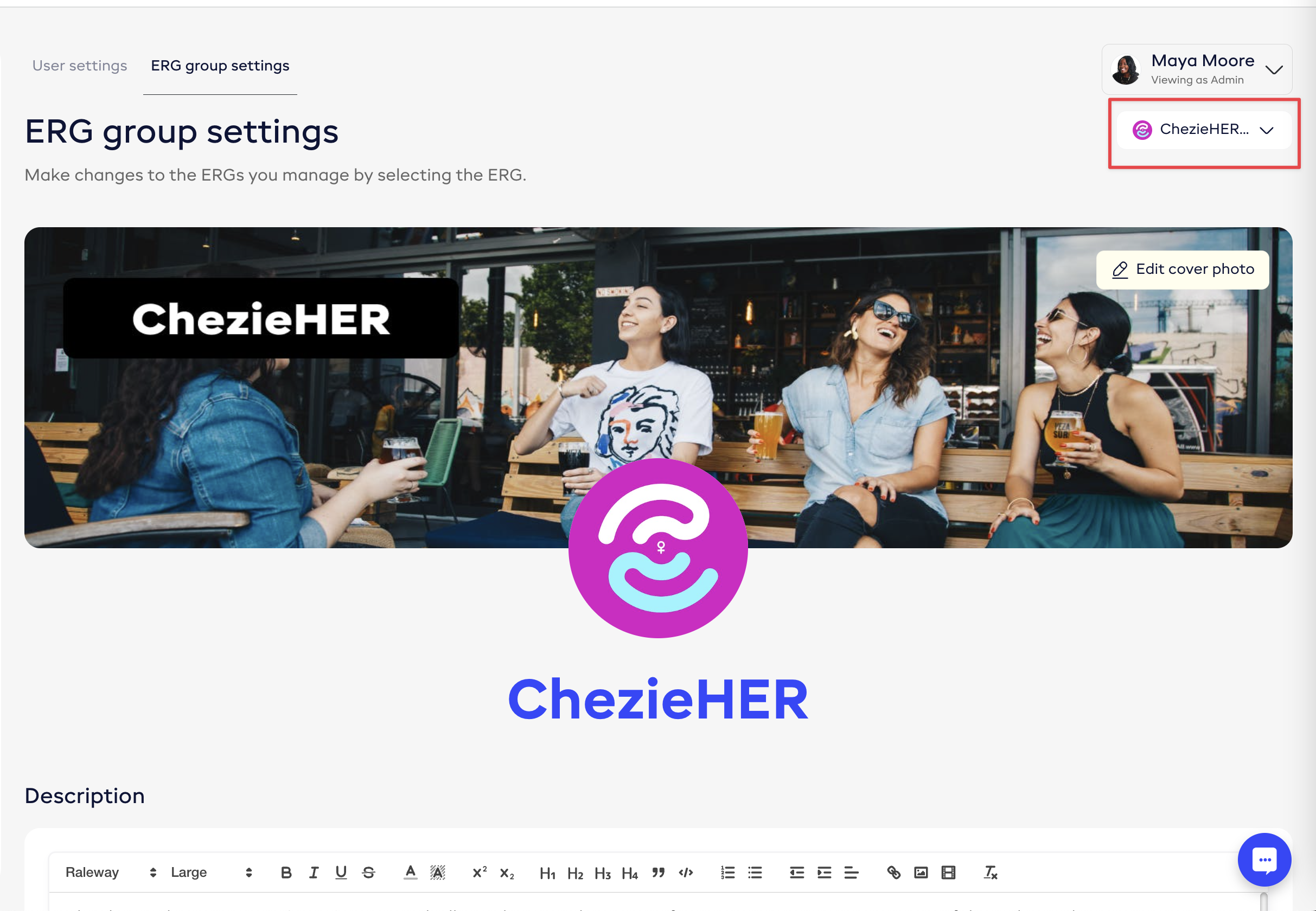
  1. Select the Group that you want to customize
Was this helpful?