Changing viewing permissions
Written By Toby Egbuna
Last updated About 1 year ago
Your Group email is the email address that replies to emails from Chezie are sent to. So if you send an email to your members, and one of your members replies to that email, this email address is the address that the replies will be sent to.
💡 Hint: We recommend using a distribution list email so all responses can be seen by all leads. If you don’t have one, you should use the email address for one of your ERG leads that is responsible for communications.
Enter your Group’s email address into the field
Click Save when you’re done
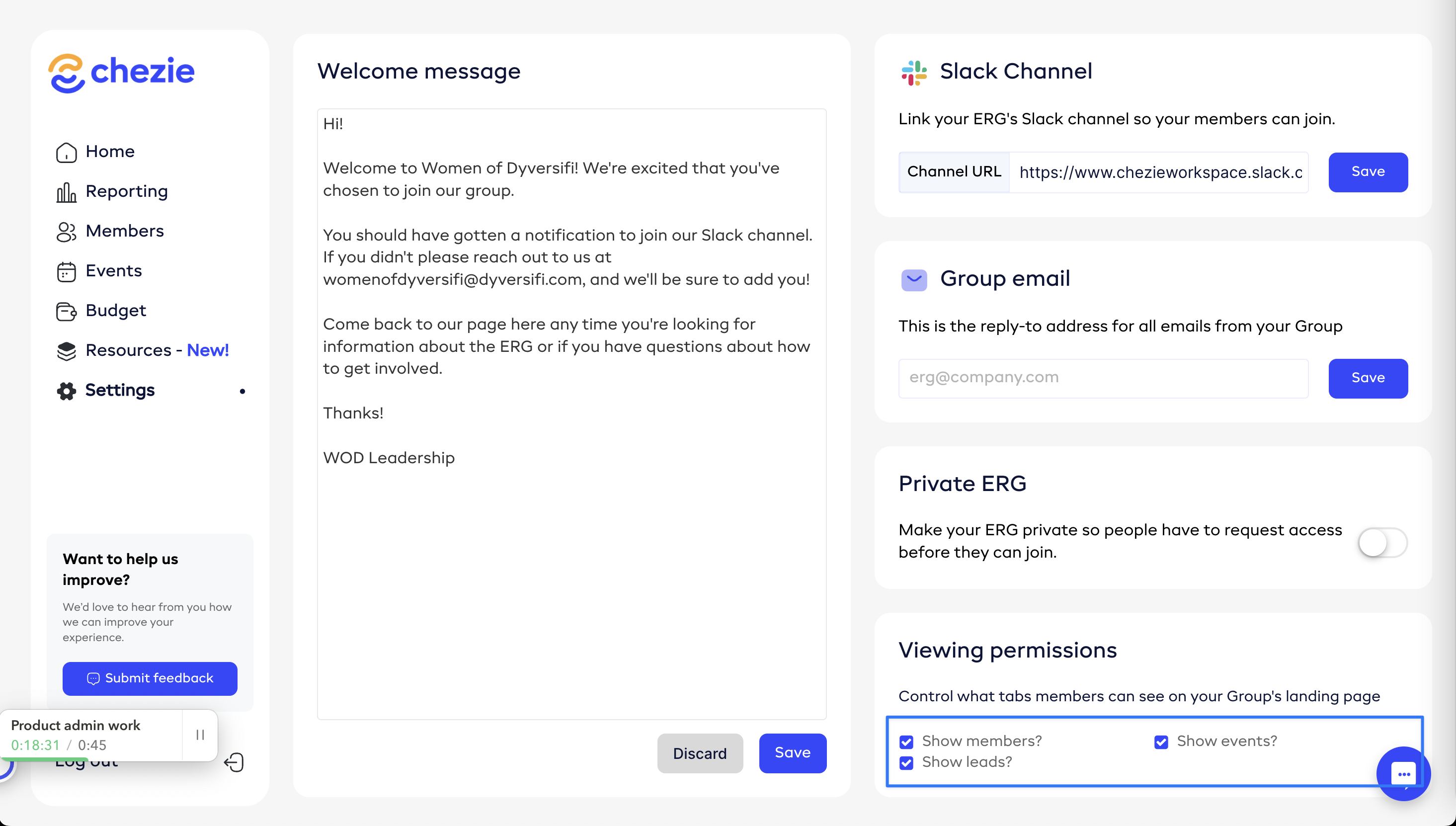
Now, you can edit which tabs are visible on your Group’s landing page. If you’d rather not have your members list public or you don’t want people to know who the leads for your ERG are, you can hide those tabs.
💡 Note: the overview tab is always visible.
Select which tab(s) you want shown by checking the related box in the Viewing permissions section of your ERG Group Settings page.