Export your Group membership list
Export your group's membership list easily.
Written By Toby Egbuna
Last updated About 1 year ago
Note: Only Admins/Leads can download Group membership lists
For Leads
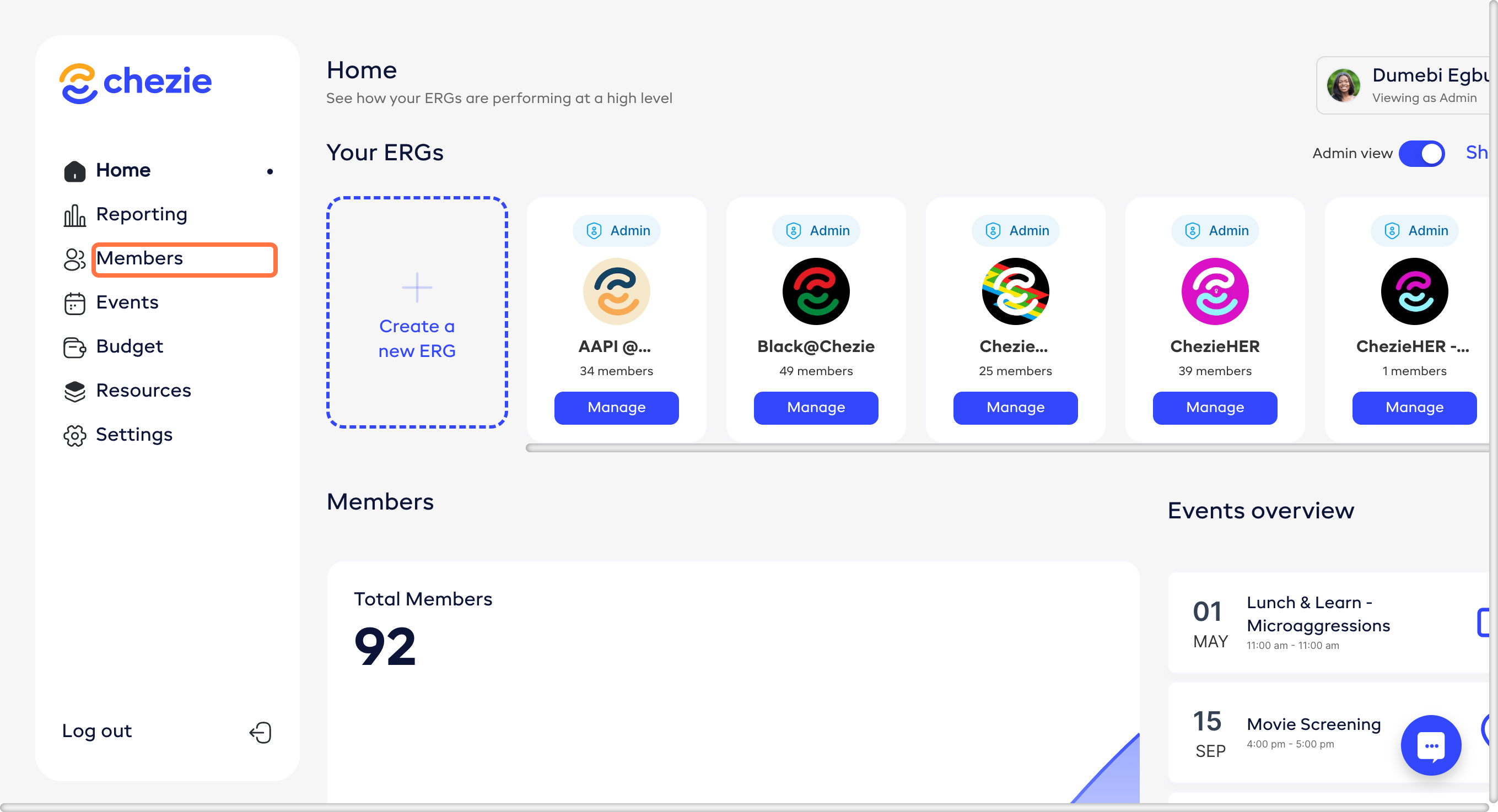
Click the Members tab on the sidebar.
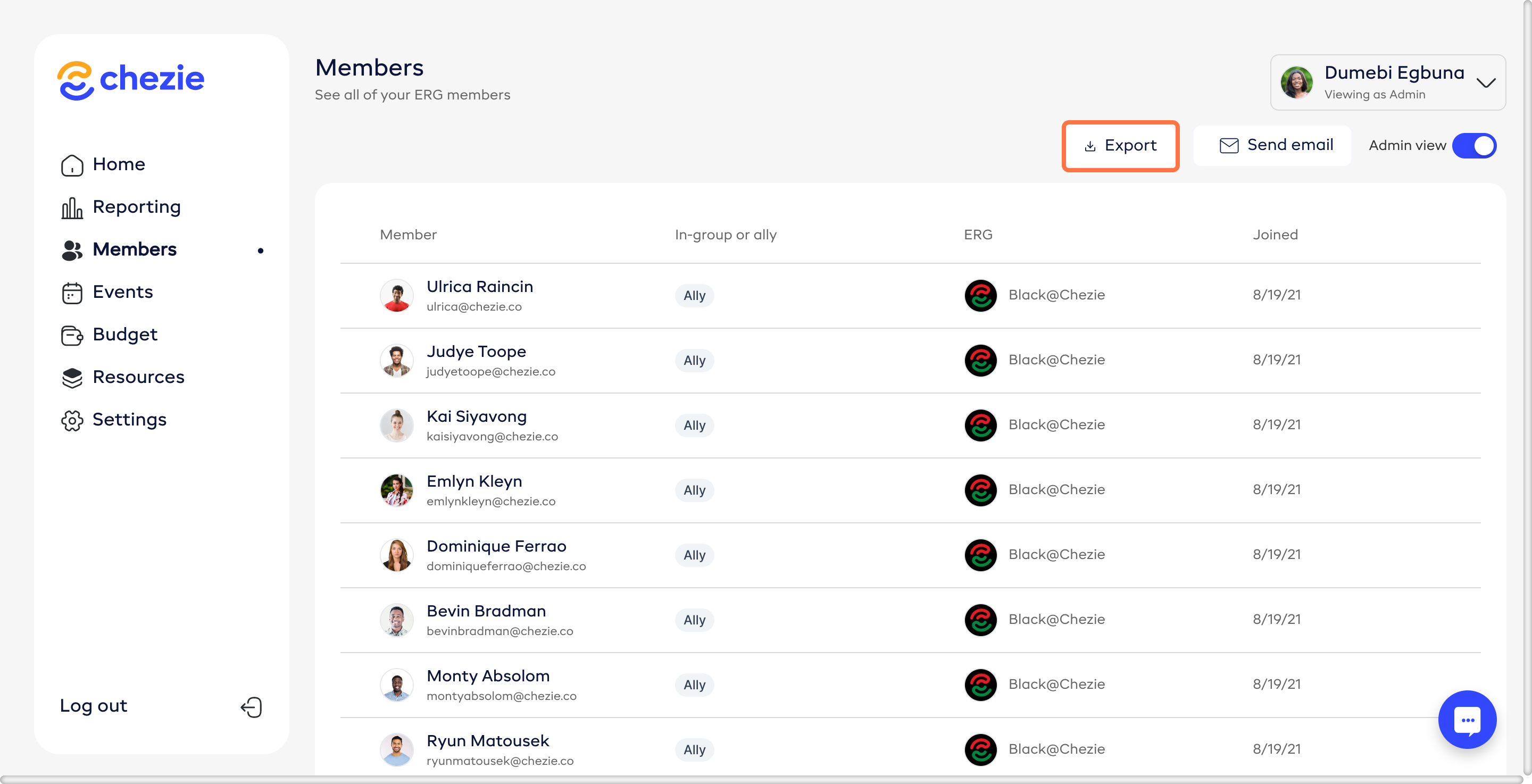
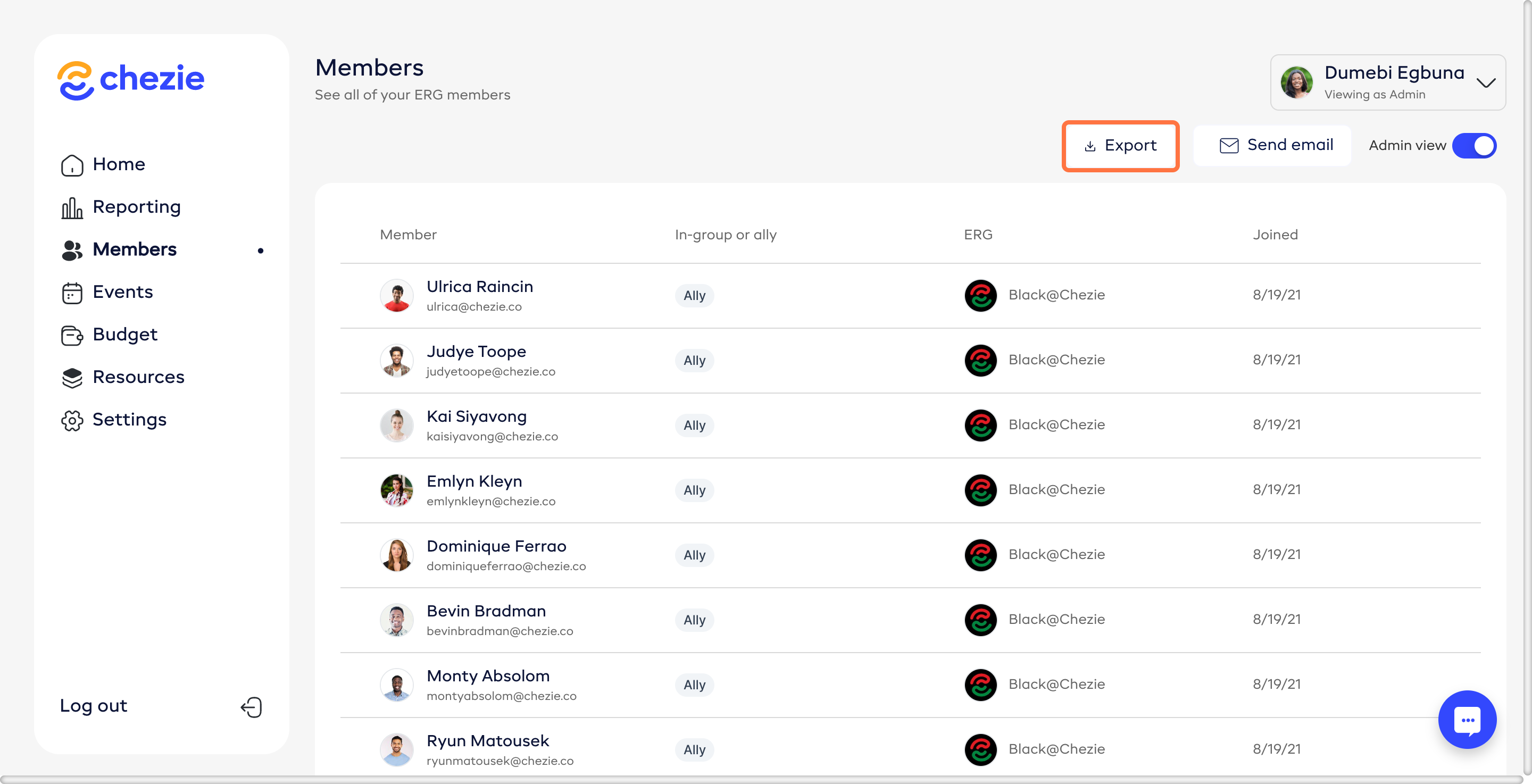
Click the Export button.
For admins
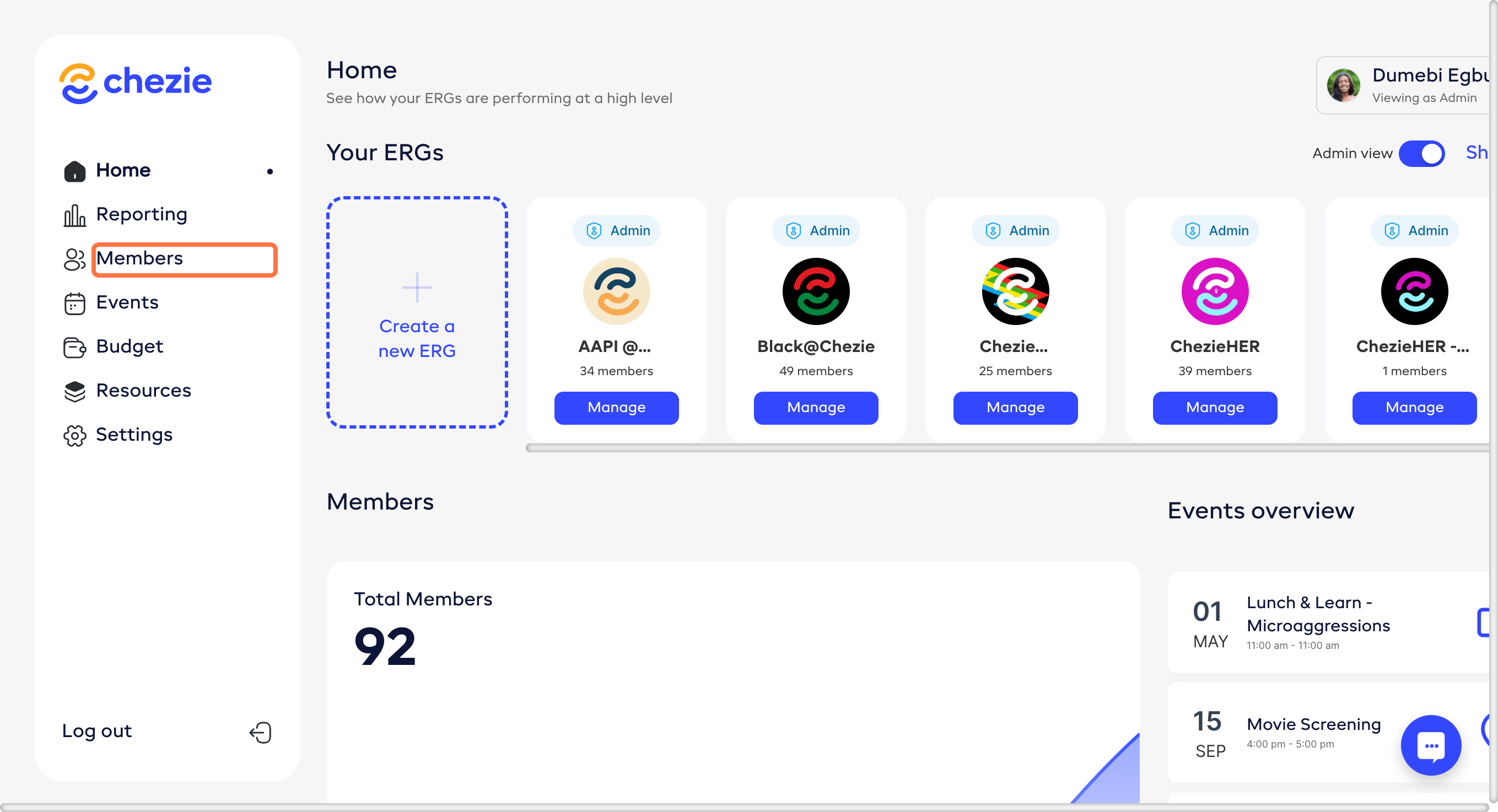
Click the Members tab on the sidebar.
Toggle between grouped view or list view, depending on how you want the export.
Grouped view shows you one line per employee and separates group membership with a comma. Ex:
Toby Egbuna - Black@Chezie, ChezieHER, API@Chezie
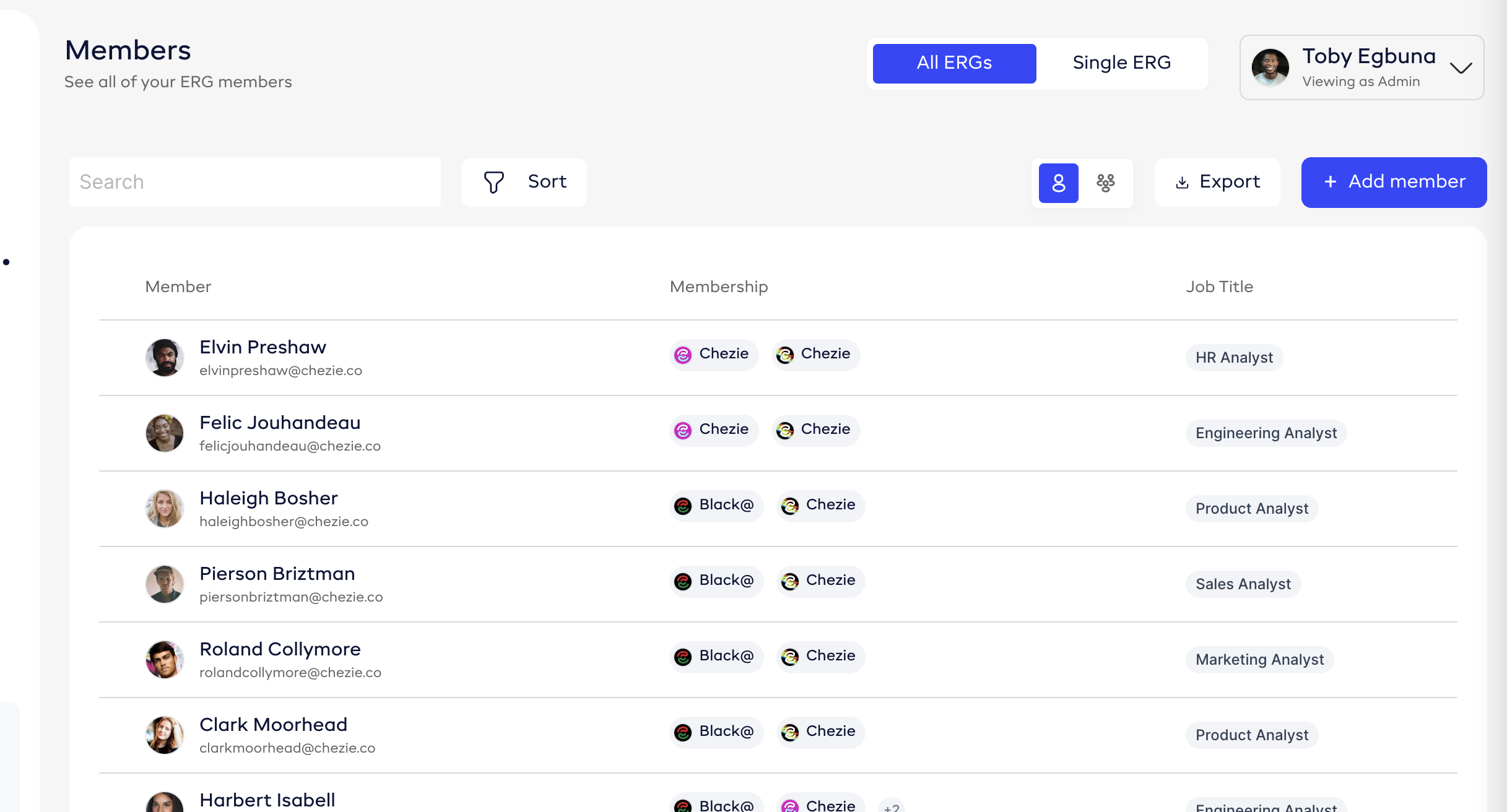
List view shows you multiple lines per employee; one line per group an employee is a member of. Ex:
Toby Egbuna - Black@Chezie
Toby Egbuna - ChezieHER, API@Chezie
Toby Egbuna - API@Chezie
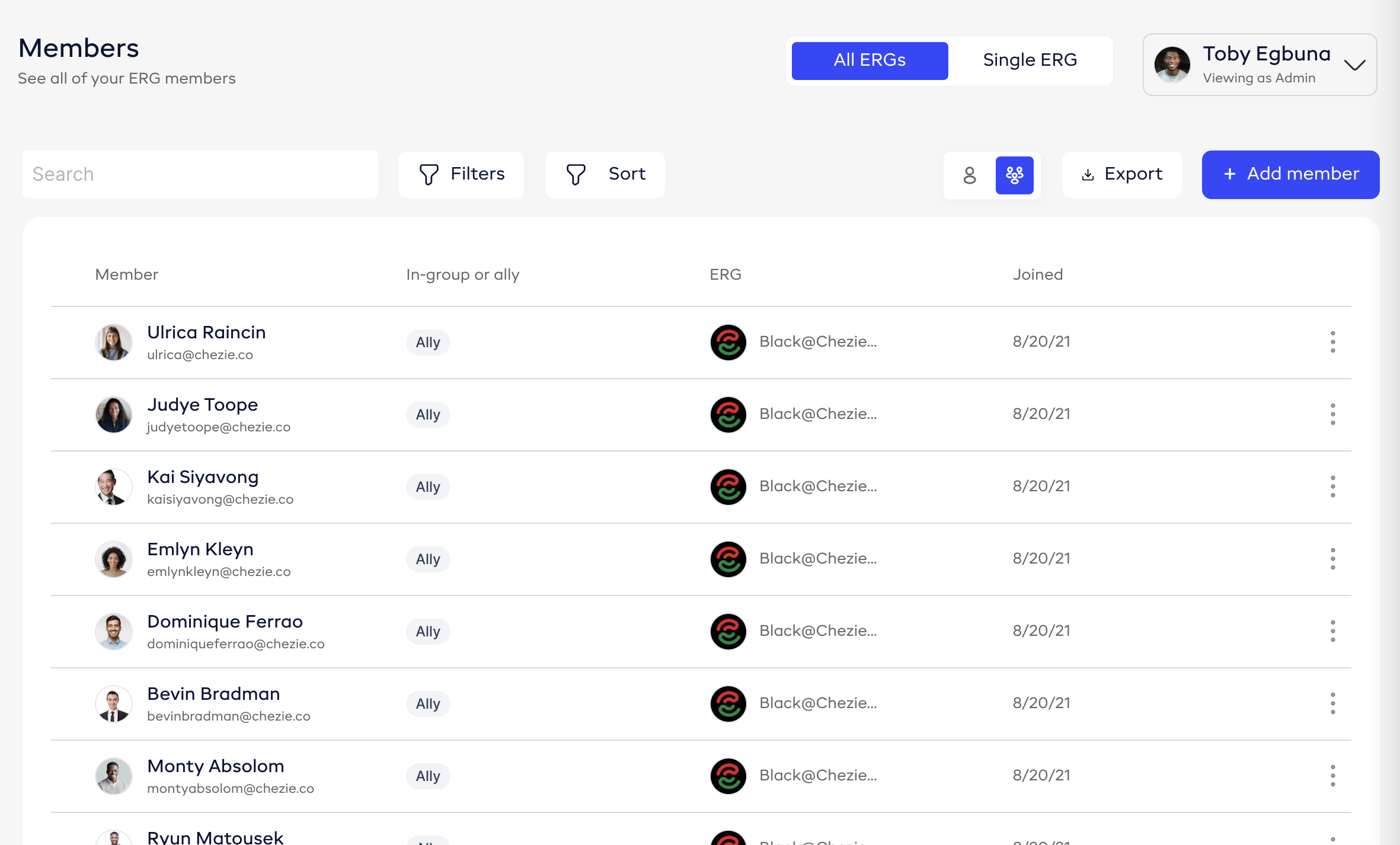
Click Export to export your list to .csv.