Cycles, explained
An explanation of how Cycles work in Chezie.
Written By Toby Egbuna
Last updated About 1 year ago
As DEI Managers and ERG leaders, it's important to be track spending and programming over various budgeting periods.
Previously, as a Chezie user, you couldn't separate budgets from year to year or period to period, so you always say a historical view of spending and programming.
We're excited to introduce Annual Cycles - a way for you to associate programming to a specific period of time.
Expenses and events are now automatically tied to a your current cycle (aka the 'default' cycle), and you have the ability to select an upcoming or past cycle for an expense or event as well.
How it works
For instructions on how to create a new cycle, read this page.
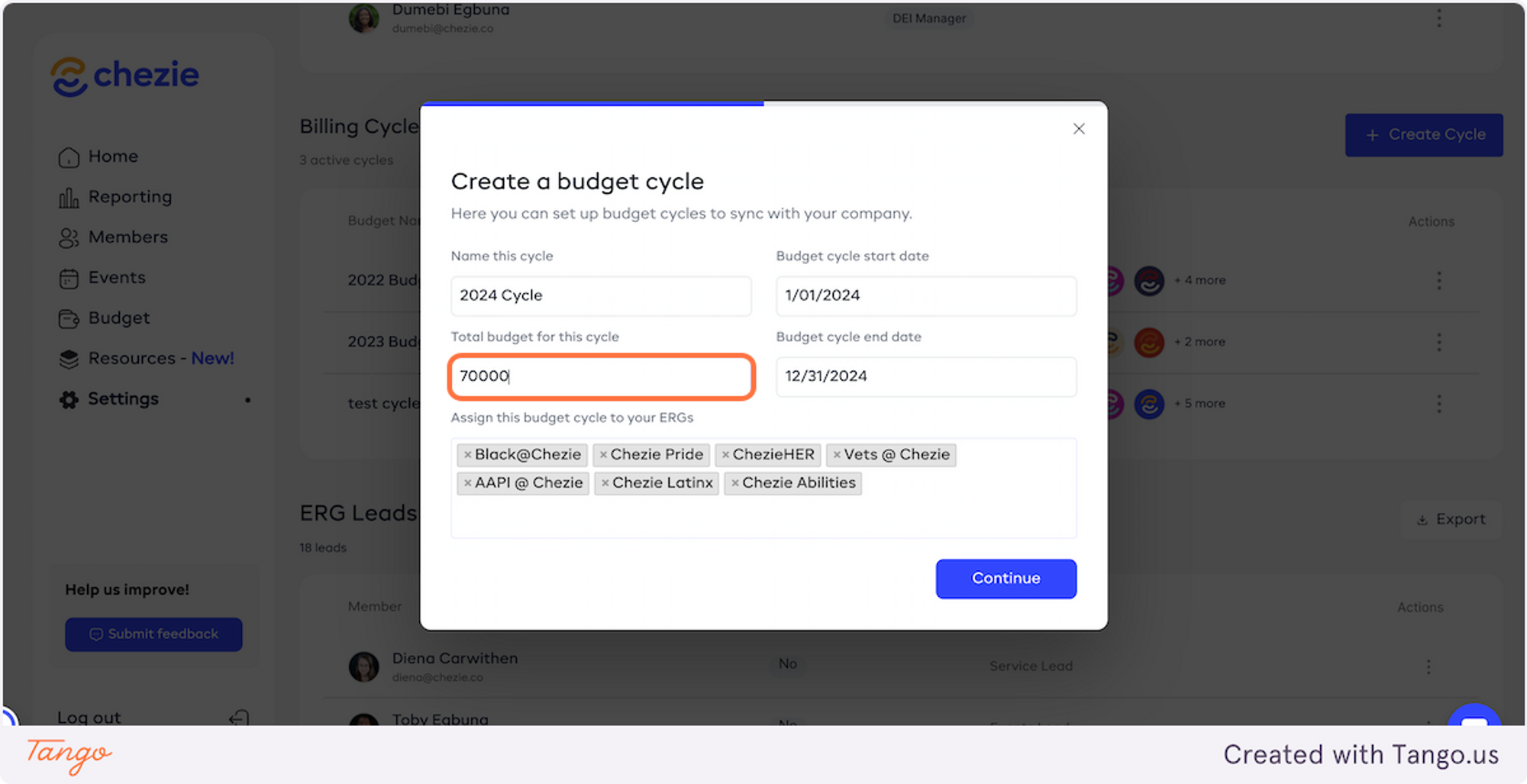
Cycles can be created for any duration of time. Simply select a start, end date, and an amount.
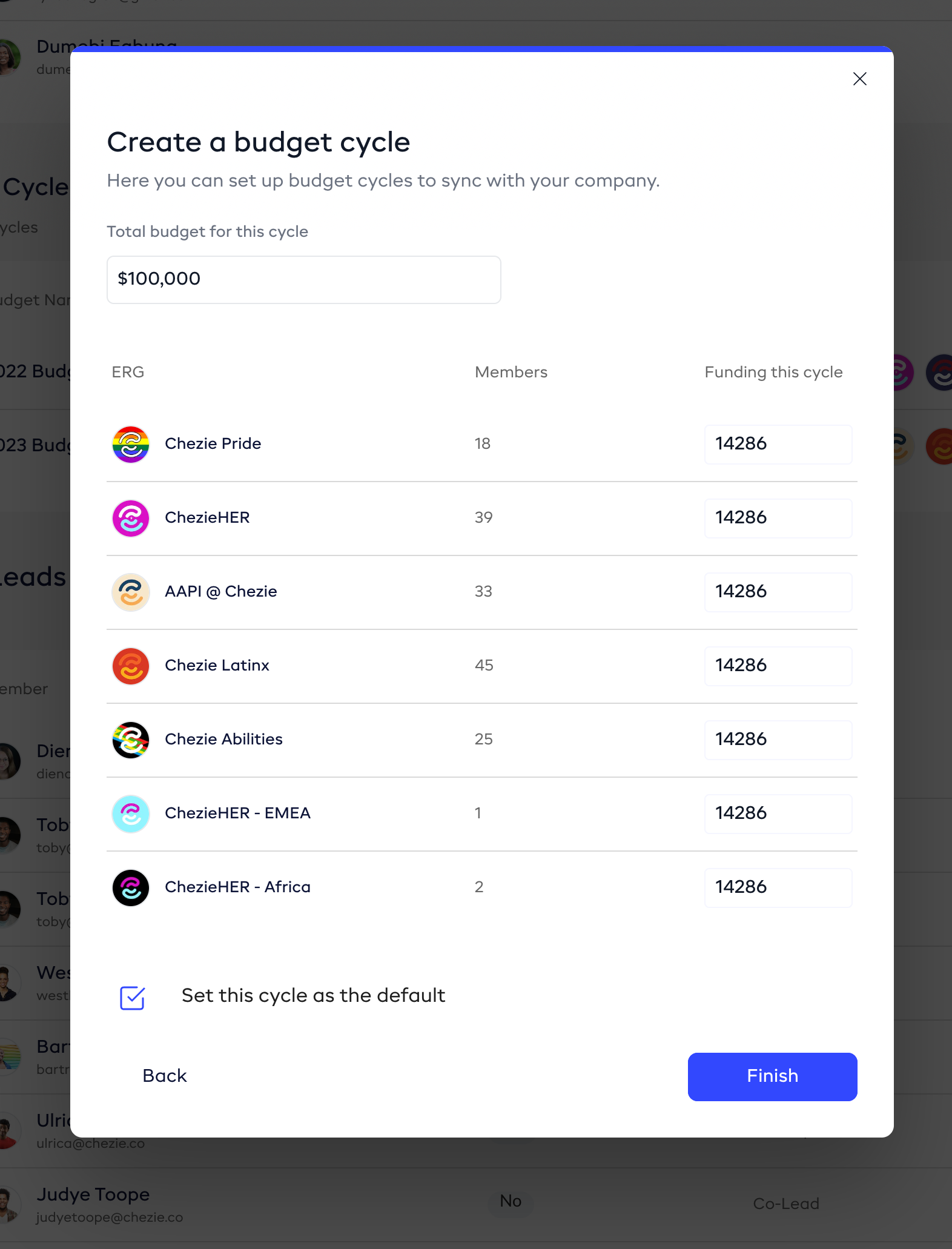
Next, enter the amount of money that each selected Group has to spend in this cycle. Lastly, determine if this cycle is to be used as the default moving forward.