Reporting
Security
FAQ
The Complete Guide to Customizing Your ERG in Chezie
Goals
Managing Groups
πŸ“™
Customize your Group details
πŸ“œ
ERG Chapters, explained
βž•
How to create a new Group
πŸ“‚
Export your Group membership list
πŸ“—
Customize your Account details
πŸ“–
Cycles, explained
πŸ”ƒ
How to create a new cycle
πŸ”
Join a private group
βž–
How to add or remove a member from a Group
πŸ“‚
Add a new resource
βœ…
Approve private group join requests
πŸ”’
Private Groups
↩️
How to edit a cycle
❓
Join Forms
Settings
Communications
Expenses
Required Reading
Integrations
Best Practices For Launching Chezie
Events
πŸ’¬
Feedback
πŸ—ΊοΈ
Roadmap
πŸ“
Changelog
    Home
  1. Managing Groups
  2. Customize your Account details

Customize your Account details

Customize your account details for a personalized experience.

Written By Toby Egbuna

Last updated 12 months ago

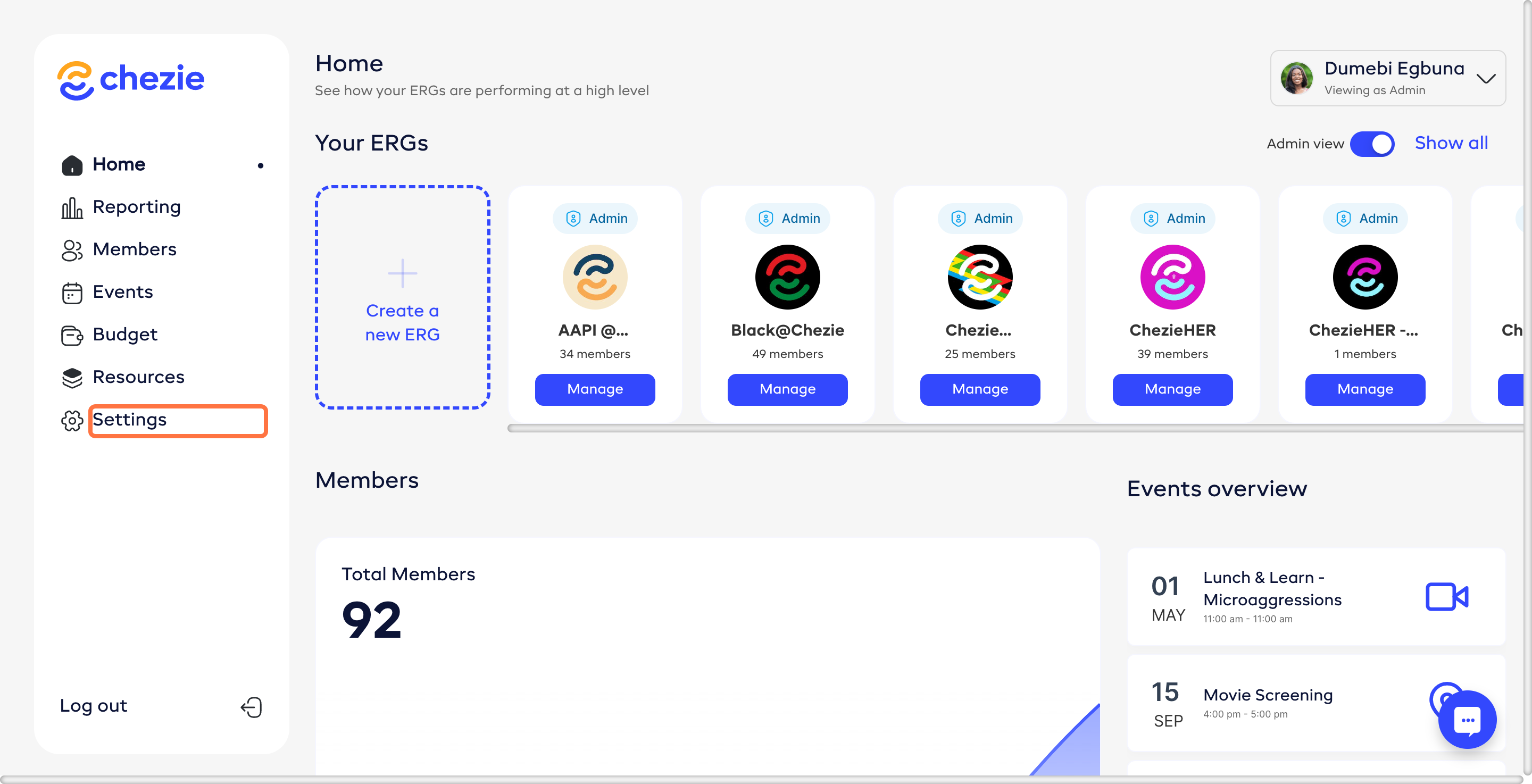
  1. Click on SETTINGS on the sidebar.

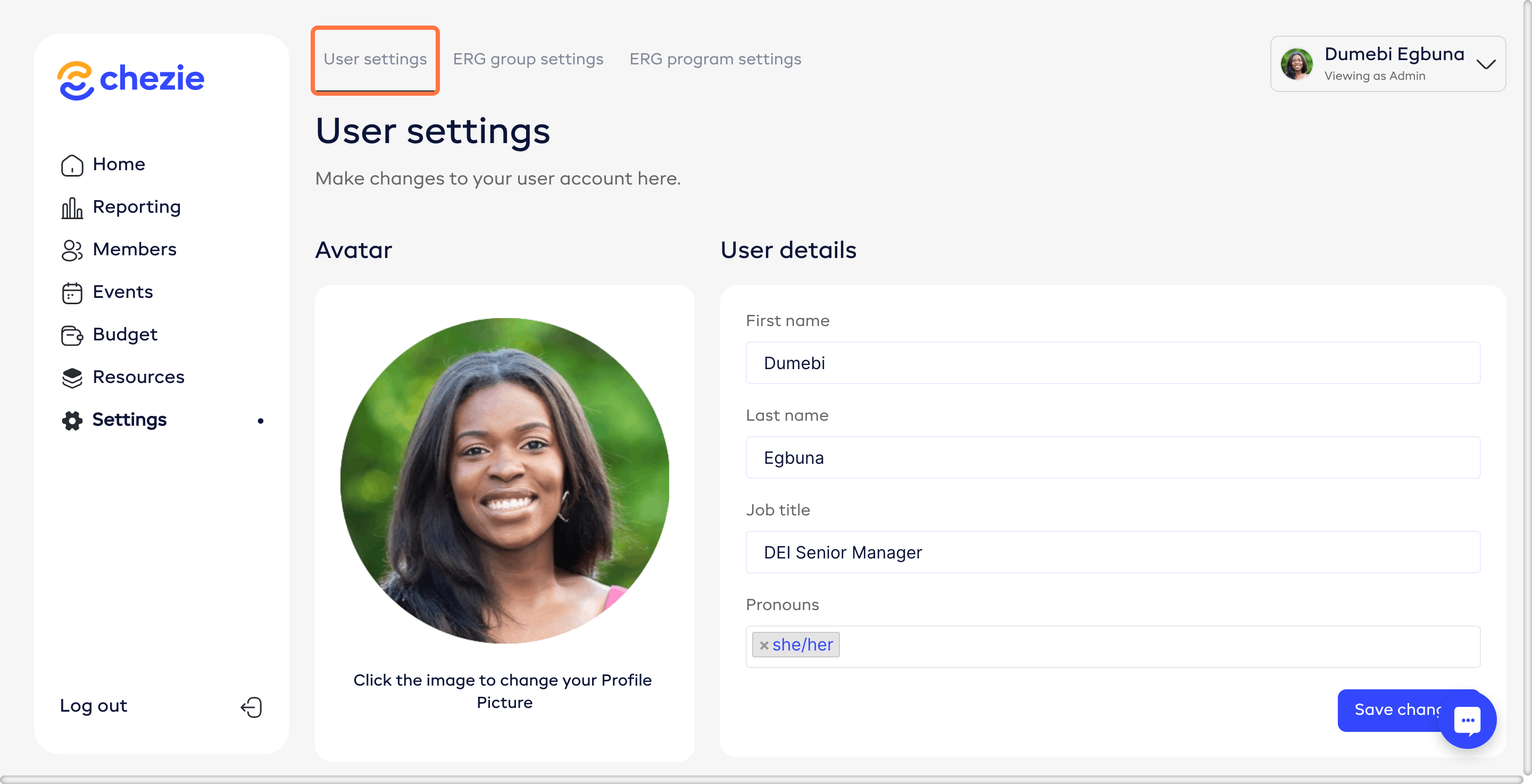
  1. Click USER SETTINGS.

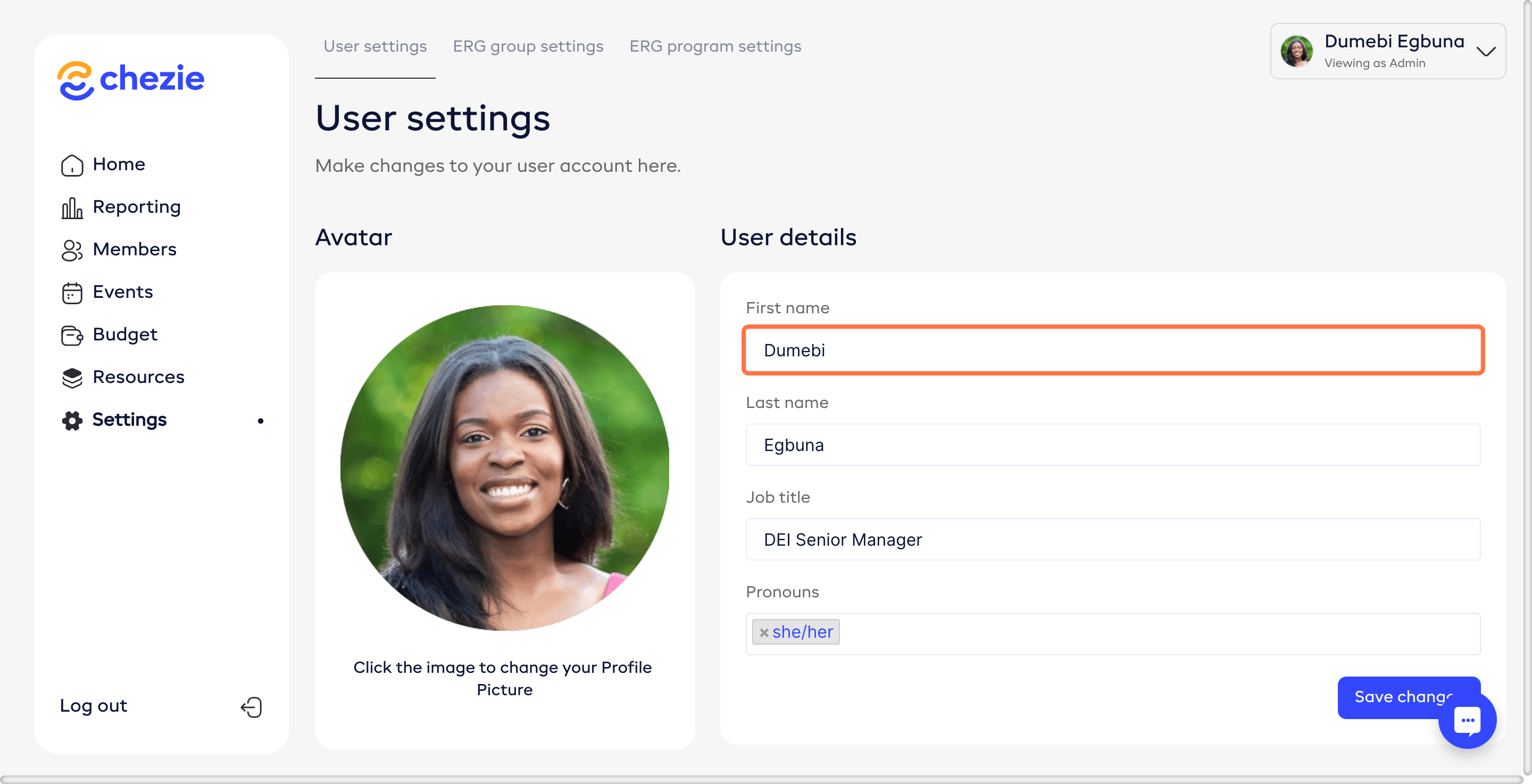
  1. You can now edit your personal information - first name, last name, pronouns, job title, department, level, and office.
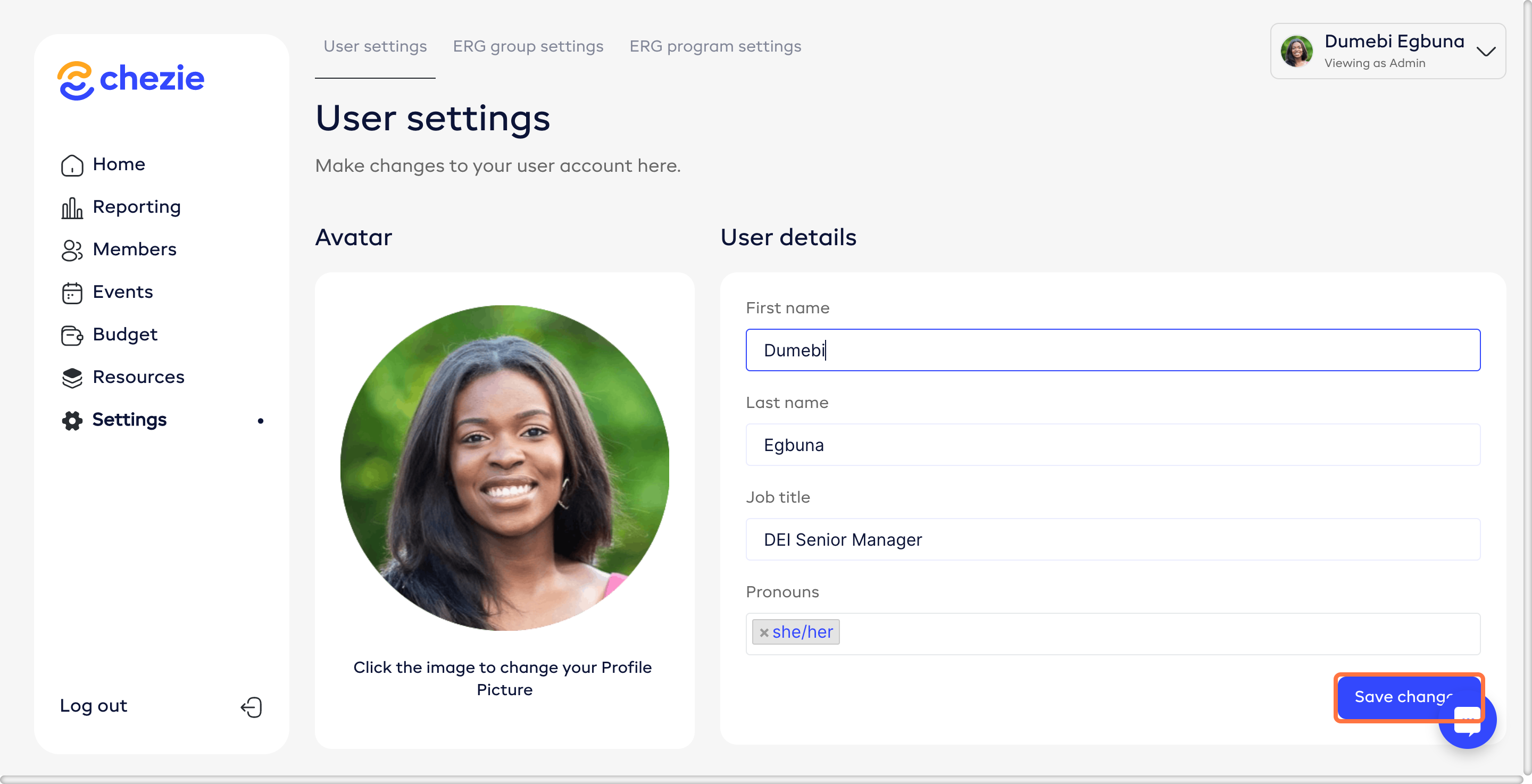
  1. Click SAVE CHANGES.

Was this helpful?