How to add or remove a member from a Group
Discover how to add or remove members from your group.
Written By Toby Egbuna
Last updated About 1 year ago
Adding a member
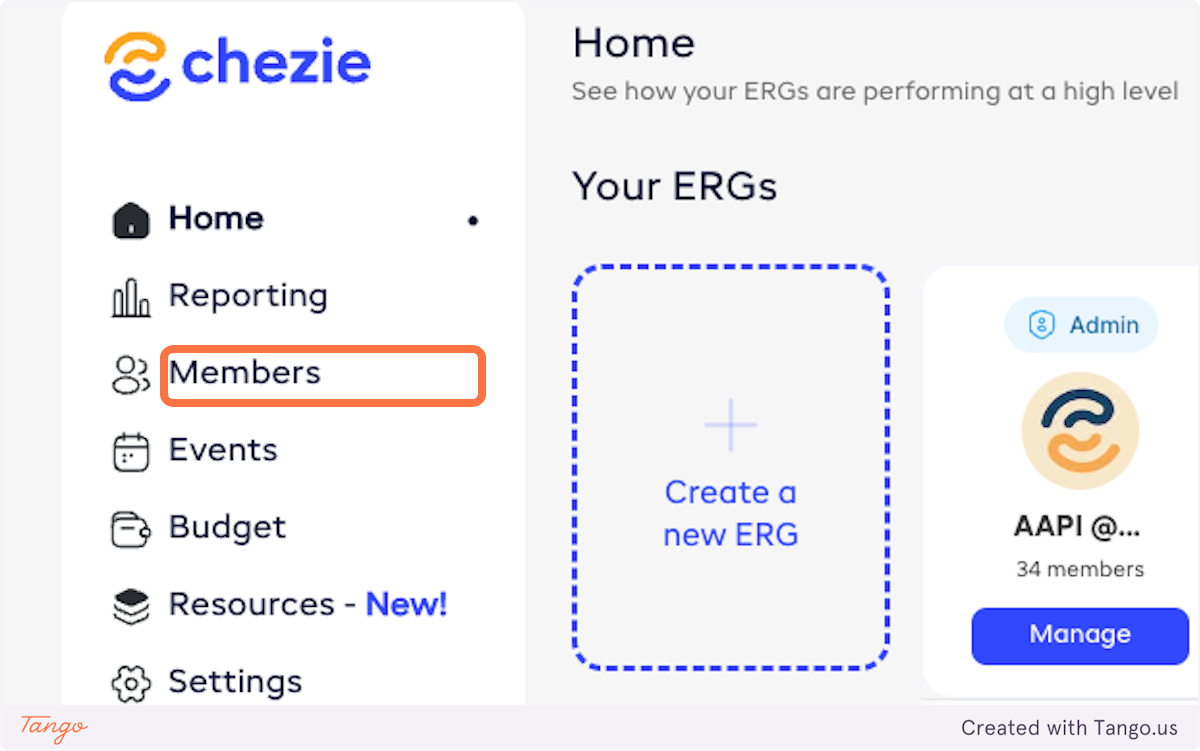
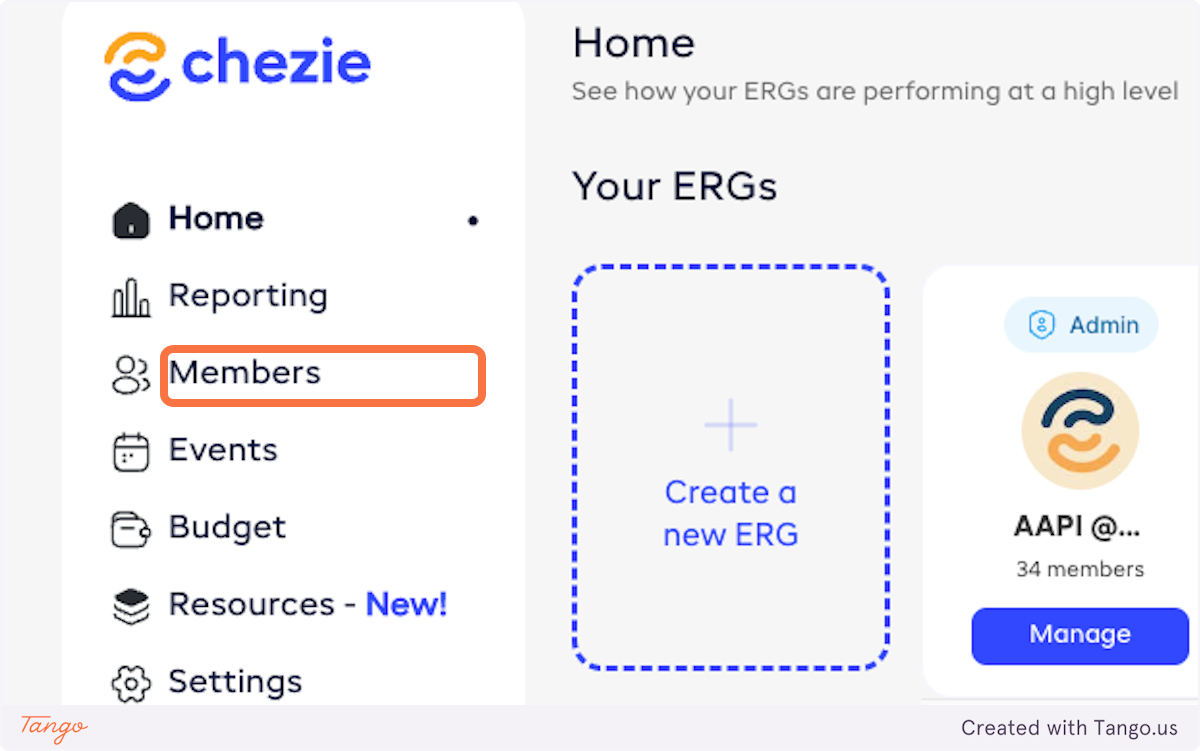
In Admin view, click on Members
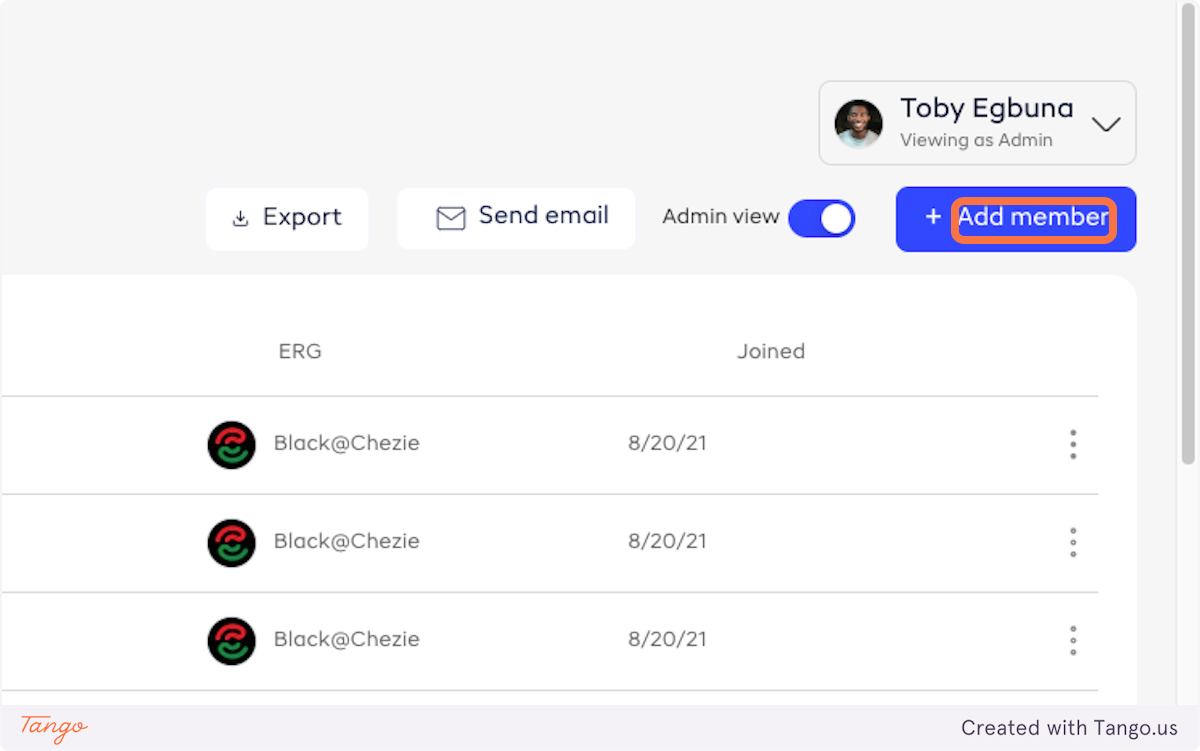
Click on Add member
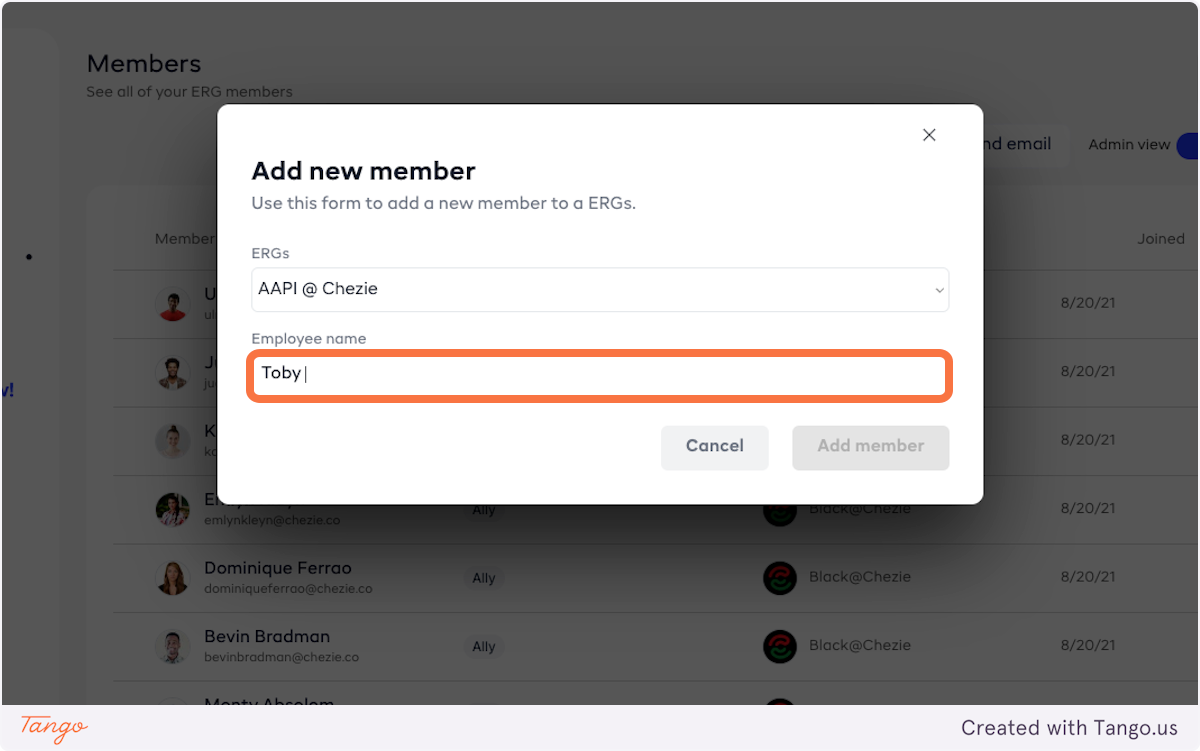
Select the Group you are trying to add the member to.
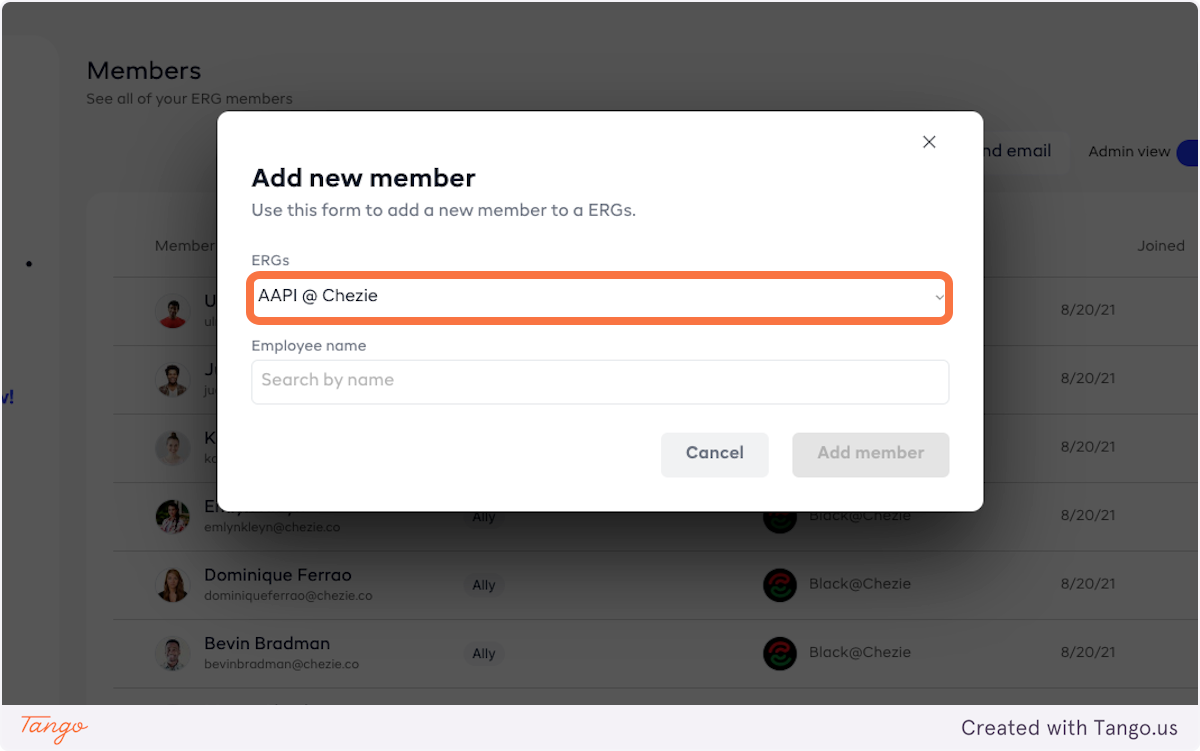
Search for the person by name
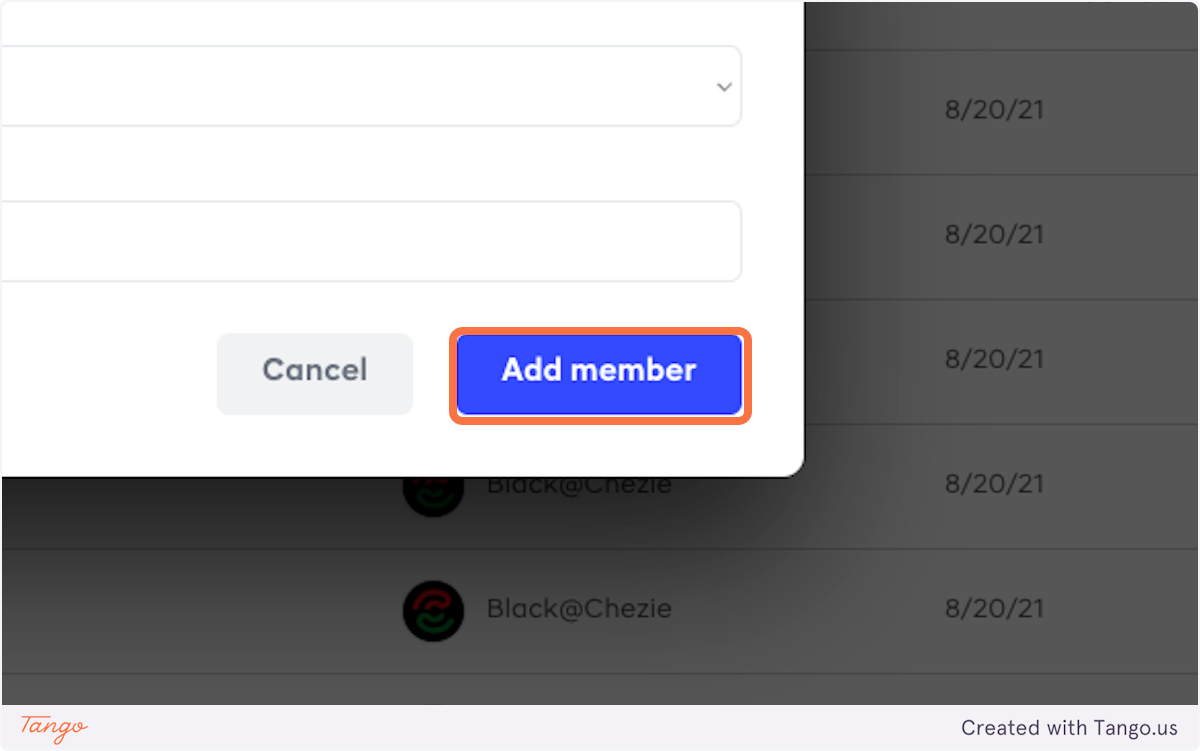
Click on Add member
Removing a member
In Admin view, click on Members
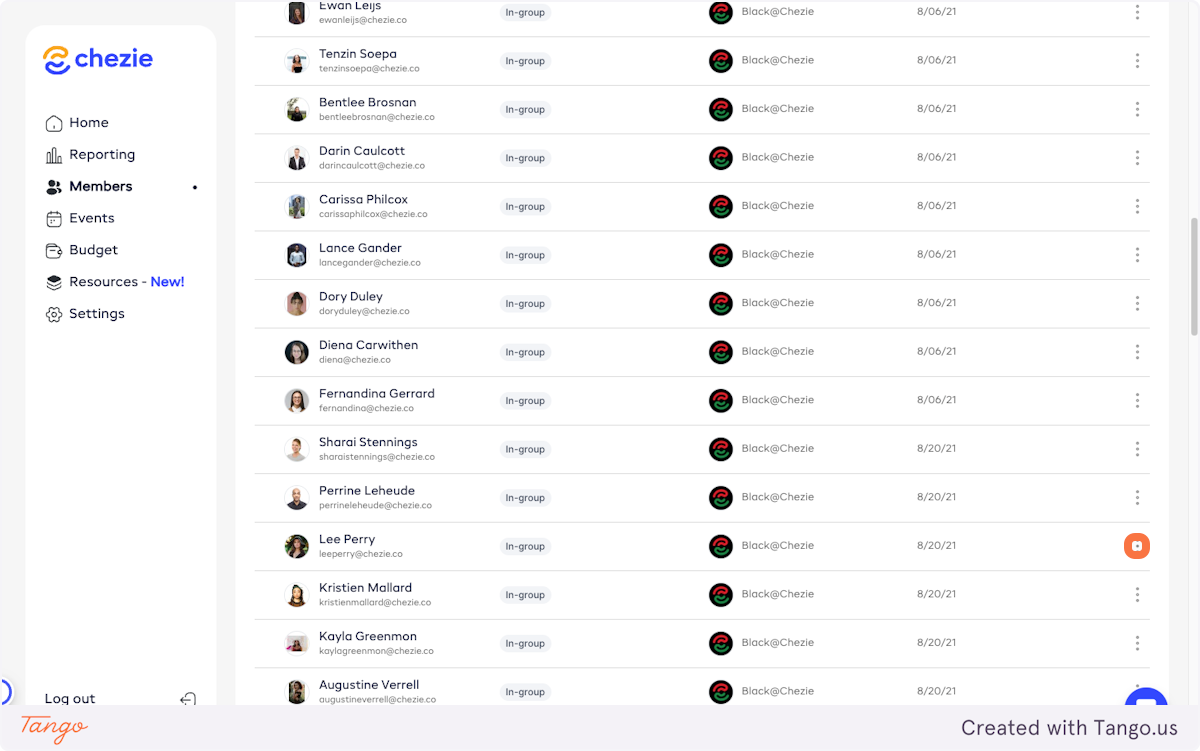
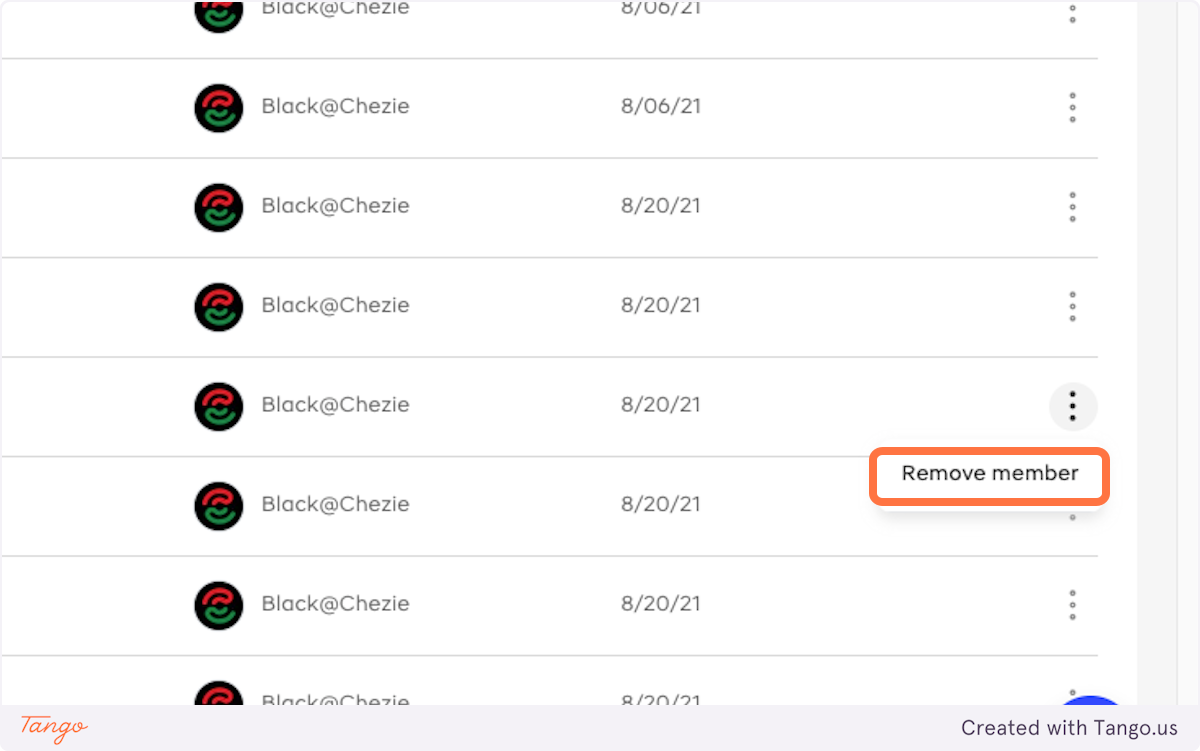
Find the member you are trying to remove and click the three dots next to the person's name
Click on Remove member
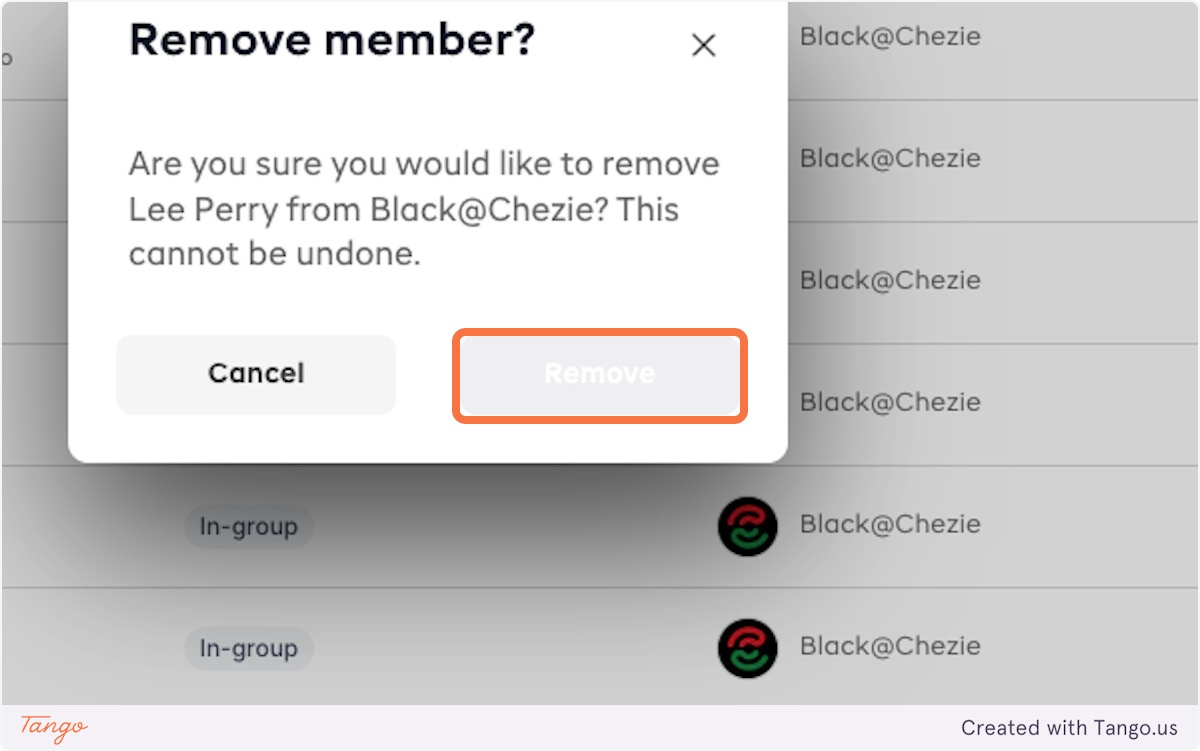
Click on Remove