Reporting
Security
FAQ
The Complete Guide to Customizing Your ERG in Chezie
Goals
Managing Groups
πŸ“™
Customize your Group details
πŸ“œ
ERG Chapters, explained
βž•
How to create a new Group
πŸ“‚
Export your Group membership list
πŸ“—
Customize your Account details
πŸ“–
Cycles, explained
πŸ”ƒ
How to create a new cycle
πŸ”
Join a private group
βž–
How to add or remove a member from a Group
πŸ“‚
Add a new resource
βœ…
Approve private group join requests
πŸ”’
Private Groups
↩️
How to edit a cycle
❓
Join Forms
Settings
Communications
Expenses
Required Reading
Integrations
Best Practices For Launching Chezie
Events
πŸ’¬
Feedback
πŸ—ΊοΈ
Roadmap
πŸ“
Changelog
    Home
  1. Managing Groups
  2. Customize your Group details

Customize your Group details

Learn how to customize your Group details like your logo and welcome message.

Written By Toby Egbuna

Last updated 12 months ago

Note: Only Admins/Leads can edit Group details.

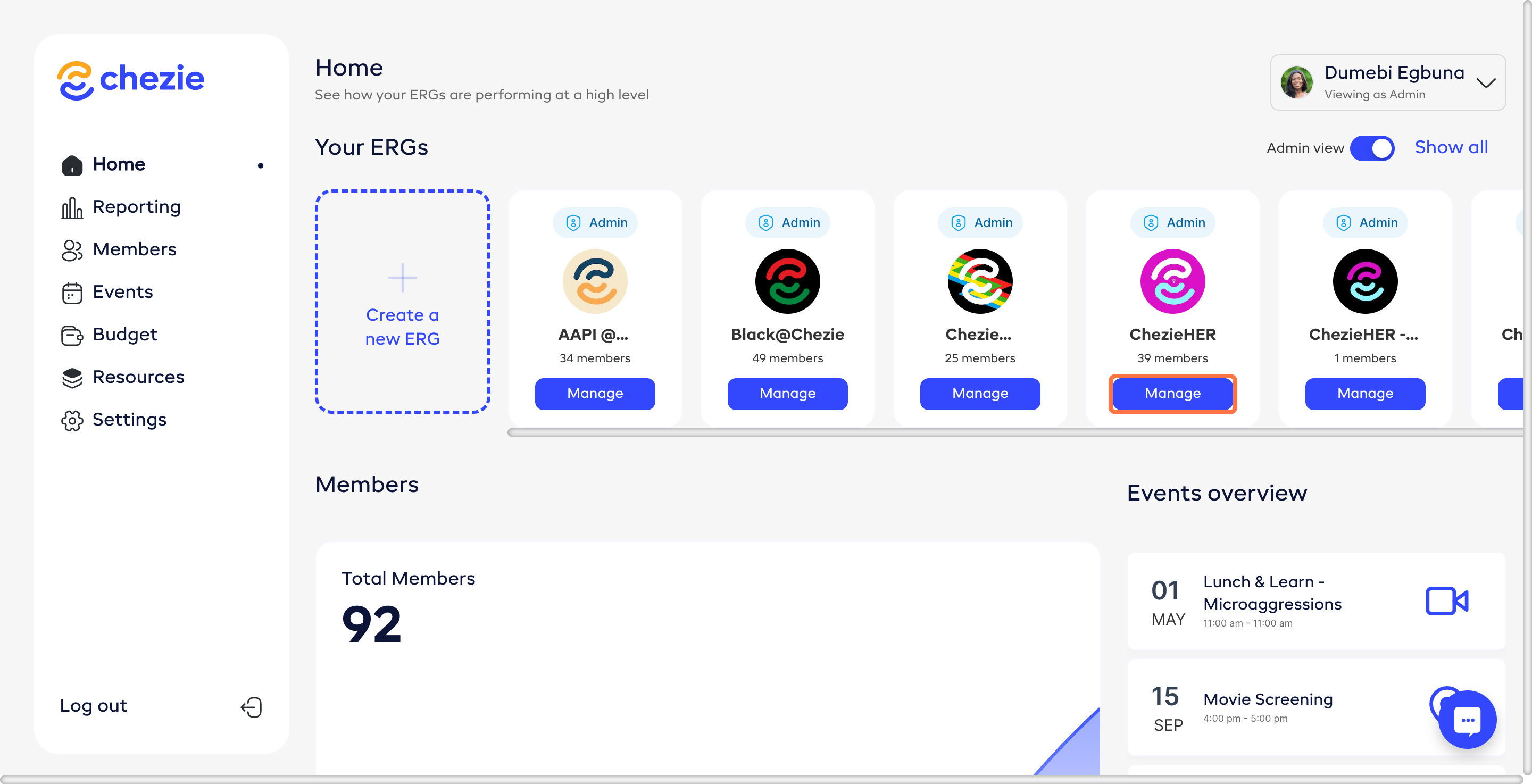
  1. Go to the Manage page for the Group that you want to edit.
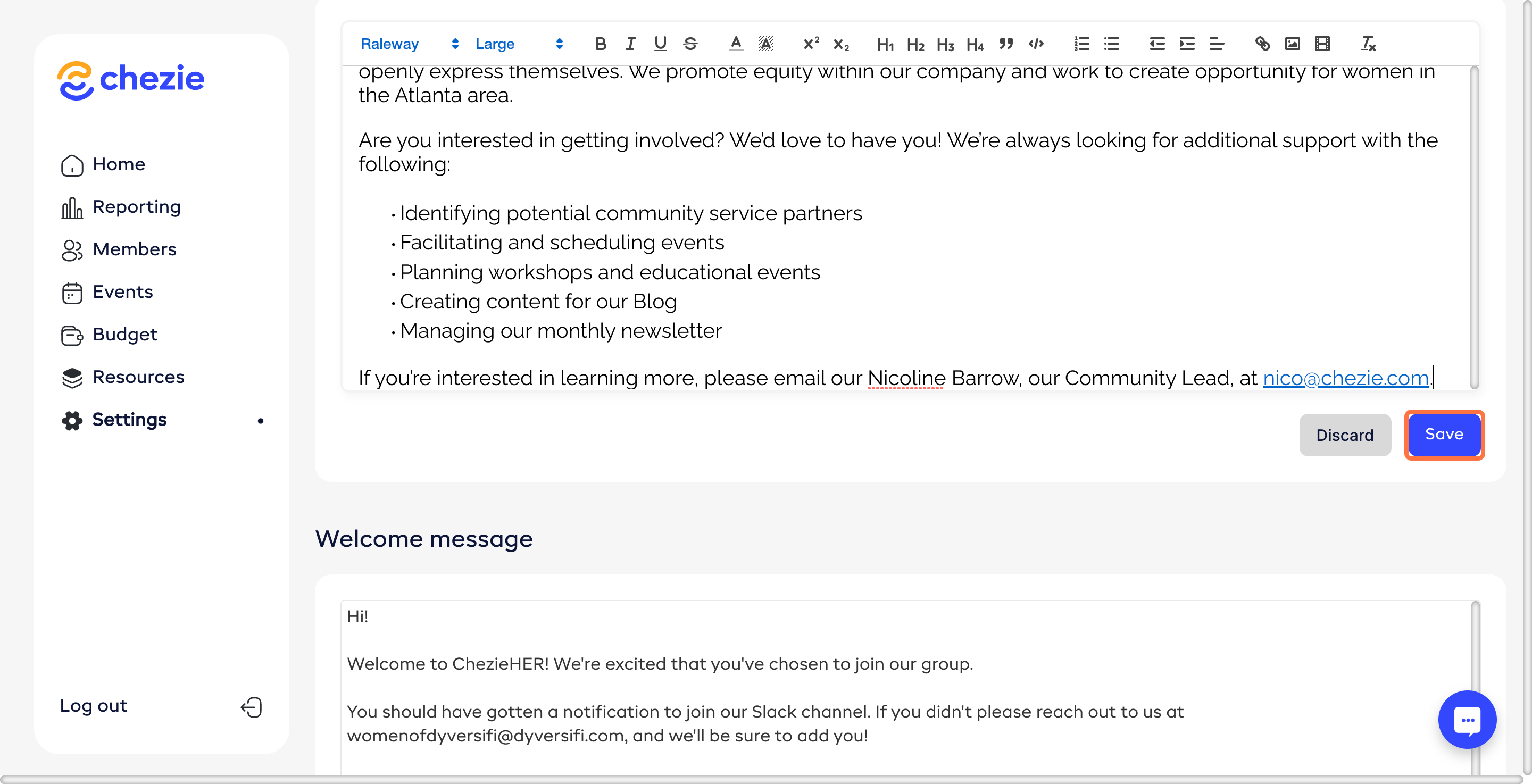
  1. Fill in the relevant information for your group.

  2. Make your desired changes and click SAVE CHANGES
Was this helpful?